MM logo white 1
MM logo red
Image description is not available

Which television should you buy? We'll help you choose

Femke25 NOVEMBER 2025
Four people watch soccer on TV in a living room. They are cheering with beer and snacks on the table.

When you're buying a new TV, you're probably taking plenty of time to find one that's right for you. What size TV fits best in your room, what resolution do you like to watch best, and what are you going to use the device for? This article will help you choose a new TV that's just right for you.

How big should the screen of your television be?

One of the most important choices you make when buying a new television is the size of the screen. A TV size is measured diagonally and displayed in inches. How big the screen should be depended mainly on the viewing distance to your TV and the viewing angle, if any. In addition, it plays a role whether you hang the TV on the wall or place it on a TV cabinet.

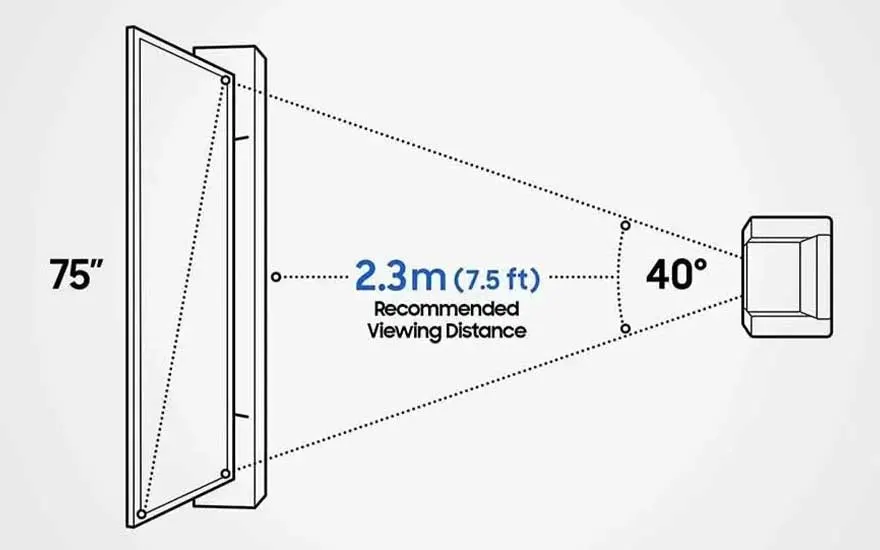
Diagram showing recommended viewing distance of 2.3m for a 75-inch TV, including a comfortable viewing angle of 40 degrees.

The viewing distance to your TV

The viewing distance is the number of metres between the TV screen and the couch, chair or bed from which you are watching television. The closer you sit to where your screen will be, the smaller the TV you need. Stick to the following TV sizes per viewing distance:

  • 29 inches and smaller: viewing distance of less than 1.5 metres
  • 32 inches: viewing distance of 1.75 metres
  • 40 inches: 2 metres viewing distance
  • 50 inches: 2.5 metres viewing distance
  • 60 inches: 3 metres viewing distance
  • 70 inches and larger: 3.5 metres viewing distance
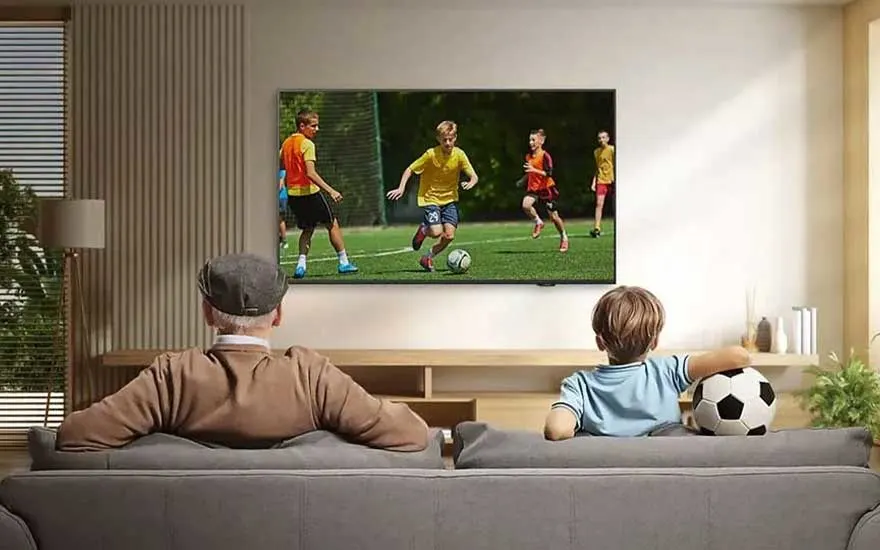
An elderly man and a boy with a football sit on a sofa watching a children’s football match on a large television.

Viewing angle and reflection

The viewing angle is important if you watch TV with several people. Not every screen is equally visible from every angle. For example, the colours do not come out nicely, or the image becomes less sharp. If you expect to be bothered by this, it’s best to buy a slightly larger size TV. In addition, you pay attention to the screen type of a TV. For example, OLED TVs often have a better viewing angle than QLED TVs and LED TVs. We’ll discuss these different imaging techniques in more detail later in this article.

Close-up of a person mounting a wall bracket, likely preparing to install a TV on the wall in a modern interior setting.

Hang or place TV on a piece of furniture

Do you want to hang your new television neatly on the wall? Even then, you must consider the size of your television. A 32-inch TV can be hung a little higher on the wall, while a 55-inch TV or larger is preferable to hang a little lower, because otherwise you can get neck pain. The rule of thumb for the best height for hanging a TV is to divide the screen into 3 imaginary equal horizontal pieces. Make sure that the top part of the screen is then at eye level. The same applies to when you put the TV on a TV cabinet. Make sure your TV is at a nice eye level as much as possible.

In which room will your TV be placed?

The place where your new TV will be placed or hung also plays a role in your choice. If you're looking for a new device for your living room, there are other things that are important than if you're hunting for a television for your bedroom. Let's discuss this further.

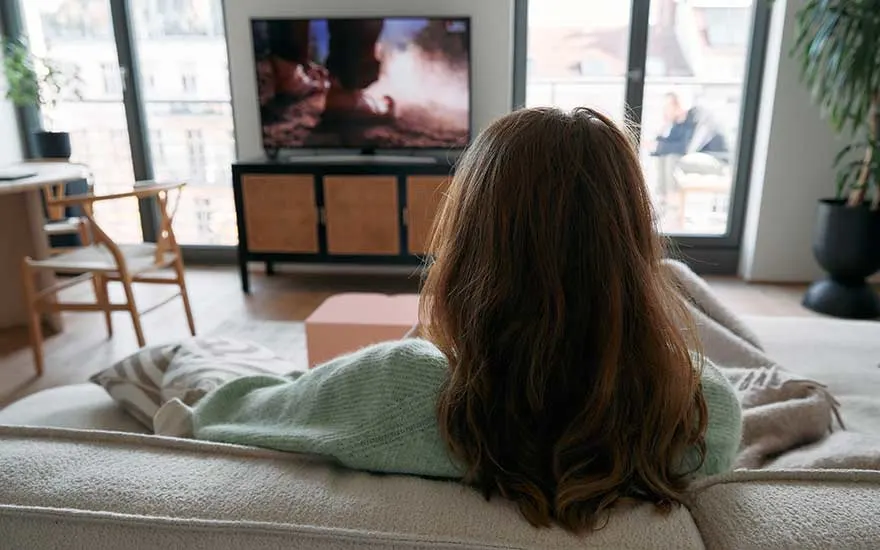
A woman relaxes on a sofa in a contemporary living room, watching a television with a dramatic scene on the screen.

TV for the living room

Especially if you have a large family, you want everyone to be able to see the television well. Then you quickly end up with a medium-sized TV or a large TV for the living room. An OLED TV has the best image at an angle, so it's a good choice if there are chairs or sofas in your living room at an angle in front of the television.

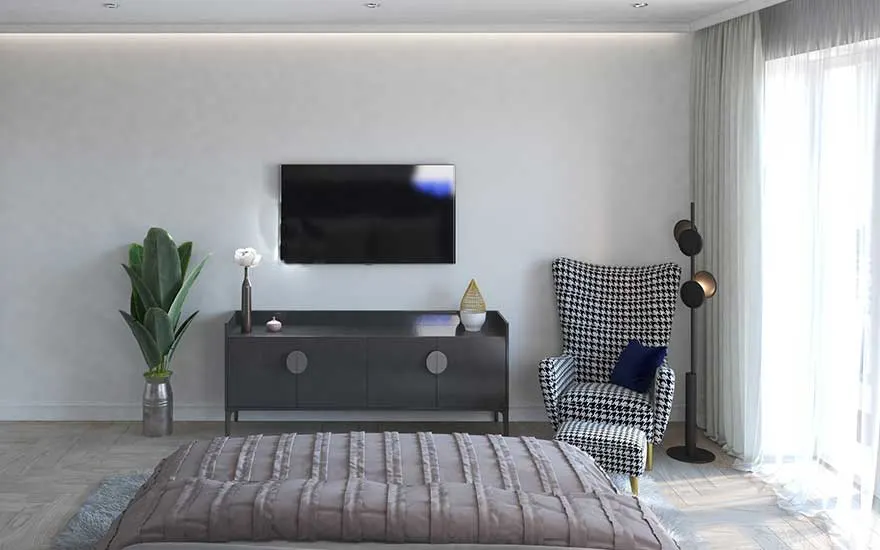
In a bright bedroom, a TV is mounted on the wall across from the bed, with an armchair, plants, and cabinet nearby.

TV for the bedroom

A small TV usually comes into its own in the bedroom. Go for asmart TV if you want to binge your favourite series or watch a YouTube video from your bed or at least make sure you can stream content to your TV. Will your television be hung on the wall of your bedroom? Then make sure you purchase a suitable TV mount. Preferably one that you can rotate and tilt. This way, your television always hangs at a nice height, and you won't get neck pain. Hide the cables of your TV neatly to keep your bedroom nice and tidy.

How to choose a TV for your bedroom
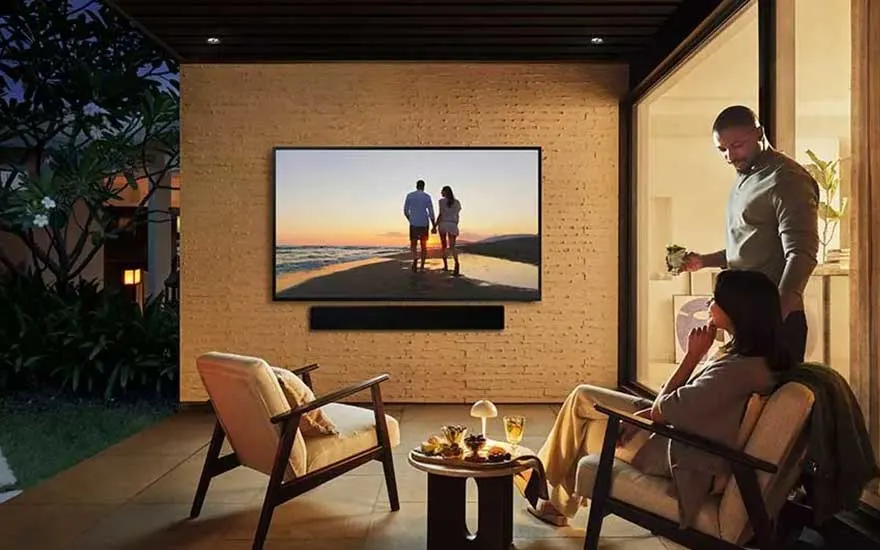
In a stylish patio setting, two people enjoy a relaxing moment while watching a large TV showing a sunset scene.

Outdoor TV

Are you looking for a TV for your garden or terrace? Often a large TV of at least 50 inches fits best here, especially if you have a spacious lawn. A good time to watch television outdoors is, for example, during summer sporting events, such as the Olympic Games or the World Cup. Therefore, make sure that your outdoor television has at least 100 hertz. Hertz says something about how smooth images remain, even when they flash back and forth, such as during an exciting football match.

This is how you can watch nice television outside

The resolution of a television indicates how many pixels the image consists of. The more pixels, the sharper and more detailed the image. A higher resolution ensures that you see more details and that the image looks calmer, even when you are close to the screen. There are 4 types of resolutions: HD Ready, Full HD, 4K, and 8K. Each resolution offers a different viewing experience and is suitable for different needs and budgets. The choice of resolution depends on how sharp you want the image and what content you watch often.

What exactly is a smart TV?

What image quality does your television need?

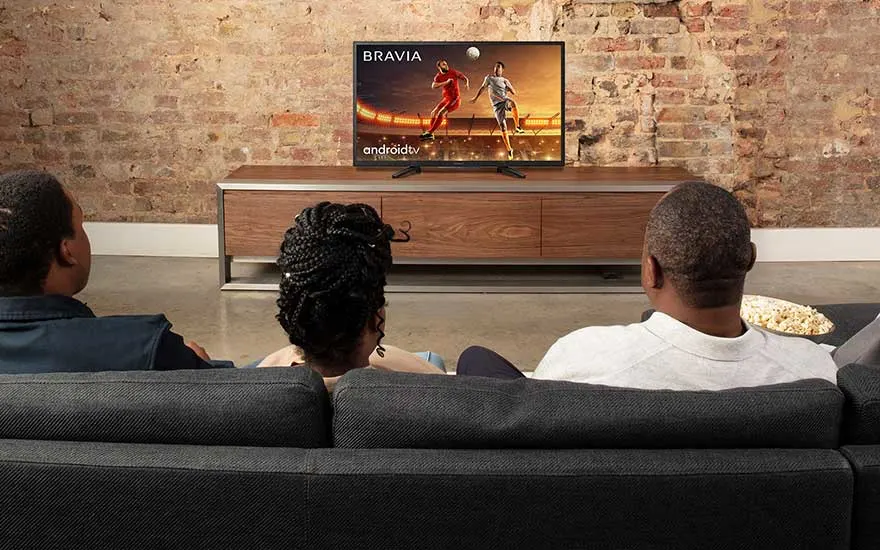
Three people sit on a sofa in a cosy room, watching a football match on a television placed against an exposed brick wall.

HD Ready

HD Ready televisions have a resolution of 1,280 x 720 pixels. This means that your image consists of about 1 million pixels. HD Ready offers excellent image quality for smaller TVs and standard television programs. For example, this resolution is sufficient for watching news, soap operas or documentaries. You see less detail than at higher resolutions, but the image is still crisp and clear.

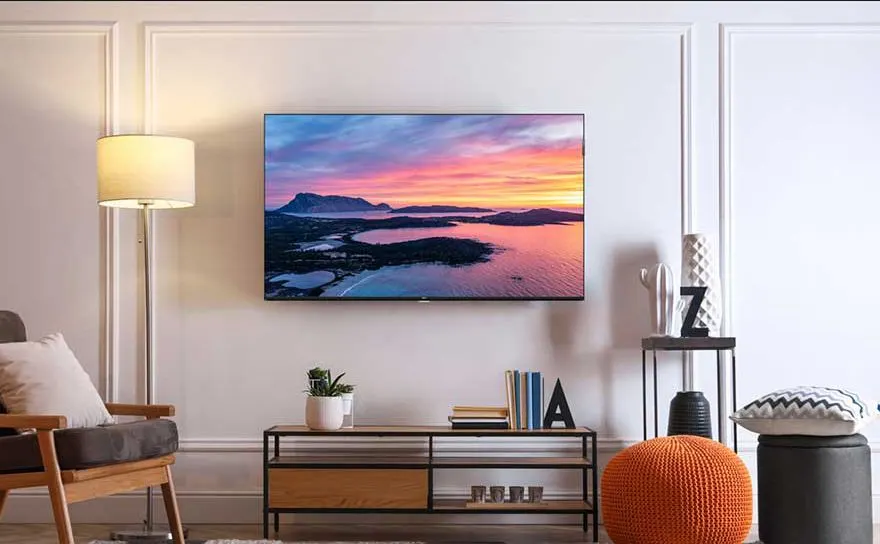
In a stylish living room, a wall-mounted flatscreen TV displays a colourful sunset over an island, adding warmth to the decor.

Full HD

Full HD televisions offer a resolution of 1920 x 1080 pixels. You're looking at an image with more than 2 million pixels, so details are more than 2 times more visible than with HD Ready. You will notice this difference especially with a very short viewing distance or on larger screens. Most television programs are made with Full HD cameras, so if you mainly watch the NPO, RTL or SBS, a Full HD TV is very suitable.

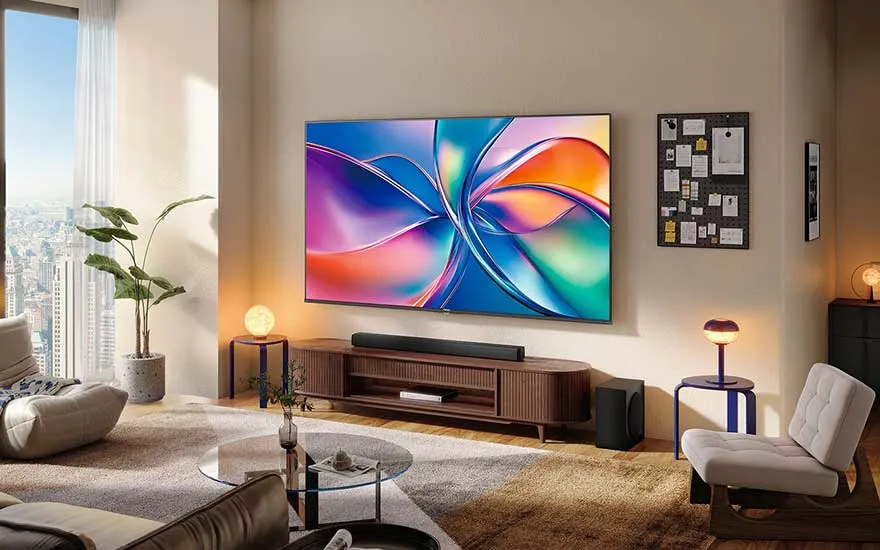
A modern living room with large windows features a vivid TV showing abstract lines, warmly lit by decorative table lamps.

4K

A 4K television has more than 8 million pixels (3840 x 2160), which is 4 times more than Full HD. This means even more detail and clearer images. You will notice the difference especially if you watch series or movies on streaming platforms. Almost all of them are made in 4K resolution, which you can clearly see on a 4K TV. On televisions from 40 inches, you also notice the difference in image quality between 4K and Full HD.

Learn more about 4K resolution
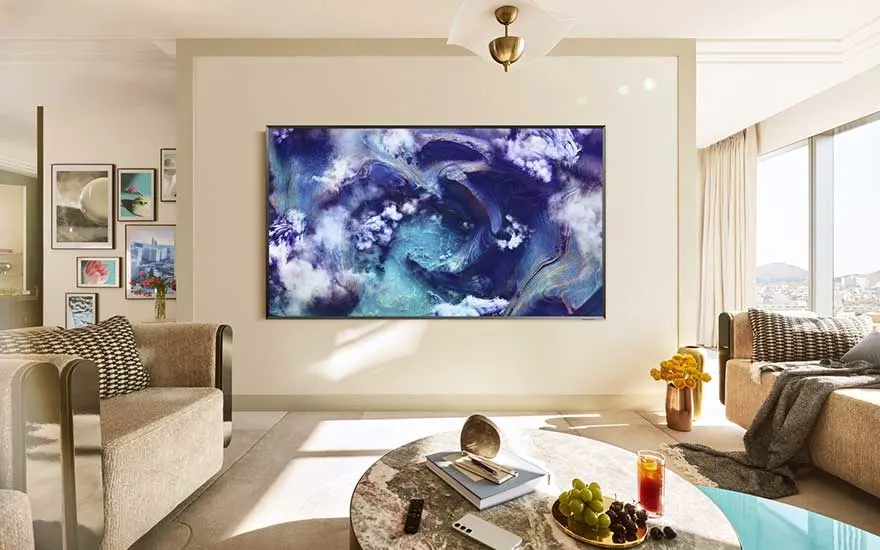
Luxurious living area with floor-to-ceiling windows, elegant sofas, and a wall-mounted TV displaying artistic blue cloud imagery.

8K

With a whopping 4 times more pixels than 4K, an 8K TV offers the sharpest and clearest picture available. You only notice this with content made in 8K, and that doesn't happen much yet. Even streaming services such as Netflix, Amazon Prime and Disney+ do not make movies and series in 8K, although it’s expected that they will do so soon. With an 8K TV, you're prepared for the latest and sharpest picture technology.

What is 8K TV?

What screen technology should your TV have?

The screen technology determines how a television displays images. This has a lot of influence on your viewing experience. This is about the technology behind the screen that provides colour, contrast and brightness. There are several types of screen technologies, each with its own advantages. The 4 most used techniques are LED, miniLED, OLED and QLED. In addition, you have HDR technology that makes images even sharper and more realistic.

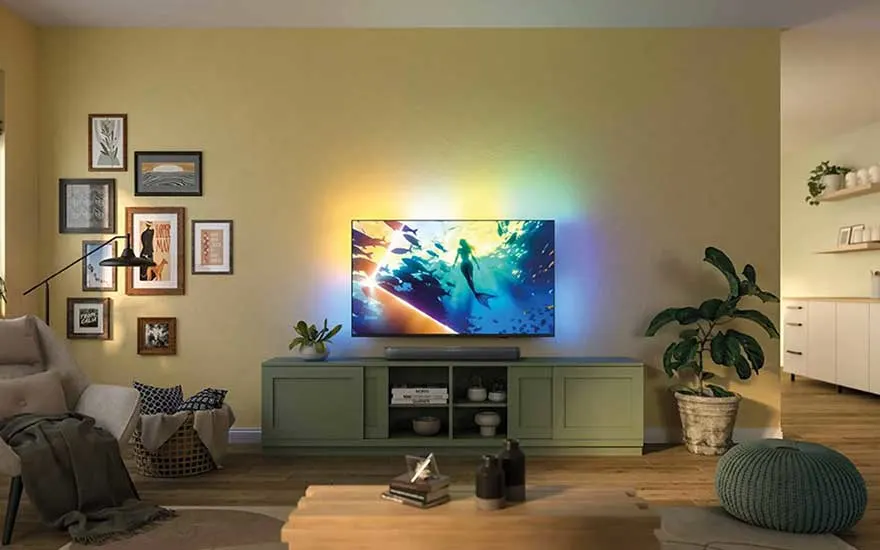
In a cosy living room, a TV sits on a green cabinet, colourful lights glow behind it, and plants bring warmth to the space.

LED and mini-LED

LED TVs use small lights behind the screen to illuminate the image. This ensures clear and sharp images. With mini-LED TVs , those lights are much smaller and there are many more behind the screen. This illuminates the image even more precisely. Especially dark and light parts of the image come into their own this way. LED and miniLED are known for their high brightness, so you can also watch TV well during the day. MiniLED offers extra contrast and deeper blacks, which makes movies and series even more beautiful.

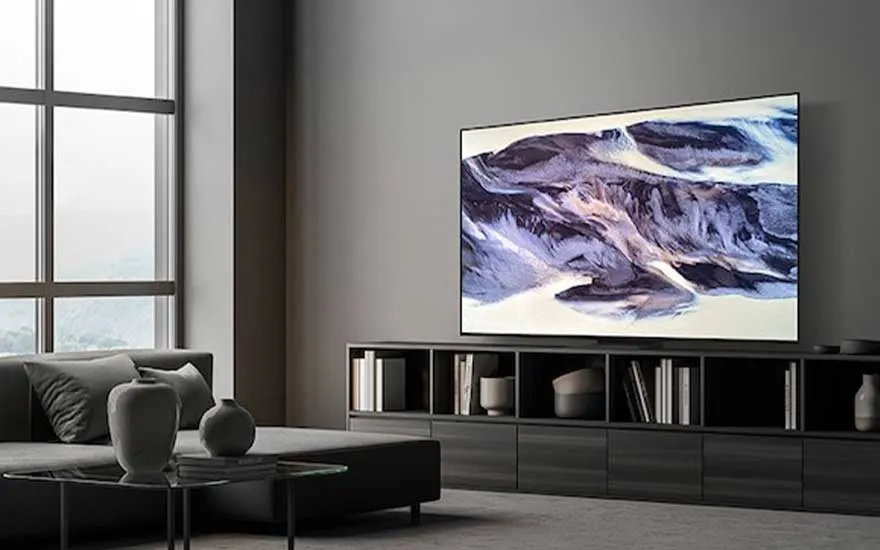
A modern, minimalist living room with grey shades and a wall-mounted TV displaying abstract art, filled with natural light.

OLED

OLED is a screen technology in which each pixel emits its own light. As a result, black images are really black, because the pixel is completely switched off. OLED TVs therefore show enormous contrast and vivid colours. OLED technology ensures that images come across as smooth and true-to-life. OLED screens are often thinner than other TVs, because they don't require a separate backlight. Especially for movie buffs and gamers, OLED offers an impressive viewing experience with deep colours and a fast response time.

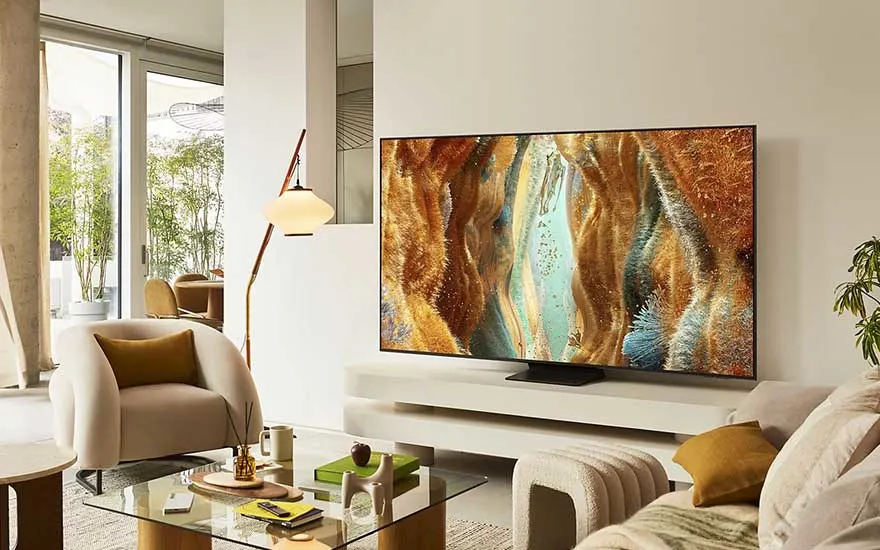
Stylish living room with white furniture and a TV on a low stand, displaying colourful, organic-looking digital artwork.

QLED

QLED TVs use a LED backlight in combination with a special layer of quantum dots. These quantum dots provide extra bright colours and high brightness. QLED technology makes colours sparkle and ensures that every detail is clearly visible, even in a bright room. The advantage of QLED is that you can enjoy a sharp and colourful image, without losing brightness. You will notice the difference especially with sports programs and nature documentaries.

The difference between OLED and QLED
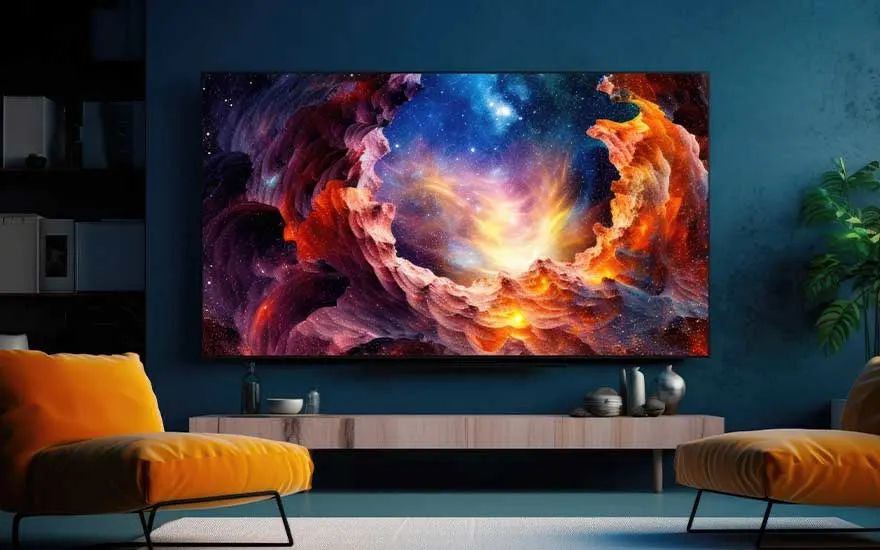
Dark, modern living room with two bright orange chairs, a large TV on a blue wall displaying a vivid cosmic scene.

HDR

HDR stands for High Dynamic Range and works in tandem with your TV's screen technology to improve contrast and colour reproduction. This ensures that your television offers more details in light and dark images. Thanks to this technique, you can see a clearer difference between colours that are very similar and enjoy realistic colours. For the best HDR experience, choose a TV that supports this technique well.

What do you want to use your television for?

Sometimes it's easier to choose a television based on what you use the device for. If you use a TV to binge on series or to play games fanatically, you need a completely different device than if you only watch television. Do you recognise yourself in one of the following use cases? Find out which TV is best for you.

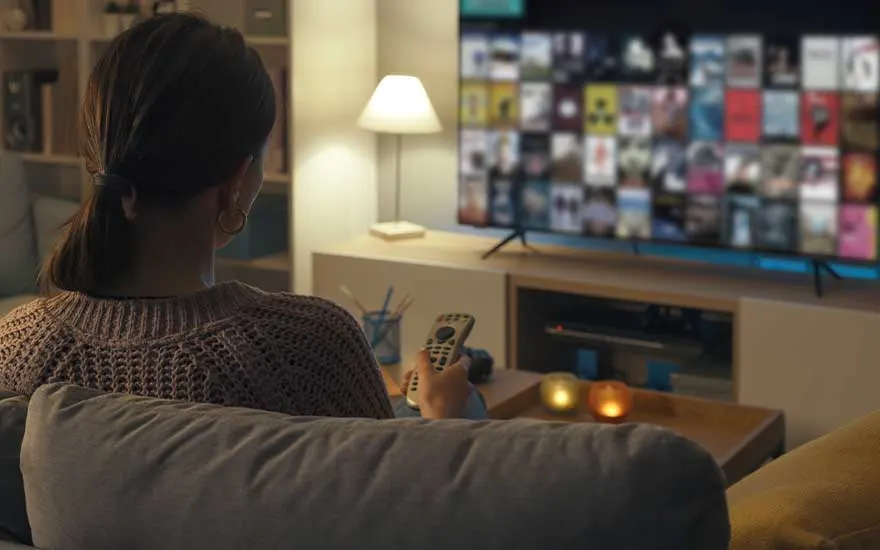
A woman sits on a sofa in a cosy room holding a remote, ready to browse and watch content on a large television screen.

Watching regular channels

If you're looking for a TV to watch channels from the NPO, Veronica or RTL, then an HD Ready or Full HD TV will suffice. Television programs are made in this resolution, so it makes no sense to go for a 4K TV. A Full HD TV has 2 times more pixels than a TV with HD Ready resolution. You will notice this difference especially on screens from 40 inches.

View all smart TVs
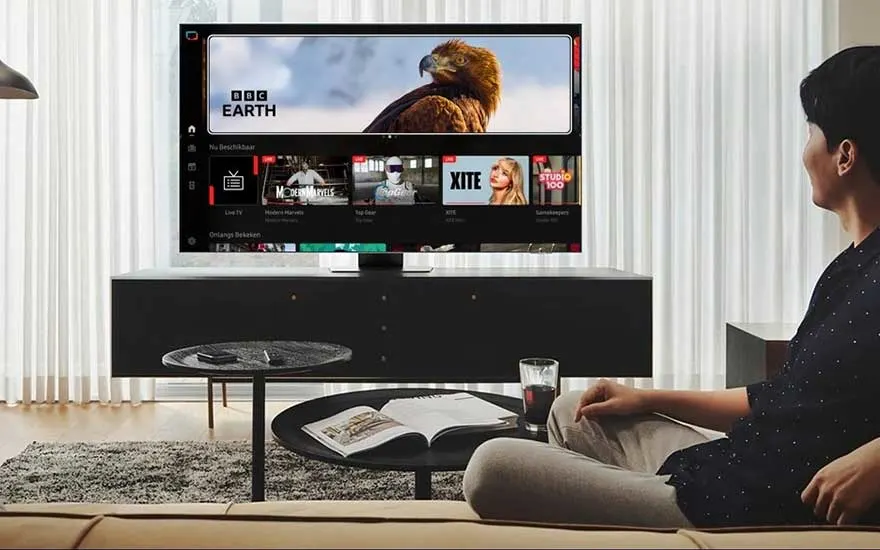
A man relaxes on the couch in a modern living room and browses the smart TV menu, with BBC Earth visible on screen.

Streaming movies and series

As a Netflix, Amazon Prime, or HBO Max lover, a 4K TV is the best choice. Almost all streaming services make their content in that resolution. Do you like action movies? We recommend a TV with at least 100Hz. This way, you can be sure that even the most spectacular action images will pop smoothly off the screen.

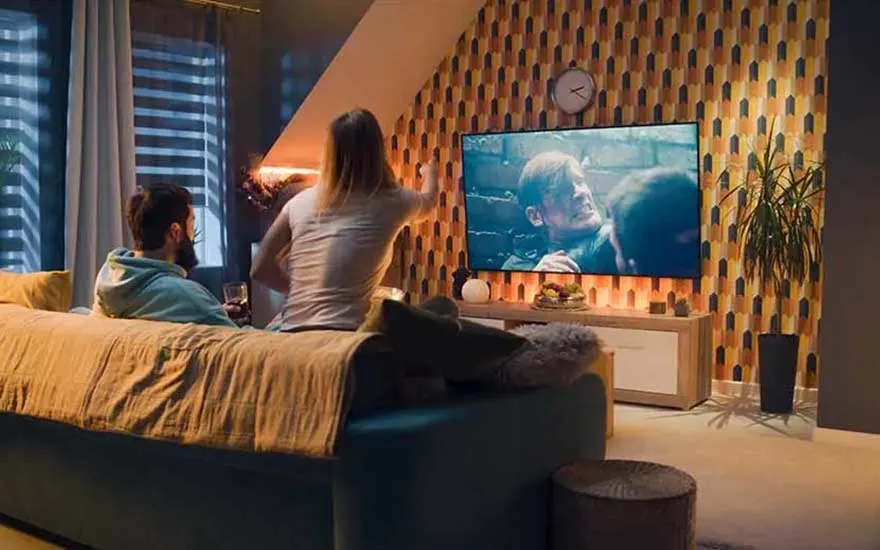
Two people sit together on a sofa, watching an intense film or series on a large TV in a stylish and warmly lit room.

Your own home cinema

With one of our best TVs for a home cinema, you can transform your living room into a personal cinema room. These TVs all have a nice large size of at least 65-inches. For the most beautiful images, go for a TV with 4K resolution and HDR, the technology that provides even more detailed and realistic images. A TV for your home cinema also has enough connectors to connect soundbars or surround receivers, for example. This ensures that the movie sound seems to come from different sides of the room, which enhances the cinema feeling even more.

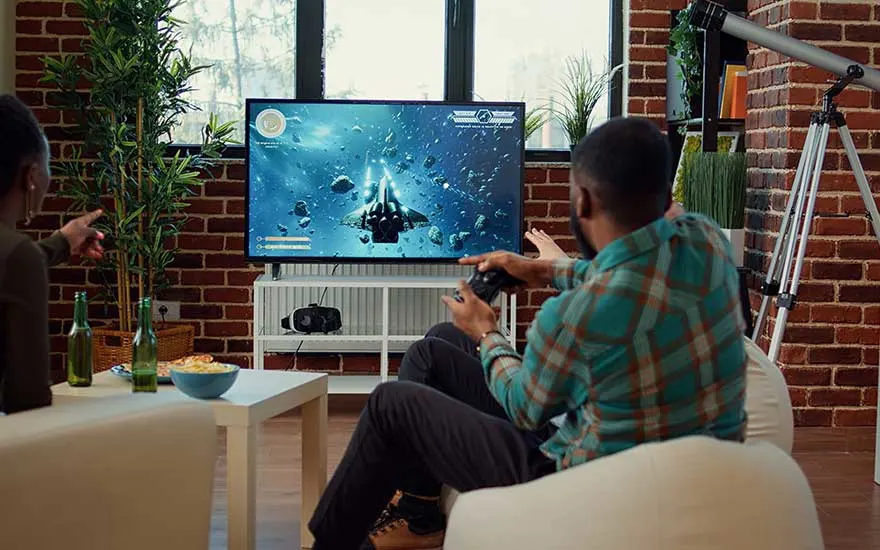
A man and woman are gaming together on a large TV in a modern living room, surrounded by plants, snacks, and accessories.

Gaming via your console

Do you often play games on an Xbox orPlayStation? Choose a gaming TV with at least 4K resolution for a sharp image and bright colours. Pay attention to the refresh rate: a TV with 120Hz ensures smooth images during fast actions. This makes gaming more enjoyable, especially with fast-paced games. The size of the TV is also important. A screen of 50 inches or larger ensures that you can see everything clearly, especially if you sit a little further from the TV. This way you get the most fun out of your gaming sessions. Finally, make sure your television has a modern HDMI connection (HDMI 2.0 or 2.1). It sends the data from your game console to the TV quickly and smoothly.

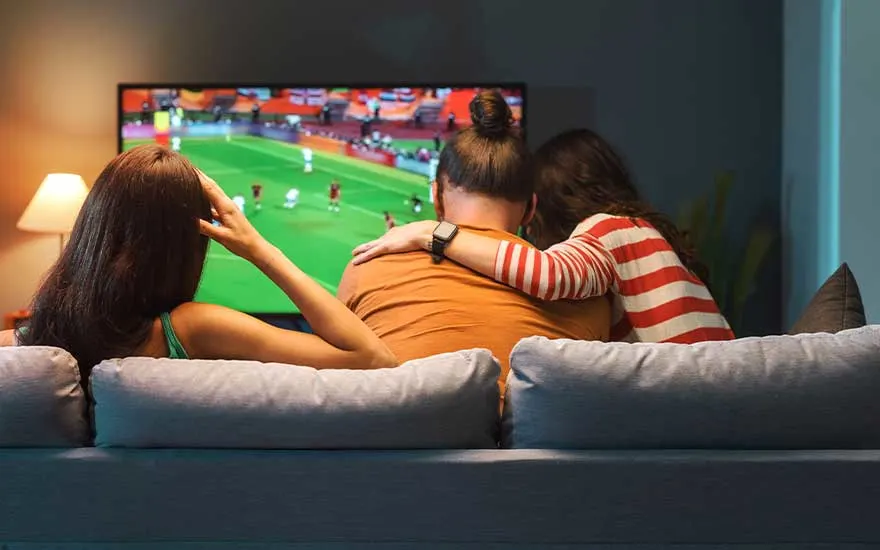
Three people are sitting together on the sofa watching a football match on TV, enjoying the cosy home atmosphere.

Sports competitions

Sports enthusiasts should have a television with a high refresh rate to get all the action smoothly. That's why you should choose a TV with at least 100Hz. Do you often watch football, Formula 1 or cycling with several people? Make sure you have a television with a wide viewing angle, so that everyone around your TV can still see the image clearly. An OLED TV is best suited for this.

What exactly does AI do on a TV?

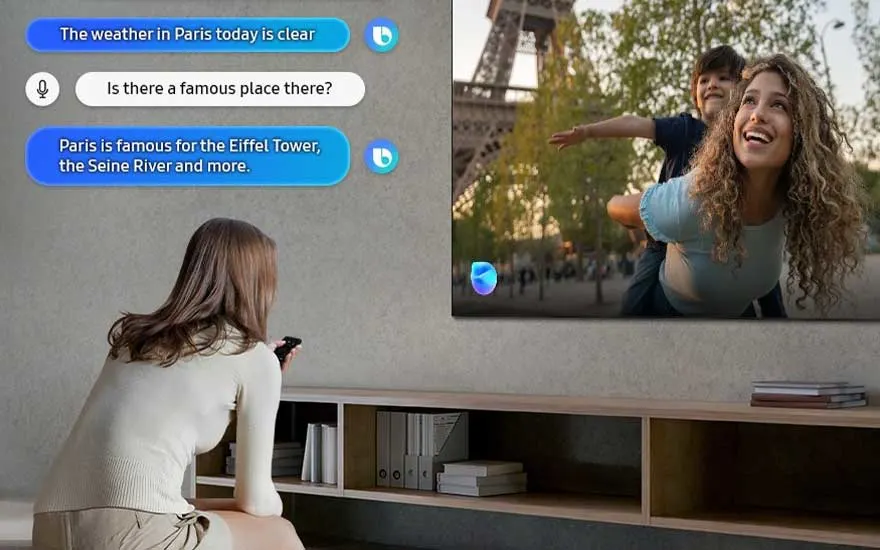
A woman uses her voice assistant on a smart TV, asking about Paris weather and landmarks, interacting with on-screen chat.

More televisions have smart techniques based on artificial intelligence (AI). For example, they help to automatically optimise the image and sound for the room in which your television is located. For example, is your TV in a dark room? An AI TV automatically adjusts the brightness a bit, so you can still see everything clearly.

Which TV connections are there?

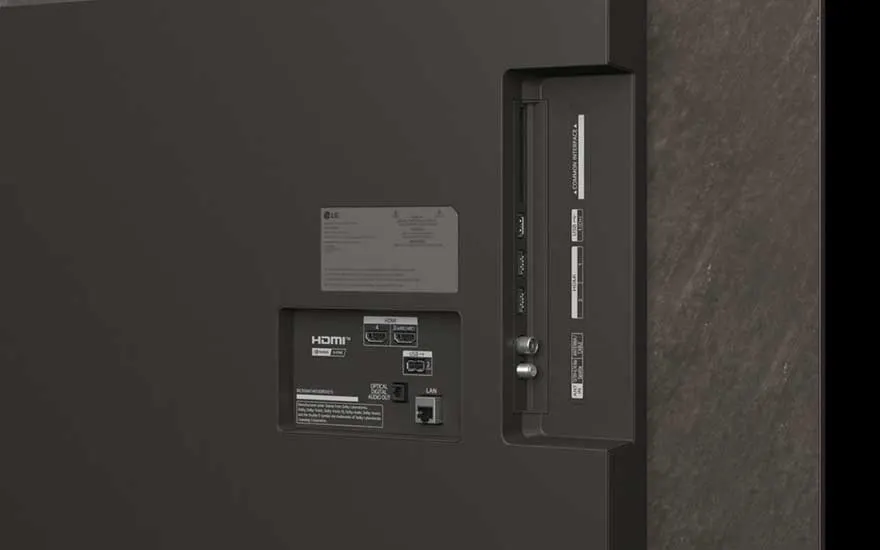
Close-up of the back of a TV shows various ports, including HDMI, LAN, USB, and antenna connections for different devices.

A television has several connectors to connect external devices. The most important one is the HDMI port. You can use this to connect your television receiver, laptop, or game console, for example. The latest televisions usually have 2 to 4 HDMI connections. Do you have a soundbar or other sound system? Then you use a special HDMI port: HDMI-arc, which stands for Audio Return Channel. This port passes the TV signal to the Soundbar. Gamers might want to connect a gaming headset to the TV. This can be done wirelessly if your TV has Bluetooth, otherwise you need a 3.5mm jack connection. Do you have slow internet, and do you want to connect your smart TV to the internet via an Ethernet cable? Then you need a LAN port on your new television.

Our advice for choosing the right TV

A woman watches her smart TV in a modern living room, with onscreen conversation about famous sights in Paris displayed.

When choosing the right television, you first determine where you want to place the television and how large the viewing distance is. For the living room, you often choose a larger size and a screen with a wide viewing angle. In the bedroom, a smaller TV is usually sufficient. Pay attention to the resolution: 4K is suitable for streaming, Full HD is fine for watching regular TV. The screen type, such as LED, miniLED, OLED or QLED, also determines your viewing experience. If you use TV for gaming or sports, pay attention to the refresh rate (at least 100Hz) and connectors. This way, you always choose the right TV for your situation.

These are the best TVs of the moment

FAQs

These articles may also be interesting for you