
MM logo white 1
MM logo red
Image description is not available

How to pair your JBL earbuds with a phone in 4 easy steps

Femke24 JULY 2025
A person in a beige coat uses a laptop; a small flower arrangement sits beside the computer.

Bought new JBL earbuds? To enjoy your favourite tunes, you’ll need to pair them with your phone first. In this article, you’ll learn how to do this in 4 simple steps, for both iPhones and Android phones.

Step 1: Make sure your JBL earbuds are fully charged

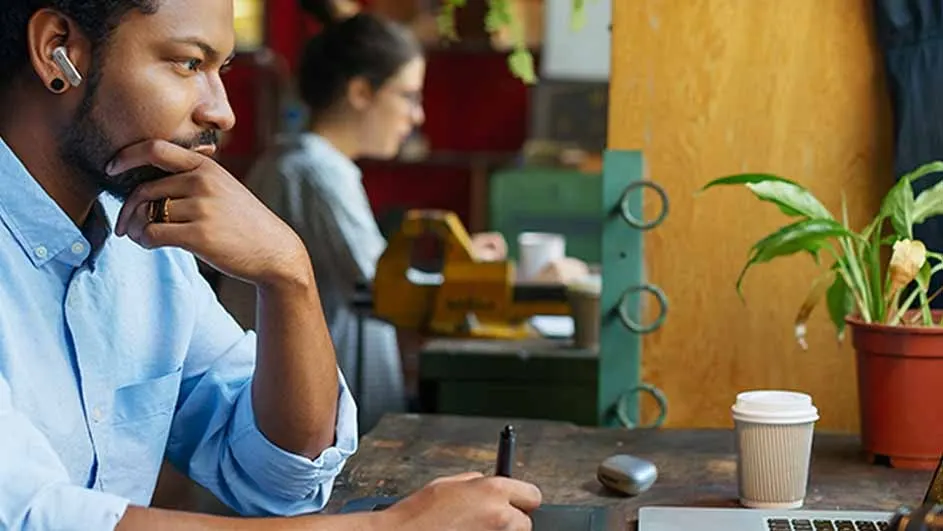
Man in blue shirt uses pen on tablet. Laptop, coffee cup, and potted plant on brown desk. Woman and objects blurred behind.

Before pairing your JBL earbuds with your phone, it’s important that they are properly charged. Most JBL earbuds, like many similar wireless earphones, have a battery life of around 5 hours. Activate the JBL earbuds by placing them in the supplied case; this will also start charging them immediately. On average, it takes about 2 hours for JBL earbuds to charge fully.
Step 2: Switch on the earbuds and activate Bluetooth on your phone

Once your JBL earbuds are charged, you can pair them. First, switch them on. As with most earbuds, you do this by simply opening the lid of the charging case or by taking one or both earbuds out. Then, make sure Bluetooth is enabled on your phone.

Step 3: Pair the JBL earbuds with your device

A person with an earpiece waits on a platform beside train tracks. A blue train is out of focus in the background.

Go to the Bluetooth settings on your phone. Your JBL earbuds should appear in the list of available devices. Click on the earbuds and select ‘Connect’. Your earbuds will now pair with your phone. You’ll hear a confirmation sound when the connection is successful.

Step 4: Test the connection by playing audio from your phone

To quickly and easily check whether the connection with your earbuds is working, play a song on your phone or, for example, start a YouTube video. The sound should now come through your earbuds. Test both earbuds and check whether the touch functions are working.

My JBL earbuds won’t connect to my phone – what now?

A woman in athletic wear, including earbuds, does sit-ups against a white background. Her knees are bent and raised.

If your earbuds don’t connect straight away, first check that your phone has the latest software updates installed. Sometimes pairing doesn’t work properly with older versions. If you’re still having trouble, remove the pairing. In your Bluetooth settings, press and hold on your JBL earbuds. An option should appear to ‘forget’ the device. Do this, then repeat the steps above.

If you are in Belgium, read the article "JBL-oortjes verbinden met je telefoon" on MediaMarkt Belgium.

These articles may also be interesting for you
