MM logo white 1
MM logo red
Image description is not available

Which laptop to choose?

Daan20 NOVEMBER 2025
Woman in striped shirt using laptop and smartphone at home, smiling cheerfully, brown box beside her, modern living room.

How do you choose a new laptop that meets your needs? The most important thing is that you think about what you mainly use your laptop for. If you only browse the internet and send emails, you need a different laptop than if you game a lot or edit videos. In this article, we'll help you choose a new laptop.

What specs should you look for when choosing a laptop?

Man with glasses and woman looking at laptop together, laughing happily, modern kitchen background, coffee cup on table.

You buy a laptop based on the specifications that are most important to you. One of the things one would normally pay attention to is the processor in a laptop. This determines how fast your laptop works, even if you use demanding programs. In addition, the screen size plays an important role in your choice: a larger screen is nice for multitasking, while a smaller screen makes the laptop lighter. The storage memory determines how many files you can store, and the RAM ensures that you can switch smoothly between different programs. Finally, think carefully about what you want to use the laptop for.

Check out the best laptops of the moment
The laptop's operating system

The operating system determines how your laptop works and which programs you can use. The best-known systems are Windows, macOS and ChromeOS. Each operating system has its own features and benefits. Which one is best for you depends largely on what you use a laptop for. The brand of your other devices, such as your smartphone or tablet, usually also plays a big role too in your preference for the operating system of your new laptop.

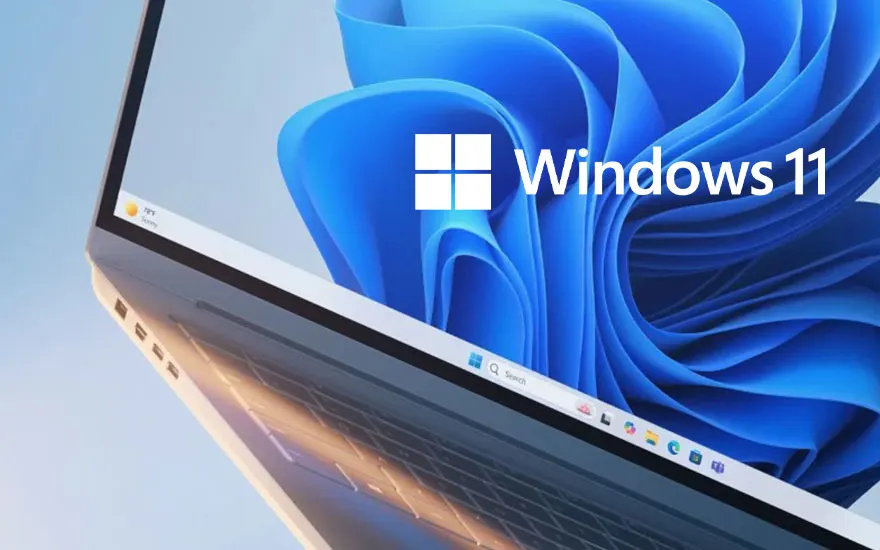
Laptop displaying Windows 11 logo with blue flowing background, modern design, silver casing, technology presentation.

Windows

Windows is Microsoft's operating system, which many well-known laptop brands run on. For example, the devices from Samsung, Acer, HP, Asus and Lenovo, among others, are all Windows laptops. Many programs, such as Word and PowerPoint, are also from Microsoft, so you can easily use these tools on a laptop with Windows. You'll find suitable Windows laptops for basic tasks like browsing the web and creating text documents, as well as running demanding graphics programs. New Windows laptops increasingly have smart AI techniques as standard. These Copilot laptops, as Microsoft's AI assistant is called, help you work faster, easier, and more efficiently. Some brands of laptops also have their own AI support. For example, Samsung laptops have the smart Samsung Galaxy AI.

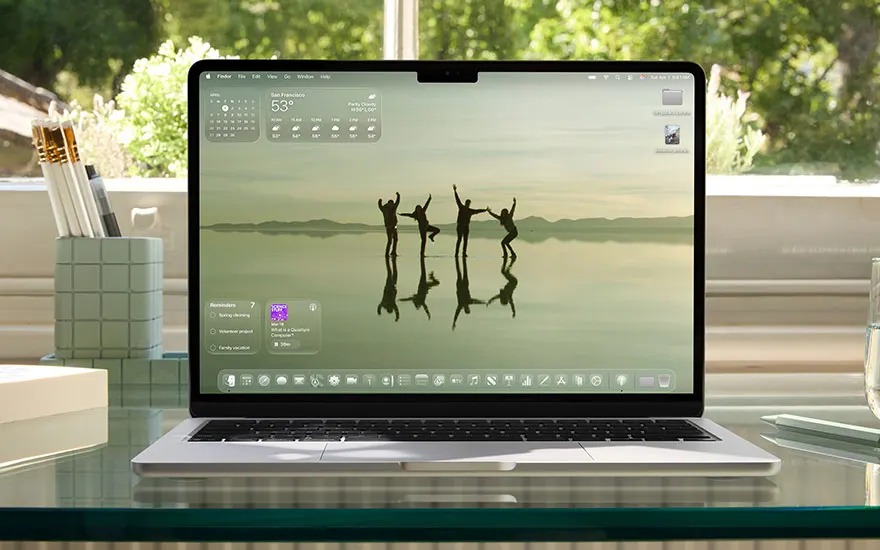
Open laptop on glass desk displays calm wallpaper of people dancing in shallow water, framed by sunlight and tidy desk items.

macOS

macOS is Apple's operating system that all MacBooks run on. This system works best in conjunction with other Apple devices. So, if you already have an iPhone or an iPad, chances are you'll also choose a MacBook with macOS. This operating system is updated every year around September, so you always work quickly and smoothly. These updates will be given tree names such as macOS Sonoma (2023) and macOS Sequoia (2024). In the latest macOS updates, AI plays an increasingly important role. For example, new MacBooks, iPads and iPhones have Apple Intelligence, the smart AI technology that helps you write texts or edit images very easily, among other things.

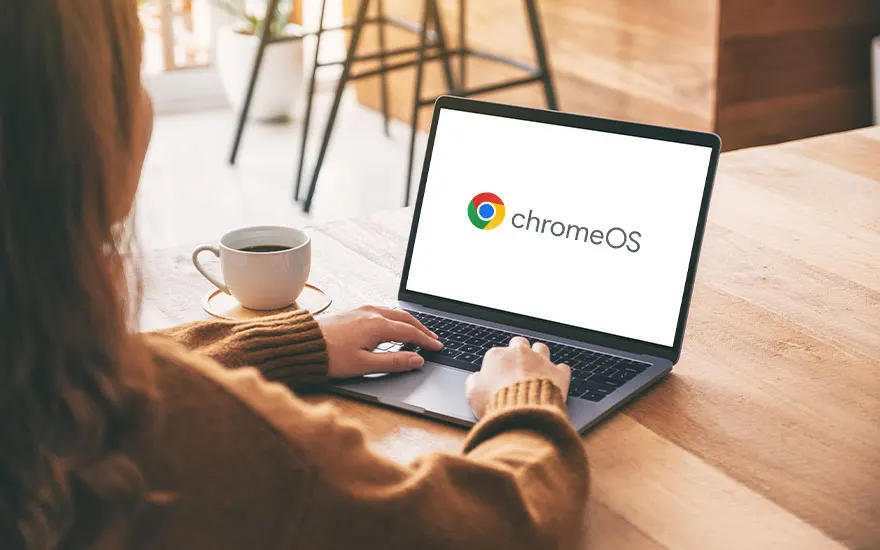
Person using laptop showing ChromeOS logo on white screen, sitting at wooden table with a cup of coffee in a cozy room.

ChromeOS

The operating system ChromeOS[CV1] sits on by default in Chromebooks. This system is from Google and is characterised by its online method. For example, you can use Google Docs as an online word processor. Other programs and apps are mainly downloaded from the Google Play Store. Because you do so much online on a Chromebook, this Google laptop doesn't need a heavy hard drive to store files. This makes Chromebooks lighter and more energy-efficient compared to laptops running Windows or macOS. Many Chromebooks are equipped with the AI assistant Google Gemini. [CV2]

[CV1]Link naar Engelse versie van https://www.mediamarkt.nl/nl/content/computer/laptops/wat-is-chrome-os[CV2]Link naar Engelse versie van https://www.mediamarkt.nl/nl/content/computer/ai/google-gemini

Which Chromebook is right for you?

Your laptop's processor

Overhead shot of people at a wooden table with laptops, tablets, phones, and documents with charts.

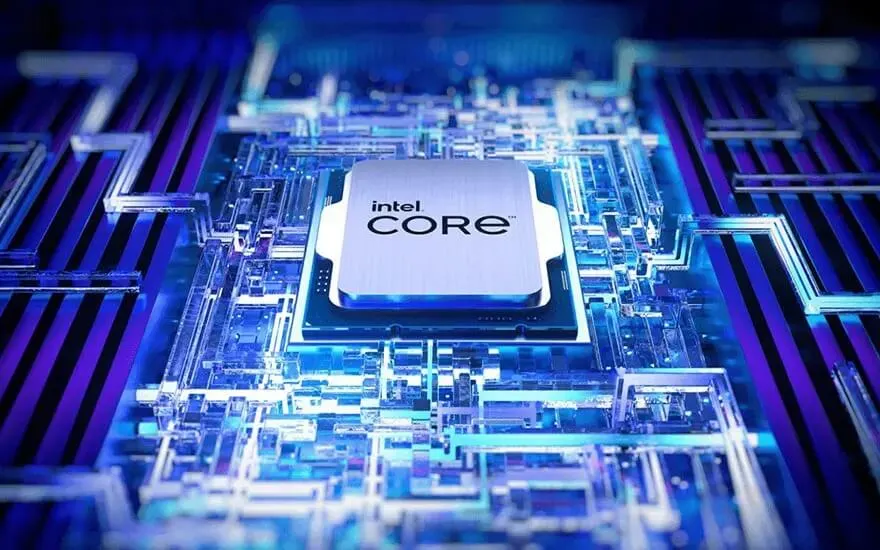
The processor, also known as a CPU (central processing unit), is the heart of your laptop. The more powerful the processor, the better you can run demanding programs or multiple tasks at the same time. Windows laptops and Chromebooks usually run on processors from Intel or AMD. The number in the processor name indicates the power. For daily tasks such as browsing the internet and emailing, for example, a laptop with an Intel Core i3 or AMD Ryzen 3 processor is fine. For more demanding tasks, such as light video editing or Netflix, you’re more likely to use an Intel Core i5 or AMD Ryzen 5. Do you work a lot with heavy software, or do you play 3D games? Then go for a laptop with at least an Intel Core i7 or AMD Ryzen 7 processor. MacBooks run on Apple Silicon processors. You can recognize it by the letter 'M' with a number behind it. The M3 chip is strong enough for basic tasks. The M4 Max and M4 Pro are Apple's most powerful processors.

The screen size of your laptop

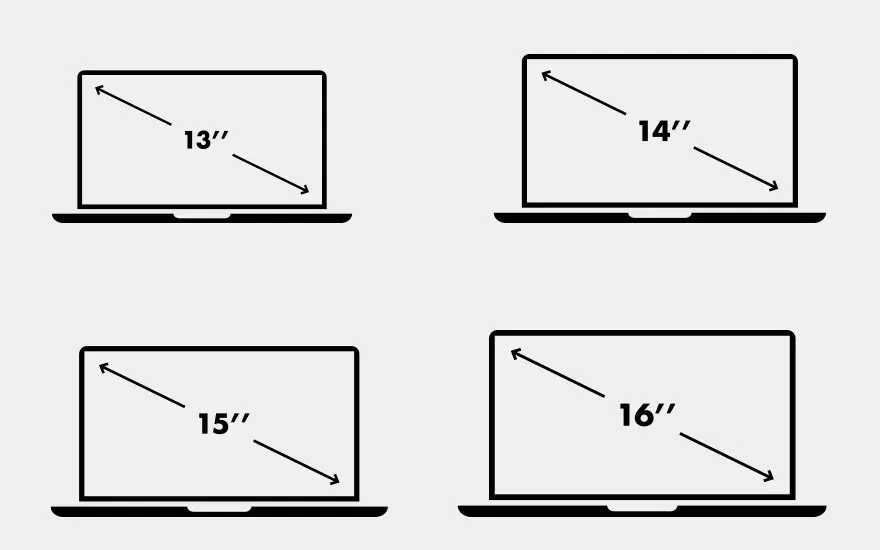
Four laptop silhouettes showing screen sizes: 13", 14", 15" and 16" inches, black and white comparison diagram.

The right screen size of your laptop depends on how and where you use your laptop. Are you often on the road? Then a 13-inch laptop or smaller is nice, thanks to its light weight and compact size. Do you regularly work in different locations and want a good balance between portability and comfort? Choose a 14-inch laptop. Do you mainly use your laptop at home or for multitasking? Then a 15-inch laptop or larger offers more screen space, which is nice if you work behind the screen for a longer period of time.

The storage and RAM of your laptop

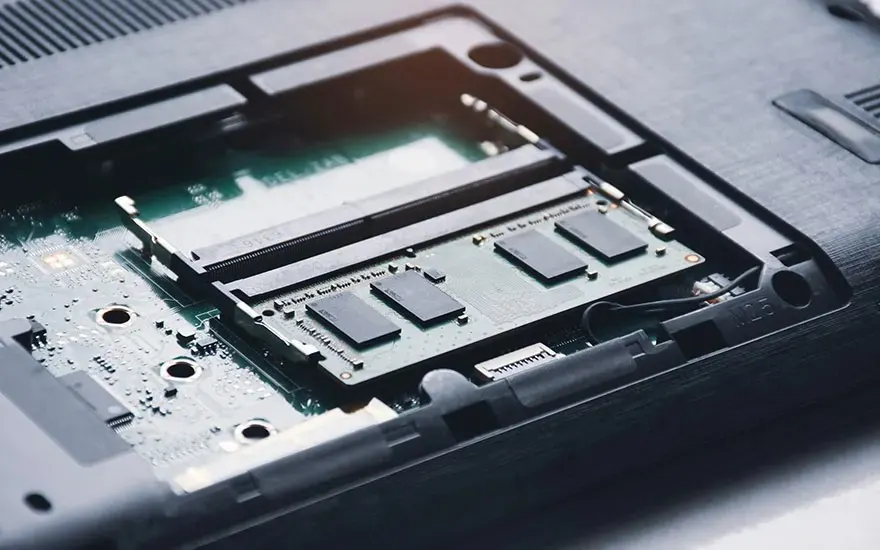
Opened laptop showing internal components: RAM memory slots, motherboard, circuitry, technical repair or upgrade view.

When buying a laptop, sooner or later you will have to choose how much storage and RAM you need. The storage memory determines how many programmes, photographs, and text files you can store on your laptop's internal hard drive. A laptop with 512 GB (gigabytes) or less is suitable for storing mostly photographs and text files. To store larger video files and games, you'll need at least 1 TB (terabyte). RAM, also known as random access memory, determines how fast and smooth your laptop works. The more RAM, the smoother your laptop will continue to run when you're doing large or different tasks. A laptop with 8 GB of RAM is enough if you're mostly doing basic tasks. For demanding graphic tasks and 3D games, your laptop needs at least 32 GB RAM.

New or refurbished?

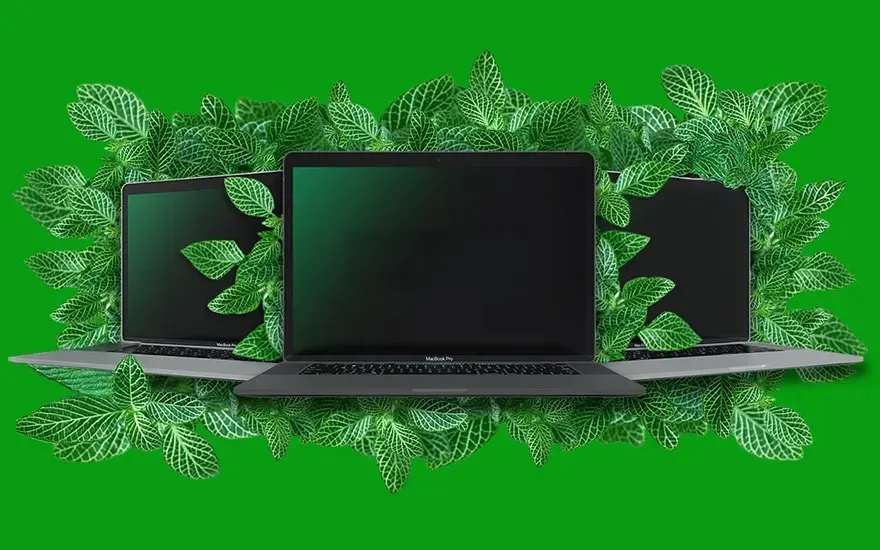
Three MacBook Pro laptops surrounded by green leaves on bright green background, sustainability and nature concept.

A new laptop comes straight from the factory and has never been used. A refurbished laptop has been used before, but professionally refurbished and tested, so that it works like new again. Do you have a larger budget and want the latest technology? Then choose a new laptop. Do you want to save money and still have a reliable laptop? Then a refurbished model is a smart choice. The advantage of new is the very latest hardware. Refurbished is often cheaper and sustainable but can have light signs of wear and sometimes offer a shorter warranty period.

How long does a laptop last?

What do you want to use the laptop for?

What you use a laptop for largely determines which model suits you. If you only use a laptop to browse the internet, for example, you won't need a powerful processor or a lot of RAM. Find out what to look out for if you mainly use a laptop at home, during your studies or work, for gaming, or editing photographs and videos.

Woman smiles at laptop on wooden table, with coffee cup and flowers in vases, in a warm, cozy living space.

Personal use

You usually use a laptop at home to use the internet, send emails, and occasionally watch a series. You don't need a very powerful laptop for these tasks. A laptop with Intel Core i5 or AMD Ryzen 5 processor is more than enough. For Apple enthusiasts, an M3 chip is enough to perform those basic tasks quickly. If you don't store a lot of documents on the laptop, then a model with a maximum of 512 GB of storage and 8 GB of RAM will suffice. Because many tablets also meet these requirements, the choice between a tablet and laptop for home users is interesting. A laptop is more useful if you download a lot of programmes and regularly write texts. If you only browse the internet and watch series, tablets are an interesting option. You can also easily take them with you on the go. Can't choose? Opt for a 2-in-1 laptop with touchscreen.

Woman wearing white headphones studies at laptop, taking notes in a notebook at a table with flowers and a coffee mug.

Study

For your studies, it’s especially useful if your laptop is light and compact, so that you can easily take it with you to lectures or the library. Therefore, choose a lightweight model that you can easily put in your bag and take with you. How powerful the laptop's processor should be and how much storage and RAM you need depends largely on your studies. For creative or technical studies, you need a very powerful laptop. If you only use the laptop to make reports and presentations, a less powerful device will suffice.

Man with glasses and earbuds smiles during video call on laptop in café, pointing at screen, coffee and phone on table.

Work

Which laptop is most useful for work largely depends on the work you do. Do you mainly have to answer emails and use the internet? Then we recommend a laptop with a medium-strong processor. Do you often edit photographs and videos, work as a coder or programmer, or do you need to download large accounting programmes on your laptop, for example? Then we recommend a laptop with at least an Intel Core i7, AMD Ryzen 7, or M4 Pro processor. It’s also important that your work laptop is extra secure, so that business-sensitive data and customer data do not fall into the wrong hands. A reliable business laptop has a chip that protects these types of files well. Laptops with Windows Pro, for example, meet this requirement.

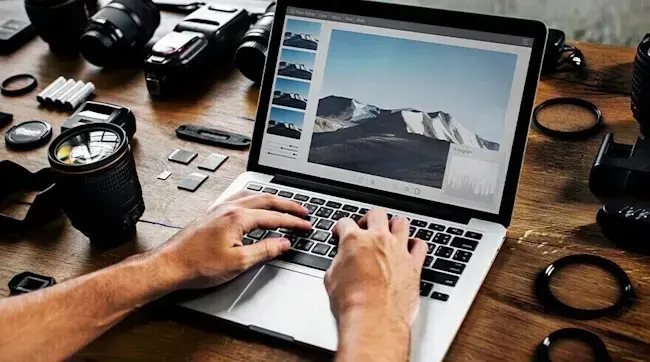
Hands edit a landscape photo on a laptop, surrounded by cameras, lenses, memory cards and filters on a wooden table.

Photo and Video Editing

Photograph and video editing is a tough task for laptops. That's why you need a powerful laptop for this. Opt for a laptop with at least an Intel Core i7, AMD Ryzen 7, or M4 Pro processor, and make sure you have at least 2 TB of storage and 16 GB of RAM. Ideally, you should choose a laptop that you can easily expand with more memory.

Child wearing headphones plays a colorful video game on a laptop at a desk, hand on mouse, globe and lamp in the background.

Gaming

The more fanatical you game, the more powerful the laptop should be. Especially if you play large graphics games such as Fortnite or Call of Duty, you need a laptop with a large processor. For gamers, it’s also important that games display smoothly and razor-sharp. Therefore, opt for a laptop with the highest possible refresh rate and a good graphics card. This is always a good thing if you choose a special gaming laptop. They have all the functionalities to be able to game fanatically.

Our advice on choosing a good laptop

Person relaxing on sofa with feet up, browsing a travel site on laptop showing “Explore the world” over a mountain landscape.

When choosing a laptop, it’s important to consider what you mainly use it for. Take a good look at specifications such as the processor, the screen size, the storage and RAM, and the operating system. A light and compact laptop is useful for on the go or studying, whilst for gaming or video editing, you can choose a model with a powerful processor. Also, decide whether you want a new or refurbished laptop, depending on your budget and needs.

Kom je uit Belgie, lees het artikel "welke laptop kiezen" op MediaMarkt Belgie.

These articles may also be interesting for you