MM logo white 1
MM logo red
Image description is not available

Overview of the best monitors

Daan11 JANUARY 2026
A person works at a desk with two monitors, a laptop, a calculator, and office supplies. The monitors display spreadsheets and invoices.

Are you looking for the best monitor for your work, gaming or creativity? Whether you work from home, edit photos or want to fully immerse yourself in games: the right monitor takes everything to the next level. On this page you’ll find an overview of all the best monitor pages at the moment.

Which best monitor are you looking for?

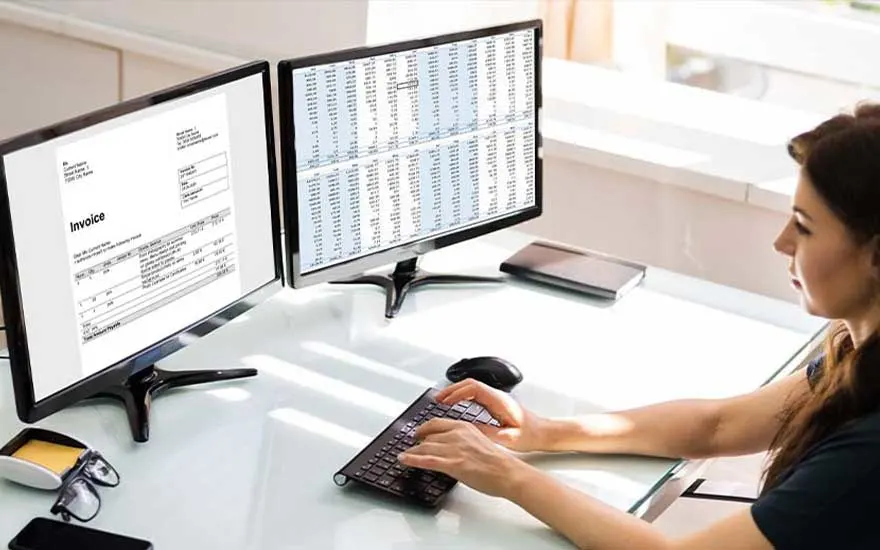
A woman uses dual monitors showing an invoice and spreadsheet, typing on a compact keyboard in a bright, minimalist home office.

The search for the best monitor completely depends on your daily activities. Do you often work from home, play games fanatically on your PC or PS5, or are you mainly busy with photography or video productions? Each scenario requires different specifications, such as screen size, resolution or special ports like USB‑C. This is how you make the right monitor choice and get the most out of your working day or free time.

Which monitor suits you?
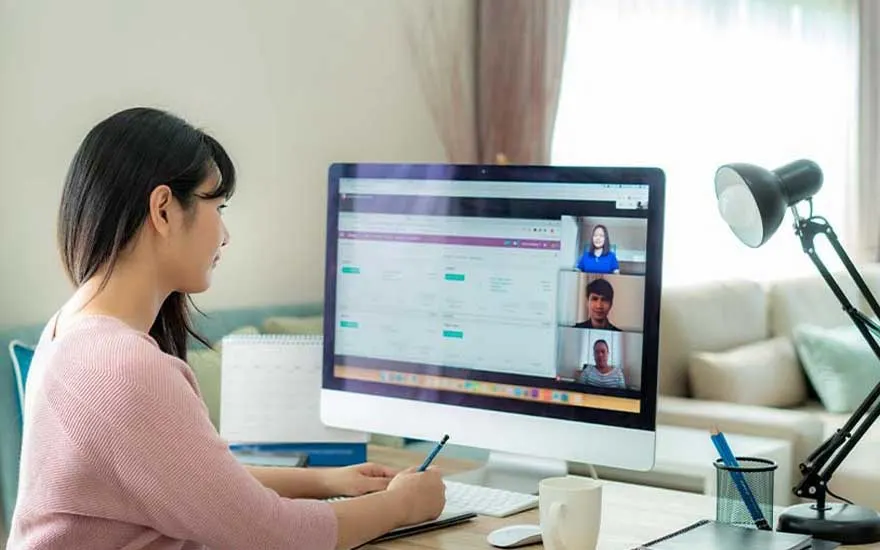
A woman attends an online meeting on a large desktop screen, several video windows open in her bright, cosy home office.

The best monitors for working from home

If you’re going to set up a home office, you need a monitor that’s comfortable and versatile. For word processing, e-mails and online meetings, it’s best to choose a PC screen from 24 to 27 inches with at least Full HD resolution. Combined with an IPS panel, you get vivid colours and a wide viewing angle. This is ideal, for example, if you share your computer screen with colleagues during video meetings. Also look at adjustability: a height-adjustable monitor prevents neck complaints and ensures you can continue working comfortably for hours.

The best monitors for working from home
A gamer wearing headphones plays on a curved monitor, bathed in neon lights with a futuristic city skyline visible through the window.

The best gaming monitors

As a gamer you naturally have special requirements when choosing the best monitor. Speed is crucial here: a refresh rate of at least 120 hertz and a response time of a maximum of 1 millisecond make movements smooth. Low input lag is extra important with fast shooters or competitive games. Therefore, choose a resolution of at least Full HD, but for the most beautiful graphics go for 1440p or even 4K. AMD FreeSync or NVIDIA G‑Sync technology ensures the image remains stutter-free, even when your graphics card is under heavy load. Consider a gaming monitor with a curved design for extra immersion in your PC gaming set-up.

The best gaming monitors
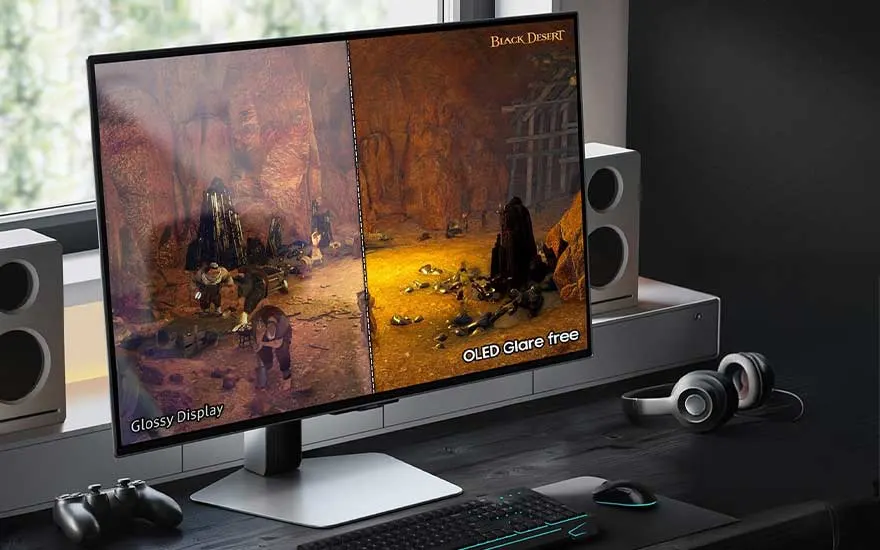
A gaming monitor displays a game scene comparing glossy and OLED glare free modes, set on a neat desk with speakers and headset.

The best PS5 gaming monitors

Do you want to get the most out of your PlayStation 5? Then choose a screen that can handle the speed and resolution of this console. PS5 games really come into their own with a 4K screen and HDMI 2.1 connection, allowing you to game at up to 120 hertz. Also check whether the monitor supports HDR so you can enjoy impressive colour effects. A low input lag and fast response time also make a difference when you play online. By choosing a PS5-specific model, you experience razor-sharp images and smooth action, whether you’re playing a racer or a shooter.

The best PS5 monitors
Two people review printed food photos while editing images on a laptop and monitor, surrounded by a camera body and loose lenses.

The best monitors for photo and video editing

If you’re a graphic designer or video editor, you’re of course looking for the best monitor with a high resolution, accurate colour reproduction and plenty of settings. A 4K screen with IPS panel delivers sharp details and realistic colours, essential for professional editing or graphic design. In addition, a tiltable screen with a matte finish helps to reduce reflections during the editing process. Also pay attention to the coverage of colour spaces such as Adobe RGB or DCI‑P3 for optimal creativity. Extras such as hardware calibration are useful, especially if you make prints or work for professionals.

The best monitor for content editing
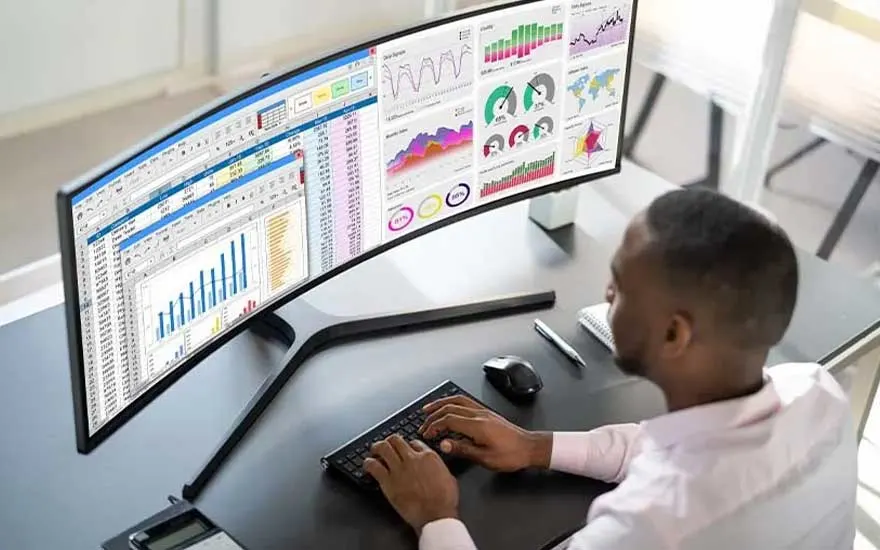
An employee analyses spreadsheets and vivid dashboards on a curved ultrawide monitor while typing on a compact wireless keyboard.

The best curved monitors

Curved monitors have a curved screen, which is comfortable to look at during long sessions and ensures the corners do not distort. Especially with ultrawide monitors, a curved panel offers more overview and lets you fully immerse yourself in movies or games. The curvature makes multitasking much more pleasant, because your eyes have to move less. Curved monitors are popular with gamers but are also great for multitaskers or creative professions. Choose the degree of curvature that suits your viewing distance: the greater the curve, the closer you sit.

The best curved monitors
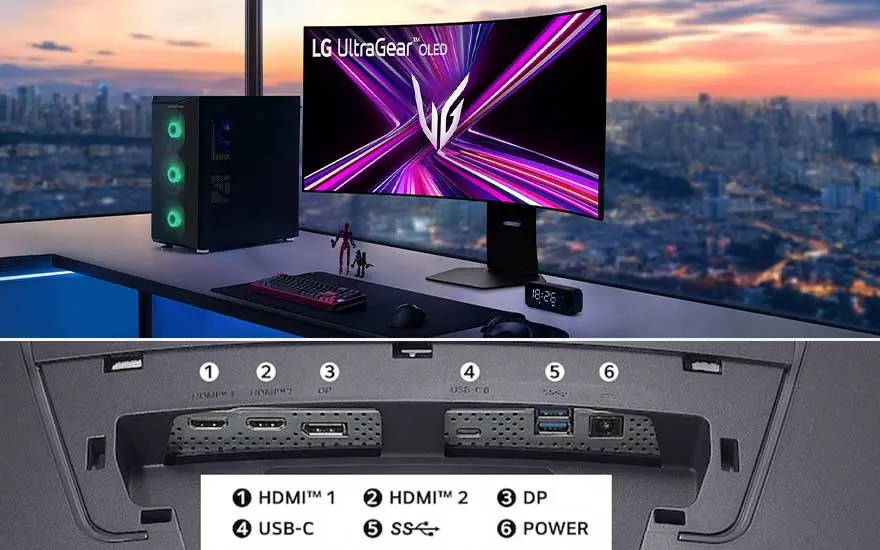
A gaming setup with an LG UltraGear OLED monitor, glowing PC tower and close up view of HDMI, USB C, DisplayPort and power ports.

The best USB C monitors

USB‑C monitors make your workspace sleek and organised. With just one USB‑C cable you send image, sound and data from your laptop to the screen and charge your device at the same time. This is ideal if you work from home a lot or at flexible workspaces, but also if you want to quickly switch between all your devices. You’ll see more and more of these monitors, because USB‑C is becoming the standard for all rechargeable devices. These monitors are often equipped with extra ports for USB‑A or ethernet, so you can connect other peripherals such as a wired keyboard. USB‑C monitors are available in various sizes and resolutions, from Full HD to 4K.

The best USB C monitors
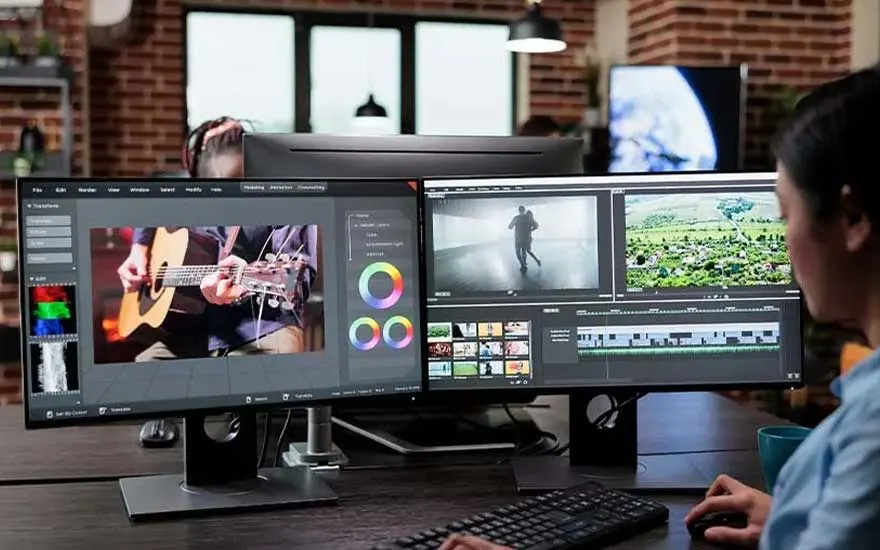
In a brick studio an editor works on dual widescreen monitors, fine tuning colour wheels and arranging video clips on timelines.

The best 4K monitors

4K monitors guarantee exceptional sharpness and detail. You benefit from more than 4 times as many pixels as with a Full HD monitor, which means text is displayed clearly and photos come to life beautifully. 4K is a smart choice for graphic work, photo and video editing, but also for daily use with many windows side by side. With 4K monitors, pay particular attention to the connections, support for high refresh rates (for gaming) and professional colour reproduction for creative projects.

The best 4K monitors
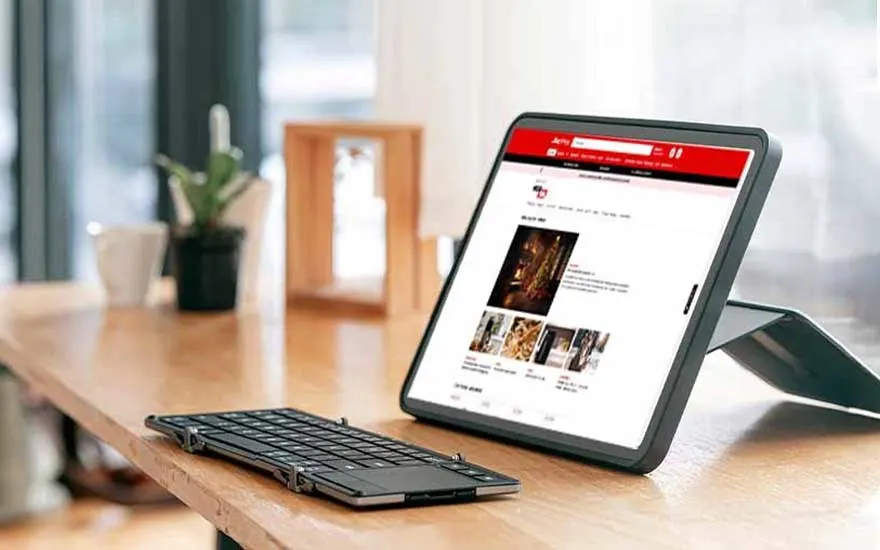
On a wooden desk a tablet on a stand shows an online shop page, placed beside a folding keyboard and a simple white coffee mug.

The best portable monitors

Portable monitors are light and compact, so you always have extra screen space with you. Ideal if you travel a lot or like to work flexibly in different locations. You can easily connect them to a laptop, tablet or smartphone, often via USB‑C. This way you quickly have more overview for multitasking, presentations or entertainment on the go. Thanks to the low weight, you can easily take this type of monitor with you in your rucksack or laptop bag.

The best portable monitors

Our advice on the best monitors

A man with a topknot sits at a stylish desk, studying a large monitor filled with charts and circular diagrams for trend analysis.

Whether you’re a fanatical gamer, getting creative or mainly want to work comfortably from home: you choose the best monitor by looking carefully at your own situation. Pay close attention to the size of your monitor, the quality of the panel and connection options such as USB‑C and HDMI 2.1. The most important thing is to take into account what you want to do with it on a daily basis: working, gaming, designing or perhaps a combination of several purposes. This way you invest in a monitor that not only suits you now, but also in the future.

View similar articles