
MM logo white 1
MM logo red
Image description is not available

What is a smart TV, and which one should you choose?

Femke21 OCTOBER 2025
A hand holds a remote control in front of a TV with a colorful interface.

A smart TV is a television with internet. Thanks to this internet connection (via Ethernet cable or built in Wi Fi), you can stream movies and series from the internet to your TV. You don’t need an extra device for this – everything you need is already in the TV. On this page you can read what you can do with such a smart television and what to look out for when buying a smart TV.

What are the benefits of a smart TV?

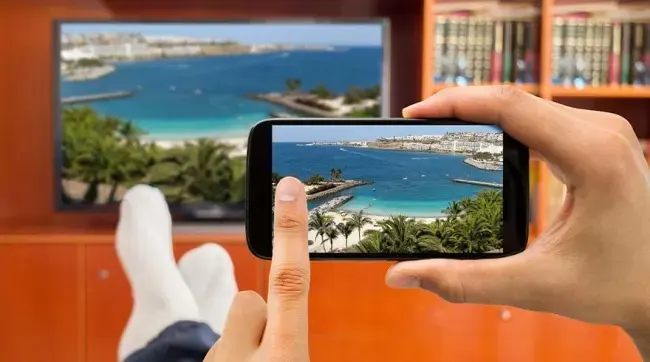
Person holds a phone showing a beach scene, mirroring the scene on the TV in the background. Socks and a bookcase are visible.

The biggest benefit of a smart TV is that you can watch endless films, series, catch‑up TV programmes, sport and documentaries outside of regular television programming. Via services like Netflix, Videoland and HBO Max you can watch a film whenever you want or binge an entire season of a gripping series in one go. You can also browse the internet, video chat and listen to music online. Another advantage is that you can connect other devices to the smart TV – your tablet or smartphone, for example.

Which apps are available for smart televisions?

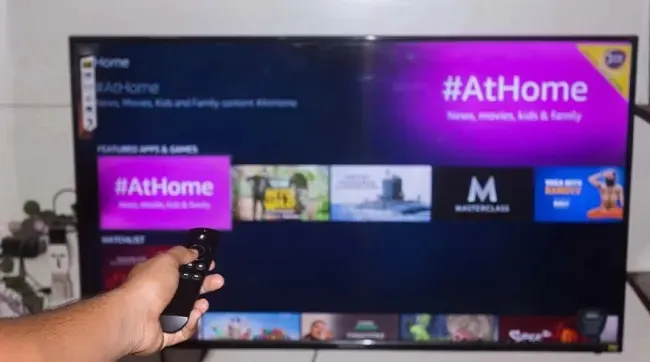
A hand holds a black remote control in front of a television displaying a menu with "#AtHome" and streaming options.

A quick heads‑up: many major TV brands have their own smart TV platform. For example, Philips and Sony use the Android TV platform, while Samsung smart TVs run on Tizen. When buying a smart TV, make sure your favourite app is supported by the TV brand. Well‑known apps for smart TVs include Netflix, Disney+, Film1, Apple TV, Google Play Movies, NPO Start, Amazon Prime Video, Videoland, Pathé Thuis, YouTube and Spotify. There are many more – you’ll find them all online or in your smart TV’s menu.

How can you make a regular television smart?

A dark gray Google Chromecast device is on a white surface. The device has a round shape with an attached HDMI connector.

The difference between a regular TV and a smart TV is that a regular TV isn’t connected to the internet. So, on a regular TV you can’t download apps or watch streaming services such as Netflix. Fortunately, you can turn your regular TV into a smart TV. You’ll need an extra device for this: a Google Chromecast. Connect the Google Chromecast to your TV via the HDMI port and you can start streaming (casting) from your smartphone or tablet. You can even stream films and series in 4K quality from your phone. In addition, there are hundreds of Android and iPhone apps to choose from. You can control the Chromecast with your voice, remote control, smartphone or tablet.

View a Google Chromecast

What size smart TV suits you?

Will you go for a small, medium or very large smart TV? The choice is yours, and we recommend paying attention to your room size and viewing distance. To get you started, here are 10 smart TVs.

The 10 best smart TVs

A man and a woman, both wearing glasses, stand in a store looking at a display of screens. The woman holds a phone.

Want to see the very best smart televisions right away? We get it. On this page you’ll find our top 10 smart TVs listed. Have fun choosing!

Bekijk de top 10 beste smart-tv’s

Kom je uit Belgie, lees het artikel wat is een smart tv op MediaMarkt Belgie.

These articles may also be interesting for you
