
MM logo white 1
MM logo red
Image description is not available

What is the best gaming laptop of 2026?

Daan26 NOVEMBER 2025
A woman sits at a counter using a laptop. Kitchen items are in the background with a silver lamp.

Are you a fanatical gamer and curious which gaming laptop is best for you? Read about the best laptops for every budget and discover which gaming laptop suits you best.

What should you look out for in a gaming laptop?

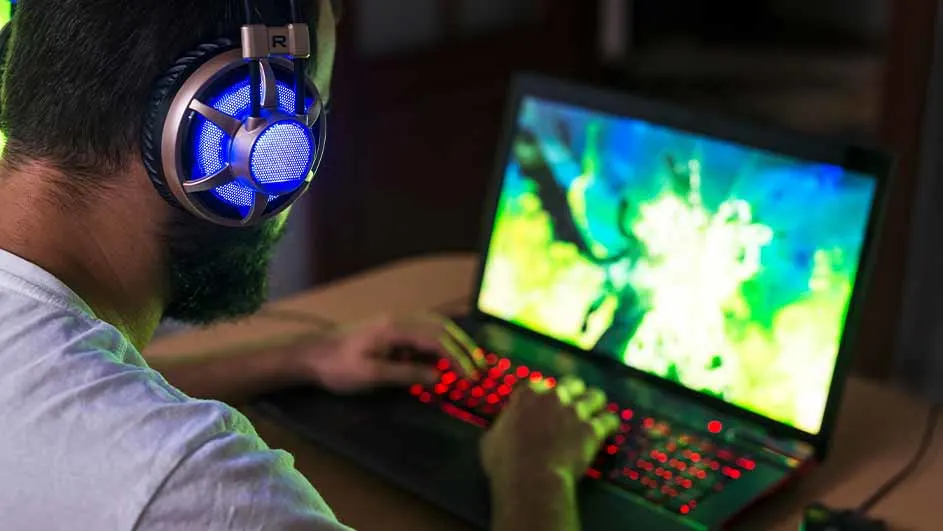
A person with headphones uses a laptop with a bright screen and red-lit keyboard on a wooden desk.

If you’re looking for a gaming laptop, the processor is an important point to consider. It needs to be powerful and fast so you can play without stuttering. Good gaming laptops have at least an Intel Core i5 or AMD Ryzen 5 processor, while the very best models feature Intel Core i7 or AMD Ryzen 7. In addition, the graphics card is essential for a gaming laptop. The better the graphics card, the larger the games you can play with sharp image quality. Finally, the refresh rate of a gaming laptop is important. This is expressed in hertz and indicates how many times per second the image is refreshed. The more hertz, the smoother the movements in the game. If you often play hectic shooters such as Call of Duty, you need a gaming laptop with at least 120 hertz.


More information about gaming laptops

This is the best budget gaming laptop

Person is using a laptop with a lit keyboard. The screen displays a colorful video game. The person is wearing a dark shirt.

The MSI Katana GF66 is an affordable gaming laptop with good specifications. The laptop is equipped with an Intel Core i5-12450H processor, an NVIDIA GeForce RTX 3050 graphics card, 16 GB of RAM and a 512 GB SSD. These specifications ensure the laptop is suitable for most modern games. This gaming laptop has a refresh rate of 144 hertz, which is a lot for a laptop in this price category. Images are refreshed incredibly quickly, resulting in smooth gameplay, no matter how much action is taking place on the screen.

The best gaming laptop under € 1,000

The HP VICTUS 15-FA1888ND is a good gaming laptop under € 1,000 and comes as a bundle with a headset and mouse. The laptop has an Intel Core i5 processor and an NVIDIA GeForce RTX 4050 graphics card. This 15‑inch laptop can handle light to medium games, such as Fortnite or EA Sports FC. The laptop features ray tracing, a technology that delivers ultra-realistic lighting effects. The headset and mouse are specially designed for gamers. The headset has immersive stereo sound and a detachable microphone. The mouse is light and fast, with a DPI of up to 26,000. The mouse also has a flexible cable.

The best gaming laptop under € 1,500

A person with red headphones sits at a desk with a laptop and a red gamepad in hand, celebrating.

With a budget of € 1,500, the options for a fast and powerful gaming laptop increase significantly. We recommend the MSI Cyborg 15 A12VF-229NL as the best gaming laptop for this amount. This 15‑inch laptop features the ultra-fast Intel Core i7 processor and powerful GeForce RTX™ 4060 graphics card, allowing you to play large and demanding games such as Call of Duty, Hogwarts Legacy or God of War without any problems. The MSI Cyborg 15 A12VF-229NL also has multiple USB‑C and HDMI ports, so you can take full advantage of the laptop’s speed on an external gaming monitor. Do make sure you connect a monitor that can handle the power and speed of the MSI gaming laptop.

Find the best gaming monitors

The best gaming laptop under € 2,000

If you don’t want to spend more than € 2,000 on a gaming laptop, the ASUS ROG Strix G17 is a very good option. This laptop has specifications you’ll also find in professional gaming laptops. For example, the ASUS ROG Strix G17 runs on the new, ultra-powerful AMD Ryzen 9 processor and GeForce RTX™ 4060 graphics card. This lets you play games of any size effortlessly, while still running other programmes such as YouTube, Twitch or Discord in the background. The display of the ASUS ROG Strix G17 refreshes 144 times per second and therefore always remains smooth. With the various HDMI, USB‑C and DisplayPorts, you can connect multiple devices for a complete and professional gaming set-up.

These articles might be interesting for you
