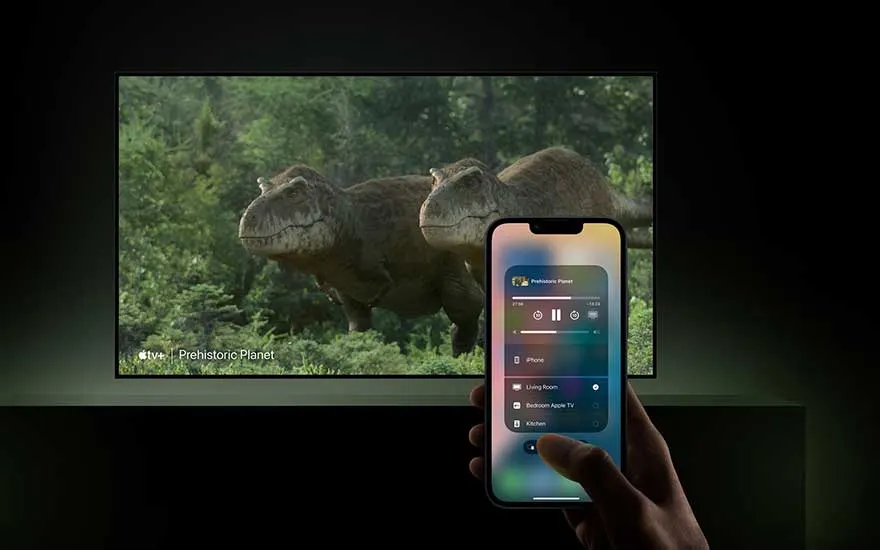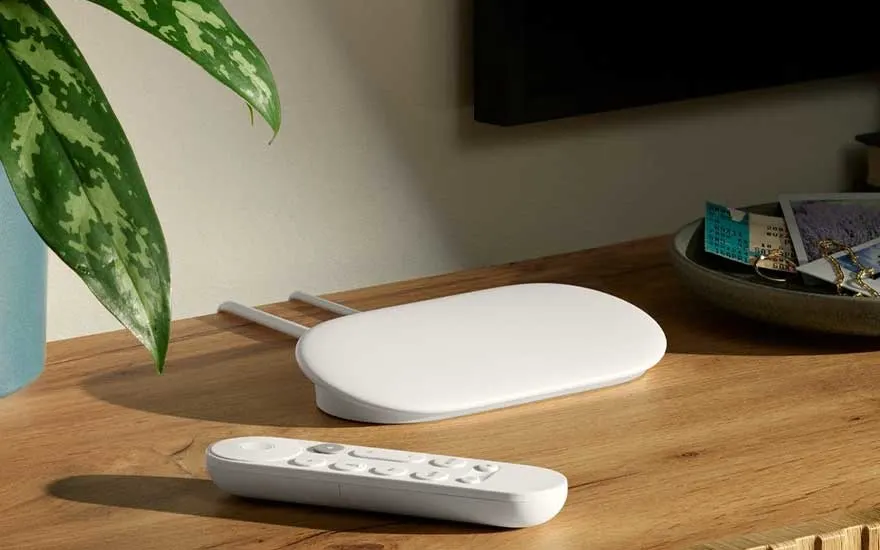
A Chromecast is a small device from Google that you plug into your TV’s HDMI port. It lets you easily stream content from your smartphone, tablet or laptop to your television.
To stream content via Chromecast, follow these steps:
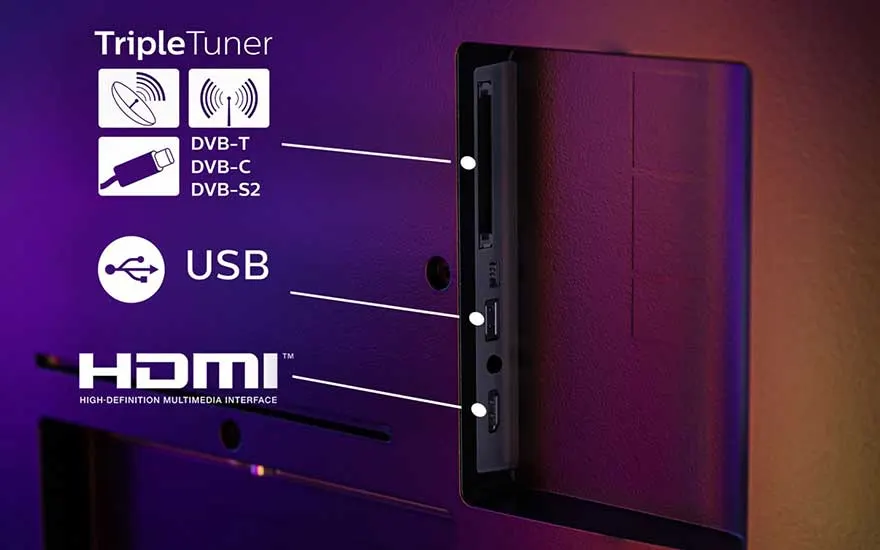
- Plug the Chromecast into an HDMI port on your TV and connect the power cable to a socket.
- Set your TV to the correct HDMI channel where the Chromecast is connected.
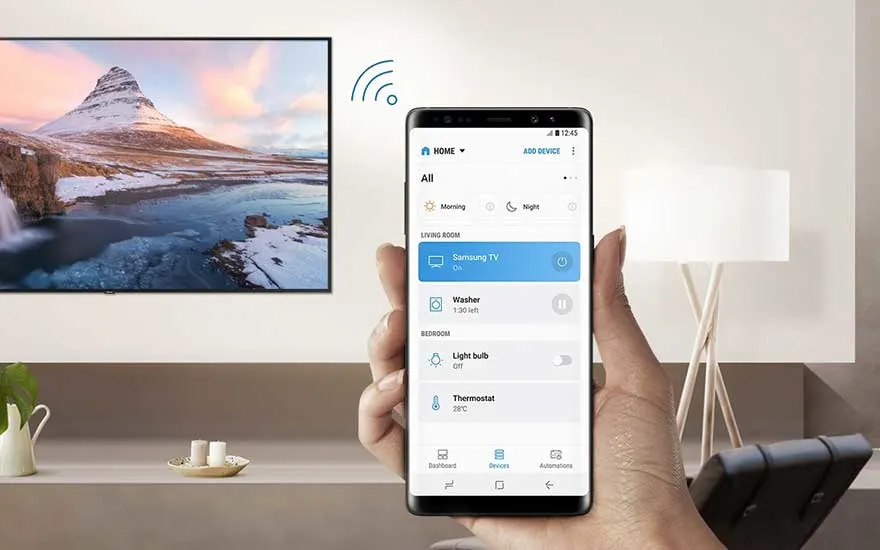
- Download the Google Home app on your smartphone or tablet.
- Open the app and follow the instructions to connect the Chromecast to your Wi-Fi network.
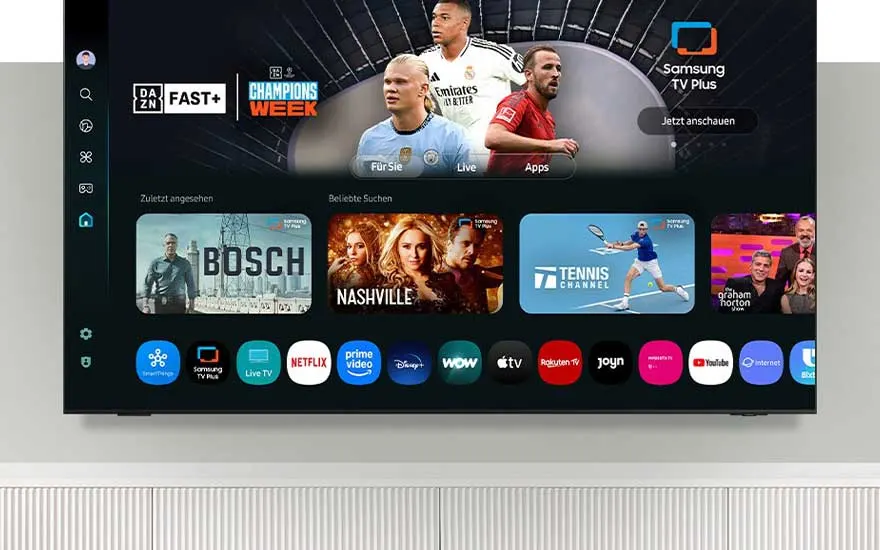
- Open an app that supports Chromecast, such as YouTube or Netflix.
- Tap the cast icon (a rectangle with Wi-Fi waves in the corner).
- Select your Chromecast.
- Choose the movie, video or series you want to watch and enjoy.
How do you install a Google Chromecast?