MM logo white 1
MM logo red
Image description is not available

How do you choose a doorbell?

Thijs1 FEBRUARY 2026
A black video doorbell is mounted next to a white door with a silver deadbolt lock. To the left, there is a pale siding wall.

A good doorbell is indispensable for every home. When a visitor is at the door, you naturally want to know straight away. Nowadays, there’s much more possible than just a sound signal. For example, you can see the visitor and communicate with them. In this article we tell you more about a smart doorbell (such as the well-known Ring doorbell), video doorbell and intercom doorbell, and you’ll discover which one suits you.

What should you look out for when choosing a doorbell?

When choosing a doorbell for your home, the volume and sound are important. In addition, it’s a good idea to consider which specifications are relevant for you. Do you want to see the visitor? Do you want to be able to talk to them? And in which places in the house do you want to hear the bell? And not to forget: the design. At MediaMarkt you can choose from doorbells with various specifications and looks.

Do you need a smart doorbell?

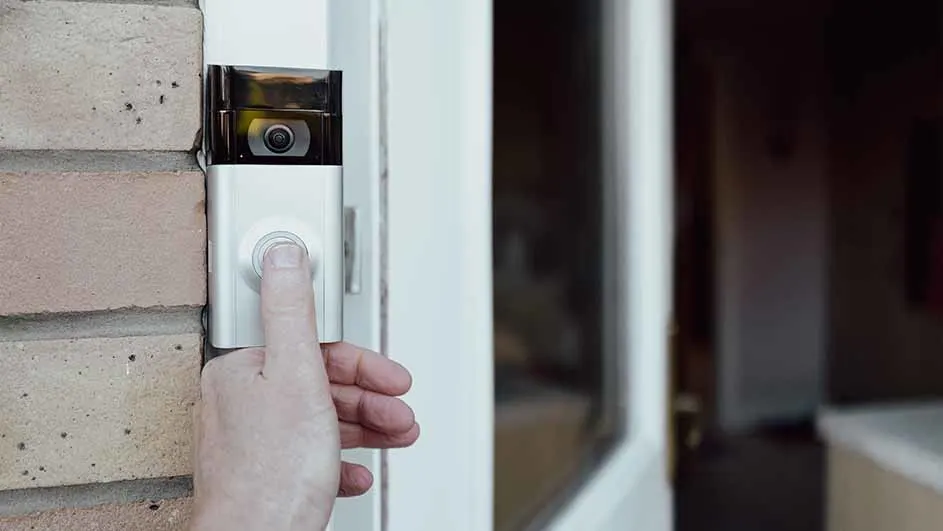
Hand presses the button of a silver video doorbell mounted on a brick wall, next to a white door ajar.

The ‘regular’ doorbell is increasingly being replaced by a smart doorbell. This is a doorbell that’s connected to the internet, allowing you to enjoy extra functions. Connect your smart doorbell to other devices, such as your mobile phone, and receive a notification when someone rings the bell. Handy if you’re not at home. You can also communicate with the person at your door via an app. So, it’s extra smart security. A smart doorbell is often equipped with a built-in camera. The Ring doorbell is a popular variant. It has a sharp camera with a wide viewing angle, the option to make video recordings and sensors that already send a notification before the bell is rung.

View all smart doorbells
Do you need a video doorbell?

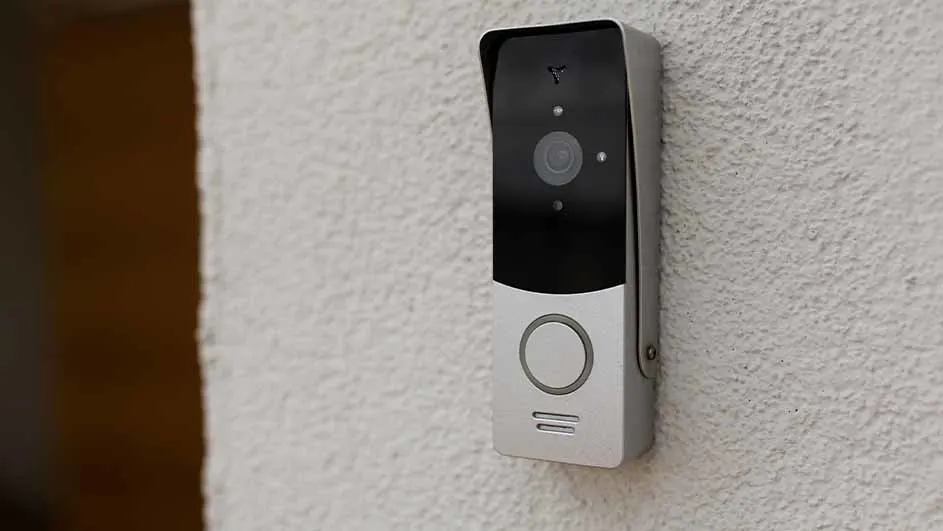
A black and silver video doorbell is mounted on a textured, light-colored wall, with a dark vertical edge visible on the left.

A video doorbell is a doorbell with a built-in camera. This lets you see the visitor and talk to them. Handy if you’re not expecting anyone, and extra safe when it comes to unwanted visitors. Does that appeal to you? Take a look at our range of video doorbells and other smart home products.

View all smart home products

Can you talk via the doorbell?

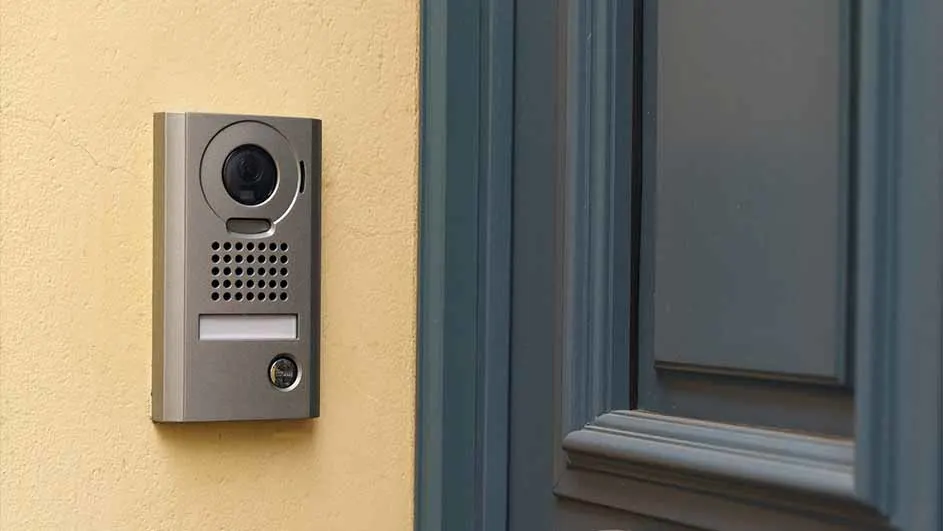
Metal intercom with camera on yellow wall next to a blue door.

To be able to talk via the doorbell you need a model with an intercom function. Many modern doorbells with built-in cameras have an intercom function as standard, allowing you to talk to people who ring the bell. This provides extra convenience and security. With some doorbells, this is even possible via an app, including when you’re not at home. When choosing a new bell, it’s important to check whether it specifically has the intercom function.

View all intercom doorbells

How do you install a (wireless) doorbell?

How you install your doorbell depends on the type you have. Do you have a wired doorbell or wireless doorbell? Below you’ll find the general steps for each type. Always consult the manual of your doorbell as well.

Wired doorbell:

  1. Switch off the power to the doorbell before you start the installation.
  2. Remove the old doorbell if necessary.
  3. Mount the new doorbell in the desired place.
  4. Connect the wires of the doorbell to the corresponding wires coming out of the wall. These are usually two wires: one for the doorbell button and one for the transformer.
  5. Mount the doorbell button at the front door.
  6. Switch the power back on and test the doorbell to make sure it’s installed correctly.

Wireless doorbell:

  1. If the doorbell runs on batteries, insert the required batteries in the doorbell and receiver.
  2. Attach the doorbell in the desired place at the front door.
  3. Place the receiver in the desired place in the house, within range of the doorbell.
  4. Synchronise the doorbell and receiver with each other. Check the instructions in the manual for this.
  5. Press the doorbell button and test whether the receiver picks up the signal.

These articles might be interesting for you