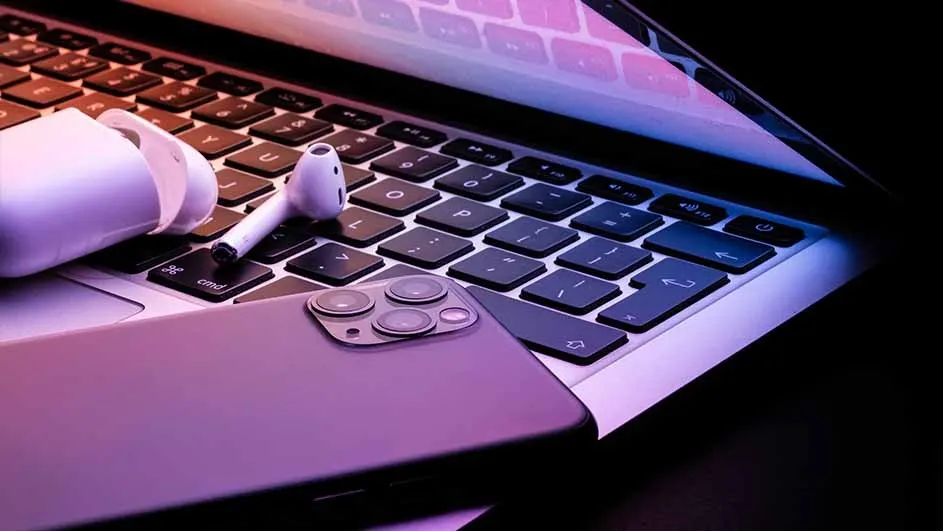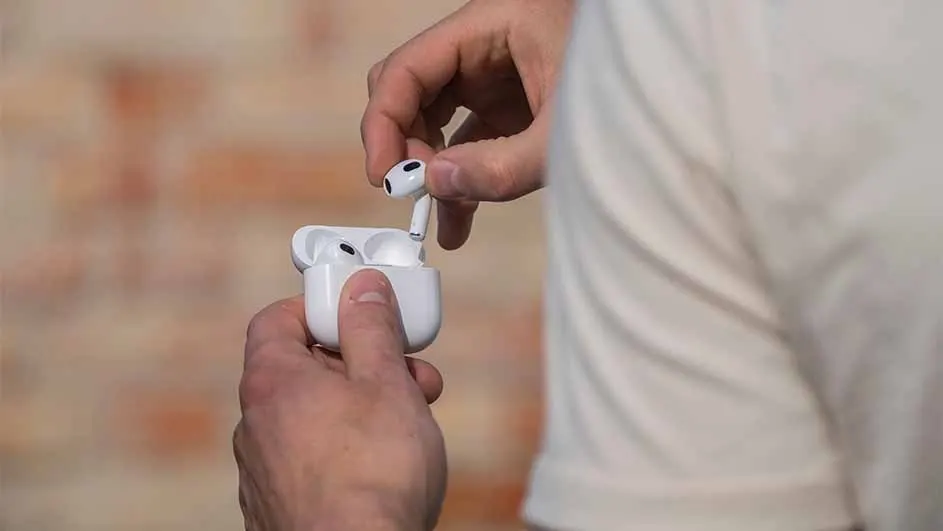
Sometimes your AirPods don’t work well with your iPhone, iPad or MacBook. Annoying, because it means you can’t listen to music or make calls. Fortunately, there are a few things you can do to restore the connection. First, try connecting your original Apple earbuds manually if it doesn’t happen automatically. Then you can try resetting your device’s Bluetooth settings. If that also doesn’t work, finally try updating to the latest firmware. Firmware is a type of software in your phone, tablet or laptop that ensures your device runs properly. You can’t change firmware yourself, but you can update it.
Compare the different AirPods