MM logo white 1
MM logo red
Image description is not available

The reMarkable 2: a digital notebook

Daan15 JANUARY 2026
A man drinks from a mug at a desk with a laptop and lamp. A window is visible in the background.

Write digitally as if you were writing on paper: with the reMarkable 2 you have a digital notebook at your disposal, featuring an e-ink display with a paper-like texture. The reMarkable 2 is available exclusively at MediaMarkt. Read more about the reMarkable 2 here.

What is the reMarkable 2?

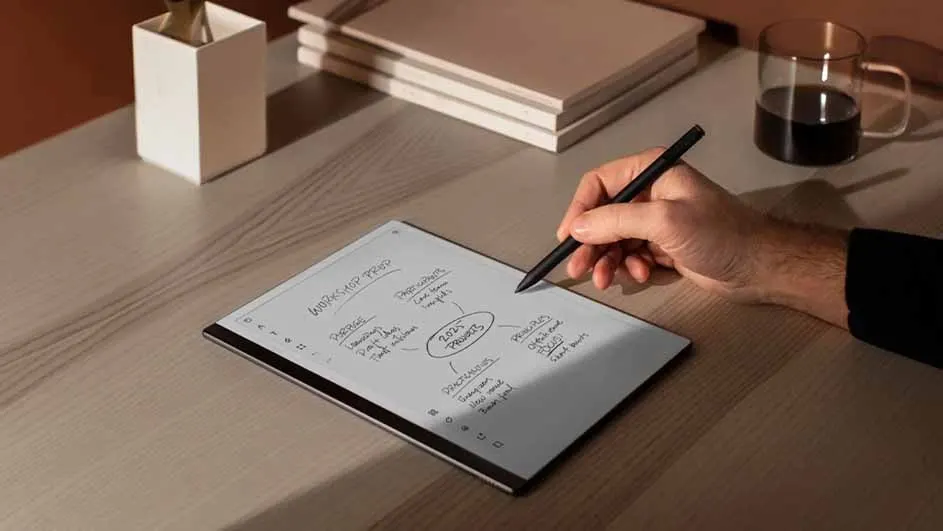
A hand holds a stylus over a tablet displaying a mind map on a wooden desk with books, a pen holder, and a mug.

The reMarkable 2 is a digital notebook with an e‑ink display. Thanks to the paper-like texture, it feels as though you’re writing on real paper. You use the Marker as a pen, but you can also choose to connect a keyboard (the Type Folio) to the reMarkable 2. With this e ink tablet you can take notes, make to-do lists, and open and edit PDF files. You do all this on a single device, in a structured and clearly organised way. This makes the reMarkable 2 ideal, for example, for work, as an e-reader, and for putting your thoughts down on (digital) paper.

View all reMarkable tablets
Benefits of the reMarkable 2

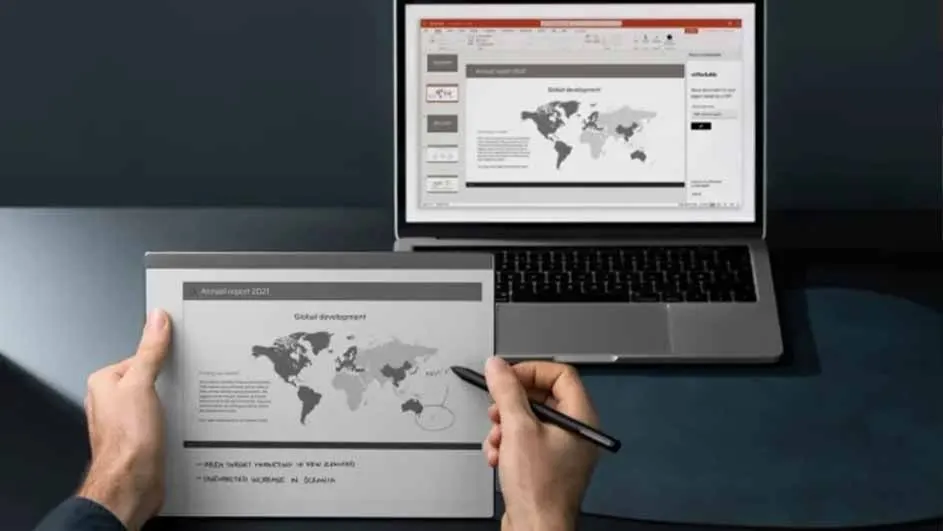
A laptop displays a presentation with a world map, next to a tablet held by hands, and a pen is touching the screen.
  • Everything you write on the reMarkable 2 can be erased. This means you can easily update your notes on your digital notepad and quickly remove old information.
  • The reMarkable 2 takes up little space, so stacks of notebooks are a thing of the past.
  • The reMarkable 2 also helps you focus. Whereas a regular tablet shows notifications from your apps, the reMarkable 2 ensures you aren’t bothered by WhatsApp messages or social media. This lets you work undisturbed without distractions.
  • The device supports EPUB files, so it also functions as an e-reader.
  • Thanks to its light weight and ultra-thin design, you can easily take the reMarkable with you wherever you go.

Specifications of the reMarkable 2

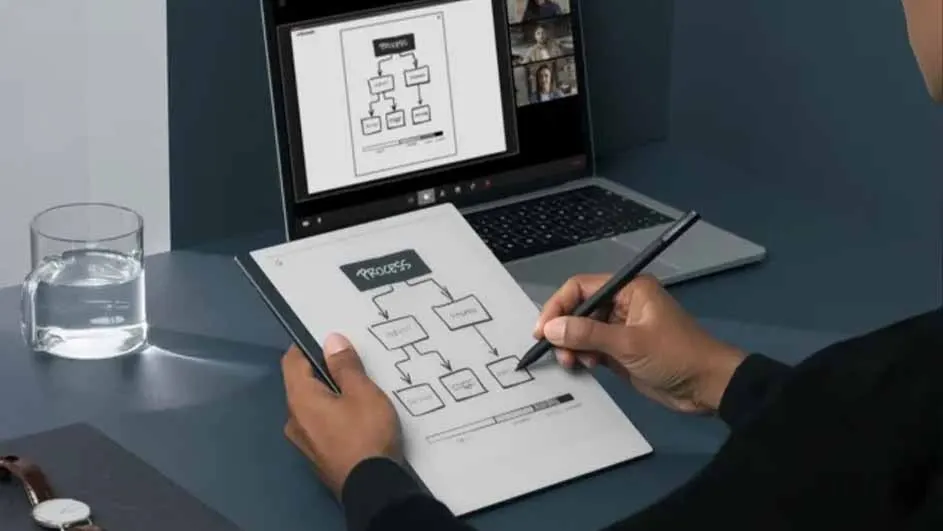
On a desk, a person uses a stylus on a tablet displaying a flowchart. A laptop shows a similar flowchart and a video call. A glass of water is also present.

The reMarkable 2 has a 10.3‑inch display and an ultra-thin design (4.7 millimetres), meaning it takes up little space, is easy to carry, and is lightweight (403.5 grams). With 8 GB of storage, you can store many files. Need more storage? With the cloud you have unlimited capacity. The battery lasts up to 2 weeks, depending on your usage. You charge it with a USB‑C cable. Would you prefer an 11.8‑inch display? Then take a look at the reMarkable Paper Pro: the new reMarkable tablet with a faster response time and a refreshed colour display, giving richer, more realistic colours and more natural-looking light.

All your notes safe and always accessible on the reMarkable 2

With Connect you get access to the cloud, where all your files are securely stored. You can also access these files on other devices via the reMarkable app for smartphones or computers. In addition, the cloud gives you unlimited storage, so you can store all your files and e‑books. Activating Connect is very simple:

  1. Connect your reMarkable 2 to Wi‑Fi.
  2. Create an account via the reMarkable website. Do this on your computer or smartphone, then log in.
  3. Link the reMarkable 2 to your account on the computer or smartphone. You’ll see a code that you need to enter on the reMarkable.
  4. Then activate your Connect membership on your computer or smartphone. You now have access to Connect and the cloud.

reMarkable 2 review: tablet of the future

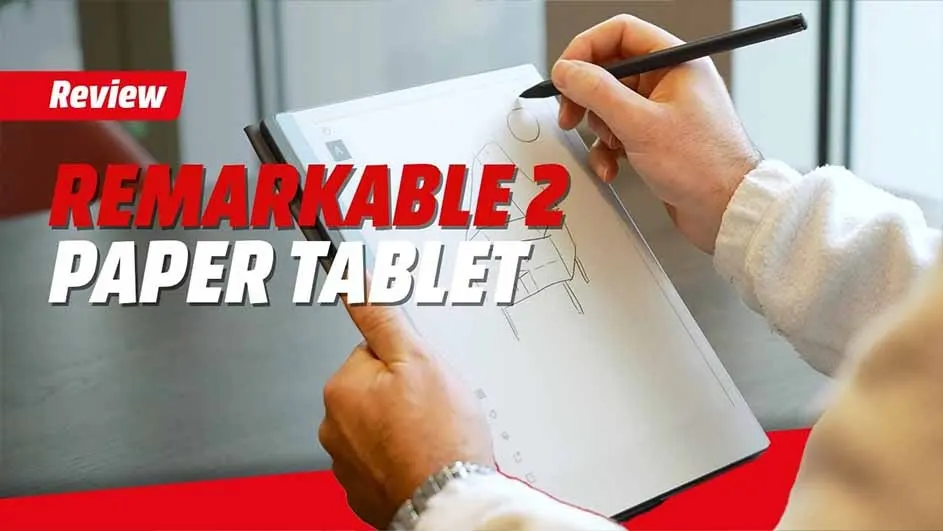
Hands hold a Remarkable 2 paper tablet and a black stylus, drawing on the screen. Review text appears in red and white.

We extensively tested the reMarkable 2 and you can see the review alongside this page. Writing on the tablet is exceptionally pleasant and it really does feel like writing on paper. Another great feature: if you quickly jot down notes during a lecture or meeting, the reMarkable converts them into readable, typed text. Re-typing is a thing of the past. The tablet also has an organised system so you can easily find all your notes. Watch the full review to discover all the benefits.

Accessories make using the reMarkable even better.

  • Marker: this is the grey pen you use to write on the reMarkable 2. It attaches magnetically to the tablet with 2 magnets. The Marker weighs 15 grams and does not need to be charged. • Marker Plus: an upgrade to the Marker. This black pen weighs 19 grams and has an eraser at the end, allowing you to erase your text.
  • Type Folio: a slim keyboard neatly integrated into the cover. Add comfortable, focused typing to your reMarkable with the Type Folio. Combine typing with writing by using both the Marker and the Type Folio.
  • Book Folio: smart and functional protection for your digital notebook. With the built-in magnet you click the cover into place, so you can keep it on while you work. The Book Folio comes in high-quality leather in black or brown, or a grey synthetic version.

Bekijk soortgelijke artikelen