MM logo white 1
MM logo red
Image description is not available

The best laptops for photo and video editing

Daan24 NOVEMBER 2025
Laptop displays photo editing software next to a glass of coffee on a wood-look surface.

Are you looking for a laptop for photo editing? Whether you like to edit photos for fun or work on them daily as a graphic designer or photographer, you want a laptop that helps you with this as much as possible. Not every laptop is suitable for that. Find out exactly what to look for when choosing the best laptop for photo and video editing.

What to consider when choosing a laptop for photo and video editing?

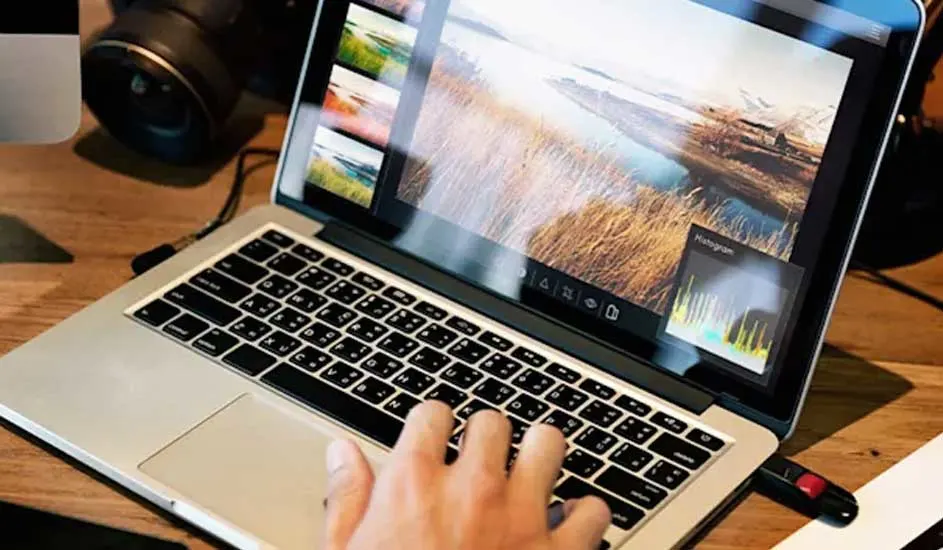
A person types on a laptop displaying a photo editing interface, with a camera and accessories on a wooden desk.

Are you looking for a suitable laptop to edit photos and videos? Then there are quite a few aspects to pay attention to. The software for photo and video editing is already very large and not suitable for every laptop. For example, it's important to have a powerful processor, so you can work quickly and smoothly. Your laptop also needs a strong video card and a good screen to be able to edit the photos and videos as detailed and colourful as possible. Storing such files requires a lot of storage capacity and RAM. In some cases, it’s also important that the battery of the laptop lasts a long time and that you can easily connect an extra monitor.

These are the best laptops of the moment
A CPU chip is centered on a dark blue background with glowing blue circuit lines emanating around it.

Processor and cooling system

For photo and video editing, your laptop needs a powerful processor. The more powerful the processor, the better and faster the laptop works. Are you looking for a Windows laptop to edit photos and do light video editing? Then go for an i7 laptop. These models have an AMD Ryzen 7 or Intel Core i7 processor. For professional photo and video editors, an even more powerful i9 laptop is more suitable. The AMD Ryzen 9 or Intel Core i9 processor works even faster and smoother. Do you prefer to edit photos and videos on a MacBook? Then go for a model with at least an M3 chip. For professional performance, choose a MacBook with an M4 processor. This is found in the powerful MacBook Pro and in some models of the MacBook Air, among others. In addition to a powerful processor, it’s also good to look at the cooling system of a laptop. This way, the laptop won't get too hot during the heavy calculations of photo and video editing, and it will last longer.

Which processor does your laptop need?
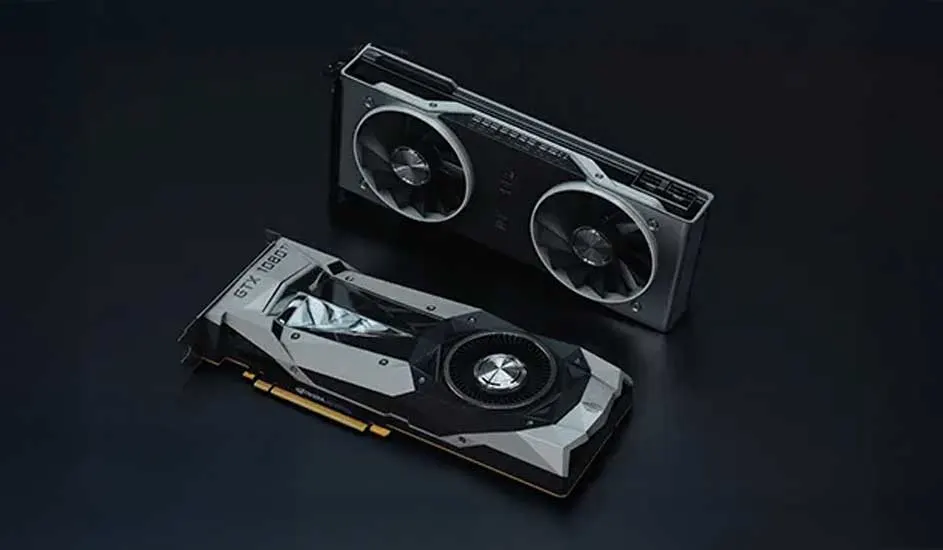
Two computer graphics cards rest on a black background. One card has a single fan, the other has two, both silver and black.

Graphics card

A graphics card, also known as a video card, ensures that you have an image on your computer screen. The more powerful the card, the better the graphic quality of the image on your screen. With a powerful graphics card, everything looks sharper and more detailed. Laptops have a built-in video card that you can't replace, so it's important to buy a model with a powerful video card right away. The AMD Radeon RX, NVIDIA GeForce GTX and the NVIDIA GeForce RTX 5000 series are very suitable for this.

Read more about choosing the right video card
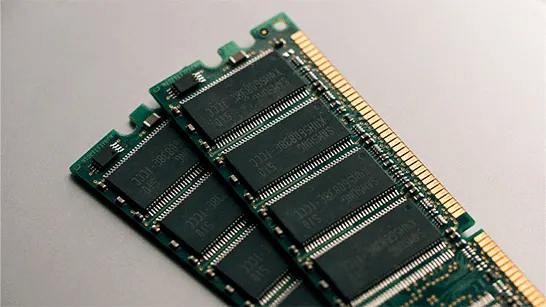
Two green RAM modules lay diagonally on a light gray surface, showing gold connectors and black microchips.

RAM

It’s also important to pay attention to the working memory (RAM) of the laptop when editing photos on your laptop. That's because your laptop temporarily stores information in the RAM that is needed to keep a photo editing program running, for example. These programs store a lot of information in this working memory. That's why you should choose a RAM of at least 16 GB. Are you mainly going to edit videos? Then go for a RAM of 32 or 64 GB anyway.

Kies de laptop die bij je past
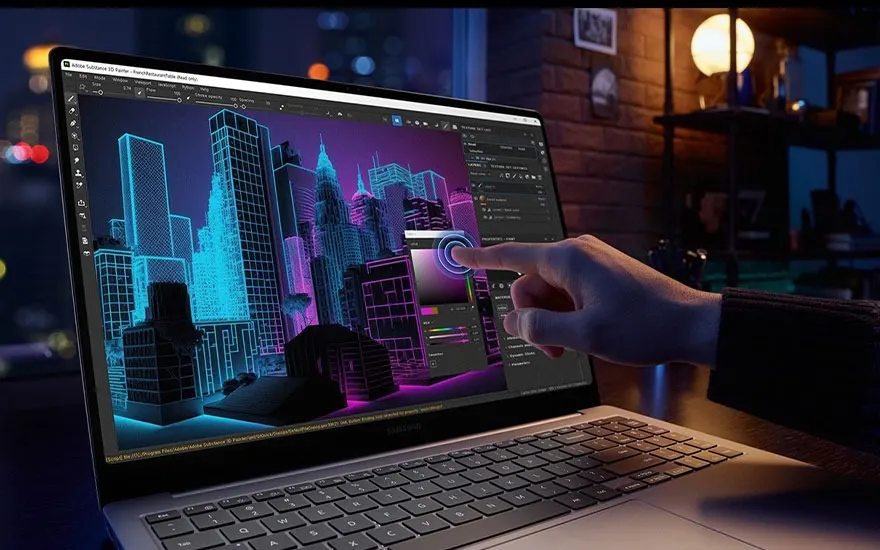
Hand pointing at laptop screen with 3D neon skyline in blue and purple, design software interface, modern office evening setting.

Display

The quality of the display is determined by the resolution: the number of pixels in the screen. The more pixels, the better the colour reproduction of the photo on your laptop and the sharper the details in the videos you take. For photo editing, a laptop with a Full HD screen (1,920 x 1,080 pixels) is usually more than sufficient. For video editing, it's smart to go for more resolution, such as QHD+ (3,200 x 1,800), WQHD (2,560 x 1,440), or a Retina display (2,560 x 1,600). These screens show you the smallest details needed to edit your videos properly. The size of your laptop screen also plays a role in this. On a relatively large 17-inch laptop, you need more resolution to be able to edit your photos and videos properly than on a laptop of a smaller size.

How big is my laptop?
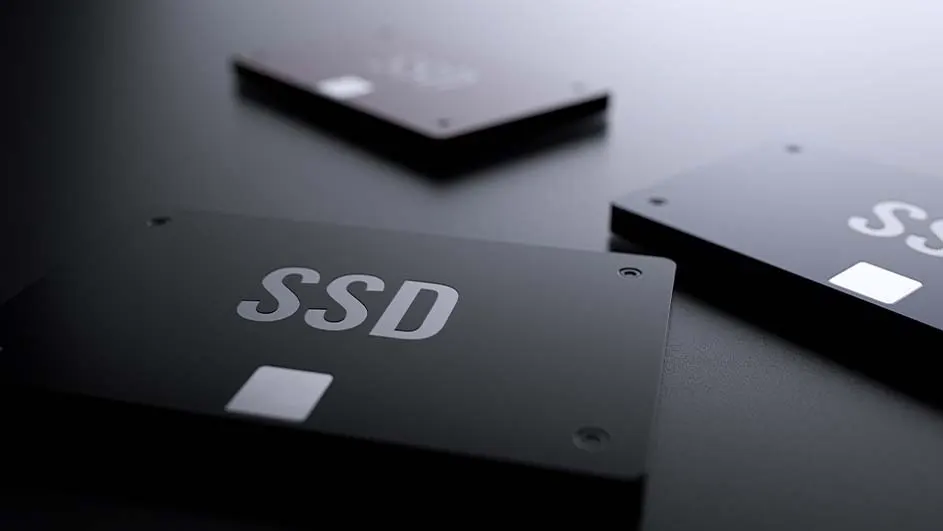
Three solid-state drives (SSDs) are on a dark surface. The closest drive has "SSD" in silver letters.

Storage capacity

Photos and videos take up a lot of space, so your laptop needs a lot of storage capacity. Every laptop has an internal hard disk (HDD) or an internal SSD (solid state drive) and in most cases you can easily expand the memory with an external HDD or external SSD. Storing on an SSD is faster and makes less noise, but an HDD has more storage capacity for a lower price. For both storage methods, the more storage capacity, the more photos and videos you store. With 2 TB of storage, you can go a long way as a hobbyist. Professional photo and video editors will probably prefer a laptop with at least 4 TB of storage.

The difference between a hard drive and SSD
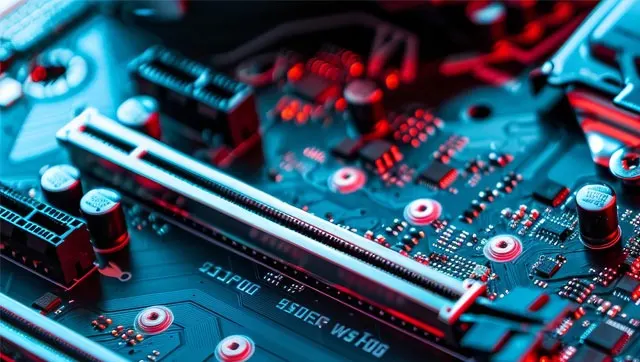
Close-up of a teal computer motherboard with silver slots, black connectors, and small electronic components. Red light accents areas.

Battery

A laptop with a powerful battery is important for photo and video editing, especially when working in locations without AC power. Editing programs consume a lot of energy, and the same is especially true if you use AI for photo and video editing. You don't want to run out of power in the middle of a project. Therefore, take a good look at the battery capacity in mAh (milliampere-hours) and the estimated operating time. A good editing laptop will have at least 8 hours of battery life. Also pay attention to fast charging options, so that you can quickly resume working.

See Copilot laptops with integrated AI
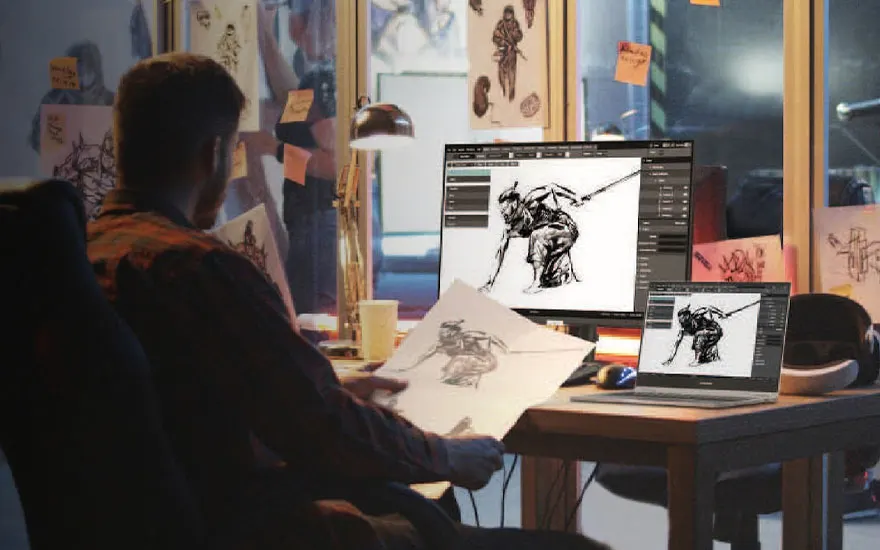
Artist working on digital drawings on laptop and tablet, sketching warrior figures, studio filled with artworks and wall references.

Extra monitor

For professional editing and photo editing, an extra monitor is often a good extra. You connect this to your laptop via a cable, creating more possibilities to make beautiful creations. For this, it’s important that your monitor communicates well and smoothly with your laptop. Always use a good USB 2.0 or USB 2.1 cable for this. This ensures that the data from your laptop and monitor is transferred smoothly and quickly. In addition, it's important that your extra monitor is also powerful enough to handle heavy photo and video editing. Therefore, it’s preferable to choose at least a 27-inch monitor with sufficient resolution. For video editing, we recommend a 4K monitor. It has more than enough pixels to edit your videos quickly and in detail. Special curved monitors lend themselves very well to this. These curved screens are always powerful enough and are nice and wide, which works well and is good for your neck, back and eyes.

The best monitors for photo and video editing

Our advice on the best laptops for photo and video editing

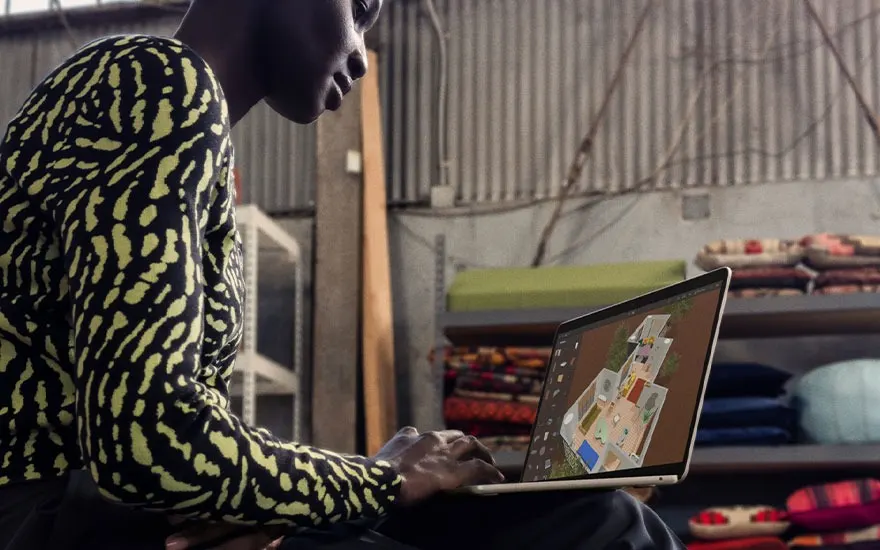
Person designs a colourful floor plan on a laptop in an industrial workspace with fabrics and materials behind.

When choosing a laptop for photo and video editing, there are several crucial aspects to consider. A powerful processor such as an Intel Core i7/i9 or AMD Ryzen 7/9 is the foundation for smooth performance, while MacBook users need at least an M3 chip. In addition, a powerful graphics card is indispensable for professional image editing. The RAM must be at least 16 GB for photo editing and 32 GB for video editing. Also, make sure you have more than enough storage capacity, at least 2 TB. A high-quality display with Full HD resolution is sufficient for photos, but for video editing, we recommend a higher resolution.

Frequently Asked Questions

These articles may also be interesting for you