MM logo white 1
MM logo red
Image description is not available

How do you clean your AirPods?

Femke27 NOVEMBER 2025
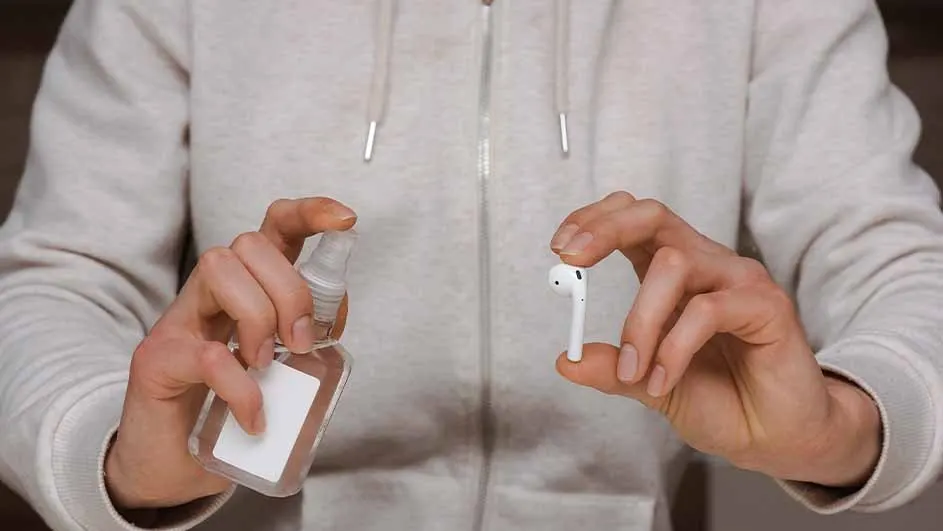
A person holds a hand sanitizer bottle and white earbuds. Background shows a shelf with objects.

It’s important to clean your Apple AirPods regularly. Dirt and dust can reduce sound quality, while routine maintenance extends the lifespan of your AirPods. It’s also more hygienic, and your favourite music sounds much better with clean AirPods.

Why do you have to clean your AirPods regularly?

Hands hold a clear sanitizer bottle and a white earbud, against a gray hooded sweatshirt.

You should clean your AirPods regularly to prevent damage and issues. Cleaning your AirPods can help avoid:

  • Poor performance: built-up dirt in the earbuds can cause crackling, hissing, or noticeably quieter sound.
  • Skin irritation: regular cleaning helps prevent potential irritation from residues such as sweat, soap, shampoo, make-up, and lotions that can remain on your AirPods.

Still experiencing crackling, hissing, or reduced performance in one earbud after cleaning? You may need to reset your AirPods.
What do you need to clean your AirPods?

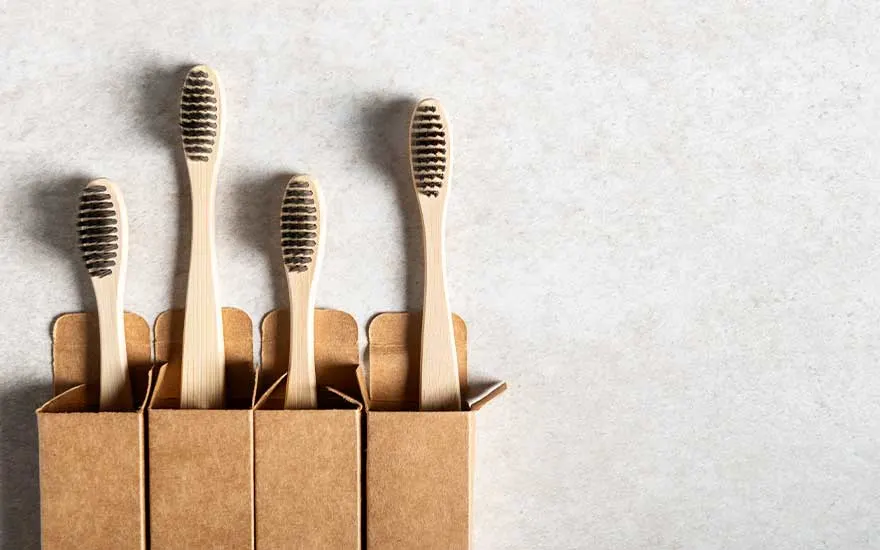
Four bamboo toothbrushes with dark bristles stand in simple cardboard boxes, set against a light, neutral textured background.

To clean your AirPods carefully, you’ll need:

  • Micellar water with PEG-6 Caprylic/Capric Glycerides.
  • Distilled water.
  • A soft toothbrush.
  • 2 small cups.
  • A paper towel.
  • A soft, lint-free cloth.
  • Optional: a little isopropyl alcohol.

Steps to clean your AirPods

It’s important to clean your AirPods and charging case separately, as they contain different components that each require a different approach. By working carefully, you’ll keep the sound clear and extend the lifespan of your earbuds.

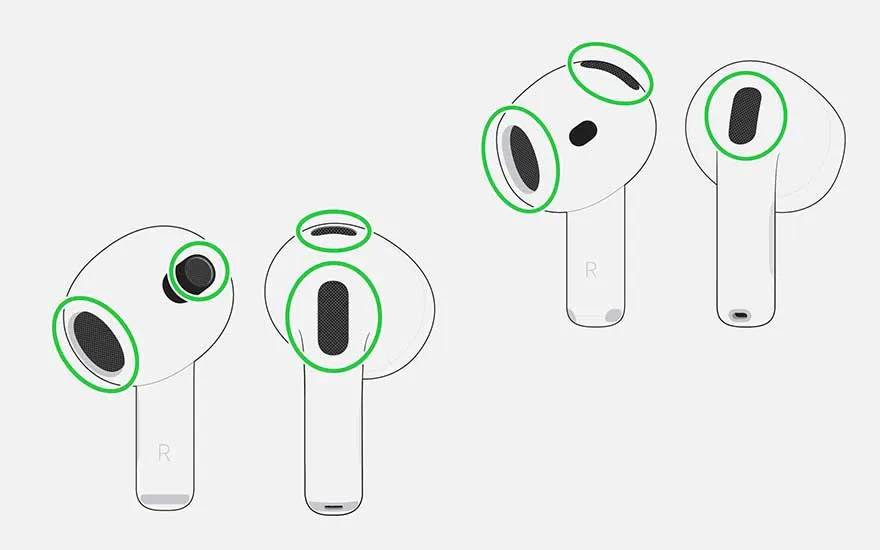
An illustration displays several views of white earbuds, with green circles highlighting key speaker openings and sensor zones.

How do you clean the meshes of your AirPods?

  1. Prepare for cleaning. Pour a small amount of micellar water into a cup.
  2. Wet your brush. Dip a soft toothbrush into the micellar water until the bristles are well moistened.
  3. Clean the mesh. Hold the AirPod with the mesh facing upwards and gently brush the mesh in small circles for about 15 seconds.
  4. Tap dry. Turn the AirPod over and gently tap the mesh against a paper towel to draw out the moisture.
  5. Repeat. Perform these steps a total of 3 times per mesh for a thorough clean.
  6. Rinse with distilled water. Rinse the brush, dip it in distilled water, and repeat the previous steps once more to remove any micellar water residue. Be careful not to apply too much water to the mesh.
  7. Let it dry thoroughly. Place the AirPods in a dry spot and leave them to dry for at least 2 hours before using them again or putting them in the charging case.

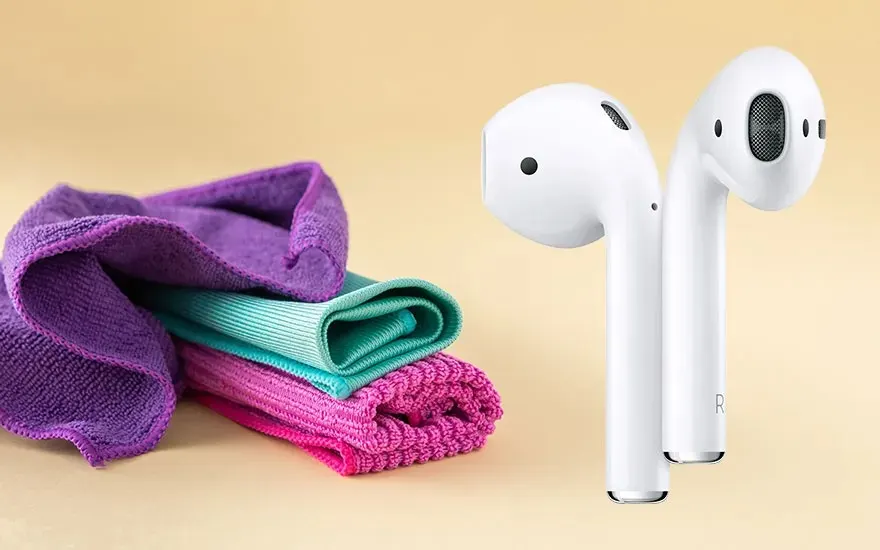
Two white wireless earbuds stand upright beside neatly folded microfibre cloths in bright purple, turquoise and pink on a beige background.

How do you clean the body of your AirPods?

Have your AirPods come into contact with substances that can stain or cause damage, such as soap, shampoo, lotion, perfume, solvents, oil, sunscreen, or hair dye? If so, follow these steps:

  1. Clean gently. Lightly dampen a soft cloth with water and carefully wipe the exterior of your AirPods. Then dry them immediately with a dry, lint-free cloth.
  2. Let them dry thoroughly. Wait at least 2 hours for your AirPods to dry completely before using them again or placing them in the charging case.

Never hold your AirPods under water and do not use sharp or abrasive materials. This will help prevent scratches and moisture issues and preserve their shine and performance.

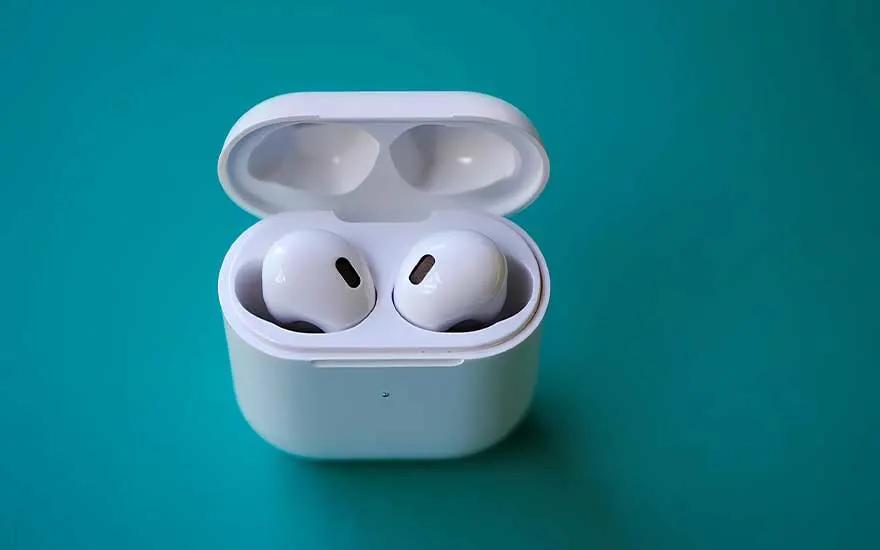
A compact white charging case rests on a plain turquoise surface, showing two wireless earbuds neatly inside the open lid.

How do you clean your AirPods case?

Here’s how to safely clean your AirPods charging case:

  1. Remove dirt from the charging port. Use a clean, dry, soft (tooth)brush to gently lift away dust and dirt. Never insert anything into the charging port to avoid damaging the metal contacts.
  2. Clean the exterior. Wipe the case with a soft, dry, lint-free cloth. Is there stubborn dirt? Lightly dampen the cloth with a little isopropyl alcohol.
  3. Let the case dry thoroughly. Ensure no liquid enters the charging ports and never use abrasive materials or cleaning agents. Allow the case to dry completely before charging your AirPods again.

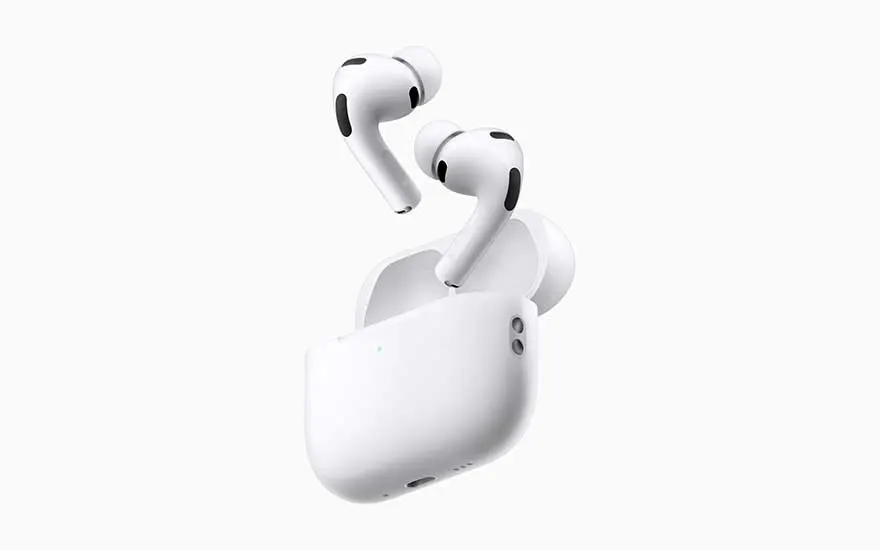
A pair of white wireless earbuds hovers above an open charging case, isolated cleanly against a completely white background.

For AirPods Pro: remove and clean the silicone ear tips

Here’s how to properly clean your AirPods Pro ear tips:

  1. Remove moisture carefully. Noticed moisture in an ear tip? Hold the AirPod with the tip facing down and gently tap it against a dry, lint-free cloth to let the moisture drain safely.
  2. Rinse the ear tips. Pull the tips off your AirPods and rinse them with plain water. Do not use soap, alcohol, or cleaning agents, as these can damage the material.
  3. Let them dry thoroughly. Blot the tips with a soft, lint-free cloth and then leave them to dry. Only reattach them once they are completely dry.
  4. Click them back on. Click the ear tips back into place. Make sure they’re aligned in the correct oval position before clicking, so they seal properly and stay comfortable.

How to avoid cleaning your AirPods incorrectly

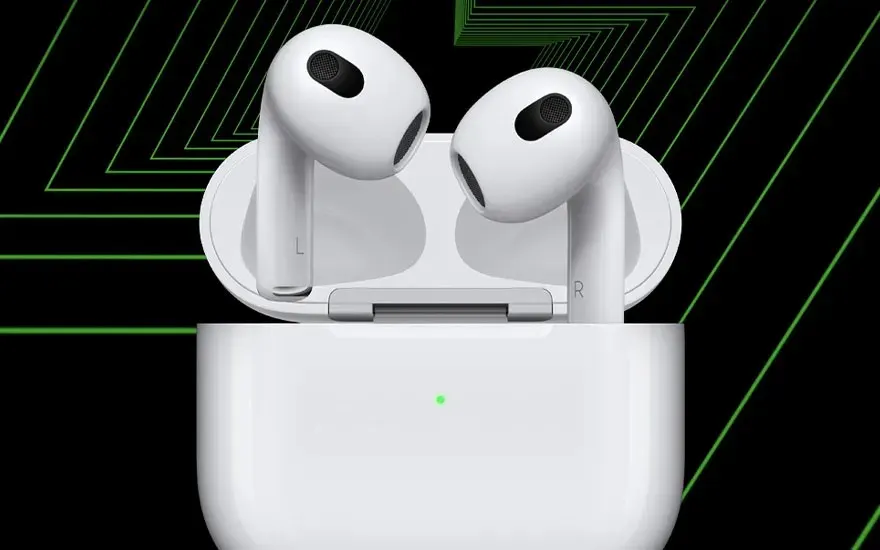
A white pair of wireless earbuds stands upright in an open charging case, set against a bold black and green graphic background.

Keep your AirPods clean but do it the right way. Never use cleaning agents and be careful with excess water; moisture can seep into the openings and damage the earbuds. Avoid toothpicks, needles, and other sharp objects, as they can easily pierce the fine mesh and degrade sound quality. Instead, use a soft, dry cloth to gently wipe away dirt. Use a dry cotton bud to clean the small openings. This keeps your AirPods hygienic, your music sounding clear, and helps them last longer.

Our advice on cleaning your AirPods

Two people chat casually in a bright kitchen, while a woman wearing wireless earbuds listens attentively to music or a call.

Have you just bought brand-new AirPods, such as the AirPods 4? Naturally, you’ll want them to last as long as possible. It’s important to clean your AirPods regularly to maintain sound quality and comfort. Clean the earbuds, the exterior, and the charging case separately so each part gets the right attention. Use a soft cloth with a little micellar water and follow up with distilled water to gently remove dirt and earwax. Work carefully: never use too much liquid, harsh cleaning agents, or sharp objects, as these can damage your AirPods. This way, you’ll keep them fresh, hygienic, and in top condition.

Which AirPods should you choose?

Frequently asked questions

View similar articles