MM logo white 1
MM logo red
Image description is not available

How do you type a euro sign on a MacBook?

Daan21 OCTOBER 2025
A person uses a laptop with a black keyboard, while holding a smartphone on a light brown surface.

Typing the euro symbol (€) on a MacBook is a little different from doing it on a Windows laptop. Although you’ll find the € symbol printed next to the number 2 key, there are a few different ways to type it.

The key combination for the euro sign on your MacBook

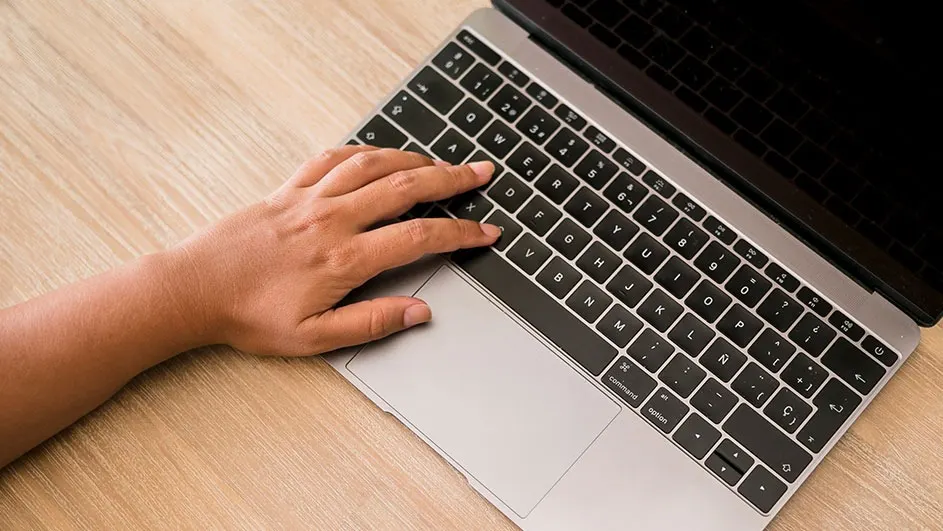
A hand types on a gray laptop with a black keyboard on a light wood surface.

The simplest method is to use this shortcut:

  • Hold down the Option (⌥) key.
  • Tap the number 2 key.

This works on Macs set to the standard Dutch keyboard layout. If you’re using a different layout, the shortcut might vary. You can change your keyboard layout under: System Settings- > Keyboard -> Text Input.

How to record your screen on a MacBook

Other ways to insert the euro sign on your MacBook

Does the euro symbol shortcut work on other Apple devices?

Our advice for typing the euro sign on your Apple MacBook

A gray desk features a laptop being typed on, a notepad with a pen, a cell phone, and a white cup of coffee.

If you’re new to Mac, finding the € symbol might be a bit tricky at first. But once you know it’s Option + 2, it becomes second nature. If that doesn't work, the character viewer is a reliable backup.

Tips voor als je Mac niet opstart

FAQs

These articles may also be interesting for you