MM logo white 1
MM logo red
Image description is not available

Which PC should you choose?

Daan27 NOVEMBER 2025
A desk has a monitor, keyboard, and two speakers. The background is a brick wall.

Whether you need a PC for school, gaming, or creative work, it's important to know what to look for. In this article, we discuss various aspects such as use, format, operating system, processor, video card, RAM, and storage of a PC. This way, you can make a well-considered choice for the PC that suits you.

What are you going to use the PC for?

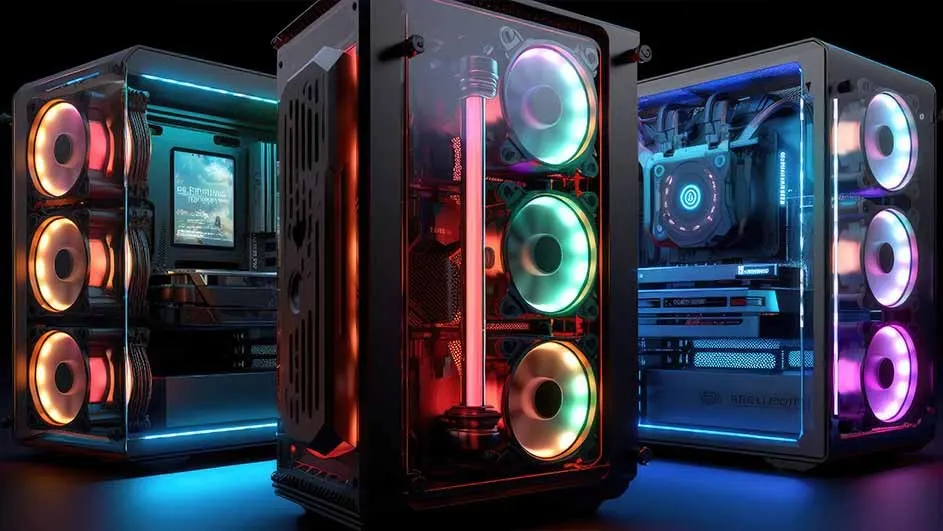
Gaming PC with a glass side panel, multicolor RGB fans, and liquid cooling, lit in a futuristic setup.

You should choose a desktop that best suits your use. If you mainly use a PC for work or study, you pay attention to different specifications than if you game fanatically on a desktop or if you often edit photos and videos. Each goal requires different functions. Below, you can see what you should pay attention to when choosing a new PC for each situation.

Check out the best desktops of today

Basic tasks for school and work

A person in a maroon shirt sits at a desk with computer monitors and a keyboard against a white wall.

For school or work, you mainly use your desktop for internet use, email, and video calling. It’s therefore especially important that your desktop starts up quickly and runs multiple programs at the same time. A PC with 8 GB of RAM and internal storage of, for example, 256 GB is often enough to have multiple tabs open without delay and to store many documents without worrying about lack of space.

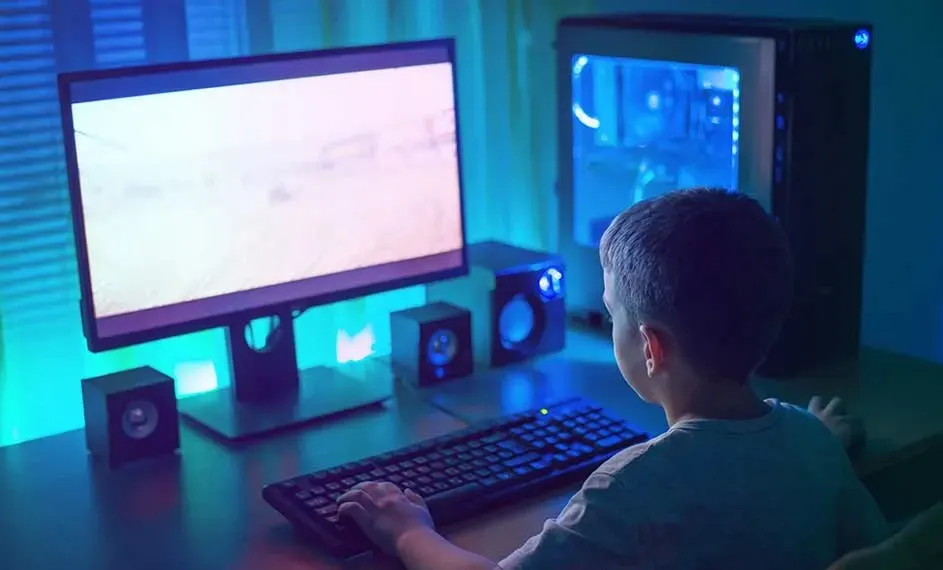
Child gaming at a desk on a PC with large monitor, glowing tower case and blue‑green ambient lighting in the room.

Gaming

If you like gaming, you want a desktop that responds quickly, gives a smooth image and has enough storage space for all your favourite games. That's why you need a desktop with at least 16 GB RAM and a powerful processor. At least go for Intel 5 or AMD Ryzen 5, although we recommend a desktop with an even stronger processor for playing big games like Call of Duty. A powerful video card is also important for avid gamers.

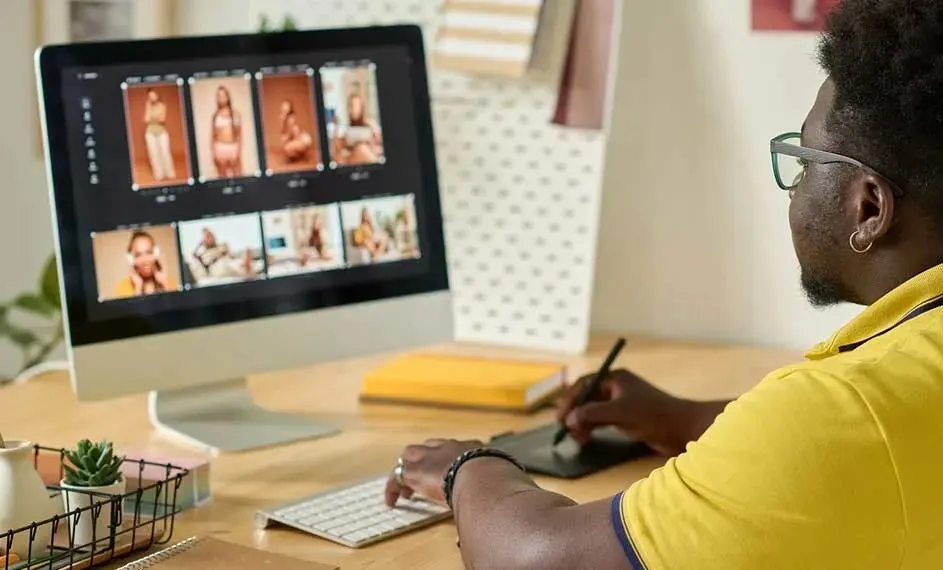
Designer editing fashion photos on a large desktop screen, using a stylus and keyboard on a neatly arranged wooden desk.

Photo and video editing

Are you a creative person who works a lot with photos and videos? You can regularly edit large files, and a powerful processor is indispensable. Choose 16 to 32 GB RAM, so you can work without slowing down. Your editing programs will then work smoothly and without any problems. Storage is also important. 512 GB or more is recommended for fast loading and saving of projects. Especially with video editing, you notice the difference between a regular desktop and one that is specially made for this type of task.

What size should your PC be?

PCs come in different sizes and even in different shapes. Most desktops have a standard size that will always fit on or under your desk. Do you have little space, or is it handy that you can easily take your PC with you? Then you are more likely to choose a powerful mini-PC. Go for an all-in-one PC if you're looking for a desktop and monitor in one.

Grey‑haired man smiling while working at a large monitor on an arm, seated at a bright, modern home office desk.

Standard form of desktop

The standard desktop fits on almost any desk. You can easily connect your screen and keyboard and you're ready for use. You can also easily expand the desktop with different connections. Think of a larger hard drive or a better video card. The standard shape is a bit on the large side, but it does have plenty of options. Handy if you want some flexibility or if you use the desktop for multiple purposes.

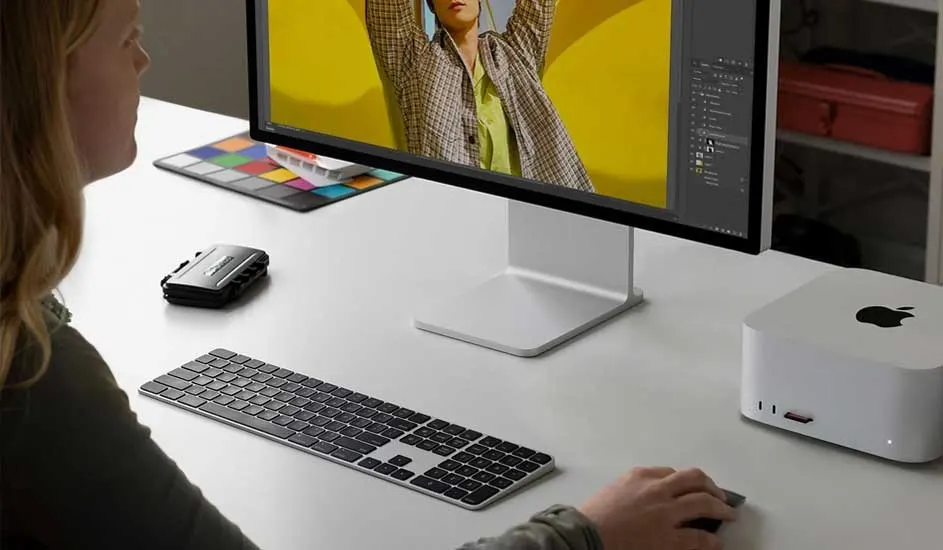
Person editing a bright yellow fashion image on a large monitor, with compact white desktop box and slim keyboard on desk.

Mini-PC - compact but powerful

Do you have little space on your desk, or do you regularly move your computer? Then a mini-PC is more for you. Make no mistake about the small casing, because most variants are incredibly powerful. You can easily store it behind your screen and put it away in no time. The mini-PC does have fewer options for expansion, but you don't necessarily need that for standard use. Look at the Apple Mac Mini or any of the other brands of mini PCs.

Woman in yellow jumper working at a desk, viewing travel photos on a monitor in a bright, modern industrial office.

All-in-one PC – the complete package

With an all-in-one PC, you have everything in one computer. The screen and the PC are fully integrated. Purchasing a new screen is not necessary. In addition, you have few loose cables, which equals to a tidy desk. It's easy to set up all-in-one PCs. Keep in mind that there are fewer entrances for expansion. But just like the mini-PC, this variant is very suitable for standard use.

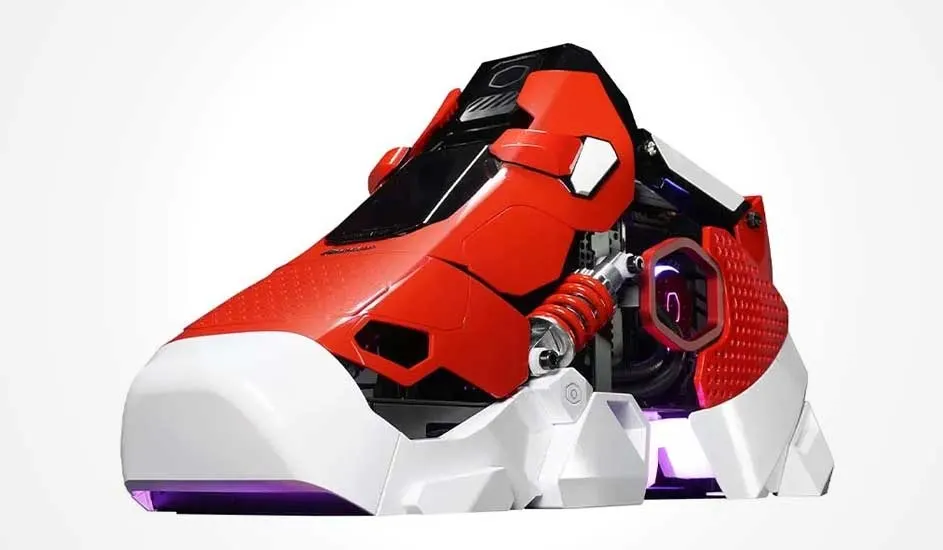
Futuristic red and white PC case shaped like a trainer, featuring exposed cooling, springs and subtle purple lighting.

Sneaker PC – for standing out

The sneaker PC is a PC like you've never seen before. This high-performance PC has a striking design that resembles a sneaker. A unique addition to your desk. The Sneaker X has a powerful processor and is specially designed for intensive use. Great for gaming PC or performing heavy tasks.

Which operating system do you want for your PC?

The operating system is the software that controls everything on your PC. Often the operating system is linked to the brand of PC you buy. For example, the Windows operating system is standard on desktops from Acer, Lenovo and ASUS. Apple desktops always run on the macOS operating system. Each system has its own advantages. Above all, look at what suits your needs and the devices you already use.

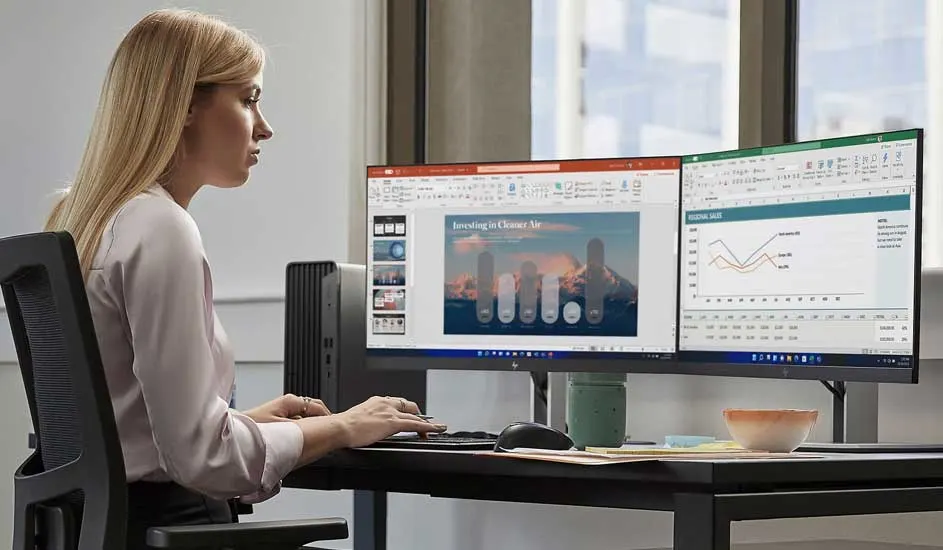
Woman working intently at a desk with dual wide monitors displaying charts and slides in a calm modern office space.

Windows

Windows is the most widely used operating system for PCs. An advantage of Windows is that you can choose from computers of different brands and from various price ranges. Windows PCs are suitable for school, work, gaming and entertainment, and there is a huge range of software and accessories available. With a PC running on the latest Windows 11, you'll be assured of the latest features and reliable security for years to come.

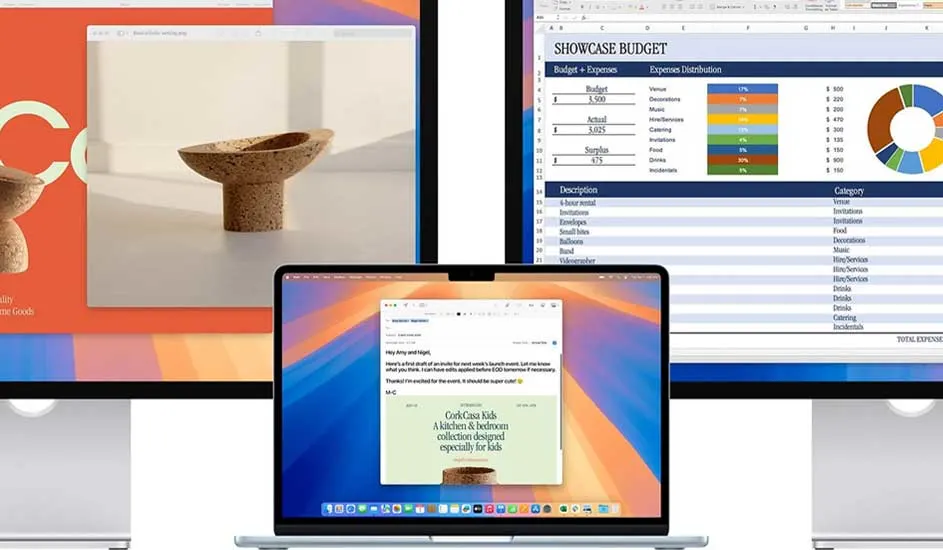
Laptop between two large monitors, showing a design image on one side and a colourful spreadsheet on the other.

macOS

Apple’s macOS operating system is known for its speed, smartness and security. Already have an iPhone or iPad? Then everything connects seamlessly to your iMac, Mac Pro or other model Apple PC. Creatives often choose an Apple desktop because macOS has many smart features for image editing. Think of the handy Apple Intelligence, which makes it very easy to edit videos with the help of AI.

What processor does the PC have?

A processor is the brain of your computer. For example, the power of the processor determines how quickly programs open on your desktop and how smoothly it can run multiple apps at the same time. Processors differ in speed, power, and price. Depending on what you want to use the PC for, you choose the processor that suits you. Apple PCs have their own powerful chip. For other brands, there are 2 major brands of processors to choose from: Intel and AMD.

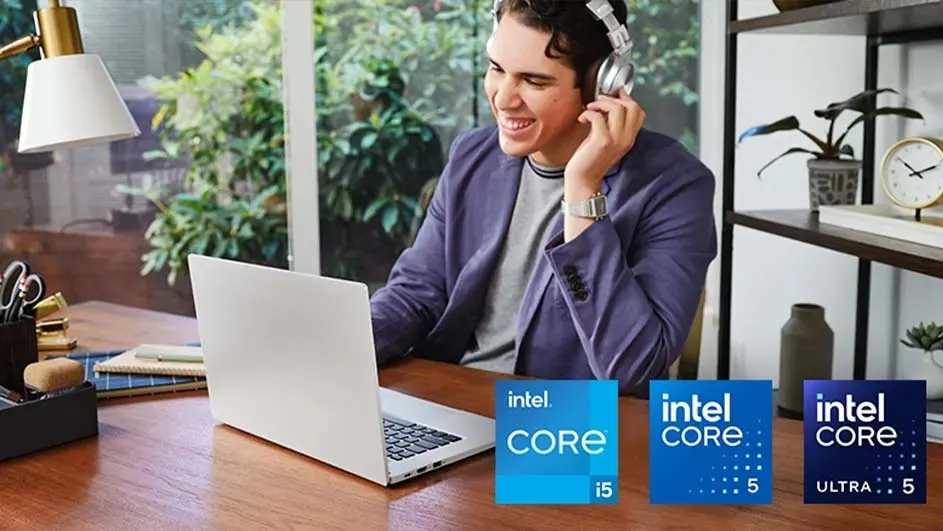
Young man wearing headphones smiling at a laptop on wooden desk, with plants, desk lamp and Intel Core logos below.

Intel

Intel processors are known for their powerful performance, energy-efficient chips, and broad support. For basic tasks, such as e-mail and browsing the internet, a PC with an Intel Core i3 processor is enough. For work or study, you will benefit more from the slightly more powerful Core i5 processor. For creative software like Photoshop, go for an Intel Core i7 processor. Fanatical gaming or heavy video editing? Then Intel Core i9 fits best.

Find out which Intel processor you need
Close‑up of a hand gently placing a computer processor onto a motherboard, surrounded by tiny gleaming electronic components.

AMD

The various AMD processors resemble Intel's processors in terms of processing power. For example, the AMD Ryzen 3 processor is very similar to an Intel Core i3 processor. Go for such a processor if you use a PC for basic tasks. An AMD Ryzen 9 processor is best if you're crazy about gaming or editing videos. The difference between an AMD and an Intel processor[CV1] is in the little things. For example, an AMD processor has more cache memory, so it can perform multiple tasks at the same time a little more smoothly. An Intel processor, on the other hand, has more clock speed, so it can handle just a little more instruction at the same time.

How much RAM does your PC need?

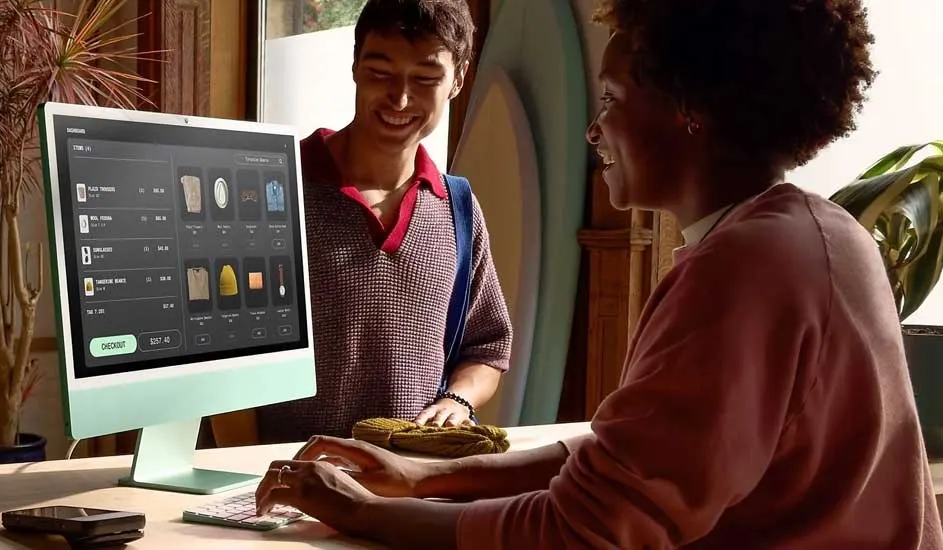
Two people at a counter, staff member using a mint green till screen full of product tiles while the smiling customer waits.

Your PC's RAM works closely with the processor. It determines how many tasks your PC can handle at once. For light, daily use of your PC, 4 GB of RAM is enough. For more intensive use, for example if you often have multiple programs open at the same time, you should go for 8 GB of RAM. Do you use your PC for gaming, video editing, or other demanding tasks? Choose 16 GB of RAM or more. This way, you can be sure that your desktop will perform these demanding tasks smoothly.

How much storage does your PC need?

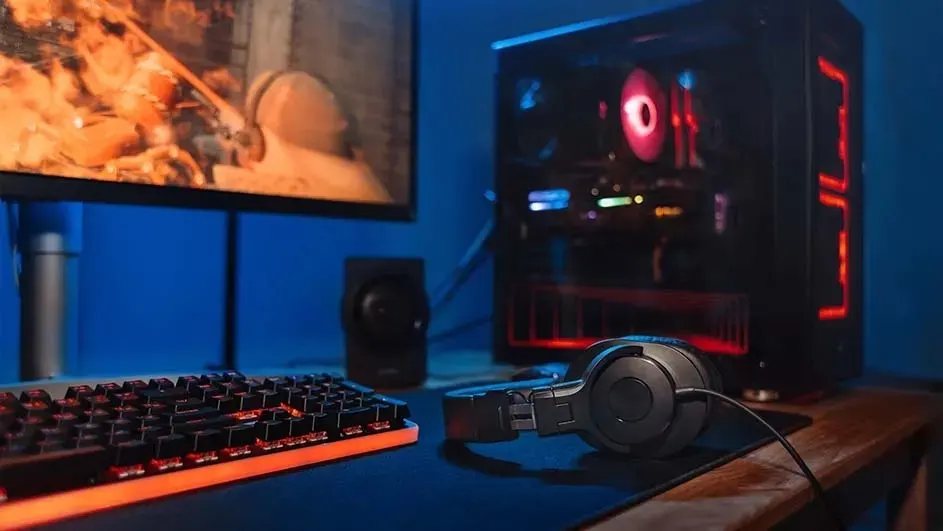
Gaming setup with lit keyboard, headphones on the desk, and a glowing PC tower beside a monitor showing an action scene.

Your PC's storage memory is important for storing files, programs, and playing games. How much storage do you need for your PC ? That depends on your use. For light tasks such as browsing the internet or word processing, little storage is sufficient. Do you work with large files or install a lot of software? Then extra storage on your PC is very useful. Gaming PCs often offer a lot of storage for large games, while business desktops have enough space for work files and programs.

Do you want a video card in your PC?

A video card runs the image on your PC. Simply put, without a video card, you won't see anything on your screen. All PCs have an integrated video card that is sufficient for basic use, such as surfing the web or working in Office. Do you mainly use your PC for the image experience, for example while gaming or editing videos? Then it's smart to choose a desktop with the most powerful video card. Sometimes you can also purchase them separately and install them in your PC.

Do you want a PC with AI?

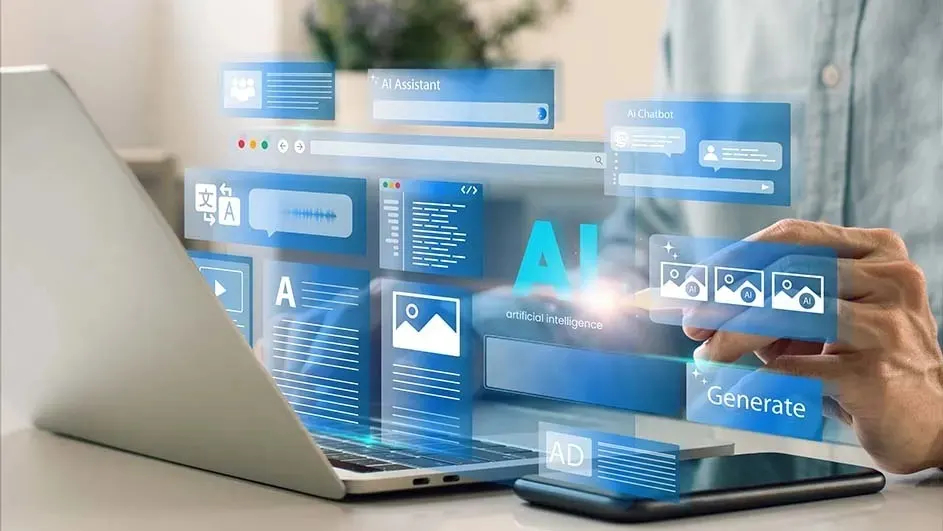
Hands using a laptop surrounded by glowing AI interface windows, with chatbot, image and text tools floating above the screen.

More PCs are equipped with smart AI features such as Copilot. Artificial intelligence can help you make summaries, write texts or easily edit photos. Not every PC is AI-capable. Only models with enough memory or a certain chip can handle this. These are, for example, the Copilot+ PCs. Those PCs are equipped with the latest technologies in the field of AI. They are specially made to take your creativity and productivity to the next level.

Peripherals for your PC

A PC only works well with the right peripherals. Think, for example, of a good monitor, mouse and a pleasant keyboard. Accessories such as good PC speakers, handy computer cables or a printer are also nice. This way you complete your computer setup.

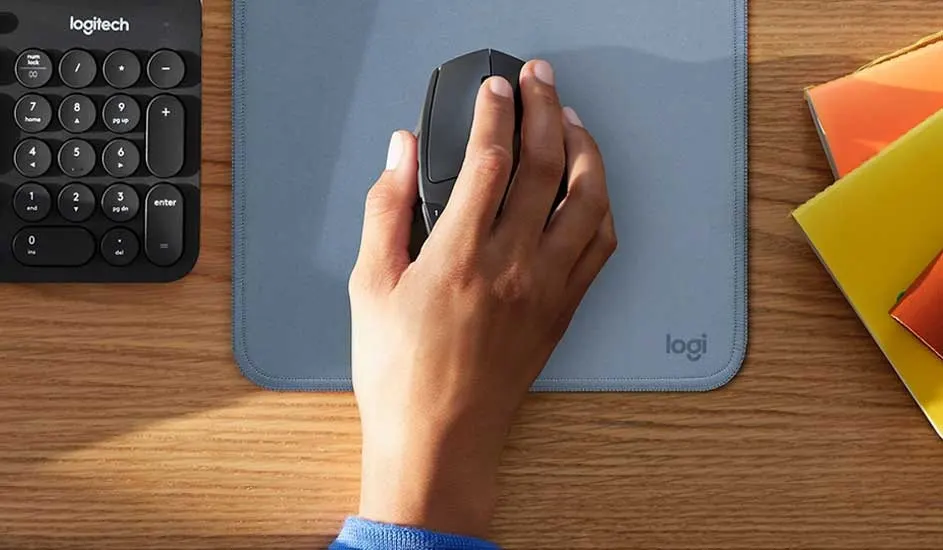
Hand holding a black mouse on a blue Logitech mat, next to a compact keyboard and colourful folders on a wooden desk.

Mouse and keyboard

Which mouse or keyboard you choose depends on what you're going to use them for. There are wireless models for more room to move and fewer cables. A wired mouse is useful if you want a stable connection without batteries. There are also ergonomic variants for extra comfort. Handy if you often sit behind the PC for work, for example. Don't forget the mouse pad. This ensures more precision and prevents damage to your desk.

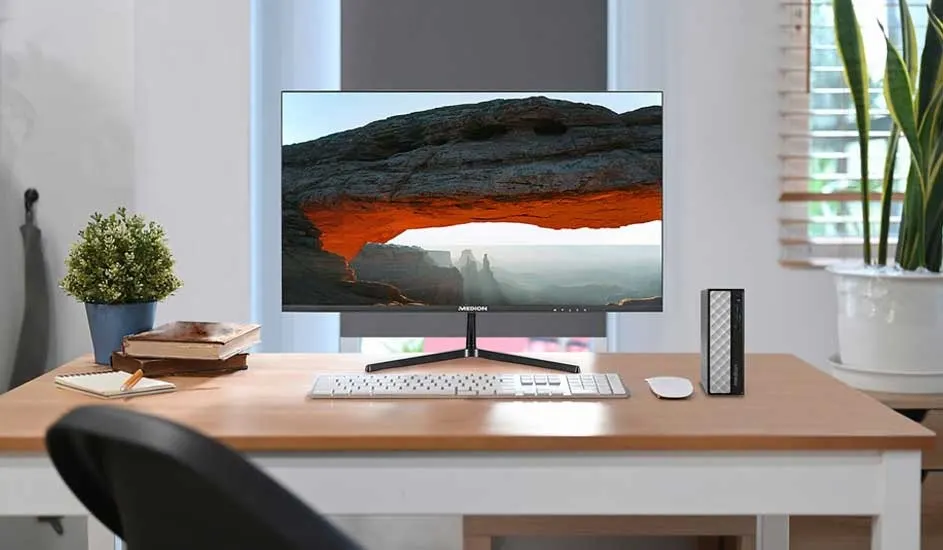
Neat desk with slim monitor showing a rocky arch landscape, white keyboard and mouse, plant and books in soft daylight.

One monitor

With the right monitor, you can work or play much more pleasantly. Not every PC comes with a screen; this is only the case with all-in-one models. If you spend a lot of time behind your monitor for work, a model with a blue light filter and adjustable stand is more comfortable. For gaming, you'd rather want a monitor with a high refresh rate. This is indicated in hertz and determines how smoothly the images appear on your monitor, even during fast-paced, flashy action games. In this case, go for a monitor with at least 180Hz.

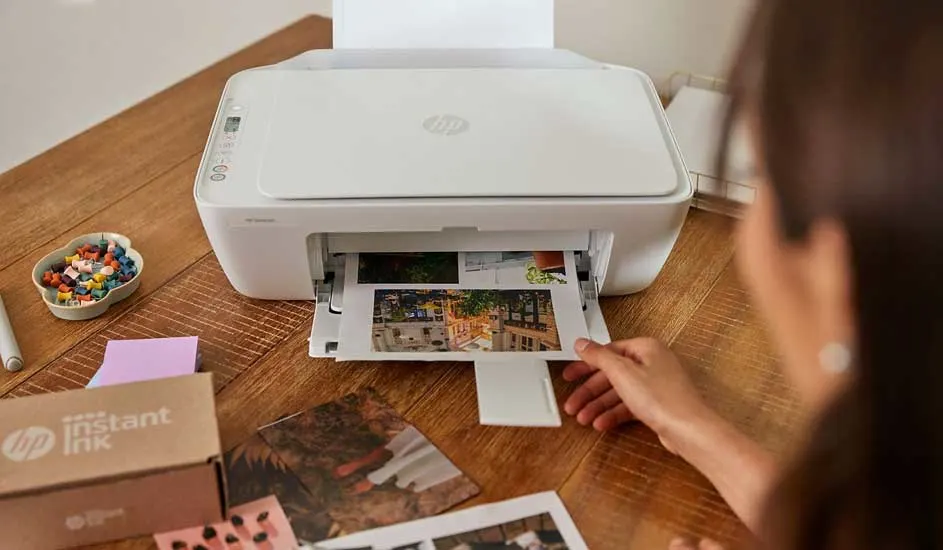
Woman using a white HP printer on wooden table, colourful photos sliding out beside Instant Ink box and craft supplies.

Printer

A printer is useful for printing, copying and scanning documents. There are all-in-one printers that can also scan and copy. But maybe you find it useful that you can easily print from your phone or tablet. In addition, there are also simple models for basic use. Think in advance about how often and for what you use a printer. Choose a model that suits it.

Check out the best printers of the moment
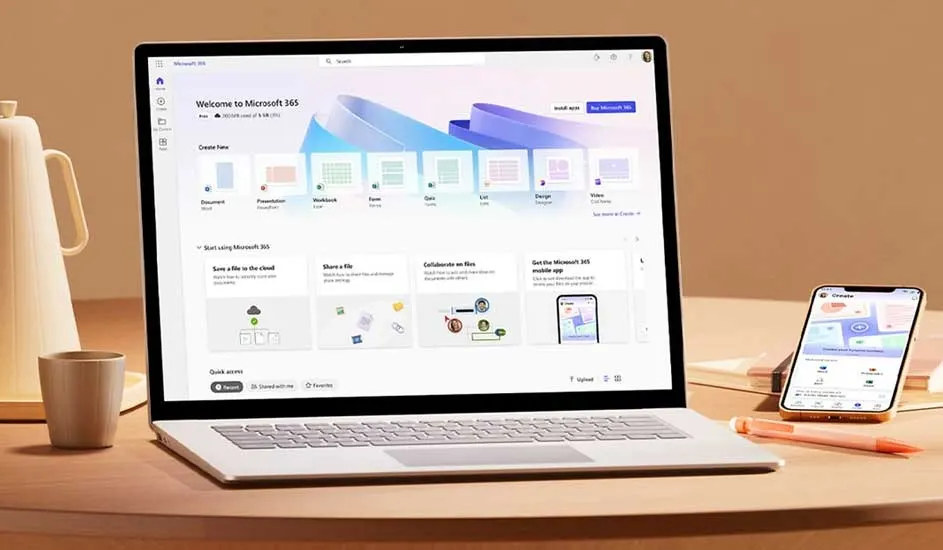
Open laptop showing Microsoft 365 home screen, with smartphone, mug and pen on a round table in warm soft lighting.

Software and anti-virus package

To work properly and safely on your PC, you also need certain software. Think, for example, of Microsoft Office for the programs Word, PowerPoint and Excel and an antivirus program that protects your PC against viruses or other risks. Many of these programs often work in the background. After installation, you don't have to worry about it anymore.

All about Office

Our advice for choosing the right PC

Before you choose a PC, think about what you want to use it for. Based on this, you will look at the type of operating system, the speed of the processor and the RAM and storage space. In addition, other things such as smart AI capabilities and a good video card are worth considering. Complete the picture with the right peripherals. This way, you can be sure that you can use your new PC comfortably.

FAQs

These articles may also be interesting for you