Bring your dreams to life
Using Copilot and Windows 11 can inspire and support you like never before, from the meeting room to the canvas.

If you’re currently a Windows 10 user, it’s time to move over to the security, speed and innovation of a Windows 11 computer, available in various price ranges. Enjoy longer battery life {1} and a faster internet experience for greater productivity. With advanced Copilot AI tools that enhance your Windows 11 computer, you can work more productively, creatively and intelligently, with the peace of mind that comes from modern security.
Using Copilot and Windows 11 can inspire and support you like never before, from the meeting room to the canvas.
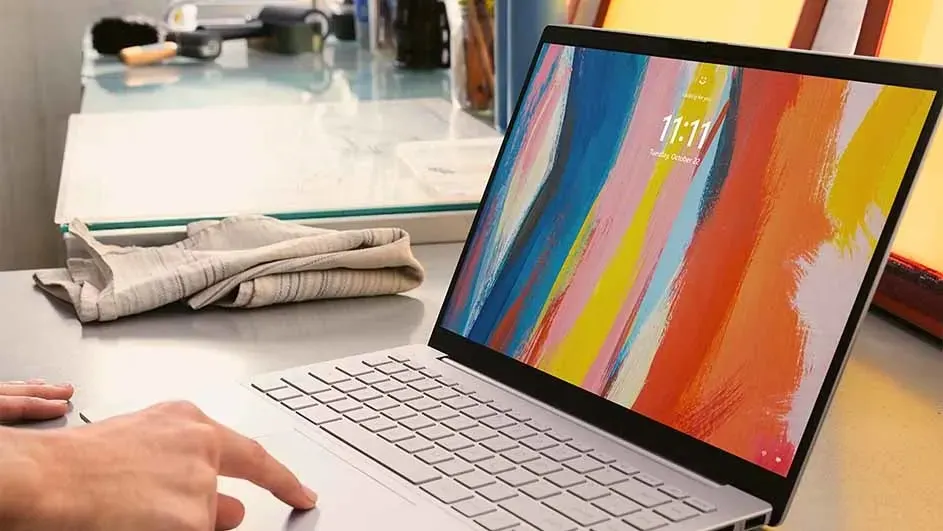
As soon as you power on your Windows 11 device, you benefit from the highest standard in Windows security.
Apps load at lightning speed, with longer battery life {1}. These devices provide power, graphics capabilities and memory capacity to take your work and gaming to the next level.
Do you want to experience the ultimate Windows? Upgrade to a new Windows 11 device that lets you do more. Support for Windows 10 ended on 14 October 2025.
Support for Windows 10 ended, which means there will no longer be any security updates available. A new laptop with Windows 11 offers improved performance and advanced AI functionality, allowing you to work more efficiently and achieve more in less time. On top of that, smooth integration with peripherals and applications ensures an optimal user experience, while hardware-backed security protects your data against threats. With features such as Windows Hello and longer battery life, you can log in quickly and securely and work uninterrupted all day long.
Which one is right for you? Answer a few questions now to find out which PC suits you.
Feel at home on your new computer straight away. With Windows Backup you can transfer your favourite settings, files, apps and preferences from your old computer to your new PC.
We work with YouTube to show you videos with further information about products and services. We need your consent to display the content.
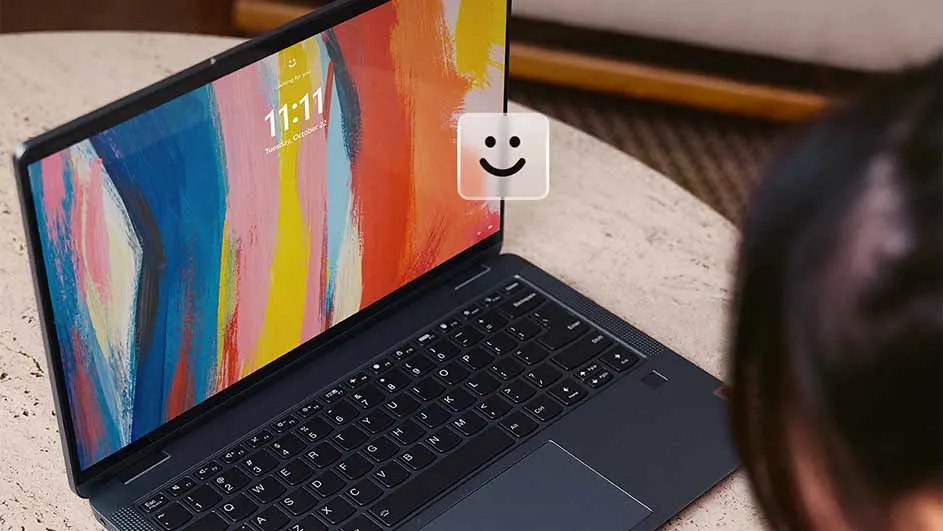
Forget passwords: Windows Hello offers a faster, more personal, and more secure way to instantly access your Windows devices using facial recognition, a fingerprint, or a PIN.
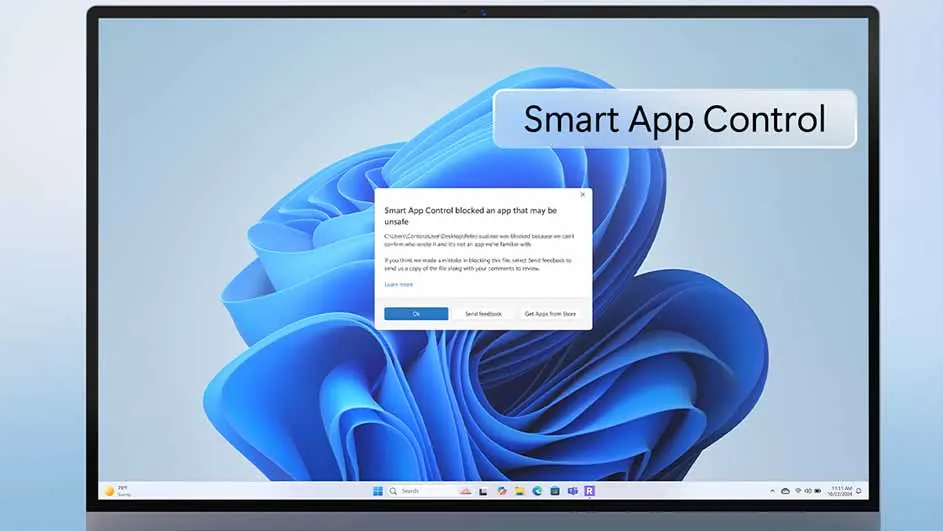
Have you ever downloaded an app and wondered if it's safe? Smart App Control in Windows 11 uses the predictive power of AI to determine whether an app is safe, so you never have to worry about app trustworthiness again.
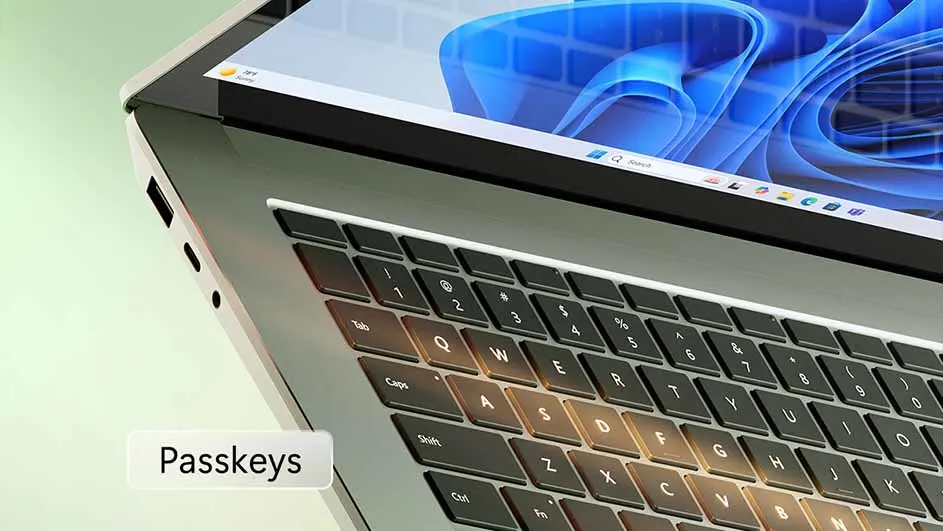
Your device stores passcodes as digital login credentials. They provide an easy, fast, and secure way to access online accounts. Using passcodes to log in protects you from phishing attacks.
The computer you can talk to
Copilot Vision understands what is shown on the screen, and you can use Voice to ask questions about it, get ideas, or receive step-by-step guidance on what to do next.
{1} Battery life varies significantly based on device and settings, usage and other factors. See aka.ms/cpclaims.
{2} May require a Windows Update or app download from the Microsoft Store.
{3} Biometrics are hardware dependent. Only available in the latest version of Windows 11. To keep you as safe as possible, you need to start with a new system. PCs that have run previous versions of Windows must perform a complete reset of the Windows 11 operating system for the feature to work. Available only in North America and Europe.