MM logo white 1
MM logo red
Image description is not available

Compare all Apple MacBooks

Daan25 MARCH 2026
Student works intently on a yellow laptop in a bright classroom, as the teacher leans over to help and classmates focus at nearby desks.

Unsure which MacBook is right for you? In this article, we clearly explain the differences and similarities between the MacBook Neo, MacBook Air and MacBook Pro. We look at design, performance, storage, connectivity and smart features such as Apple Intelligence, so you can easily choose the MacBook that matches your everyday use, studies or professional work.

What are the main differences between all MacBooks?

Student lounges in a leather chair by the window, sunlight on her face as she calmly works on a colourful graphic design on her laptop.
  • The MacBook Neo is Apple’s most affordable model and is ideal for students or if you mainly want to browse the web and watch videos.
  • The MacBook Air is the mid‑range model and is suitable if you multitask a lot and work on larger projects with multiple workflows.
  • The MacBook Pro is the most advanced model, with the most powerful chips (M5, M5 Pro and M5 Max), and is designed for creative professionals who work extensively with photo and video editing.

The differences between the Air and Pro explained
Compare MacBooks: all the differences between the Air, Pro and Neo

Property nameMacBook Neo A18 MacBook Air M5 MacBook Pro M5/M5 Max/M5 Pro
Suitable forSuitable for studying and light everyday tasksSuitable for multitasking and larger projectsSuitable for creative projects with powerful software
ChipsetA18 ProM5M5, M5 Pro, M5 Max
GPU5-core8-10-core10-32-core
CPU6-core10-core10-18-core
Memory8 GBFrom 16 GB up to 32 GBFrom 16 GB up to 128 GB
Storage256 GB, 512 GB512 GB, 1 TB, 2 TB, 4 TB1 TB, 2 TB, 4 TB (8 TB with M5 Max)
Battery lifeUp to 16 hoursUp to 18 hoursUp to 24 hours (up to 20 hours with M5 Max, and 22 hours with M5 Pro)
Screen sizes13 inch13 and 15 inch14 and 16 inch
PortsUSB 3 port (USB C), USB 2 port (USB C), headphone jack2x Thunderbolt 4 ports (USB C), headphone jack3x Thunderbolt 4 ports (USB C) with M5 / 3x Thunderbolt 5 ports (USB C) with M5 Max and M5 Pro, HDMI port, headphone jack and SDXC card slot
Dimensions1.27 cm × 29.75 cm × 20.64 cm1.13 cm × 30.41 cm × 21.5 cm and 1.15 cm × 34.04 cm × 23.76 cm1.55 cm × 31.26 cm × 22.12 cm and 1.68 cm × 35.57 cm × 24.81 cm
Weight1.23 kgFrom 1.23 kgFrom 1.55 kg
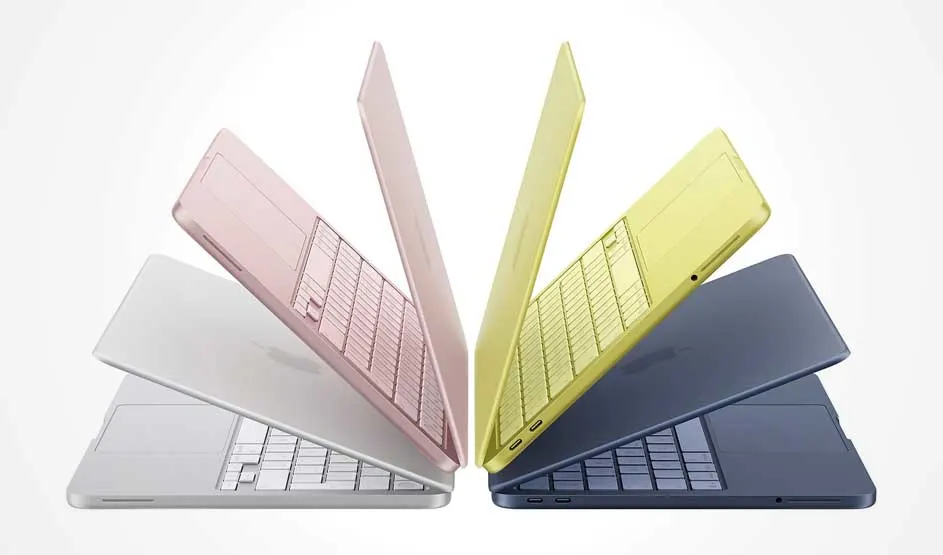
Four slim laptops in white, pink, yellow and dark blue sit half open in a fan shape, revealing their keyboards and sleek, thin profiles.

The design of different MacBooks

The MacBook Neo has a 13‑inch display. This compact model is available in 4 beautiful colours: silver, blush, citrus and indigo. The MacBook Air offers more choice in size, with 13‑ and 15‑inch versions. Both are available in sky blue, silver, starlight and midnight, so you can choose the size and look that suit you best. The MacBook Pro is aimed at users who need extra power and a more professional design. This model comes in 14 and 16 inches. Both sizes are available in 2 modern colours: space black and silver. With the MacBook Pro, you are choosing not only performance, but also a powerful, business‑like appearance.

Student sits on wooden bleachers in a sports hall, wearing a track jacket and beanie, typing intently on an open yellow laptop on their lap.

These are the dimensions of the different MacBooks:

  • MacBook Neo: 1.27 x 29.75 x 20.64 cm.
  • MacBook Air 13 inch: 1.13 x 30.41 x 21.5 cm.
  • MacBook Air 15 inch: 1.15 x 34.04 x 23.76 cm.
  • MacBook Pro 14 inch: 1.55 x 31.26 x 22.12 cm.
  • MacBook Pro 16 inch: 1.68 x 35.57 x 24.81 cm.

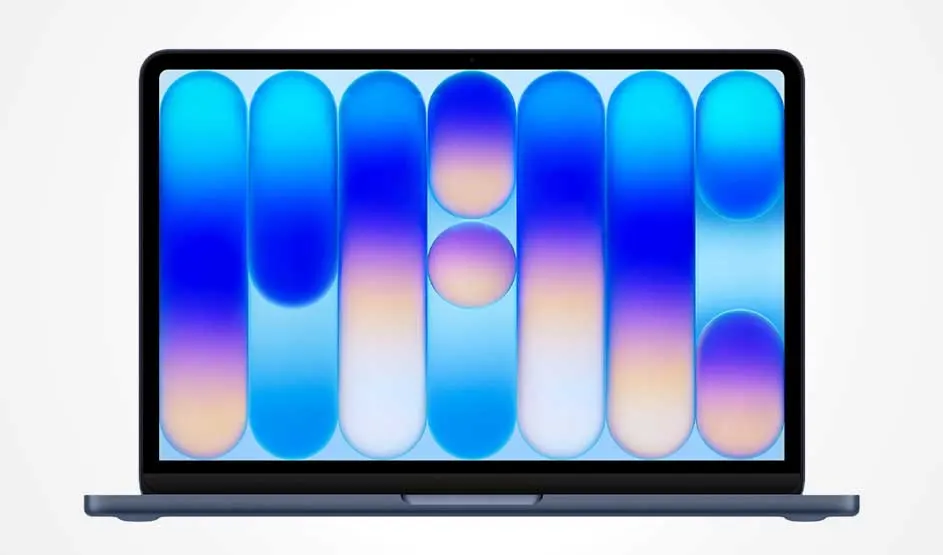
Blue laptop viewed from the front, screen filled with tall blue and purple capsules on pale background, forming a gentle abstract light pattern.

Performance of all Apple MacBooks

The performance of Apple MacBooks is closely linked to the chip inside each model. The MacBook Neo uses the A18 Pro chip, the same as in the iPhone 16 Pro and 16 Pro Max. This chip is ideal for administrative tasks, light office work, browsing and watching videos. Thanks to its energy‑efficient design, the battery easily lasts a full working or study day.

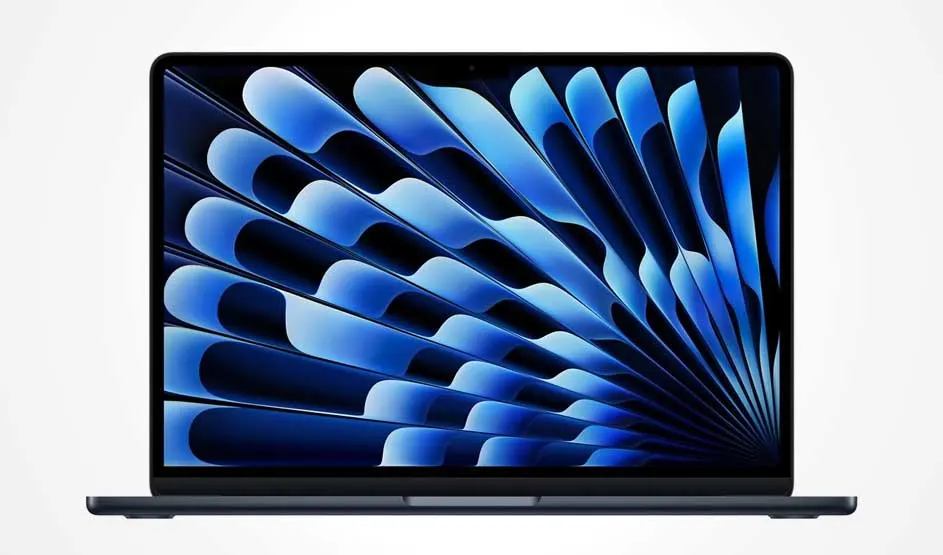
Slim laptop shown front-on, display filled with dynamic blue fan-shaped ribbons sweeping diagonally outward towards the lower right.

The MacBook Air is equipped with the M5 chip. This chip is more powerful and very well suited to multitasking, photo editing and casual to moderately demanding games. You can have multiple apps open at the same time without the MacBook slowing down. The long battery life makes it ideal for a long day of work or study.

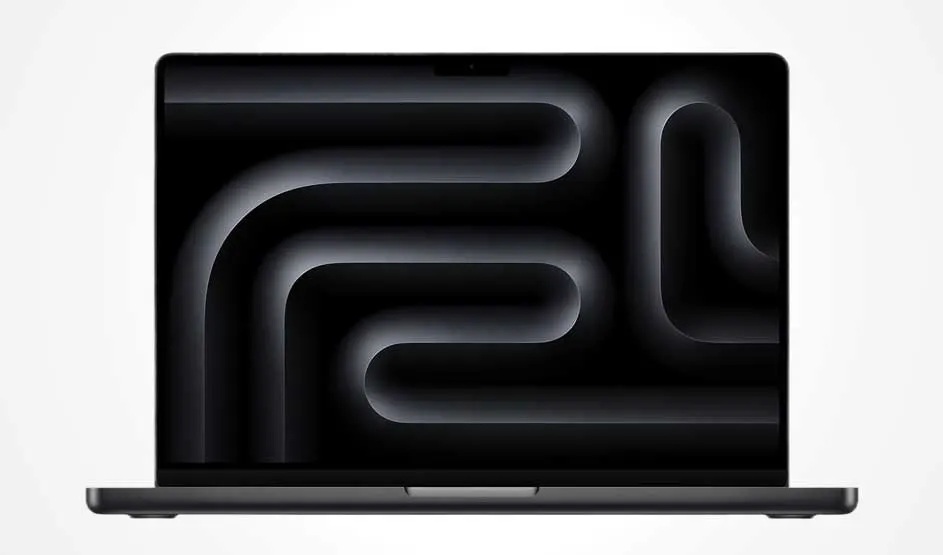
Laptop viewed front-on, screen shows dark grey tunnel-like pattern on black background, with slim bezels and a small notch at the top.

The MacBook Pro offers the most power and the most choice. You can choose between an M5, M5 Pro or M5 Max chip. The M5 version is comparable to the MacBook Air and suitable for intensive everyday use. The M5 Pro is designed for software developers and creative professionals who work extensively with, for example, code, photo and video editing. The M5 Max is the most powerful option and is aimed at extremely demanding tasks such as 3D video design, AI development, high‑end film editing and demanding games. Despite this high level of performance, the Pro models are designed to run for a full working day on a single battery charge under normal professional use.

Top view of yellow laptop as hands type; the display shows a vivid sports day website and an email window arranged neatly side by side.

Storage and memory of all MacBooks

The storage and memory of a MacBook determine how much you can keep on it and how smoothly your laptop runs. The MacBook Neo is the entry‑level model and comes with 256 GB or 512 GB of SSD storage. That’s sufficient for documents, light apps and your holiday photos and short video clips. It has 8 GB of memory, which is perfectly adequate for admin tasks, browsing and light everyday use.

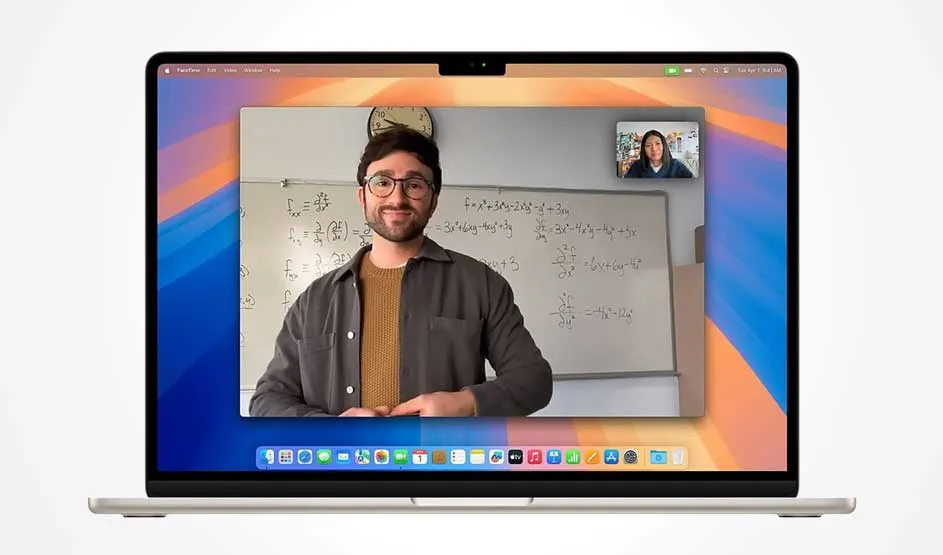
MacBook displaying video call with man teaching maths at whiteboard and student in small window at top right

The MacBook Air offers more choice. You can choose SSD storage of 512 GB, 1 TB, 2 TB or 4 TB, giving you plenty of room for larger photo libraries, projects and apps. You can tailor the memory to your needs: 16 GB, 24 GB or 32 GB. The more memory you have, the faster and more smoothly the MacBook handles multiple tasks at the same time. You’ll especially notice this if you use lots of tabs, creative software or more demanding programmes side by side.

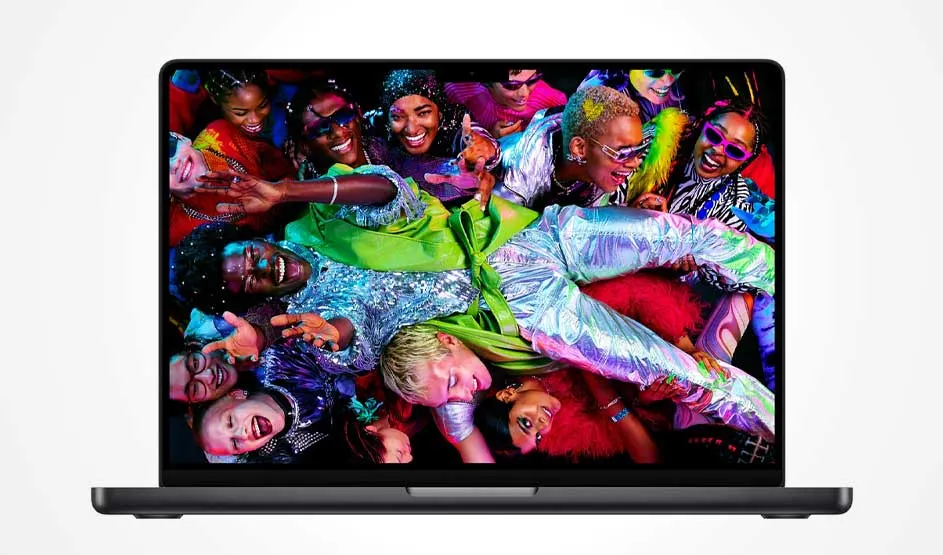
Laptop displaying diverse group of people in vibrant neon clothing celebrating together in colorful party scene

The MacBook Pro is aimed at professional users and offers SSDs of 1 TB, 2 TB or 4 TB as standard, and up to 8 TB on models with the M5 Max chip. This large amount of storage is ideal if you work with many large files, such as video projects or 3D assets. The memory in the MacBook Pro is also available in higher capacities, so the laptop can run heavy workloads and demanding software simultaneously without stuttering.

Person working at desk with MacBook and two external monitors displaying data dashboards and charts in modern office setting.

Camera and sound on the MacBooks

The camera and sound on the different MacBooks are designed for video calls, remote working and watching films and series. The MacBook Neo has a 1080p FaceTime HD camera, which keeps you clearly visible during online meetings and FaceTime calls. The sound comes from 2 speakers that provide clear vocals and solid audio for videos and music.

The MacBook Air and MacBook Pro go a step further. Both models have a 12 MP camera with Centre Stage, which keeps you automatically in the centre of the frame during video calls. The 13‑inch MacBook Air has a 4‑speaker audio system, while the 15‑inch version has 6 speakers with force‑cancelling woofers for fuller, deeper sound. The MacBook Pro offers a hi‑fi system with 6 speakers and force‑cancelling woofers, ideal if you have many video meetings, listen to a lot of music or work professionally with audio and video.

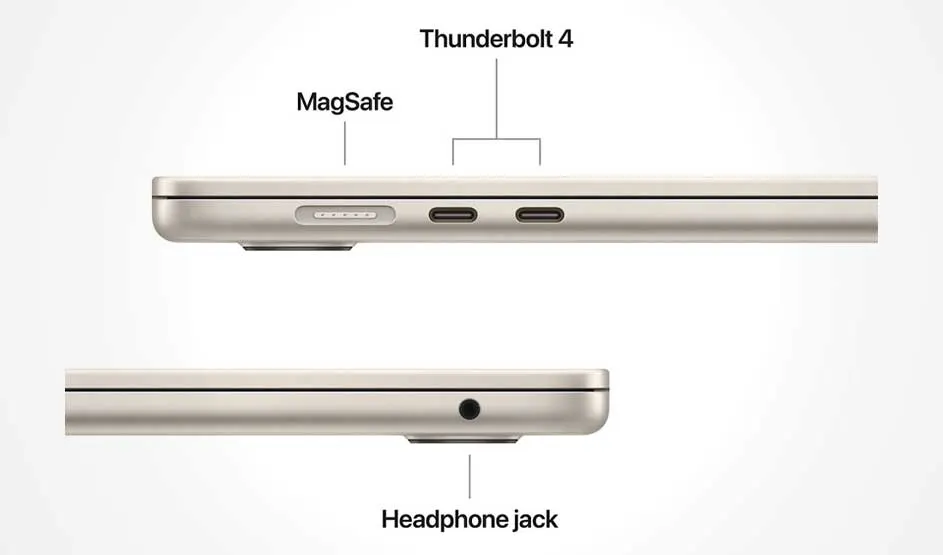
Gold MacBook showing side ports: MagSafe and two Thunderbolt 4 ports on top edge, headphone jack on bottom edge.

Connectivity options on the MacBooks

Each MacBook offers various connectivity options, making it easy to connect peripherals such as an Apple mouse, Apple keyboard, external hard drive or display. The MacBook Neo has a headphone jack for your headphones or headset, a USB 3 port (USB‑C) and a USB 2 port (USB‑C). This allows you to connect basic accessories and simple USB‑C devices without any hassle.

The MacBook Air also has a headphone jack, plus 2 Thunderbolt 4 ports (USB‑C). These ports let you connect fast external SSDs, displays and docks. The MacBook Pro offers the most connectivity. This model features a headphone jack, an HDMI port for connecting a monitor or TV, and an SDXC card slot, which is particularly handy for photographers. In addition, you get 3 Thunderbolt 4 ports on models with an M5 chip and 3 Thunderbolt 5 ports on versions with an M5 Pro or M5 Max chip. This makes it easy to connect multiple professional devices at the same time.

Key similarities between all MacBooks

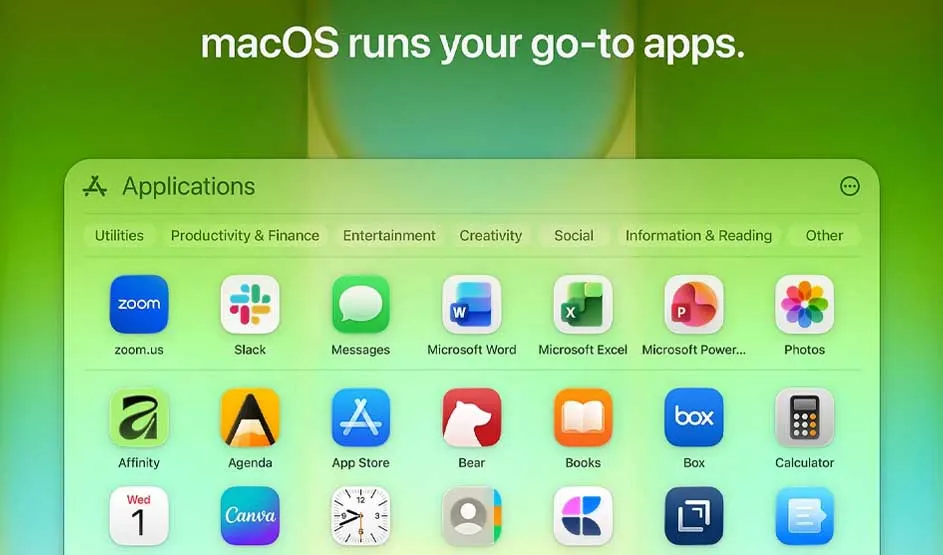
macOS Applications folder showing app icons including Zoom, Slack, Messages, Microsoft Office, Photos on green background

All MacBooks share a number of smart features that make your everyday use easier, safer and more consistent, no matter which model you choose.

  • All MacBooks support Apple Intelligence, allowing you to use AI to summarise text more intelligently, look up information and automate tasks.
  • All MacBooks run on macOS, Apple’s operating system, giving you access to built‑in apps and strong security.
  • Siri is available on every MacBook as a voice assistant, so you can quickly open apps, send messages and request information using your voice without interrupting your workflow.
  • All MacBooks support Apple Pay, enabling you to pay online quickly and securely without repeatedly entering your card details.
  • You can use Touch ID to unlock your Mac, confirm purchases and protect passwords with your fingerprint. On the MacBook Neo, Touch ID is available on the 512 GB model; on the MacBook Air and MacBook Pro, Touch ID comes as standard on all variants.

Our advice on comparing Apple MacBooks

Woman in pink jacket working on laptop at airport terminal with luggage beside her, overlooking runway through window.

Choose your MacBook based on how and where you work. The MacBook Neo is ideal as an entry‑level model if you mainly use your laptop for email, browsing and studying. The MacBook Air is a great fit if you want a light, quiet yet powerful laptop for everyday use and creative work where you need to multitask a lot. The MacBook Pro is the best choice for professionals who rely on demanding software to edit videos, write code or run 3D work, and who therefore need maximum power and high display quality.

FAQ

These articles may also be interesting for you