MM logo white 1
MM logo red
Image description is not available

The Apple MacBook Neo

Daan5 MARCH 2026
A hand balances a slim yellow MacBook Neo with a bold green graphic on screen and “Hello, Neo.” text on a clean white backdrop.

On 4 March 2026, Apple announced a brand-new MacBook range: the MacBook Neo. On this page, you’ll find all the features of this new laptop, from the design and chip to clever functions such as Apple Intelligence.

What is the MacBook Neo?

Young person lies on a pink bed with large white headphones, typing on a small laptop, surrounded by posters and warm fairy lights.

The MacBook Neo is a brand-new MacBook from Apple for anyone who wants the power of a Mac, but at a sharper price. In terms of performance, it comes close to the MacBook Air and MacBook Pro in many areas, but it’s especially ideal for students and users who mainly run lightweight apps and software. The big difference: the MacBook Neo runs on an iPhone chip (A18 Pro) instead of a Mac chip (M series). As a result, you get an efficient, fast laptop at an attractive price. Read on for all the features of this new MacBook and find out why this should be your next laptop.

Order the MacBook Neo

MacBook Neo specifications

A MacBook display shows a smiling person lying in a field of vivid orange and yellow flowers, captured in bright, lifelike colour and sharp detail.

The 13-inch Liquid Retina display offers a razor-sharp resolution of 2408 x 1506 pixels, 500 nits brightness and support for 1 billion colours. This means you can enjoy ultra-sharp images and vivid colours. Thanks to the anti-reflective coating, you can look at the screen comfortably even when the sun is shining directly on it, whether you’re streaming a movie, editing photos or in a video call.

The 512GB version adds Touch ID, so you can log in and confirm purchases quickly and securely. You also get a 1080p FaceTime HD camera, 2 speakers on the sides for spatial sound, and 2 microphones that suppress background noise and transmit your voice clearly during online meetings.

The design

Four half open MacBooks in silver, pink, yellow and blue form a fan shape, highlighting their slim design and fresh, playful colours.

The MacBook Neo has a 13-inch screen and is available in silver, blush (pink), citrus (yellow) and indigo (blue-grey). The robust aluminium casing is made from 60% recycled materials, the highest percentage ever in an Apple product. The soft, rounded corners give the MacBook Neo an elegant look, while it feels solid and comfortable in your hand. The MacBook Neo is light, just 1.2 kg, so you can easily take it with you wherever you go.

The MacBook Neo Magic Keyboard

Top view of a yellow laptop with several colourful windows open, as two hands rest on the keyboard against a clean light background.

This MacBook also uses Apple’s Magic Keyboard, but it’s the first MacBook to feature a colourful keyboard as well. The colours of the laptop continue in lighter shades on the Magic Keyboard and in the new wallpapers, so everything forms one stylish and colourful whole. The 512GB model uses Touch ID, allowing you to log in quickly, easily and securely and confirm purchases with Apple Pay.

View all MacBook accessories

The chip

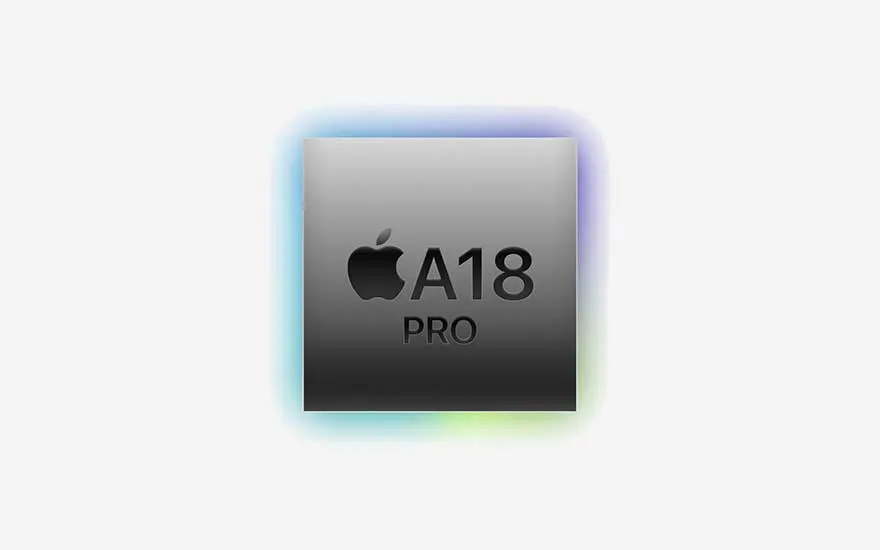
A sleek A18 Pro chip with the Apple logo floats centred on a pale background, framed by a soft, iridescent glow of rainbow colours.

Thanks to the A18 Pro processor (the same chip as in the iPhone 16 Pro), the MacBook Neo is lightning-fast in everything you do: from browsing and streaming to photo editing, creative projects and AI features in your favourite apps. Everyday tasks such as web browsing are up to 50% faster, and demanding AI workloads, such as applying advanced photo effects, are up to 3 times faster than on a PC with the latest Intel Core Ultra 5.

The 16-core Neural Engine ensures that Apple Intelligence and smart AI features, such as summarising notes in Bear or using Clean Up to tidy up photos, run smoothly and entirely on your device, keeping your data safe and private. And because the MacBook Neo doesn’t need a fan, it operates quietly.

Memory and battery

Person sits at a desk in a modern office, focused on a MacBook linked to a large monitor where detailed 3D animations are being edited.

The MacBook Neo lasts for up to 16 hours on a single charge, so you can work and stream all day without having to look for a socket. You can choose between models with 256 GB or 512 GB of storage, giving you plenty of space for all your apps, documents and photos. Both models come with 8 GB of memory.

Which operating system does the MacBook Neo use?

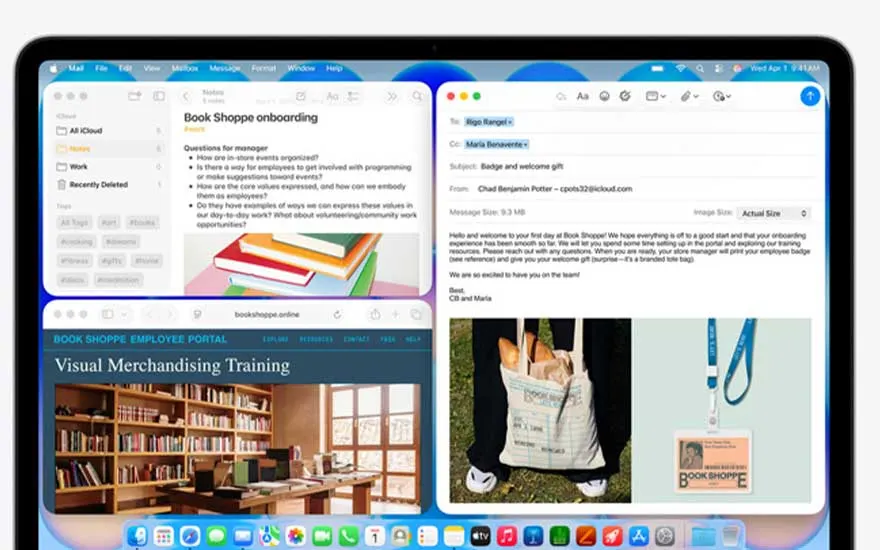
Screen displays several windows – notes, email, onboarding guide and a web portal – all neatly arranged on a bright, tidy desktop.

Like all other MacBooks, the MacBook Neo runs on macOS – specifically macOS Tahoe – with built-in apps such as Safari, Photos, Messages and FaceTime. So, you can get started straight away, whether you want to work or relax. You’re also well covered when it comes to privacy and security: this laptop offers strong protection against viruses, and automatic, free security updates help keep your data safe without you having to do anything.

How do you delete apps from your MacBook?

MacBook Neo and Apple Intelligence

An open MacBook shows colourful study apps with chemical formulas, illustrations and a ChatGPT window displaying a halved grapefruit image.

Apple Intelligence is fully integrated into the MacBook Neo and brings all the new AI features that other MacBooks also have. Functions such as Writing Tools, Live Translation and more are deeply built into macOS, making the apps you use every day much smarter.

MacBook Neo compared to the Pro and Air

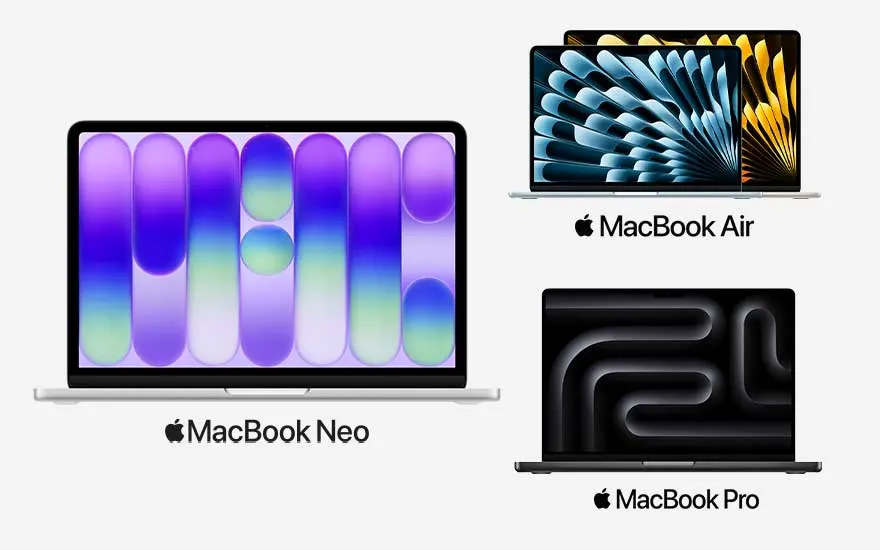
Large image of a MacBook Neo with purple artwork sits beside smaller MacBook Air and Pro, each displaying distinct dynamic screen designs.

Apple has 2 other MacBook ranges alongside the MacBook Neo: MacBook Air and MacBook Pro. Below, we compare the MacBook Neo with the MacBook Air M5 (the latest chip for the Air) and the MacBook Pro M5. In addition, Apple is introducing the M5 Pro and M5 Max chips for the MacBook Pro, designed specifically for heavy creative files and professional apps. In this comparison, we focus on the standard Pro model with the M5 chip.

Also compare the MacBook Air and the MacBook Pro
Property nameMacBook Neo MacBook Pro (M5)MacBook Air (M5)
Screen size13 inch14 inch (16 inch for the M5 Pro and M5 Max chip)13 and 15 inch
Display Liquid Retina display, 2408 x 1506 pixels, 500 nits brightnessLiquid Retina XDR display, 3024 x 1964 pixels, 1000 to 1600 nits brightnessLiquid Retina display, 2560 x 1664 pixels, 500 nits brightness
ColoursSilver, blush, citrus, indigoSpace black, silverSky blue, silver, starlight, midnight
Storage and memory 256 GB and 512 GB SSD and 8 GB memory1 TB, 2 TB and 4 TB SSD and 16 GB, 24 GB and 32 GB memory512 GB, 1 TB, 2 TB and 4 TB SSD and 16 GB, 24 GB and 32 GB memory
KeyboardMagic KeyboardBacklit Magic KeyboardBacklit Magic Keyboard
ChipA18 ProM5M5
Camera and audio1080p FaceTime HD camera and 2 speakers12MP Center Stage camera and hi-fi system with 6 speakers and force-cancelling woofers12MP Center Stage camera and 4 speakers
Battery lifeUp to 16 hoursUp to 24 hoursUp to 18 hours
Apple IntelligenceYesYesYes
Touch IDOnly with the 512GB modelYesYes
ConnectivityUSB 3 port (USB C) and USB 2 port (USB C)3 Thunderbolt 4 ports (USB C), HDMI port and part for SDXC card2 Thunderbolt 4 ports (USB-C)

Our advice on the MacBook Neo

Person relaxes in an armchair by a window, warm sunlight on their face, working on a laptop displaying bright, creative visuals.

Would you like a Mac but don’t use demanding professional apps? Then the MacBook Neo is a smart choice. You benefit from the power of a Mac without having to go straight for an Air or Pro. Thanks to the A18 Pro chip, this laptop feels different from other Macs, but it’s just as suitable for everyday work, studying and streaming.

Which laptop should you choose?

View similar articles