MM logo white 1
MM logo red
Image description is not available

How do you choose the best gaming monitor?

Daan8 DECEMBER 2025
A person sits at a desk with multiple monitors displaying 3D renders in a purple-lit room, using a computer.

You want a good monitor to game on, but how do you choose the best gaming monitor? There are many good monitors with an excellent refresh rate, high resolution and even curved monitors. MediaMarkt lists all the options for you so you can make the right choice.

Gaming monitor for the all-round gamer

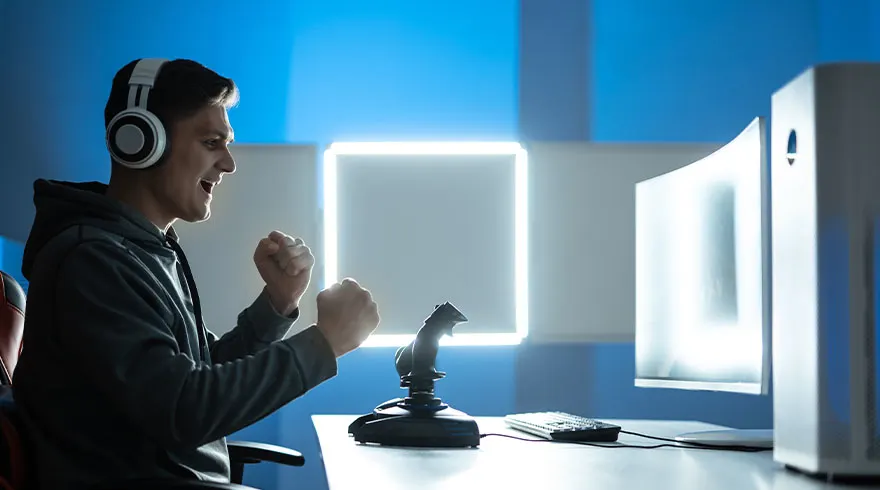
A gamer wearing headphones celebrates with raised fists in front of a monitor, joystick, and keyboard.

The most important thing to look out for when choosing a gaming monitor is that it has a low response time of at least 1 ms (millisecond) and a refresh rate of at least 144 Hz (hertz). This ensures smoothly moving images and prevents stuttering, which is essential for online gaming.

The best gaming monitors
Gaming monitor for full immersion in your game

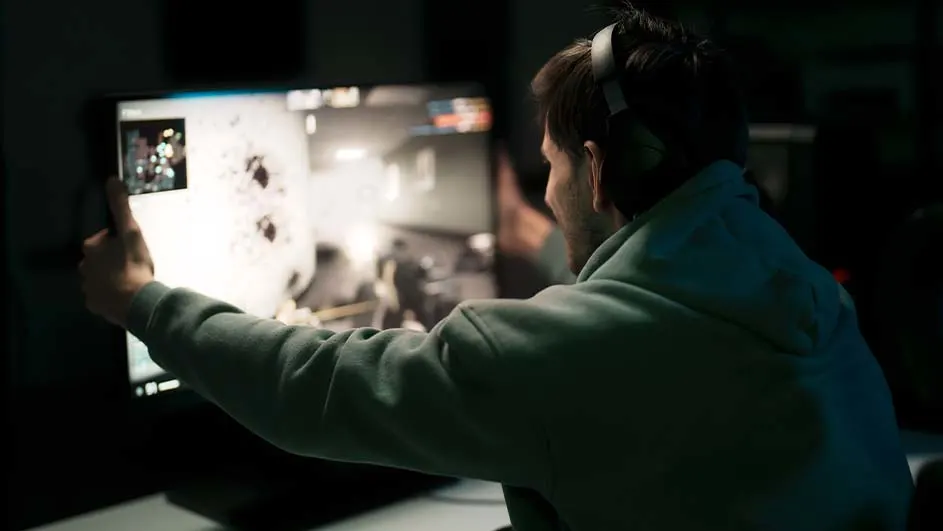
A person in a green hoodie wearing headphones looks at a computer monitor displaying a video game in a dark room.

To become fully immersed in your game, a monitor that is as wide as possible is highly recommended. With an ultrawide monitor, you have a very wide image with a 21:9 or 32:9 aspect ratio. Most of these gaming monitors are curved and follow the curvature of your eyes. This means that the image on the far left or right of the screen is no further away from your eyes than the centre. These monitors often also have a 10-bit colour depth, which provides more than 1 billion colours.

The best ultrawide monitors

Gaming monitor for the competitive gamer

Woman with headphones celebrates in front of a computer setup with a keyboard and mouse under neon lighting.

If you are a truly competitive gamer, then only one thing counts and that is speed. This is particularly important for shooters, so that you see your opponent just a fraction earlier or can follow them better while shooting. What you mainly need to look at then is the refresh rate of your gaming monitor. Therefore, go for a minimum refresh rate of 240 hertz. This gives you an incredibly smooth image and you will not experience stuttering during your game.

View the best monitors

Gaming monitor for the console gamer

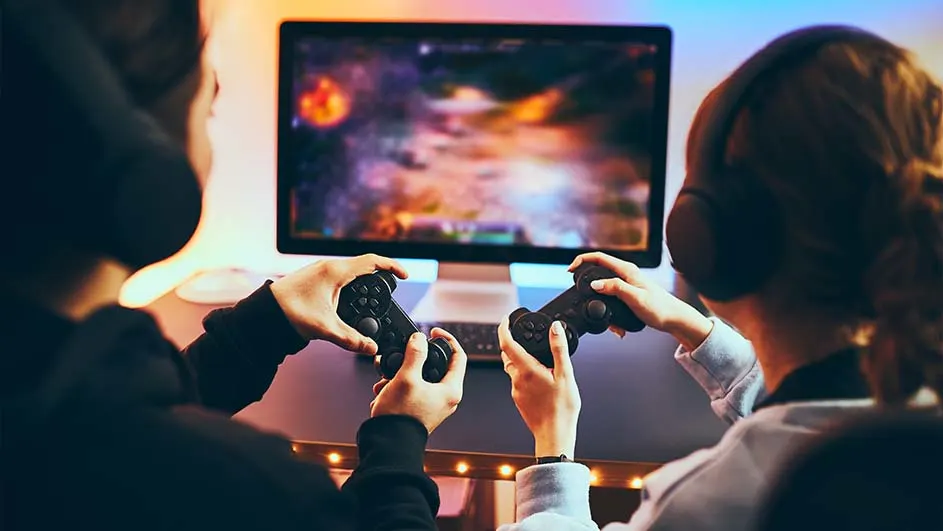
Two people play a video game, each holding a black controller. A monitor displays a game with orange and purple hues. Both wear headphones.

With the PlayStation 5 and Xbox Series X, it’s possible to game on a monitor with a refresh rate of 120 hertz, while with previous consoles this was only 60 hertz. If you want to do this in Ultra HD, in other words 4K resolution, then you need a gaming monitor with an HDMI 2.1 connection. If you want to game in Quad HD or Full HD, then this is possible with an HDMI 2.0 connection.

The best monitors for the PS5

Response time

A blue road shows motion with white arrows and lines. Buildings and sunlight appear above.

The response time of a monitor indicates the speed at which pixels on the screen change colour. This speed is measured in milliseconds. In general, a response time of 1 millisecond is considered necessary for a gaming monitor, and nowadays there are even OLED monitors with a response time of 0.3 milliseconds.

Refresh rate

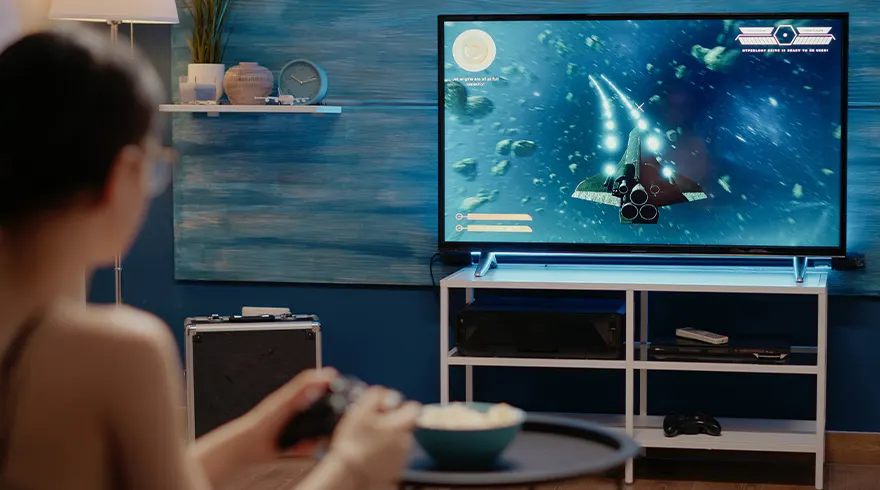
A person plays a spaceship game on TV. A controller is in their hands. A bowl of snacks sits on a table. Shelf and lamp are visible.

De verversingssnelheid van een monitor geeft aan hoe vaak het scherm wordt ververst. Hoe vaker deze verversing plaatsvindt, des te vloeiender het beeld eruitziet. Dit wordt gemeten in hertz en over het algemeen wordt een verversingssnelheid hoger dan 144 hertz beschouwd als optimaal voor een gaming-monitor. De PlayStation 5 en Xbox Series X kunnen maximaal 120 hertz aan.

The best 144 hertz monitors

Inch size

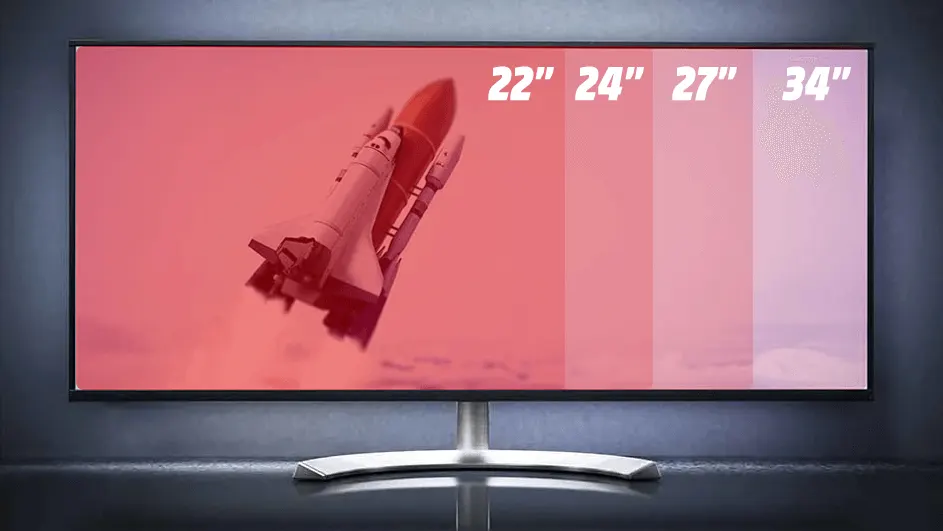
A monitor displays a space shuttle launch on a screen divided into four sections labeled "22","24","27" and "34".

The size of a monitor is expressed in inches, measured diagonally from the bottom left corner to the top right corner. 1 inch is the same as 2.54 centimetres. Carefully check how much space you have on your desk and choose the size that suits your situation. The best-selling size is a 27‑inch monitor, which is approximately 62 centimetres wide, for a viewing distance of 80 centimetres.

The best 27 inch monitors

Resolution

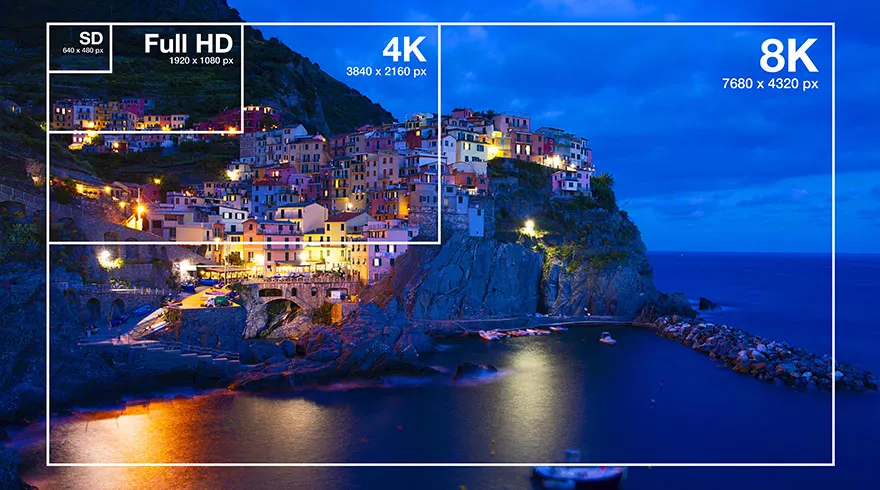
Image shows city buildings on a cliff by the sea, framed in SD, Full HD, 4K, and 8K resolution indicators.

The resolution of a monitor indicates the total number of pixels of a monitor. Examples of this are Full HD (1920 x 1080 pixels), Quad HD (2560 x 1440 pixels) and Ultra HD (3840 x 2160 pixels), which is also called 4K. With an ultrawide resolution with a 21:9 or 32:9 aspect ratio, the number of horizontal pixels increases, but the number of vertical pixels remains the same. With a higher resolution, the pixels are smaller and your image is sharper.

Choose the right screen resolution

These articles might be interesting for you