MM logo white 1
MM logo red
Image description is not available

The best gaming monitors of 2026

Daan11 JANUARY 2026
A gaming setup with a monitor displaying a first-person shooter game, speakers, a keyboard, and a glowing computer tower.

Are you looking for a new monitor to connect to your gaming PC, gaming laptop or gaming console? The range of gaming monitors is enormous. But what’s the best gaming monitor for you? In this article, you’ll find our top models of 2026 for your gaming set-up.

What’s the best gaming monitor?

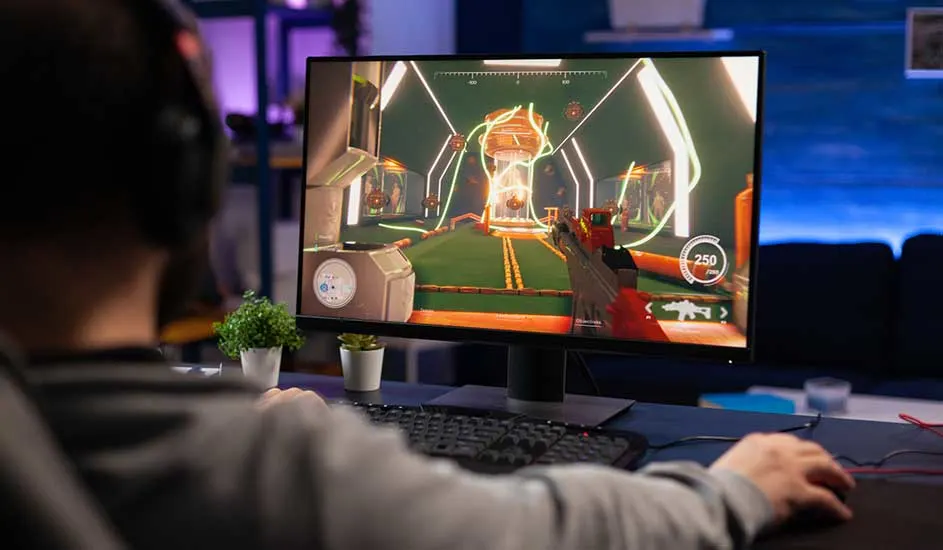
A gamer wearing headphones sits at a desk, intensely playing a colourful first-person shooter displayed on a large monitor.

The best gaming monitor combines a high refresh rate, low response time and excellent image quality. A high refresh rate, such as 120 hertz or higher, ensures smooth motion, while a low response time of 1 millisecond or less minimises input lag. In addition, a resolution of at least Full HD (1920 x 1080) is recommended to enjoy sharp visuals. Extra features such as FreeSync or G-Sync are also useful to prevent screen tearing and improve the overall gaming experience on your gaming monitor.

Which gaming monitor should you choose?
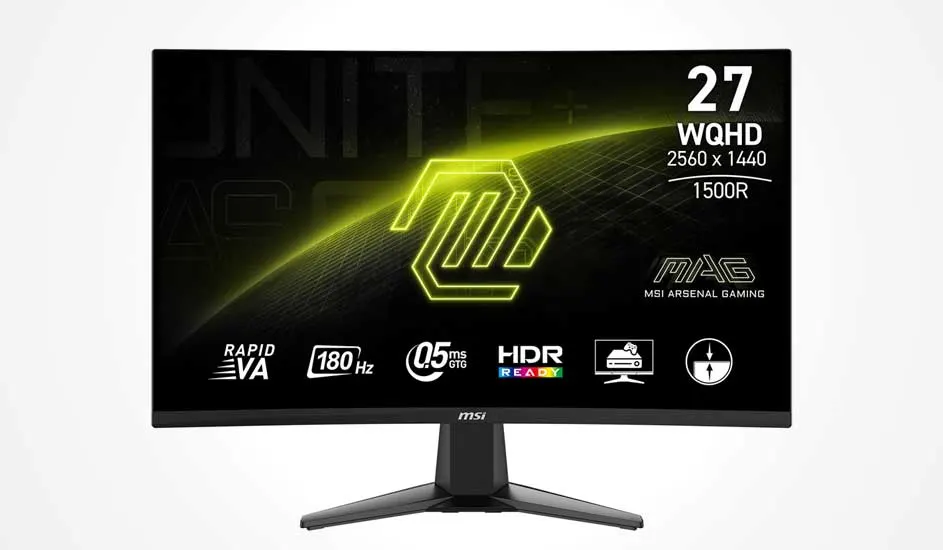
MSI MAG 27CQ6F

27-inch curved MSI gaming monitor with WQHD resolution, 180 Hz refresh rate, 0.5 ms response time and HDR support for smooth gaming.

The MSI MAG 27CQ6F is a 27-inch gaming monitor with a Quad HD resolution of 2560 x 1440 pixels. With a refresh rate of 180 hertz and a response time of 0.5 milliseconds, this monitor delivers extremely smooth visuals and minimal input lag. The curved design of this MSI gaming monitor provides an immersive gaming experience, while the wide viewing angles and vibrant colours enhance the image quality. Thanks to all these features, this MSI monitor is suitable for experienced gamers or anyone looking to reach the top tier of the gaming world.

Pros and cons:
+ High 180Hz refresh rate for smooth visuals.
+ Low 0.5 ms response time reduces input lag.
+ Curved design for an immersive gaming experience.
– The monitor doesn’t have built-in speakers.

View the MSI MAG 27CQ6F

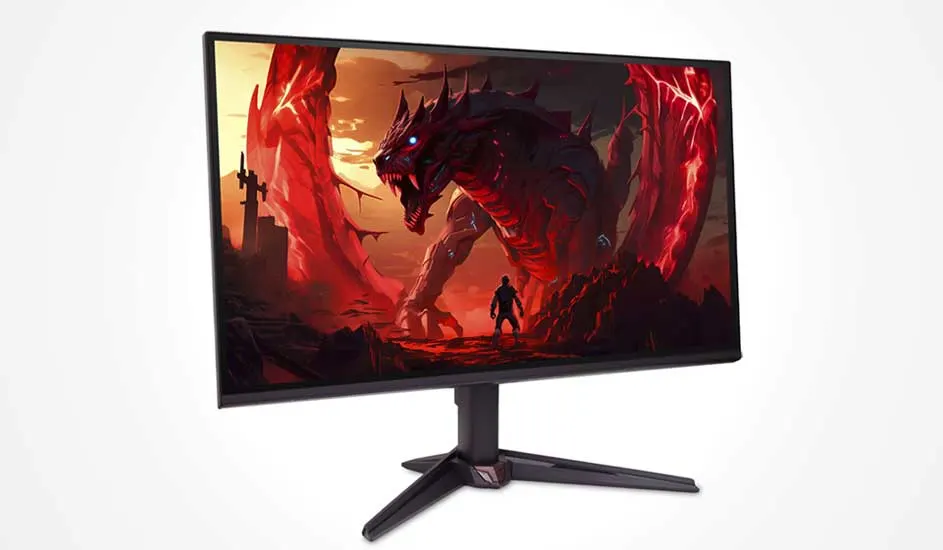
Acer Nitro VG240YGBIP

Gaming monitor showing a dark fantasy scene with a massive red dragon facing a lone warrior in a fiery, jagged valley landscape.

The Acer Nitro VG240YGBIP is a 24-inch monitor with a Full HD resolution of 1920 x 1080 pixels. With a refresh rate of 120 hertz and a response time of 1 millisecond, this monitor offers smooth visuals and quick responsiveness, which is essential for competitive gaming. The IPS technology ensures accurate colours and wide viewing angles, allowing you to enjoy consistent image quality from any position. So, if you’re looking for good value for money or are just starting your gaming career, this Acer gaming monitor is a great choice.

Pros and cons:
+ IPS panel offers accurate colours and wide viewing angles.
+ 120Hz refresh rate for smooth gameplay.
– The Full HD resolution may appear less sharp on 23.8 inches.

View the Acer Nitro VG240YGBIP

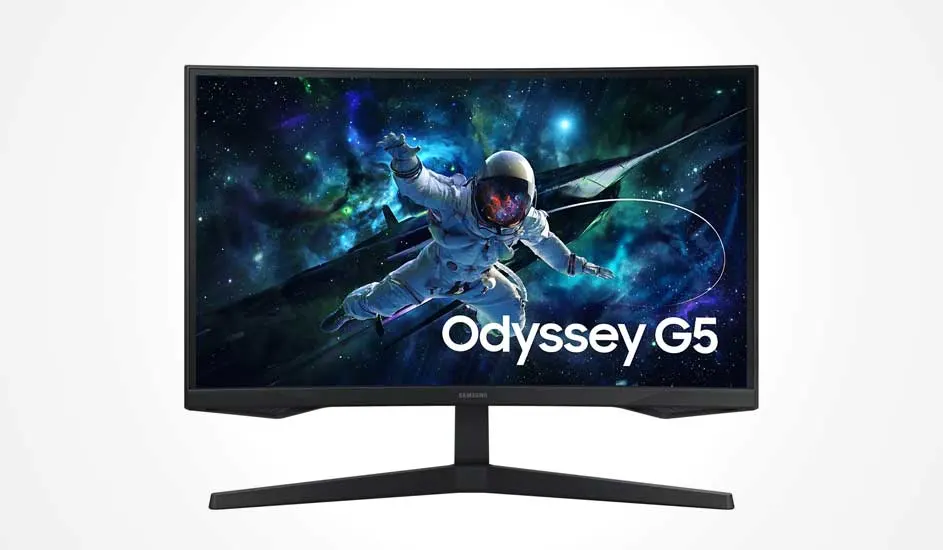
Samsung Odyssey G5 LS27CG552EUXEN

Curved Samsung Odyssey G5 monitor showing a vivid deep-space scene with a floating astronaut against a colourful glowing galaxy backdrop.

The Samsung Odyssey G5 LS27CG552EUXEN is a 27-inch monitor with a Quad HD resolution of 2560 x 1440 pixels. With a refresh rate of 165 hertz, a response time of 1 millisecond and HDR10, this monitor delivers smooth and responsive visuals. This curved monitor, with a 1.000R curvature, provides a panoramic viewing experience that pulls you deeper into your games. In addition, the Samsung gaming monitor can also be connected to your console, such as your PS5 or Xbox.

Pros and cons:
+ Curved design with 1000R curvature for a unique viewing experience.
+ 165Hz refresh rate for smooth gameplay.
– Limited ergonomic adjustability.

View the Samsung Odyssey G5 LS27CG552EUXEN

Acer Nitro VG270GBMIPX

Desk setup with a 27 inch monitor, keyboard, mouse and two speakers, illuminated by purple and pink ambient LED lighting.

The Acer Nitro VG270GBMIPX is a Full HD monitor with a screen size of 27 inches. With a refresh rate of 120 hertz and a response time of 1 millisecond, this monitor provides the foundation to play your games at a high level. You can even overclock the refresh rate to 200 hertz to enjoy even smoother visuals. The IPS panel delivers vibrant colours and wide viewing angles, allowing you to enjoy consistent image quality from different positions. Finally, thanks to its energy label B, this Acer monitor is also relatively energy efficient, helping to reduce electricity costs.

Pros and cons:
+ IPS panel for vibrant colours and wide viewing angles.
+ 120Hz refresh rate for smooth gameplay.
– The gaming monitor is not height-adjustable.

View the Acer Nitro VG270GBMIPX

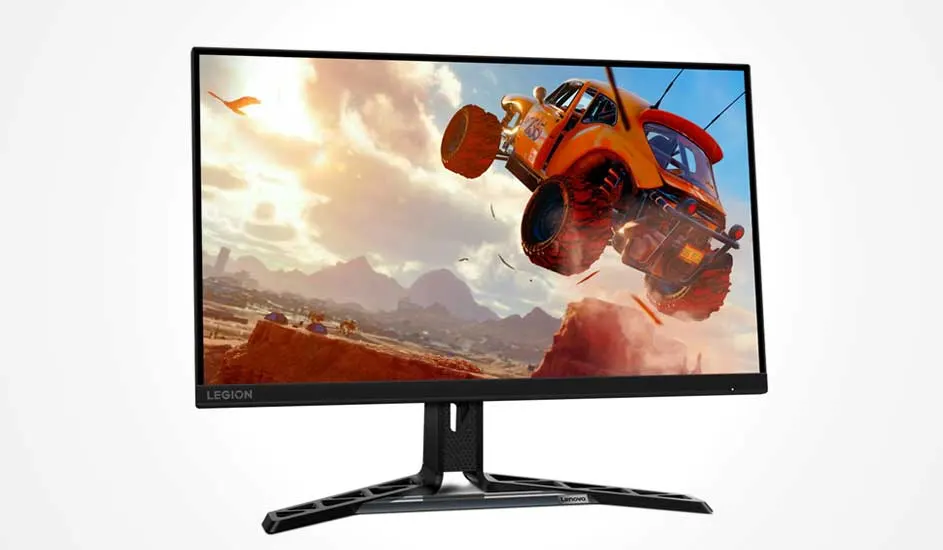
Lenovo Legion R27QE

Lenovo Legion gaming monitor displaying a bright orange off-road car soaring through the sky above a dusty desert scene.

The Lenovo Legion R27QE combines quality with design. This Quad HD monitor has a refresh rate of 180 hertz and a response time of 0.5 milliseconds for extremely smooth and responsive visuals during your shooters or racing games. In addition, the Lenovo monitor features a sleek, modern design with slim bezels to maximise the screen area. The adjustable stand also ensures ergonomic comfort during long gaming sessions. This monitor is furthermore equipped with a VESA mount, so you can attach it to the wall with a monitor arm if you want a tidy gaming desk.

Pros and cons:
+ High 180Hz refresh rate for smooth visuals.
+ Low 0.5 ms response time reduces input lag.
+ Adjustable stand for ergonomic comfort.
– No USB-C connection for peripherals.

View the Lenovo Legion R27QE

The best gaming monitors at MediaMarkt

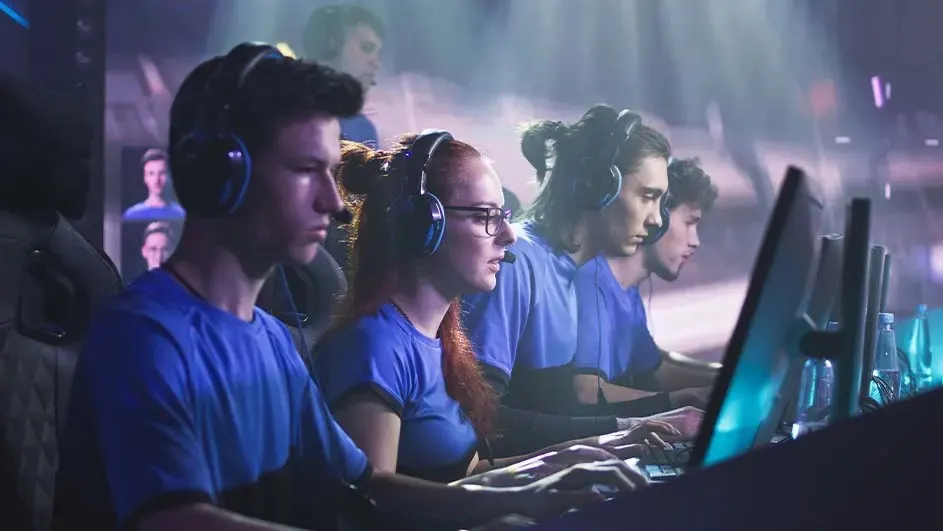
Esports team in blue jerseys sits focused at PCs with headsets, working together in an intense match on a brightly lit stage.

Whether you’re looking for a monitor with a high refresh rate for competitive gaming, a curved design for an immersive experience, or an affordable option without compromising on performance, at MediaMarkt you’ll find a gaming monitor that matches your gaming PC. That way, you’re one step closer to completing your PC gaming set-up.

Which monitor should you choose?

These articles might be interesting for you