MM logo white 1
MM logo red
Image description is not available

Which resolution do you need for your screen?

Daan7 JANUARY 2026
A laptop and monitor display video editing software on a desk with keyboard and mouse under bright window light.

Resolution is an important feature of a monitor, as it largely determines image quality. So, when you are looking for a new screen, think carefully about which resolution you need. Do you only use the monitor for browsing the internet? Then a lower resolution is sufficient compared to when you game a lot or like watching movies. Discover which screen resolution you need.

What exactly is screen resolution?

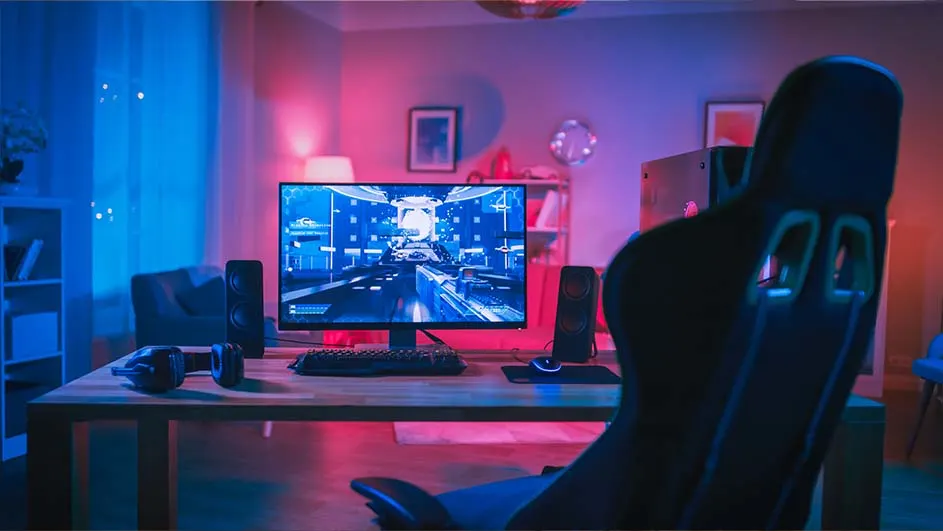
Gaming setup with a monitor displaying a game, keyboard, speakers, and a black gaming chair in a room with blue and pink lighting.

Screen resolution says a lot about the quality of the images you see on a screen. The higher the screen resolution, the better, sharper and more detailed the images on your monitor will appear. The number of pixels, the tiny dots on a screen that together form the image, is important for screen resolution. The more pixels, the sharper and more detailed the images. If you are looking for a new monitor, we recommend at least one of the following 4 screen resolutions: Full HD, QHD, 4K and 5K.

Which monitor suits you best?
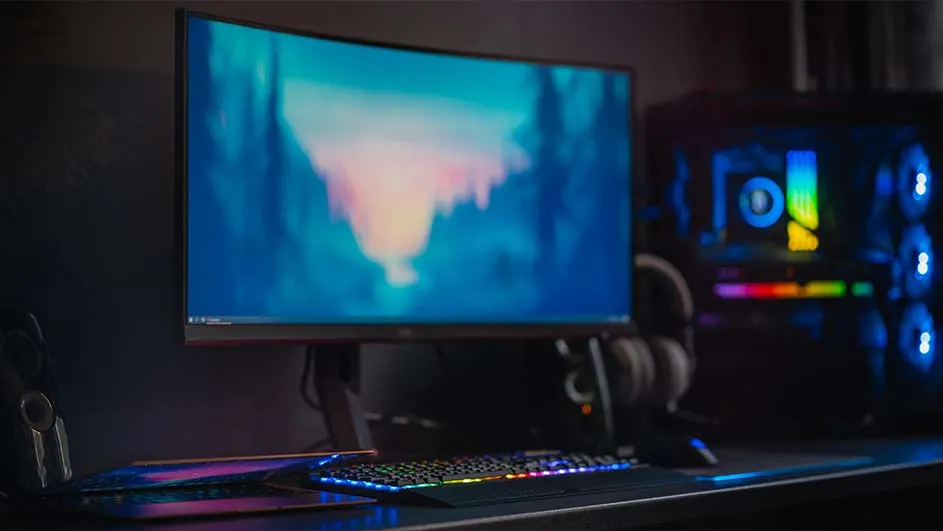
For everyday use, streaming and some games

A curved monitor displays blue and pink hues above a rainbow keyboard and mousepad. A black computer tower with blue lights is nearby.

A screen with Full HD resolution consists of 1,920 pixels in width and 1,080 pixels in height. In total, more than 2 million pixels form the image on a Full HD monitor. This is more than enough if you mainly use the monitor for everyday tasks. Think of emailing, surfing the internet, creating a Word document or streaming your favourite Netflix series. Some fanatical gamers swear by Full HD, even though there are screen resolutions with more pixels and therefore sharper images. This is because a lower resolution provides fast and smooth images in a game, which is useful in, for example, an exciting shooter game.

How do you choose the best gaming monitor?

QHD: suitable for gaming, graphic design and video editing

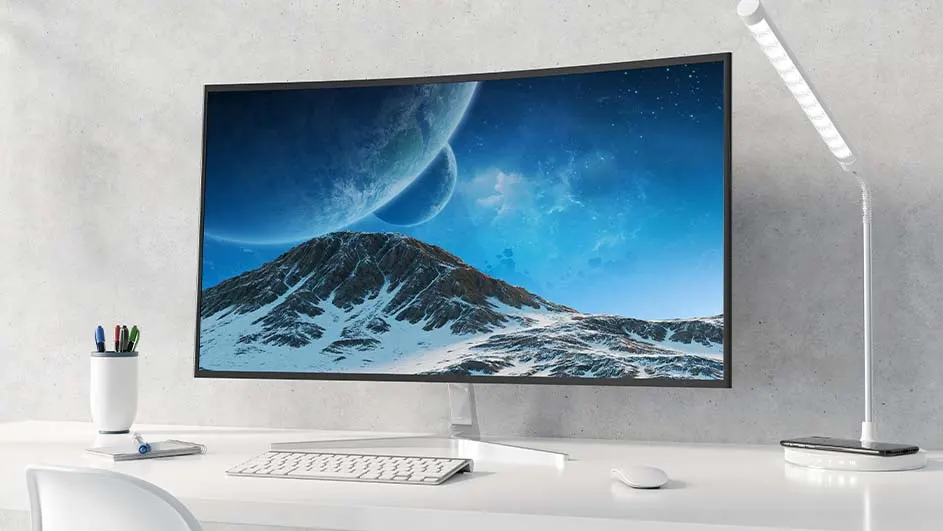
Curved monitor displays a snowy mountain and two moons under a blue sky. A white desk holds a keyboard, mouse, and pen holder.

QHD stands for Quad High Definition and has 2,560 pixels horizontally and 1,440 pixels vertically, so almost 3.7 million pixels in total. This provides around 2 times more detail and sharpness on your screen than Full HD. For gamers, this means that game worlds look more realistic and immersive. For graphic designers and video editors, it means they can create and edit their work with more precision. So if you like playing games or enjoy editing photos or editing videos, a QHD monitor is certainly sufficient for you. For extra detailed and true-to-life images, choose an OLED monitor in QHD quality. On an OLED monitor, pixels light up individually and also switch off independently of each other, making images look even more realistic.

The best monitors for photo and video editing

Full HD vs QHD: what are the main differences?

A person sits at a desk with three monitors displaying data. A keyboard, mouse, and telephone are on the desk.

The main difference between Full HD and QHD is the number of pixels. This number is about 2 times higher with QHD (3.7 million pixels) than with Full HD (2 million). This makes the image on a QHD monitor roughly 2 times sharper and more detailed. You notice this difference especially on larger screen sizes, as the pixels then have to fill a larger surface area. Images on, for example, an ultrawide monitor are therefore sharper with QHD than with Full HD. An advantage of a large screen in Full HD, however, is that images are smoother. This is an important consideration for gamers when choosing between QHD and Full HD.

Looking for an ultrawide monitor?

QHD vs 4K: which resolution suits you?

The biggest difference between QHD and 4K lies in the number of pixels. With more than 6.1 million pixels in total, a 4K monitor is almost 2 times sharper and more detailed than a screen with QHD (3.7 million). The main question is: when is this difference in number of pixels worth it (and the money) to choose a monitor with 4K resolution? This is especially the case if you edit photos and videos at a professional level, because then every detail counts. Do you just enjoy casually photoshopping your holiday photos as a hobby? Then you can also do that perfectly well with a QHD monitor. Game and movie lovers often benefit more from a 4K monitor, because this allows you to make the most of 4K content.

5K: professional and detailed graphic applications

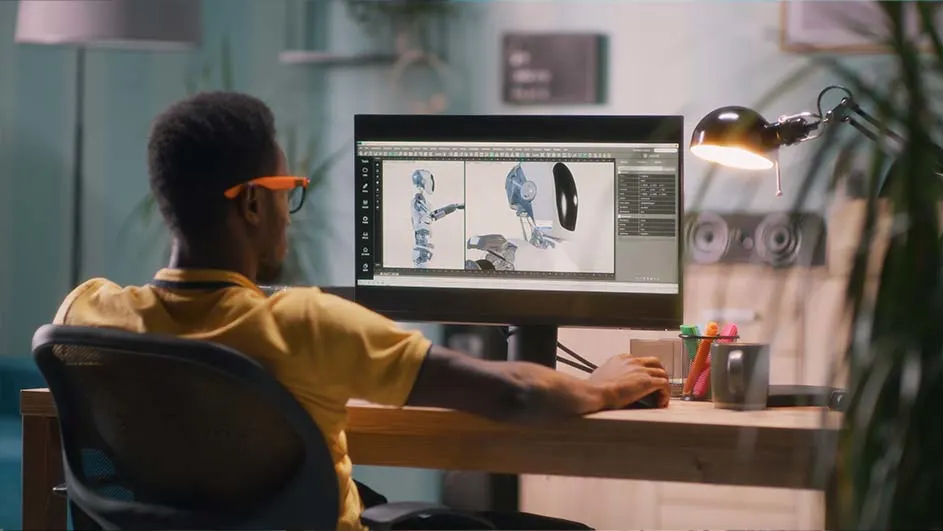
Person in yellow shirt works on 3D model on a computer at a desk with a lamp, mug, and pencils.

When it is important for your work or studies to see as many details as possible on a screen, you end up with a 5K monitor. A screen with 5K resolution consists of 5,120 x 2,880 pixels, which means that almost 11.7 million dots together form an image. This provides extremely sharp, realistic and detailed images and videos. Games and videos that are made in the right resolution also really pop off the screen on a 5K monitor.

4K vs 5K: how do these screen resolutions differ?

The number of pixels is particularly high on both 4K monitors (over 6.1 million) and 5K monitors (over 11.6 million). Both types therefore belong to the best monitors available. The smallest details hardly escape you on these screens, which is convenient, for example, when playing a beautifully graphic game such as Fortnite or Hogwarts Legacy and when watching your favourite series on Netflix. When every single detail truly matters to you, a 5K monitor ultimately suits you better. This may be the case if you edit creative images or videos for your work.

These articles might be interesting for you