MM logo white 1
MM logo red
Image description is not available

The best monitors for photo and video editing

Daan24 NOVEMBER 2025
Two people in an office look at a computer screen, with a desk, keyboard, and office decor visible.

If you like to edit photos or videos with your desktop, you need a good and powerful monitor. The best monitors for image editing have a good size, a powerful resolution, and a good panel type. In this article, you can read exactly what to look for when choosing the best monitor for photo and video editing.

What is important for choosing a good monitor for photo and video editing?

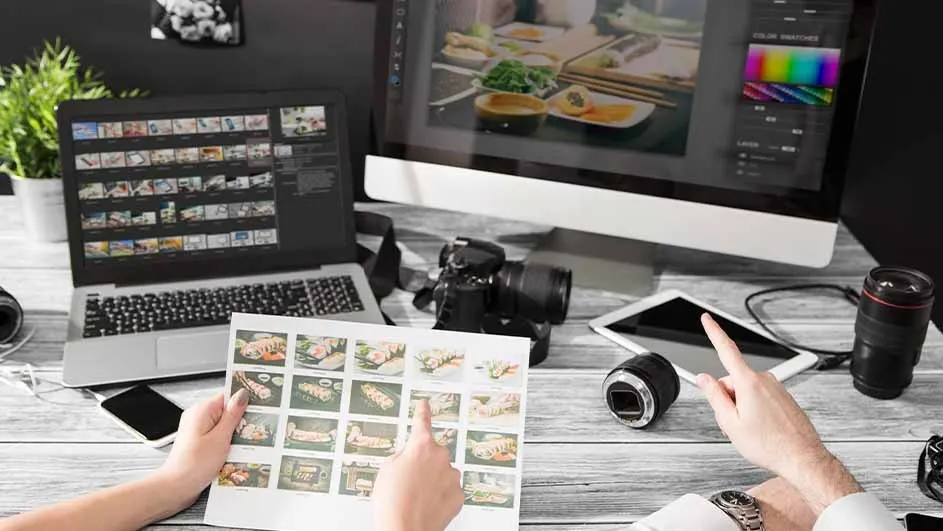
Desk setup with laptop, monitor, camera, tablet, and lenses. Hands point to images of food on printed paper and tablet screen.

If you regularly edit photos and videos, a good monitor is indispensable. This kind of graphic tasks requires quite a bit of power from a monitor. But how do you know if a monitor is suitable? First, choose a good inch size to work on. Most suitable monitors are between 27 and 32 inches. Then choose a monitor with enough resolution, so you can work in a sharp and detailed way. The panel type says something about the technology on which images splash off your screen and is also an important consideration in your search. Finally, you must consider the right connectors, so your monitor works well with your computer or laptop.
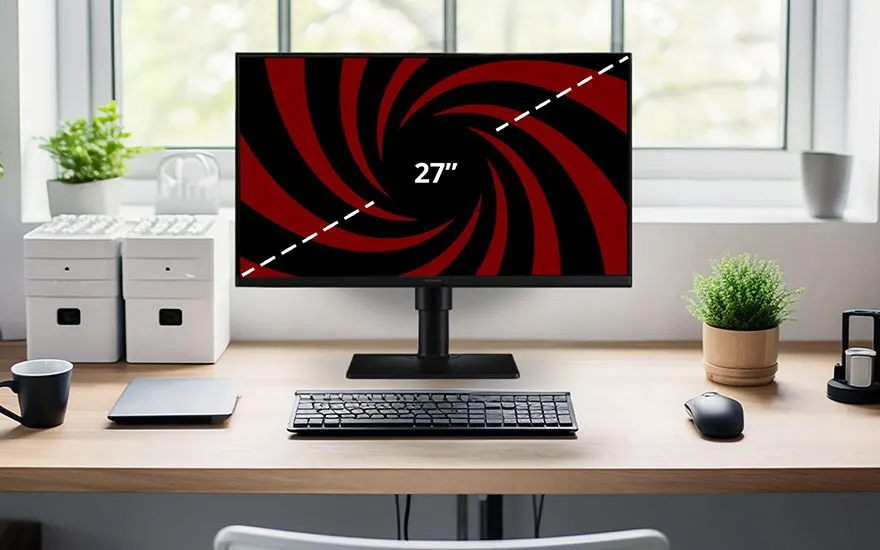
Neat desk with 27" monitor, keyboard and mouse, framed by plants and storage boxes by a bright window.

Inch size of the monitor display

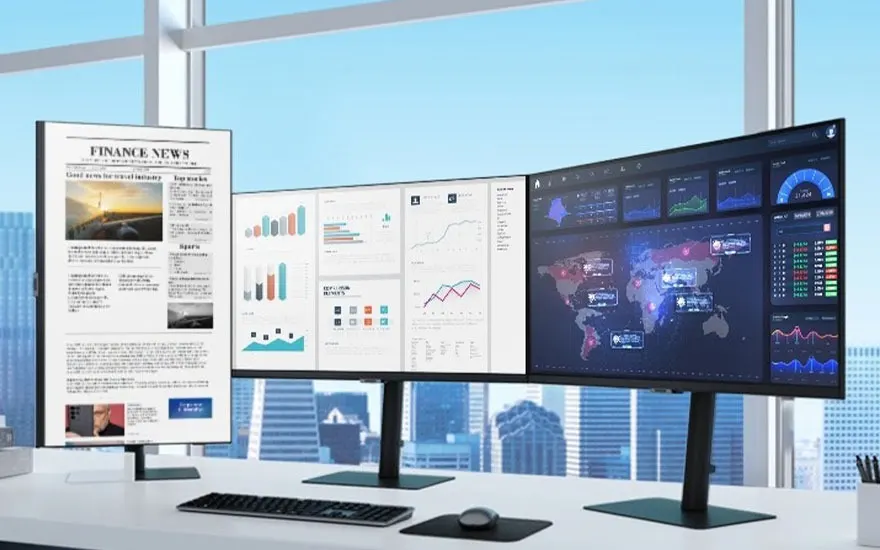
For photo and video editing, it’s best to choose a 27-inch monitor or 32-inch monitor, or a size in between. These sizes give you enough screen real estate, allowing you to see details better and work more efficiently with multiple windows or timelines side by side. Especially at high resolutions, a larger screen is nice, because you can see more details without having to zoom in. A screen that's too small makes precise editing difficult, while a screen that's too large can be uncomfortable for your eyes. Exceptions to this rule are curved curved monitors and spacious ultrawide monitors. These are designed to work well for your neck, back and eyes. The best curved monitors and extra-wide monitors are therefore very suitable for photo and video editing.

Check out the best 27-inch monitors
Wide monitor shows data, charts and world map beside a vertical screen with financial news in a modern office.

Resolution of the monitor

The resolution of a monitor is very decisive for the quality of your photo and video edits. The resolution says something about the number of pixels on a screen. The more pixels, the sharper and more detailed the image. Without a good resolution, you're more likely to overlook important details because the screen isn't big enough. To avoid this, you need at least a QHD display (2,560 x 1,440 pixels). Monitors with this resolution are sharp enough for hobbyists. For more professional graphic design, we recommend at least a 4K monitor. With the 3,840x2,160 pixels, those monitors are about 2 times sharper than QHD monitors.

Check out the best 4K monitors
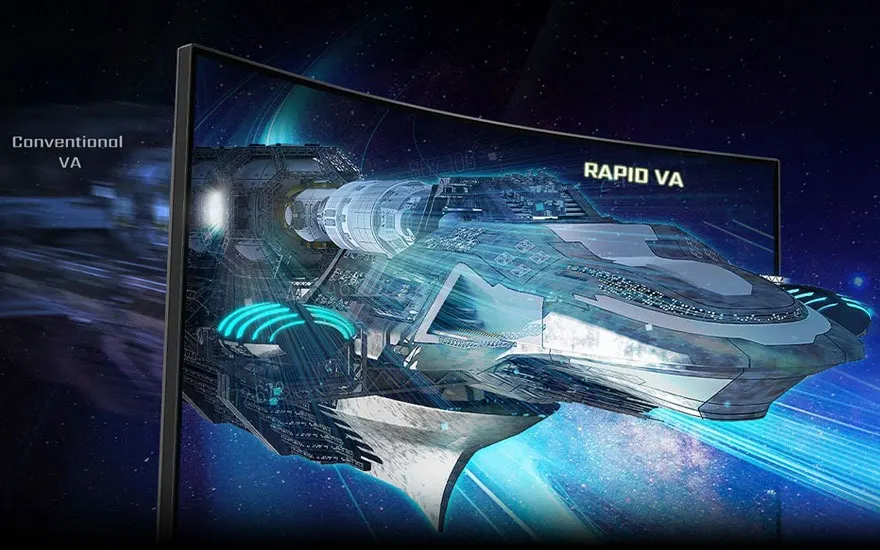
Curved gaming monitor displays a sharp spaceship labelled Rapid VA, beside a blurred ship marked Conventional VA.

Panel type of the display

The panel type of the display largely determines the quality of your monitor image. There are 4 different panel types: OLED, VA, TN and IPS. Each panel type has its own pros and cons, with those of OLED monitors and IPS monitors being the most suitable for photo and video editing. These panel types both provide vibrant and bright colours on your display, allowing you to edit your images in the sharpest and most natural way. For video editing, look for a panel type that supports a high refresh rate. This ensures that fast images pop smoothly off the screen, without streaks due to a delay. For many videos, 60 hertz is sufficient. Do you edit a lot of fast-paced sports footage or action scenes? Then go for a panel type that supports at least 100Hz refresh rate.

Check out the best 144Hz monitors here
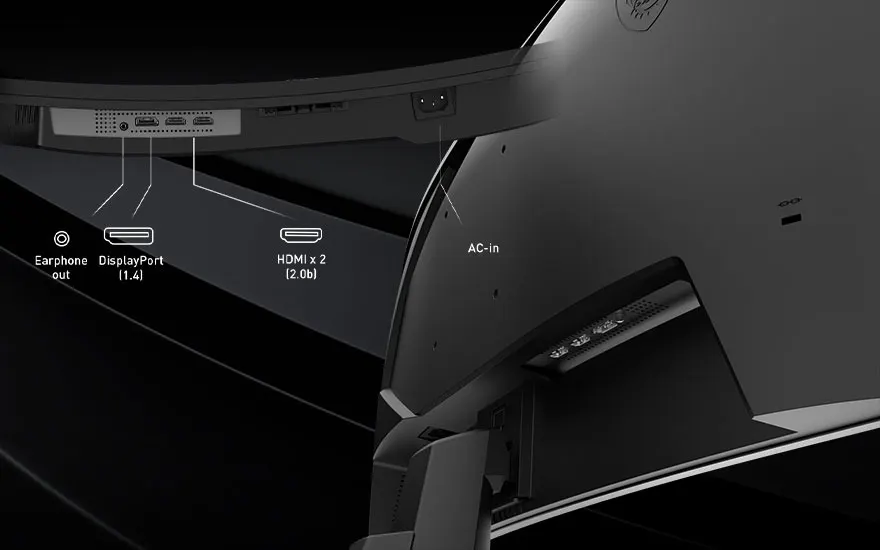
Close-up of a curved monitor shows ports for earphone, DisplayPort, two HDMI sockets and AC-in, all clearly labelled.

Number of connections of the monitor

You can always connect your monitor to a desktop or a laptop. To ensure smooth communication between those devices, you need a monitor with the right connections. The most important connections are those of the HDMI port and the DisplayPort. Both ports are suitable for connecting your monitor. Ideally, the ports of your monitor support the latest HDMI and DisplayPort connections. Therefore, look for a monitor with enough HDMI 2.0 or 2.1 ports and more than 1 DisplayPort 2.0 connection. With enough of these modern ports, you can be sure that your monitor is operating at full resolution and speed. Also, make sure you use cables that can handle the power of your HDMI and DisplayPort. Do you have an Apple monitor? Then you probably need a good ThunderBolt connection instead of a DisplayPort.

Our advice on the best laptops for photo and video editing

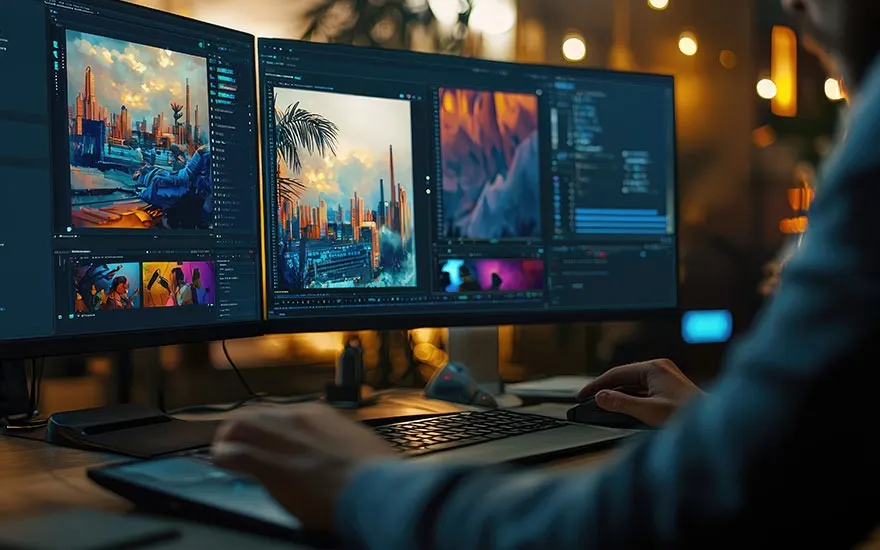
A creative professional works on a dual-monitor setup with editing software, displaying urban landscapes and digital art projects.

For photo and video editing, you need a laptop with a detailed and large screen. The best size of this screen is between 27 and 32 inches, although you can also work very well on an ultrawide or curved monitor. In addition, a high resolution, such as QHD or 4K, is very important for a monitor. In addition, choose a laptop with an IPS or OLED panel. They deliver the sharpest and most true-to-life colours. Finally, check that a monitor has sufficient and modern connections, such as HDMI 2.1 ports and DisplayPort 2.0.

Frequently Asked Questions

These articles may also be interesting for you