MM logo white 1
MM logo red
Image description is not available

Setting up a home workspace: what do you need?

Roos1 SEPTEMBER 2025
Woman drinking coffee and focused on her laptop near a window in a cozy space.

Nowadays, more and more people are working from home. To be truly productive, a well-designed home workspace is essential. On this page, we explain why having your own dedicated workspace matters and how to set it up effectively.

Why is a good home workspace important?

Homme buvant un café en travaillant sur son ordinateur portable avec des plantes en arrière-plan.

A proper home workspace is important for several reasons:

  • Increased productivity: having a dedicated workspace helps you focus better, stay motivated, and avoid distractions.
  • Better work-life balance: using a fixed workspace – rather than, for example, the kitchen table – helps you keep work and personal life separate.
  • Healthier working environment: you can set up your home workspace in a way that allows you to work comfortably and efficiently.
  • Fewer physical complaints with an ergonomic setup : ergonomic furniture and accessories help you maintain a healthy posture and prevent physical issues with your back, neck, or arms.
What’s your at-home working situation?

Where you set up your home workspace depends on your living situation. Do you have a separate room available, or is the living room your only option? Both setups have their own pros and cons.

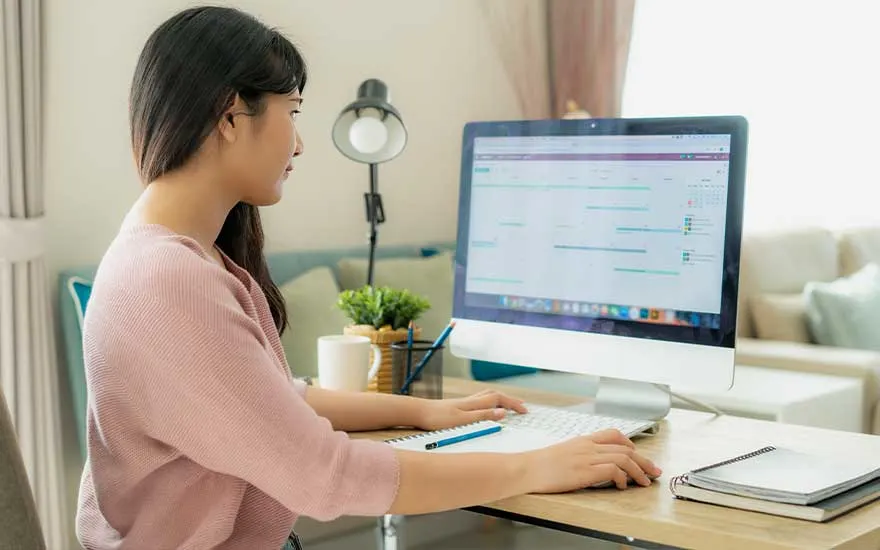
Woman working on a computer at home with notes and a cup of coffee nearby.

Home workspace in the living room

Don’t have a spare room to set up a workspace? Then the living room is probably your best option. With a smart and compact layout, it’s perfectly possible to work comfortably and efficiently there without sacrificing too much of your living space.

ProsCons

Space-saving: the living room often has enough space for a desk, without the need for a separate room.

More distractions: if you live with others, chances are you’ll be interrupted frequently. Even if you live alone, the TV can be a major distraction.

Flexible setup: you can easily move or adjust your workspace to suit your needs.

Limited privacy: shared living spaces like the living room rarely offer peace and privacy, especially if you live with housemates or family.

Familiar atmosphere: the living room is a place where you feel at ease, which can contribute to a more relaxed working environment.

Harder to separate work and personal life: household chores are always within reach, making it harder to stay focused. Plus, it can be tempting to keep working longer when your laptop is always in sight.

Cost-effective: you don’t need to spend extra money furnishing a dedicated office space.

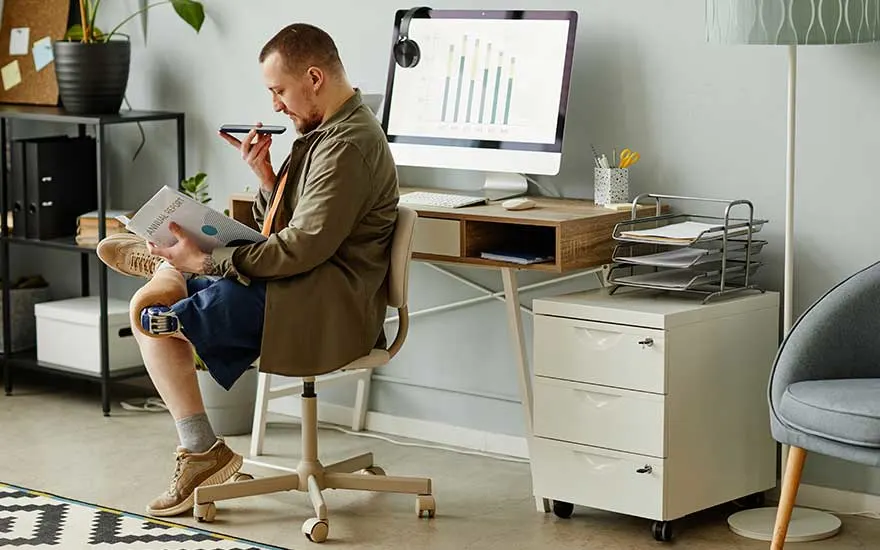
A man reading a document and speaking on his phone at his desk with a computer.

Home office in a separate room

Do you have a spare room? Then you can turn it into a dedicated home office. A separate workspace offers many advantages, though there are a few cons as well.

ProsCons

Improved focus and productivity: being in a closed-off room allows you to fully concentrate on your work.

More isolated: if you spend all week, including weekends, in your home office, it’s easy to become disconnected from your surroundings, including family members.

Better work-life balance: your household tasks and work responsibilities remain completely separate.

Longer working days: once you're in your office, it can be hard to switch off. You might lose track of time and end up working longer than planned.

No distractions: you’re free from interruptions by the TV or housemates.

More structure: in a dedicated office, it’s easier to stay focused on your work. The time you spend in that room is purely for work, making it easier to stick to regular working hours.

Checklist for your home workspace

To work productively from home, there are a few essential items you'll need. We'll walk you through the key products that can help you set up an effective and comfortable home office.

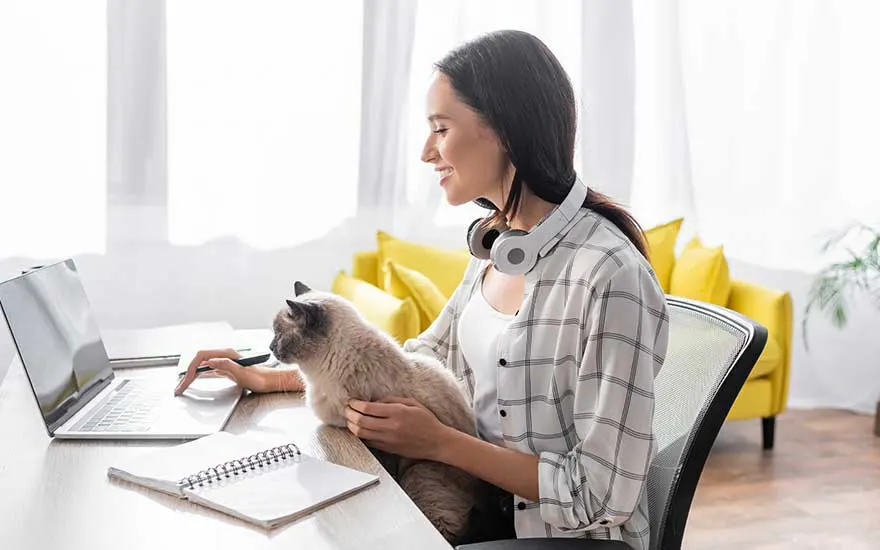
A woman sits at her laptop in a bright room with a yellow sofa. She holds a grey cat on her lap while working.

The basics with a laptop or desktop

To work from home and stay connected with colleagues, you’ll need either a laptop or a desktop as your starting point. A laptop offers flexibility: you can easily take it with you and work from anywhere. A desktop, on the other hand, is better suited for a fixed workspace. It allows you to set up one or more monitors in the size you prefer. Do you need to multitask, run demanding software, or work with design programs? Then a desktop with 1 or 2 screens is a smart choice. If you don’t use heavy software and are often on the go, a laptop is usually the most practical and affordable option.

Which laptop do you have to buy?
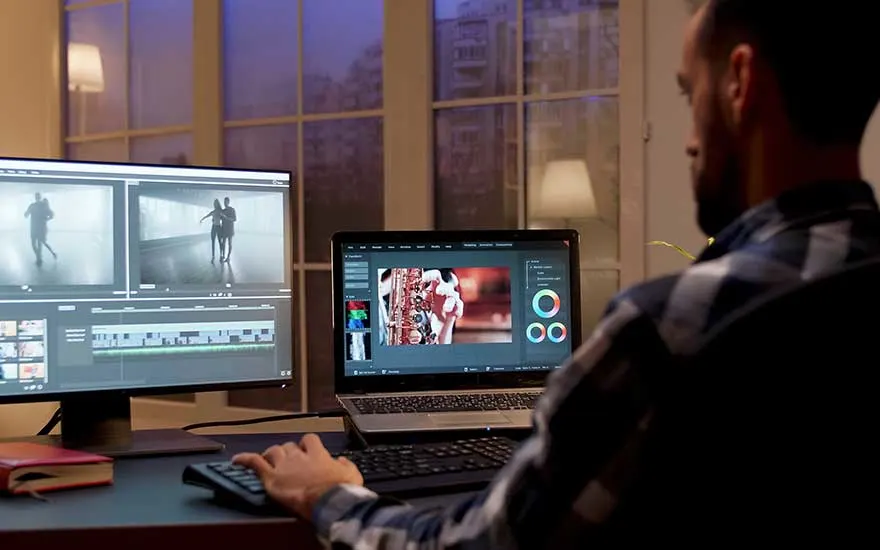
A man edits videos on a laptop with a second screen in a dimly lit room.

A monitor for better overview

If you choose a desktop, you'll need a monitor. But even with a laptop, an extra screen can be a great help. With 2 monitors, you can easily spread out your windows and see all your work at a glance. Monitors come in all shapes and sizes. If you have a small to medium-sized desk, a 24-inch or 27-inch monitor is usually sufficient. If you have a larger desk or want a bigger setup, you might opt for a bigger screen, such as a 32-inch monitor.

The best monitors for working from home
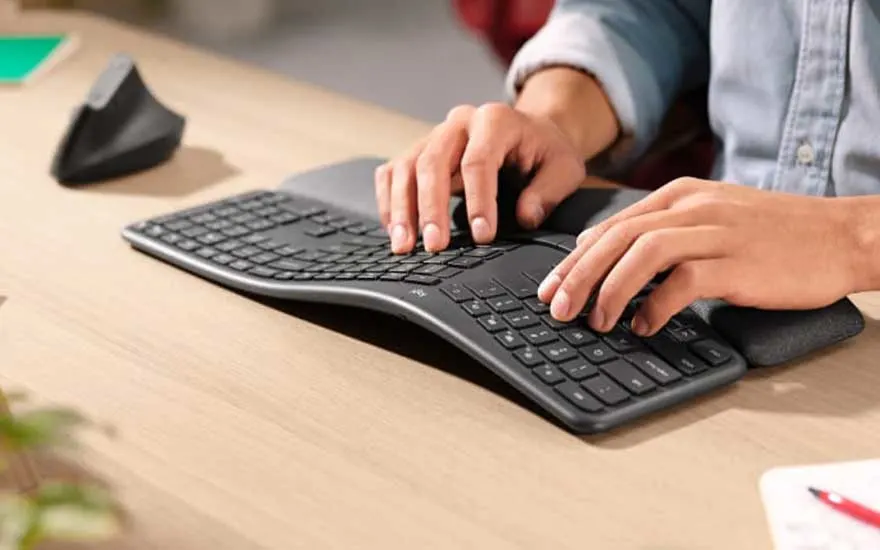
Someone types on a curved ergonomic keyboard with wrist support at a wooden desk.

Ergonomic accessories for added comfort

A good home workspace starts with an ergonomic setup. In addition to a proper office chair and desk, ergonomic accessories are essential. Think of a laptop stand to improve arm and neck posture, or a monitor arm that allows you to adjust your screen to the right height. An external ergonomic keyboard and ergonomic mouse can also help improve your posture and reduce strain. Do you work from home more often than in the office? Then it’s worth considering extra support items. At MediaMarkt, you’ll find a range of options such as footrests, back supports, and wrist supports.

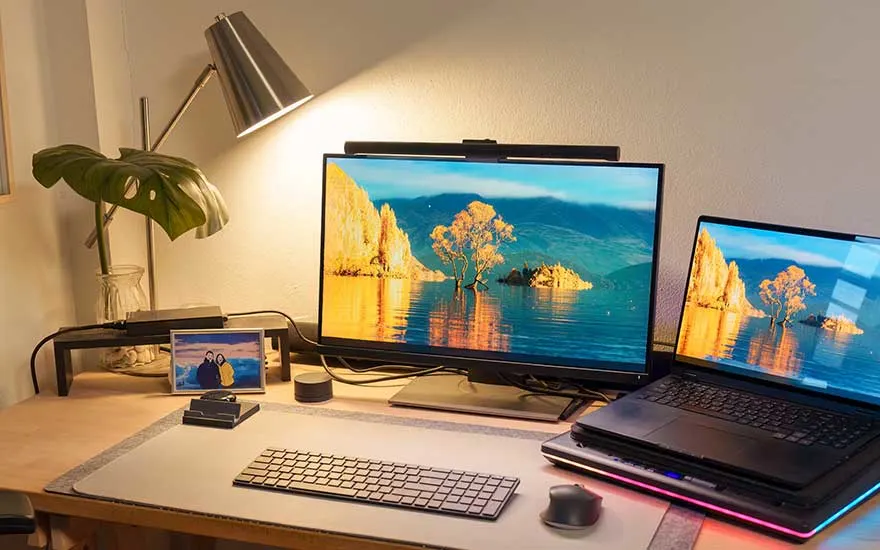
A desk with two monitors, a photo frame, lamp and plants in a cozy atmosphere.

Good lighting for your eyes

With smart lighting, you can easily control when the lights turn on or off, helping you save energy. Many systems also let you adjust the colour and intensity of the light to suit your needs. Working late in the evening? You can dim the lights to reduce eye strain and keep your eyes from getting tired too quickly.

How much does a home workspace cost?

Woman talking on the phone while working on her laptop at a wooden desk with plants.

The cost of a home workspace can be as low or as high as you want it to be. Several factors influence the price. For example, if you have a separate office room, you're likely to furnish it more extensively than a workspace in the living room. The choice between a laptop and a desktop also affects the total cost. In the end, it mostly depends on the budget provided by your employer or how much you're willing to invest yourself. At MediaMarkt, you’ll find quality products in every price range.

Our advice for setting up your home workspace

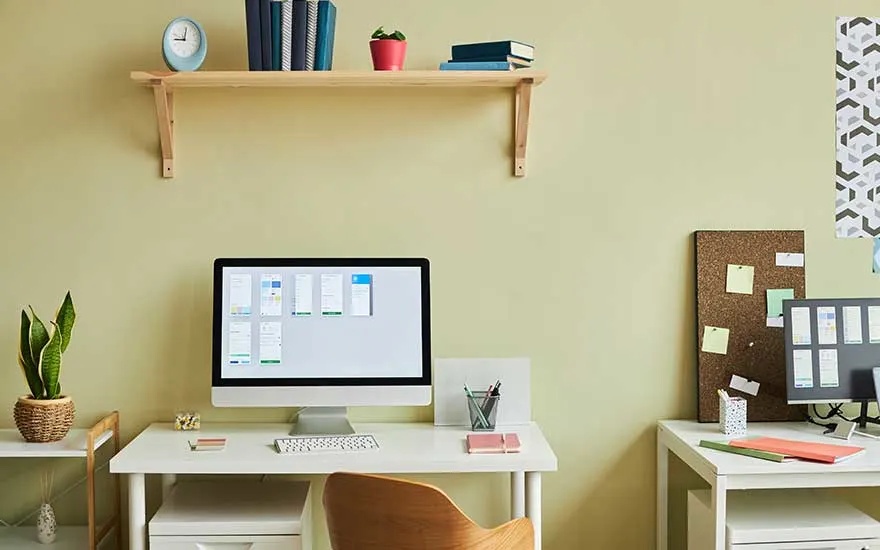
 A tidy home workspace with a computer, books, and plants on a white desk.

A well-organised home workspace offers many benefits. It helps boost your productivity and focus and makes it easier to separate work from your personal life. You can choose to set up your workspace in a separate room or in your living room. Whichever option you go for, there are a few essential items you'll need: a laptop or desktop to work on, a monitor, accessories like a mouse and keyboard, and good lighting.

Frequently asked questions: home workspace

Check out similar articles