MM logo white 1
MM logo red
Image description is not available

Looking for a TV wall mount? We’ll advise you

Femke18 NOVEMBER 2025
A man in a white shirt is mounting a black TV bracket on a white wooden wall using a screwdriver.

A wall mount is a stylish and practical way to hang your TV. With a TV wall bracket, your TV will look extra sleek in the room, and you’ll save space. A wall mount also adds comfort while watching TV. Which TV mount suits you best depends on the size of your TV and how you watch television. We help you choose the right TV wall mount.

Why choose a TV wall mount?

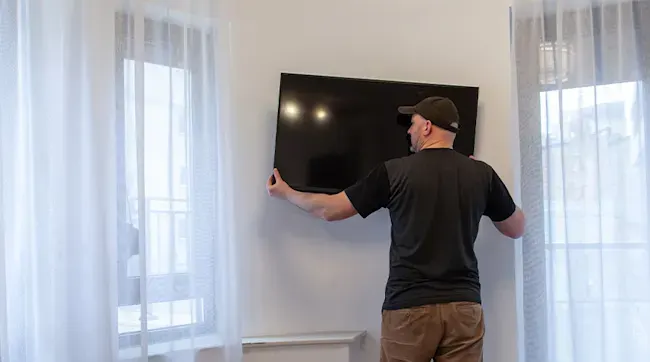
A person in a black shirt and brown pants is mounting a flat screen TV on a white wall, near a window with white curtains.

Benefits of a TV wall mount

Why hang your TV with a wall mount? Firstly, because it looks good. TVs are getting thinner and more stylish. With a TV wall mount, your flat-screen TV becomes a kind of artwork. Another advantage is that it saves space, especially with wall mounts featuring cable management to neatly conceal all cables. Flexibility is another plus: with a wall mount you can set the exact height of the screen; you’re not tied to the height of a TV cabinet. You can also set the viewing angle yourself. Finally, a wall mount is a safe solution for your TV, as it no longer stands on or in a cabinet and can’t tip over.
  • Set your TV’s height and viewing angle yourself
  • Gives your living room a more stylish look
  • Saves space
  • Safe solution
  • TV sits flush to the wall

A major con of a wall mount is that you have to drill holes in the wall. If you ever want to hang your TV elsewhere, you’ll have to repair these.

Types of TV wall mounts

Which TV mount should you buy? That depends on a few things. For example, whether you often watch TV with several people at once, whether the TV is in the living room or bedroom, and how much space you want to save.

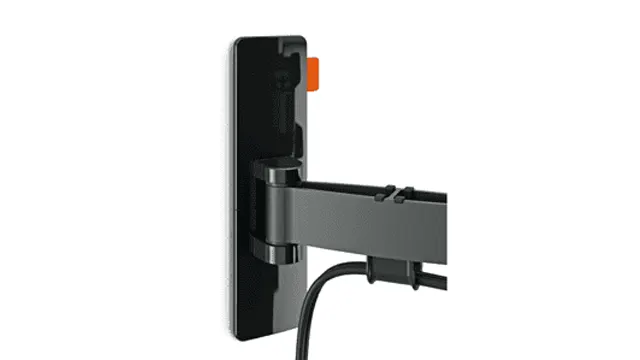
A black, articulated TV wall mount is shown against a white background, with an orange lever visible. A power cable is connected.

Swivel TV wall mounts

With a swivel TV mount, you can turn the screen left or right. This is handy if several people are watching at the same time. You can then turn the TV, so everyone has a good view. Watching on your own? Turn the TV so you can sit wherever you like.

View all TV wall mounts
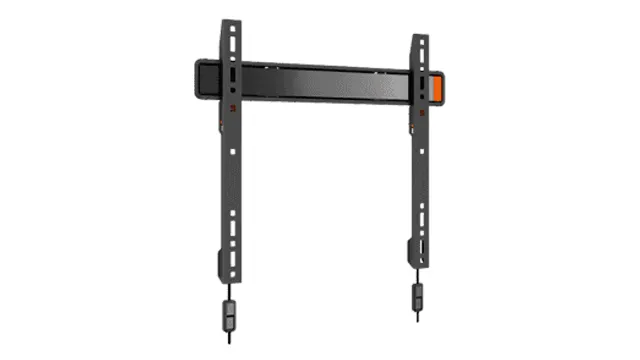
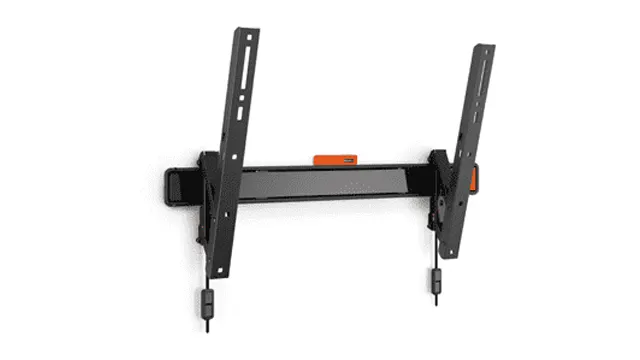
Black metal TV mount with two vertical arms attached to a horizontal bar, against a white background.

Tilting wall mounts

With tilting TV mounts, you can tilt the screen forwards. This is especially useful in the bedroom, making it easier to watch TV from your bed. Many wall mounts can both tilt and swivel.

View all tilting wall mounts
Black TV wall mount with a horizontal bar and two vertical arms, featuring mounting holes and hardware.

Fixed TV wall mounts

If you want to hang your TV as sleekly as possible, a fixed wall mount is the best option. With this type of mount, the TV sits close to the wall. This mount takes up the least space. Note that connecting and disconnecting cables can be a bit trickier with fixed mounts.

Where should you hang the TV wall mount?

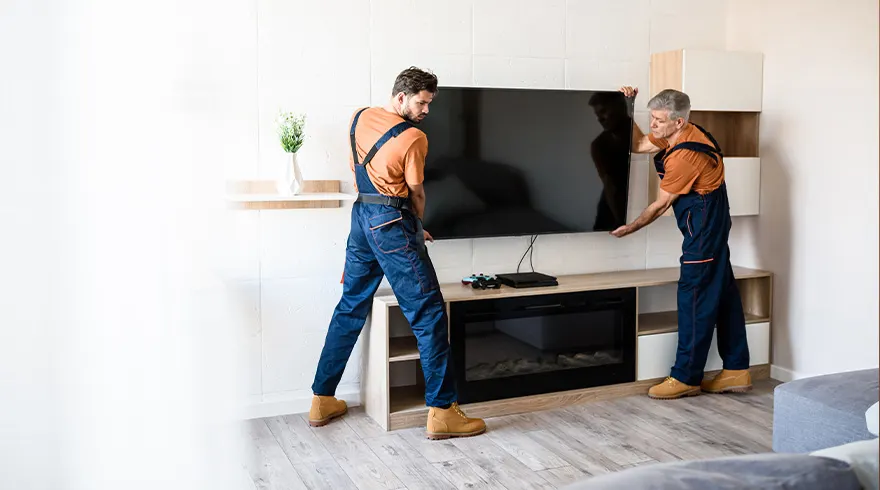
Two workers in blue overalls install a large black television on a cabinet in a living room with wood-like flooring.

Where on the wall will your TV look best? It’s important to determine the correct height for your TV. You’ll want to watch comfortably from your sofa. When seated, your eyes should look straight at the centre of the screen. The height therefore depends on your height, the height of the sofa or chair, and where you sit. If you prefer, you can hang the TV higher; make sure you can adjust the angle so you’re always looking straight at the screen. Choose a flexible mount to do this.

How high should you hang your TV?

VESA standard

Before buying a TV wall mount, it’s useful to know about VESA sizes. Every flat-screen TV has a VESA size, which must match the VESA size of the wall mount. The VESA size indicates the position of the TV’s mounting holes. The larger the TV, the further apart the mounting holes are, and the larger the VESA size.

White diagram showing a VESA mount with adjustable dimensions, labeled minimum 100/3.9 and maximum 400/15.7 in mm/inch.

Hoe weet ik de VESA-maat van mijn tv?

De VESA-maat van tv's staat bijna altijd vermeld in de handleiding. Je kunt er ook achter komen door de afstand tussen de schroefgaten achterop de televisie op te meten. Je meet altijd eerst de horizontale afstand, daarna de verticale afstand.

Voorbeelden van VESA-maten

Bij de specificaties van de tv-beugels vind je de minimale en de maximale beeldschermdiagonaal waarvoor de beugel geschikt is. Daarnaast vind je de minimale en maximale VESA-maten, bijvoorbeeld 100 x 100 mm t/m 400 x 400 mm.

Dit zijn een paar voorbeelden van VESA-maten:

  • VESA 75: (afstand tussen de schroefgaten van 75 x 75 mm)
  • VESA 200: (200 x 200 mm)
  • VESA 200x100 (200 x 100 mm)
  • VESA 400x800 (400 x 800 mm)
  • VESA 600 (600 x 600 mm)

Houd rekening met de aansluitingen

Bij het kiezen van een tv-beugel is het handig om rekening te houden met de aansluitingen achterop de televisie. Zitten de aansluitingen buiten de bevestigingspunten, dan kun je iedere passende beugel kopen. Als de aansluitingen binnen de bevestigingspunten van je televisie zitten, is niet iedere tv-beugel geschikt. Je kunt dan het best kiezen voor een tv-beugel met een open constructie. Zo blijven alle aansluitingen goed bereikbaar.

Specifications of TV wall mounts

When buying a wall mount, make sure it’s suitable for your TV type and that your wall is suitable too. If you want to neatly conceal your cables, a wall mount with cable management is a good choice.

A TV mounted on a gray wall bracket is angled in a living space where two people sit at a table near a window.

Your TV’s size

Buy a mount that suits your TV size. Every wall mount has a minimum and maximum screen size. We offer TVs of 32 inch, 49 inch, 55 inch and 75 inch.

Your TV’s weight

Also check the mount’s weight capacity and how much your TV weighs. With most mounts you won’t need to worry; they can handle quite a few kilos.

The VESA size

Make sure the wall mount fits your TV’s VESA size.

Want to use the wall mount to tidy your cables as well? Some mounts include cable management. You can also route cables neatly outside the mount using a cable duct.

Mounting the wall mount

White wall mount with a flat panel. The mount has an extendable arm and is designed to tilt.

Make sure you fix the wall mount to a wall you can drill into. Check there are no pipes or cables inside the wall. You can verify this with special testers available from DIY stores. Everything you need to mount the bracket is included, so you won’t need to buy wall plugs and screws separately. If you’re mounting your TV on a plasterboard wall, you’ll need special plugs, which are available at any DIY store. Use a spirit level to ensure the bracket is mounted straight. Some TV wall mounts include a small spirit level. Some mounts can still be levelled after mounting. It also helps to mark the drill holes on the wall with a pencil.

Have you bought a new TV and would prefer not to mount it yourself? With MediaMarkt Power Service, we can help with installing and mounting your TV.

These articles might be interesting for you