MM logo white 1
MM logo red
Image description is not available

Your Fitbit isn’t syncing: what can you do?

Roel22 JANUARY 2026
Woman in workout clothes holds a smartphone, wearing a smartwatch, necklaces, visible lamp and workout bike.

Is your Fitbit not showing the correct time? Or does the number of steps you have taken according to your Fitbit not match the number in the Fitbit app? Then your activity tracker is probably not syncing properly with your smartphone. In this article, you’ll find various tips to solve this problem.

How do you normally sync a Fitbit?

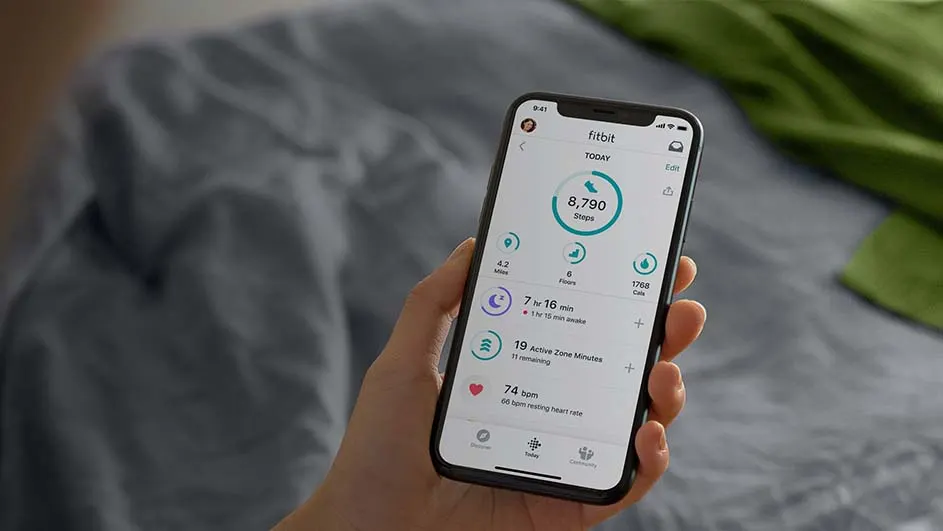
A hand holds a phone displaying a Fitbit app with stats like steps, distance, active minutes, and heart rate, against a bedding backdrop.

Normally, you sync a Fitbit when you first pair it with your smartphone. You download the Fitbit app on your iPhone or Android phone and select ‘Set up a device’. Follow the steps in the app and your Fitbit and smartphone will be paired automatically. The activity tracker should now remain connected to your smartphone. For example, in the Fitbit app you’ll see exactly the same number of steps as shown on your activity tracker. If this isn’t the case, your Fitbit is no longer syncing properly.

Compare the different Fitbit models
5 possible reasons why your Fitbit isn’t syncing

There can be various reasons why your Fitbit no longer connects properly to your smartphone. Most likely, one of the following is the culprit:

  • Your Bluetooth is switched off.
  • Other devices are interfering with the connection between your smartphone and your Fitbit.
  • Your smartphone isn’t up to date.
  • The Fitbit app has not been updated.
  • Your Fitbit needs to be reset.

Fortunately, there are matching solutions for each of these possible causes.

Check whether your Bluetooth is switched on

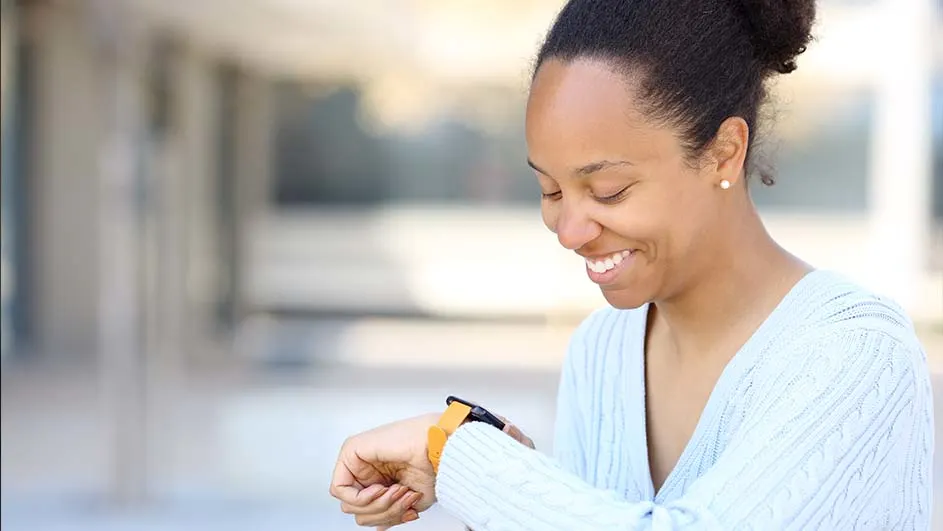
A person smiles, looking at a watch with a yellow band on their left wrist. They wear a light blue sweater.

Most Fitbit models connect to your phone via Bluetooth. Check whether Bluetooth is enabled on your smartphone. Go to your phone’s settings, look for Bluetooth and make sure it is switched on. Is Bluetooth already on? Turn it off briefly and then back on again. Sometimes this solves the problem.

Disconnect other devices

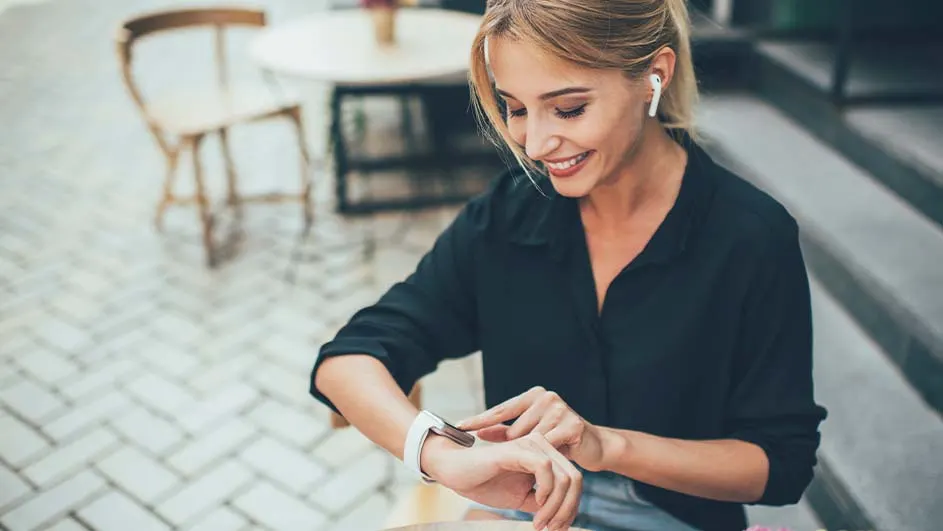
Smiling woman in a black shirt checks a white smartwatch. She wears white wireless earbuds. Outdoor cafe with chairs is in the background.

Sometimes your Fitbit no longer syncs properly because your smartphone is already connected to other Bluetooth devices. Check this by disconnecting, for example, your Bluetooth speaker or wireless earphones. Does your Fitbit now pick up the Bluetooth signal from your smartphone properly again? Then you know you can’t connect too many devices at the same time.

Fitbit or Apple Watch: which should you choose?

Update your smartphone

If the latest software update isn’t installed on your smartphone, this can affect your phone’s connectivity features. Therefore, check whether you have the latest software. Go to your phone’s settings, look for system or software updates and install any available updates. Don’t see any updates to install? Then your smartphone is probably fully up to date, and this isn’t the cause of your non-syncing Fitbit.

Update the Fitbit app

Just like your smartphone, your Fitbit app must also be up to date to ensure syncing runs smoothly. So go to the App Store or Play Store on your phone, search for the Fitbit app and update it if a new version is available.

Add your Fitbit to the app again

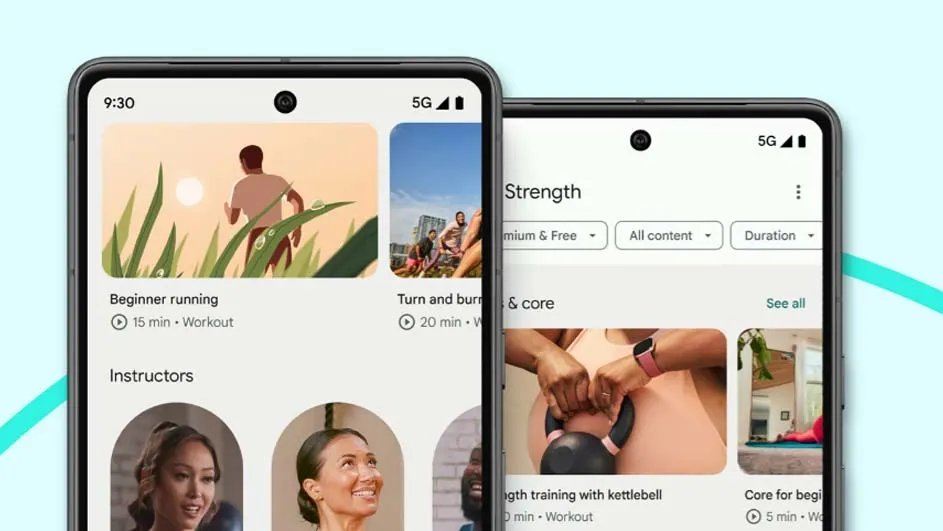
Two smartphones display fitness app interfaces with running, strength workouts, and instructor profiles on a light blue background.

As a last resort, you can remove your Fitbit from the app and add it again. Do this as follows:

  • Open the Fitbit app.
  • Click on your Fitbit model under ‘Devices’.
  • Click on the bin icon at the top right of the app.
  • Select ‘Remove’.
  • Go to the home screen of the Fitbit app and select ‘Set up a device’.
  • Follow the steps that appear on the screen in the app.

Are you from Belgium? Then read the article “Mijn Fitbit synchroniseert niet, hoe los je dit op?” on MediaMarkt Belgium.

These articles might be interesting for you