MM logo white 1
MM logo red
Image description is not available

What is iOS 26?

Roel8 MARCH 2026
Five modern smartphones side by side show bright screens with messages, weather, widgets, photo and music interface.

iOS 26 is the version of Apple's operating system for your iPhone that was released in September 2025. It’s the successor to iOS 18, because Apple names its annual update from iOS 26 after the year in which it’s largely considered the latest. Discover all the smart features and details your iPhone has now thanks to iOS 26.

What's new in iOS 26

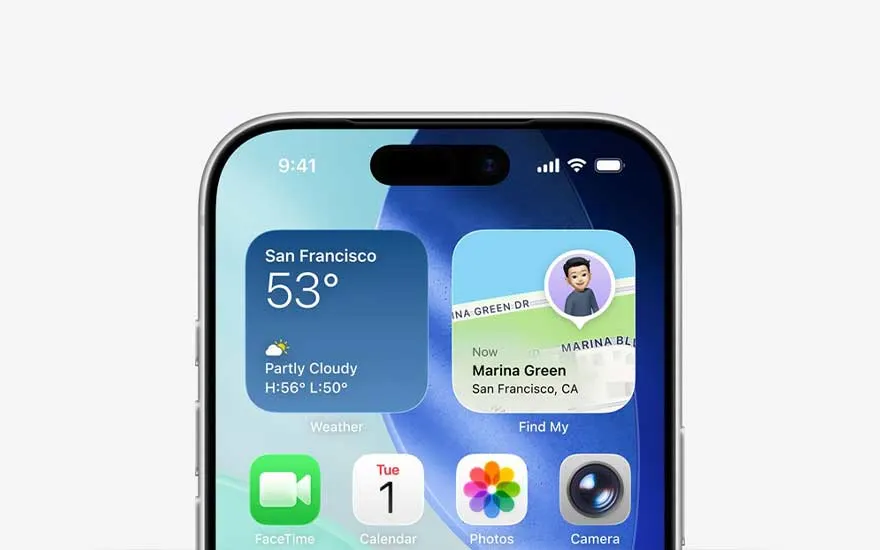
The upper section of a smartphone displays weather and location widgets for San Francisco, along with colourful app shortcuts and icons.

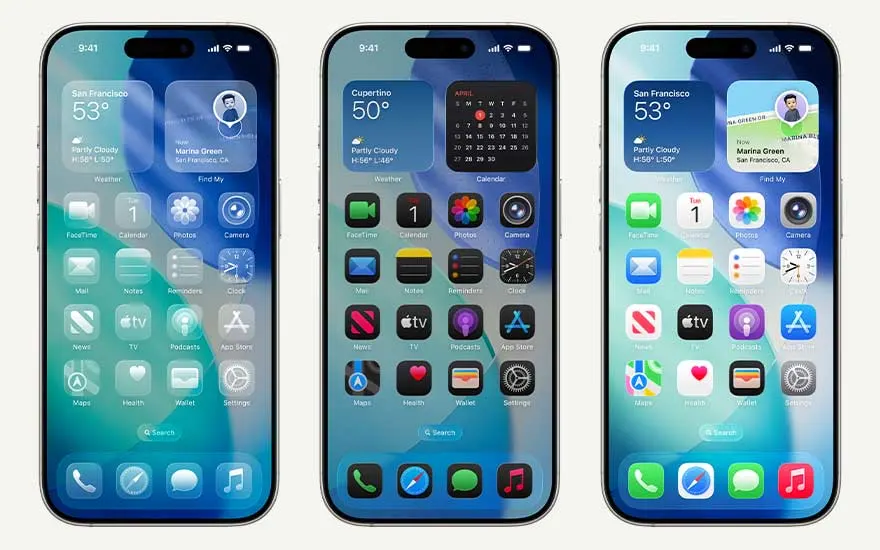
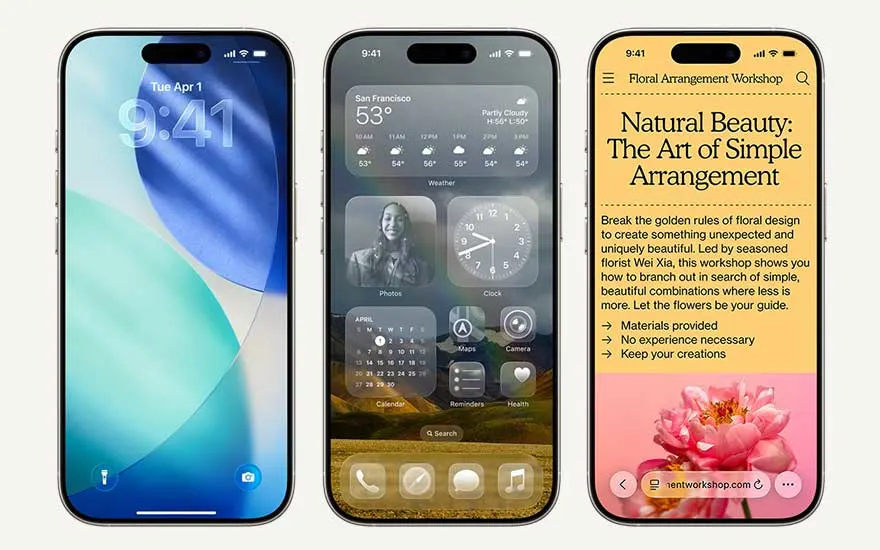
A notable change in iOS 26 compared to iOS 18 is the arrival of Liquid Glass. This makes it look like a layer of glass hangs over apps and widgets, so that menu items move dynamically with the content on your iPhone. In addition, with iOS 26, your iPhone has a more vivid Lock Screen with smooth, reflective notifications and beautiful 3D effects in your photos. The app icons look brighter and more modern. Work with more focus thanks to the handy survey feature in Messages and always see who is calling you immediately, even if a number is unknown. With Hold Assist, iPhone keeps you informed when you're on hold, so you can get on with something useful while you go. Finally, iOS 26 offers new features for Apple Intelligence, which will soon be available in Dutch. For example, thanks to visual AI, you can easily convert images to text or receive ideas for dinner based on what's left in your fridge. Image Playground lets you quickly create fun images across apps, and live translations let you communicate in any language.
How to install iOS 26 on your iPhone

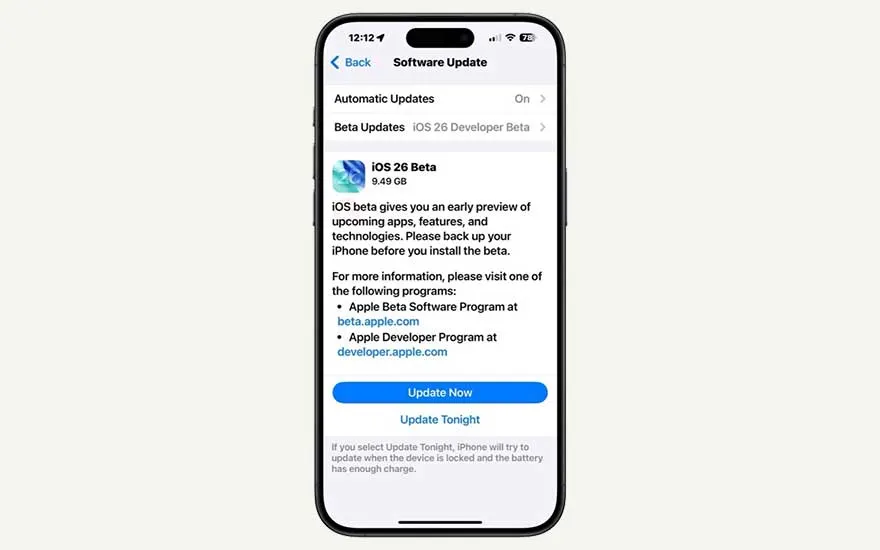
A smartphone displays the iOS 26 Beta update screen, showing info about the beta and buttons to update now or schedule for tonight.

You can update your iPhone to iOS 26 as of September 2025. To do this, go to 'Settings' -> 'General' -> 'Software Updates'. To know if the version is ready for installation, first, make sure that you back up your iPhone, that your phone is fully charged or plugged in, that there is enough storage space available, and that you have a stable Wi-Fi connection. You can also download the update with 5G, although that might cost a lot of data. Then, click on the installation link under the ‘Software Updates’ tab, accept the terms, and wait for iOS 26 to download. This can take about half an hour. After the download, you will be asked to complete the installation.

Which iPhones will get iOS 26?

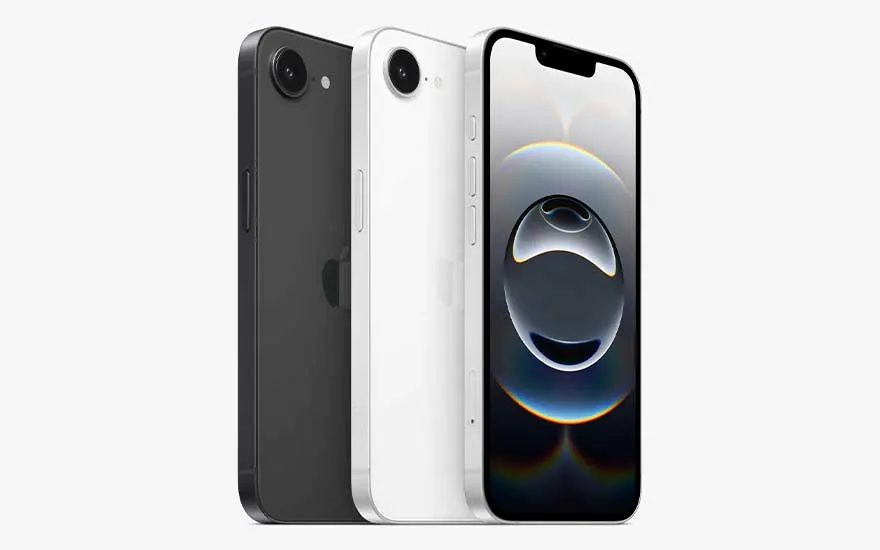
Three black and white smartphones are staggered together; the front one displays a modern screen with a circular graphic design.

iOS 26 is already standard on all variants of the iPhone 17. So, you can find this update on the iPhone 17, iPhone 17e, iPhone Air, iPhone 17 Pro and iPhone 17 Pro Max. In addition, the update can be downloaded on the following iPhones:

When can you download iOS 26?

Three smartphones display home screens in different layouts, each with widgets and app icons over a shared blue-themed background.

iOS 26 will be available for download as from September 15, 2025. If your iPhone has not yet been updated to that iOS version, it’s a good idea to check if it’s ready under 'Software updates'. Most likely, you’ll still receive minor updates to iOS 26 in the course of 2025 and 2026, for example to remove minor errors from the software.

Three smartphones show varied screens: a colourful lock, a widget-rich dashboard with weather, and a workshop information page.

Hoelang duurt een iOS 26-update?

The duration of the iOS 26 update depends on the speed of your phone, the stability of your internet connection, and how busy the Apple servers are, among other things. Keep in mind that your iPhone will take about half an hour to fully update. So don't schedule the download at a time when you expect an important message or phone call.

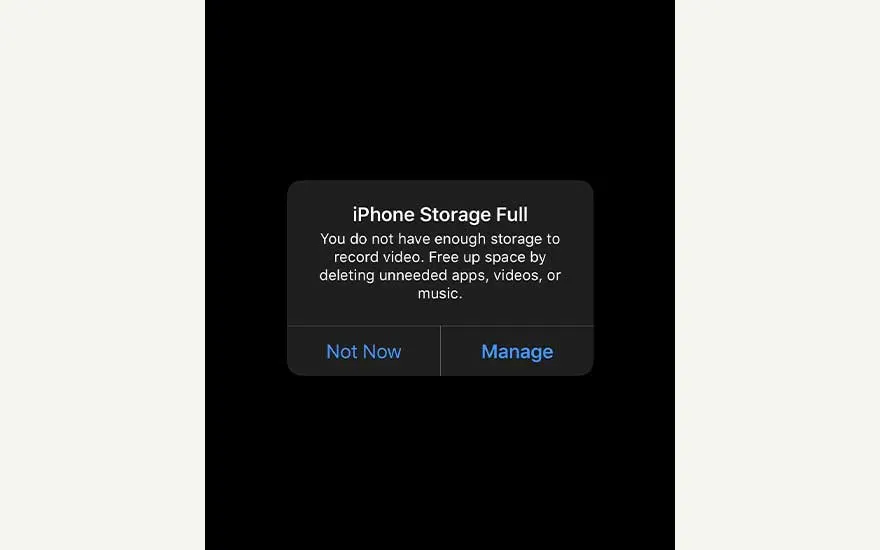
On a black screen, a message appears: iPhone Storage Full. The user must free space to record video or manage storage.

Why can't you download iOS 26?

There are several reasons why you can't download iOS 26. Maybe you're using an older iPhone model that isn't compatible with iOS 26. It’s also possible that the storage of your iPhone is full. In this case, delete apps, photos, files, or messages to make room. Sometimes, the Apple server gets overloaded if many people update at the same time, causing the download to fail. A slow or unstable internet connection can also cause the download to fail or be slow.

Our advice on Apple's iOS 26

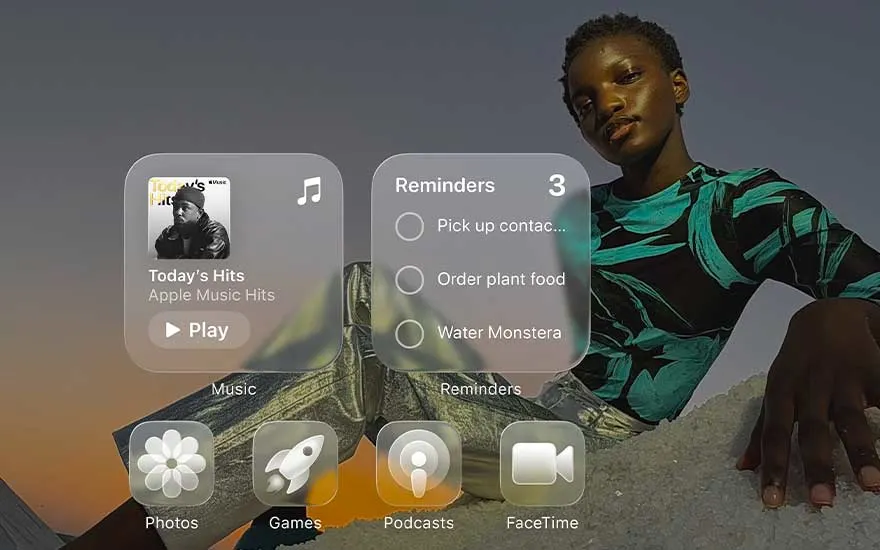
A person poses at sunset behind large floating iPhone widgets for music, reminders, photos, games, podcasts and FaceTime.

The new features of iOS 26 will probably catch your eye immediately. Many changes have to do with the design of your iPhone. The most striking change is the introduction of Liquid Glass. This makes it look like there’s a kind of glass layer over your apps, making your iPhone screen look very spacious. In addition, it’s noticeable that the lock screen on an iPhone with iOS 26 is a lot more vibrant than previous updates. The icons of your apps have also undergone a small metamorphosis and now look a bit more modern. In addition to the design changes, iOS 26 also brings even smarter features through Apple Intelligence. Finally, after the iOS 26 update, you can work more focused thanks to the survey option in Messages and the automatic screening of incoming phone calls, among other things.

These articles may also be interesting for you