
MM logo white 1
MM logo red
Image description is not available

How do you use a hotspot on an iPhone?

Roel21 JANUARY 2026
Two hands hold phones on a wood table. One phone displays "Personal Hotspot," the other "Connected!" Both show a blue wifi symbol.

A hotspot is a way to use your iPhone as a wireless router. This means that with other devices, such as a laptop or tablet, you can access the internet via the mobile connection of your iPhone. This is useful if you’re somewhere without Wi Fi, or if your Wi Fi connection isn’t working properly. In this article you can read exactly how to use the hotspot function on your iPhone.

What’s the hotspot on an iPhone?

Two students in white shirts at a desk look at a phone. Books and paper are on the desk. Classmates sit nearby.

The hotspot on an iPhone is a function that you switch on via the settings of your Apple phone. When you do this, your iPhone creates its own Wi‑Fi network, with a name and password that you set yourself. You can then connect other devices to the hotspot on your iPhone. Those devices can then connect to that network and make use of your iPhone’s mobile data.

Share a Wi Fi password safely via your iPhone
How to turn your iPhone into a hotspot

To turn your iPhone into a hotspot, first make sure that your mobile data is switched on. Then go to Settings and then to Personal Hotspot. If you’re doing this for the first time, you need to set a password. This prevents anyone nearby from using your hotspot without permission. Finally, switch on the slider for ‘Allow Others to Join’. Your iPhone is now a hotspot.

Connecting a device to your iPhone’s hotspot

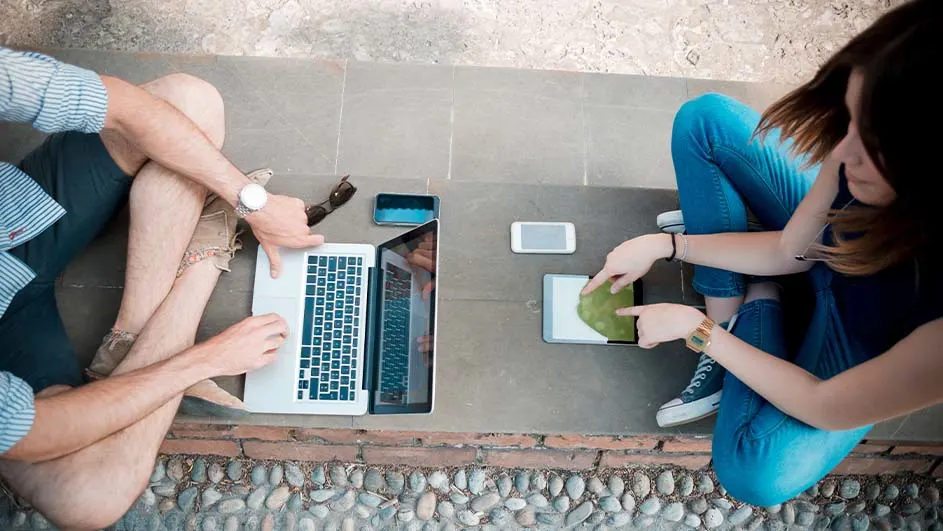
Two people sit with a laptop, tablet, and phones on a gray surface above a stone border.

You can connect multiple devices to your hotspot. This can be another smartphone, a laptop, a tablet, a computer or even a smart TV. Go to the settings on the device you want to connect and click on ‘Wi‑Fi’. A list of available networks will appear. Look for the network with the name of your iPhone and click on it. Then enter the password you set on your iPhone and choose ‘Connect’. You can now access the internet via the mobile data on your Apple phone.

How do you use a hotspot on an iPhone?

How many devices can use an iPhone hotspot at the same time?

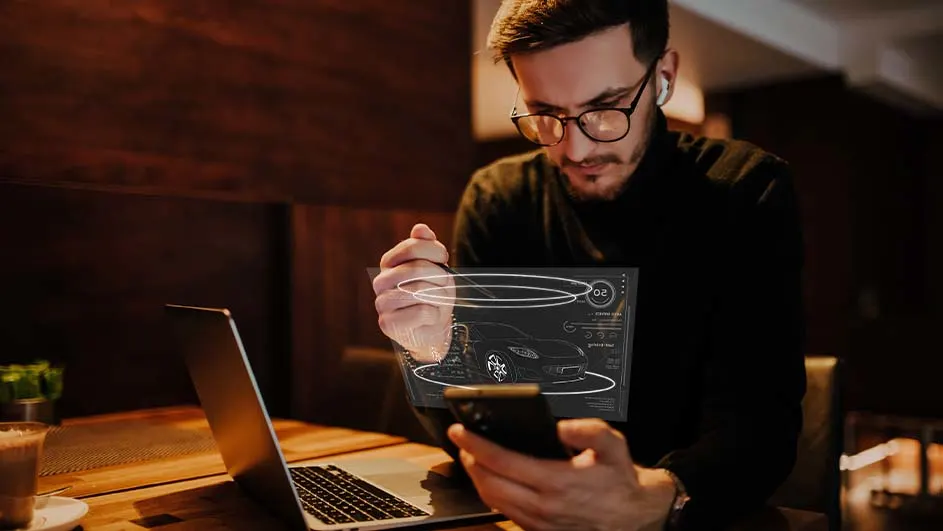
Person at table with laptop and phone views car graphic. Drink and plant visible on brown surface, with dark wood background.

How many devices you can connect to a hotspot at the same time depends on your network provider and the iPhone model. One of the specifications of an iPhone 17, for example, is that you can connect up to 10 devices to the hotspot at once, if your network provider allows this. In the Control Centre of your iPhone 17 you can see exactly how many devices are connected to your phone at the same time. You can access the Control Centre on your iPhone by swiping down from the top-right corner of your screen.

The differences between iPhone 17 and iPhone 16

These articles might be interesting for you