MM logo white 1
MM logo red
Image description is not available

The best PlayStation 5 monitors of 2026

Daan7 JANUARY 2026
A person wearing headphones holds a controller and cheers in front of a gaming screen.

Are you looking for a good monitor to get the best out of your PlayStation 5? When choosing a suitable monitor, pay attention to things like resolution, refresh rate and the HDMI connection. Or buy one of MediaMarkt’s best monitors for a PlayStation 5.

What is the best PlayStation 5 monitor?

A person in a blue hoodie sits facing a TV screen displaying a game, with shelves and various items in the background.

Do you have a PlayStation 5 console and are you looking for a good monitor to go with it? The specifications of a monitor largely determine to what extent you get the best out of your PlayStation 5. For example, the resolution and refresh rate of a monitor are important. Will you go for 4K or Full HD? In addition, the HDMI connection plays a major role: will you choose a monitor with an HDMI 2.0 or HDMI 2.1 connection? Finally, input lag is an important feature of a monitor. It determines how quickly a monitor responds when you press a button. Input lag is very important for gamers and is therefore definitely something for them to pay close attention to when searching for the best monitor.

How do you choose the best gaming monitor?
Pay attention to resolution and refresh rate

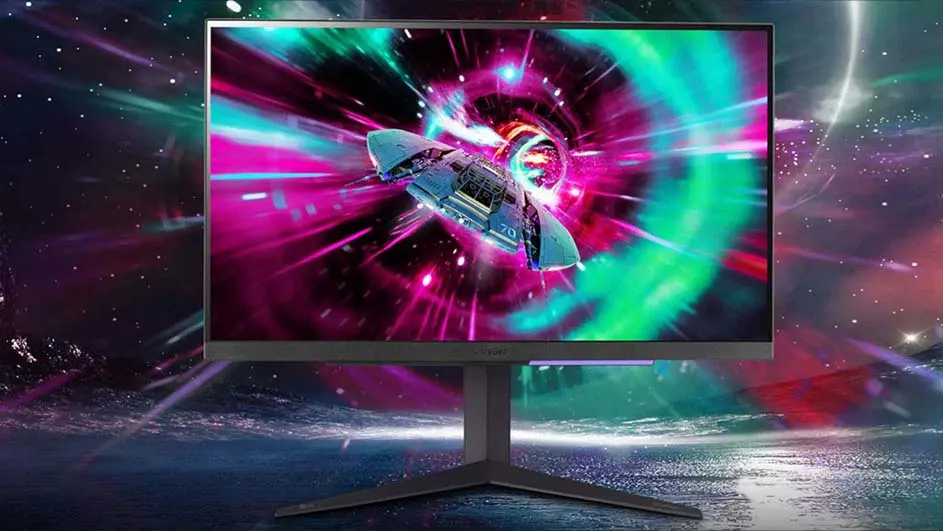
A computer monitor displays a blue spaceship in a pink and green tunnel. The monitor is on a stand, against a space scene.

The resolution of your monitor is crucial for an optimal gaming experience. You basically have 2 options that a PlayStation 5 supports: Full HD or 4K resolution. Consider which resolution suits you. Monitors with 4K resolution have more pixels than Full HD monitors. On a 4K monitor, the images in a game are therefore just that bit more detailed and realistic. Do take the refresh rate into account. The higher this speed, expressed in hertz, the less likely you are to experience stuttering or delays while playing. A PlayStation 5 can play games at 2 fixed refresh rates: 60 and 120 hertz. It depends on the game which resolution and which refresh rate are supported. To be sure of the best gaming experience, choose a 4K monitor with at least 120 hertz.

Tips and advice for a 4K monitor

Why the HDMI connection is important

A black game controller sits in front of a television displaying a blurred outdoor scene with trees.

The PlayStation 5 has HDMI 2.0 and HDMI 2.1 connections. Your monitor must have at least one of these ports. The connection of your HDMI cable is important for passing on the refresh rate from your PlayStation 5 to your monitor. With HDMI 2.0, you play games at a maximum of 120 hertz in Full HD and at a maximum of 60 hertz in 4K. Do you also want to game in 4K at 120 hertz? Then choose a monitor with HDMI 2.1 ports. This way you get the most out of your gaming experience. Some games also support gaming on an ultrawide monitor. When you connect such a game via HDMI to an ultrawide monitor, you game in a unique way. Thanks to the wide screen, you become fully immersed in your game and you spot opponents more quickly in your peripheral vision.

Which monitor will you buy?

Low input lag for the best gaming experience

Input lag is a very specific feature for gamers. Input lag indicates how much time a monitor needs to respond when you press a button on your PlayStation controller. Low input lag is essential for a smooth gaming experience. Go for a monitor with as little delay as possible between your controller movements and what you see on the screen. This ensures that you can react quickly, for example during an exciting and competitive shooter game.

Are you from Belgium? Then read the article “the best PS5 monitor” on MediaMarkt Belgium.

These articles might be interesting for you