MM logo white 1
MM logo red
Image description is not available

How do you charge an Apple Watch and what if it doesn’t work?

Roel25 JANUARY 2026
A hand holds a black smartwatch above a white charging pad on a dark wood desk. A keyboard and plants are blurred behind.

Apple Watch is one of the most popular smartwatches in the world and is used daily by millions of people. But just like with all wearable devices, charging the Apple Watch is a crucial part of using it. When a red lightning bolt appears on your Apple Watch, you know it needs power. On this page you can read how to charge an Apple Watch and what you can do if this doesn’t work.

How to charge your Apple Watch

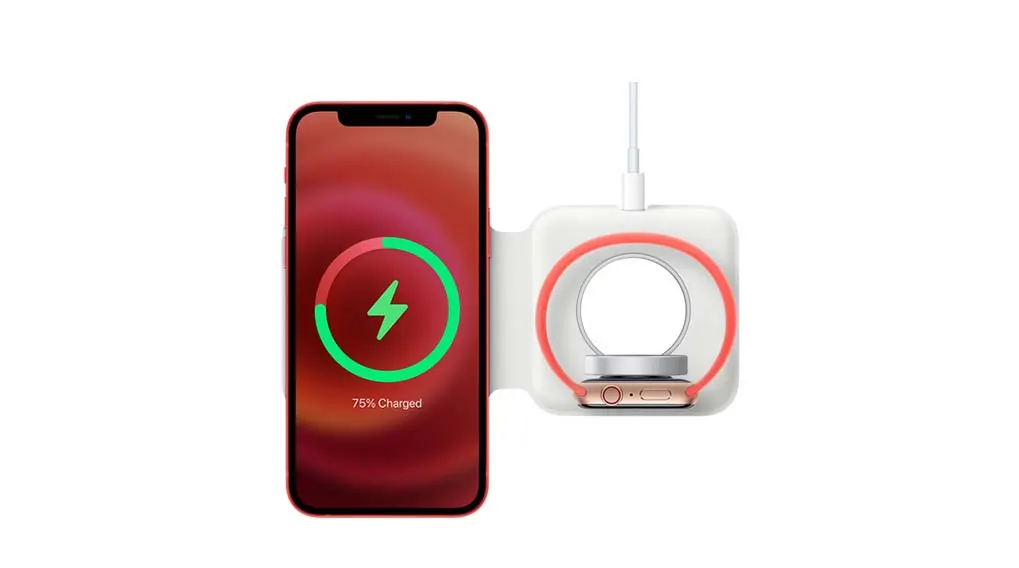
A phone displays a charging symbol, reading "75% Charged", next to a white wireless charger with a watch on it.

The easiest and best way to charge your Apple Watch is by using the supplied charging cable. This consists of a magnetic side and the USB-C connector. Plug the latter into a USB-C adapter. Apple has not supplied adapters since 2020, because this is better for the environment. Apple users often already have adapters at home from previous iPhone and iPad models. You can also use the adapter from your iPhone or iPad for your Apple Watch (provided it has a USB-C connection), as well as the USB-C port of another device. Place your Apple Watch on the magnetic side of the charging cable. The magnets ensure that the watch is automatically placed in the correct position. A green lightning bolt appears on the screen. Now you just have to wait until your Apple Watch is charged.
Discover the Apple Watch Series 11

How long does it take to charge your Apple Watch?

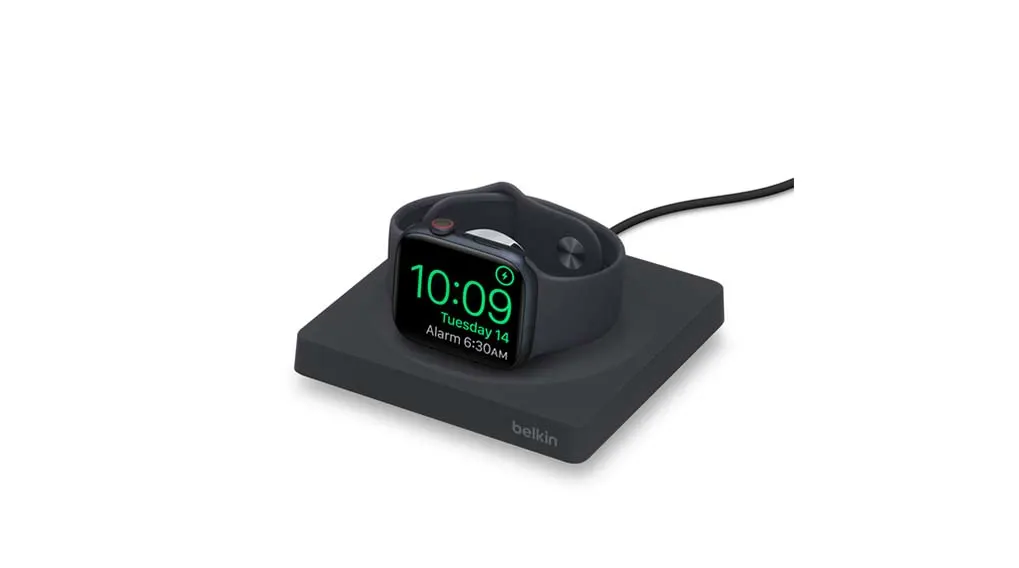
A black smartwatch displays 10:09 on a black charging pad with a black cable on a white background.

When your Apple Watch is completely empty, it takes about 2.5 hours to charge it to the full 100%. Apple watches from watchOS 7 onwards also have the ‘optimised charging’ feature. This feature recognises the times at which you usually charge your watch and adjusts the charging time of the last 20% of your battery accordingly. For example, if you often charge your Apple Watch at night, this feature prevents the watch from staying on the charger for a few hours while it’s already fully charged. If your Apple Watch is paired with your iPhone, you can also keep track of the charging status there with a battery widget.

View more apps for your Apple Watch

Can you charge an Apple Watch wirelessly?

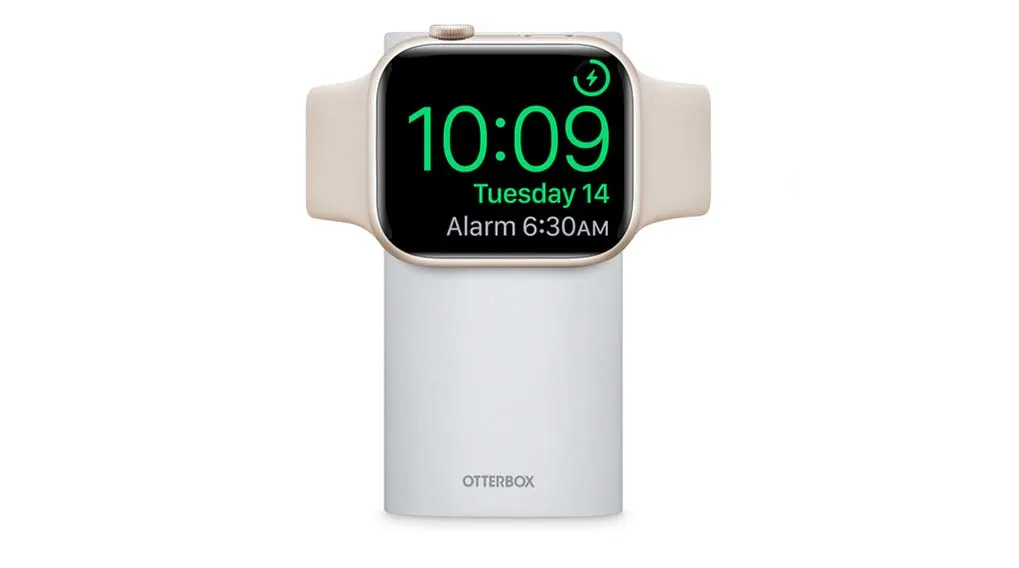
A smartwatch with a beige band rests on a white Otterbox charging stand, displaying the time as 10:09 and the date Tuesday 14.

There are accessories that allow you to charge the Apple Watch Ultra 2, Apple Watch Series 10 and Apple Watch Series 11 wirelessly – and quickly too! With the Apple Watch Magnetic Fast Charger, you only need to place your smartwatch on the wireless charger. Within 45 minutes the Watch is charged up to 80% with the fast charger and in about an hour the battery is completely full. To use this accessory, you do need an Apple USB-C power adapter of at least 18 watts.

View all Apple Watch accessories

Can you charge an Apple Watch with an iPhone charger?

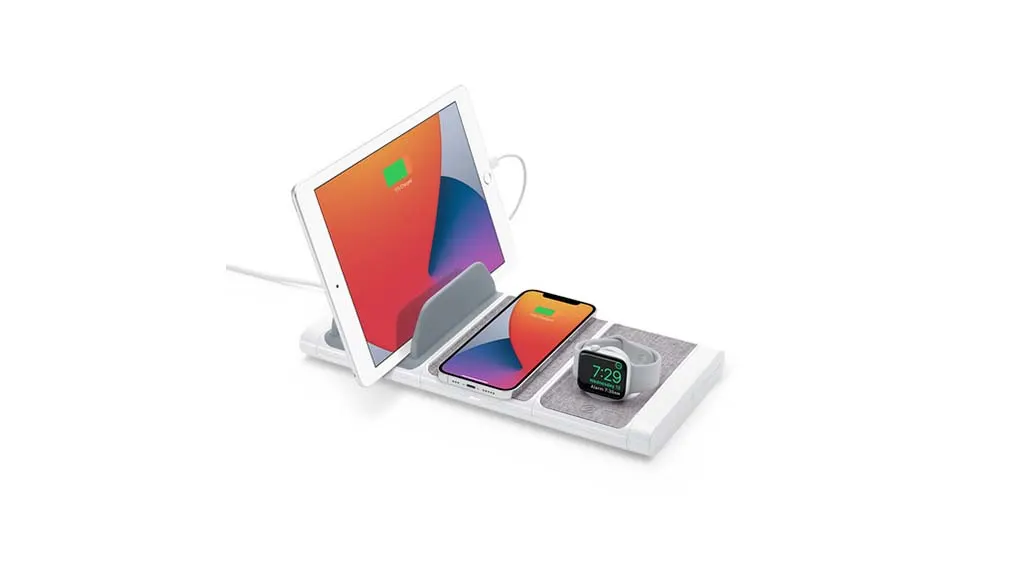
A white charging station holds a tablet, a phone, and a watch. The devices display charging and time information.

It’s not possible to charge your Apple Watch with an iPhone cable. This is because the connector on the Watch (magnetic) and the iPhone (Lightning) are different. However, you can use the same USB-C adapter to charge both your iPhone and your Apple Watch. Apple also has accessories that allow you to charge your Apple phone and watch at the same time. The Apple MagSafe Duo has 2 charging points that power your Apple Watch and iPhone at the same time in the most efficient way.

Compare all Apple Watches

Your Apple Watch is no longer charging properly, what now?

Is your Apple Watch not charging properly? First check whether the foil has been removed from both sides of the chargers and whether the magnetic charging cable is properly connected to the USB-C adapter. If this doesn’t help, check whether the adapter is properly plugged into the socket. If this still doesn’t work, it may help to clean the back of the Apple Watch and the magnetic charger. Finally, you can try moving the back of the Apple Watch slightly over the charger or try a new charger. If this doesn’t work either, it’s advisable to reset your Apple Watch.

These articles might be interesting for you