MM logo white 1
MM logo red
Image description is not available

What is LG ThinQ and how does it work?

Thijs1 JULY 2026
A person relaxes with coffee while checking the LG ThinQ app on a smartphone for connected home devices.

LG ThinQ, formerly SmartThinQ, is a smart platform from LG Electronics that connects all your household appliances via Wi-Fi. Once you’ve installed the app on your smartphone or tablet, you can operate and monitor all LG appliances in your home. On this page, you’ll find out exactly what the benefits of LG ThinQ are.

In short: LG ThinQ

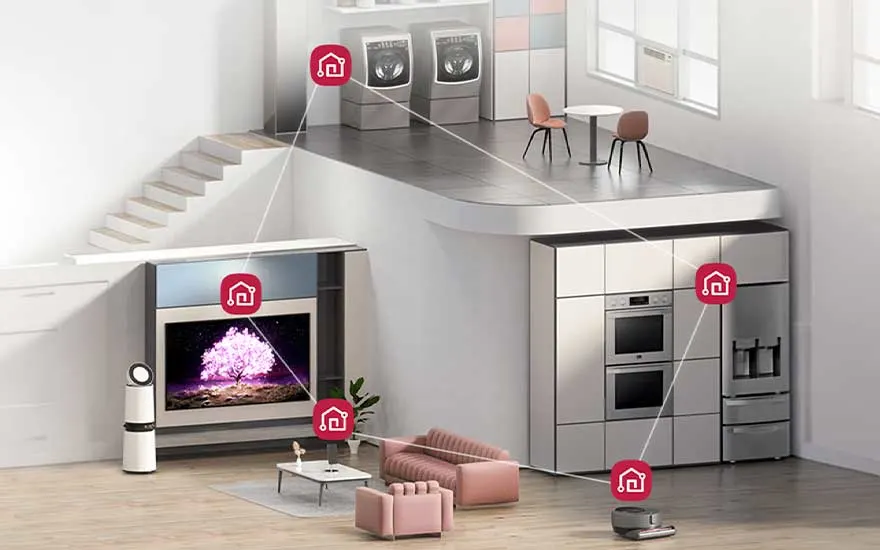
A modern home shows smart LG appliances linked by icons, including a TV, fridge, laundry area and robot vacuum.
  • LG ThinQ is a smart technology platform for creating your own ecosystem between different appliances.
  • LG ThinQ works using AI, algorithms, data analysis, Wi-Fi and the Internet of Things to tailor appliances to your usage as effectively as possible.
  • Use the ThinQ app to operate and maintain appliances manually or with your voice from your smartphone or tablet, or to add new appliances.
  • With the LG app, you can manage settings, start and stop appliances, receive notifications and detect issues.
  • LG ThinQ is compatible with a range of AI-enabled appliances, including washing machines, dryers, fridges, air conditioners and TVs.
How does LG ThinQ work exactly?

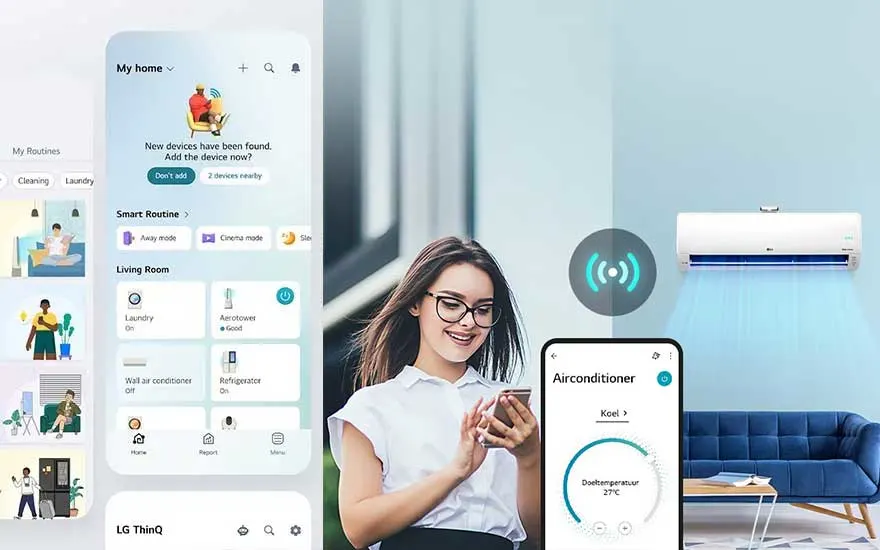
A smiling woman controls an air conditioner through the LG ThinQ app, with smart routines shown on the screen.

LG ThinQ works using smart technologies such as AI, data analysis and the Internet of Things. Based on this secured data, the system learns exactly how you use the appliances in your home and how it can improve their functions. For example, your LG washing machine can save energy while washing your laundry, or an LG fridge can keep your groceries at the right temperature. These innovations fit with LG’s ‘Zero Labour Home’ vision, where household tasks are handled as much as possible by AI-controlled robots and appliances. This makes your life even easier, while you stay in control via the app.

How do you install the LG ThinQ app and connect an appliance?

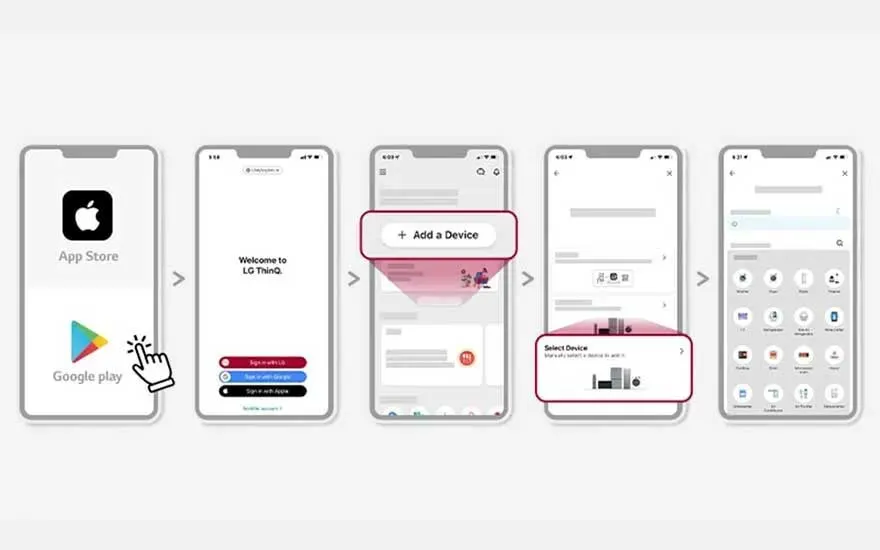
A step-by-step guide shows how to download LG ThinQ, sign in and add a new appliance to the app.

To use LG ThinQ, the brand has developed an app. Below, we explain how to easily install the LG ThinQ app on your phone or tablet:

  1. Scan the QR code in the manual or on the packaging to go directly to the Google Play Store or Apple App Store. You can also download the app manually by typing ‘LG ThinQ’ into the search bar.
  2. Add your LG account. You can use your existing LG account to log in. Don’t have an account? Create one to continue.
  3. Tap ‘+ Add a device’ to add your LG appliance.
  4. Scan the QR code on the LG appliance you want to add. You can also add the product manually by entering the serial number.
  5. Wait until your appliance is registered so you can view all data and control it.

Make sure you always have a stable Wi-Fi or internet connection during this process. It’s also important that your smartphone or tablet is connected to the same network as the appliance you want to add. This helps prevent the registration from failing.

What can you do with the LG ThinQ app?

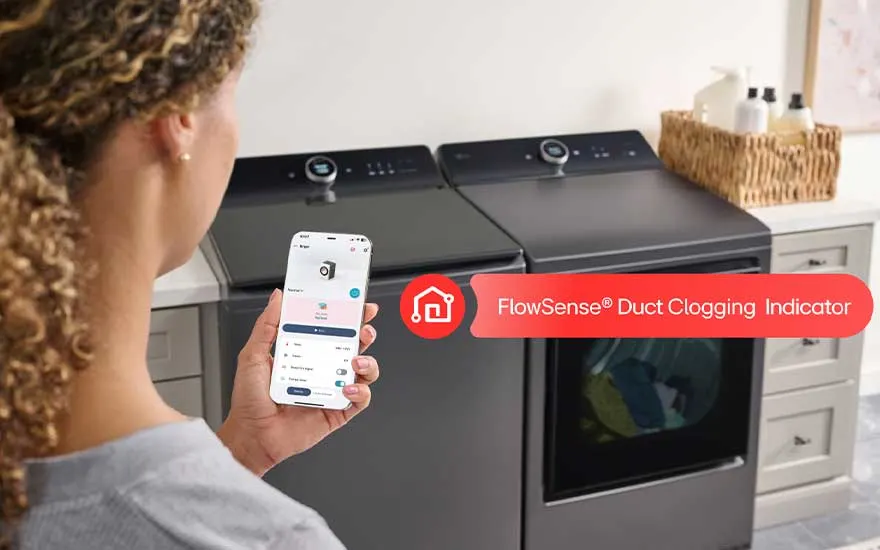
A woman uses her phone beside a washer and dryer, with a FlowSense alert for possible duct clogging.

With the LG app, you can do a range of things:

  • Receive notifications when your laundry is dry, your fridge door is open, your energy consumption is high or maintenance is due.
  • Start and stop appliances remotely and adjust settings.
  • View data on energy consumption and remaining time for appliances such as your LG dryer, washing machine or air conditioner.
  • Get help solving appliance issues through clear instructions in the ThinQ app.
  • Use Smart Diagnosis if you suspect there’s a problem with your appliance. Based on this analysis, you’ll immediately receive instructions on how to resolve it.
  • Create an ecosystem via Google Assistant, Amazon Alexa, Matter and Homey. You can not only link all your appliances but also control them with your voice.

Which appliances can you connect with LG ThinQ?

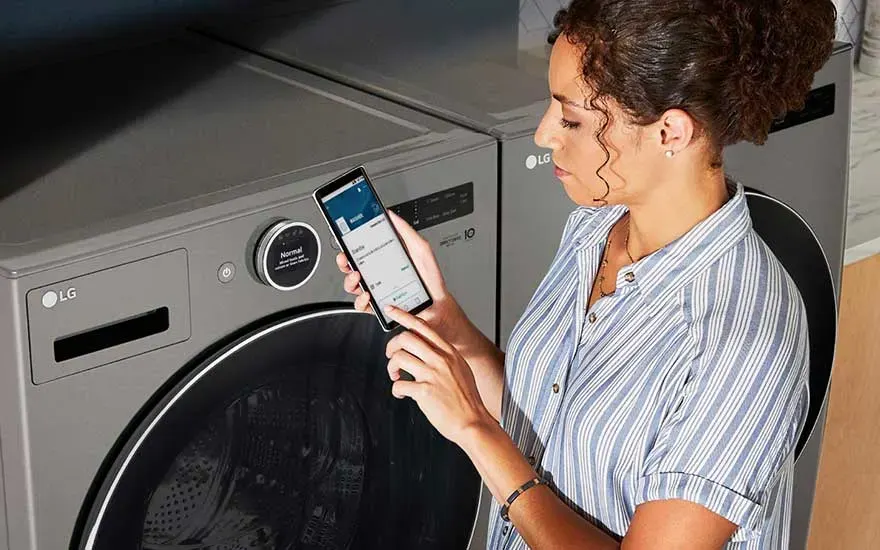
A woman stands by an LG washing machine and uses her smartphone to check settings or status in the app.

You can connect your LG washing machine, dryer, air conditioner, fridge, fridge freezer and TV to the ThinQ app. You do this by connecting the LG appliances using the step-by-step guide mentioned earlier. This creates an ecosystem that fully adapts to your usage situation. You can also connect other appliances to LG ThinQ, as the smart platform is not completely closed. However, it may not work as well if you connect a product from another brand, as not all features may be available.

Our advice on what LG ThinQ is

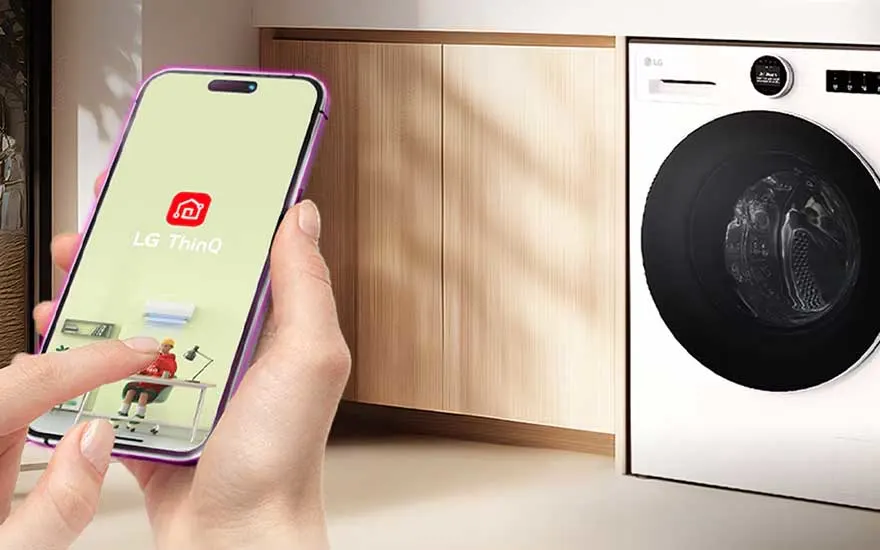
A hand opens the LG ThinQ app on a smartphone beside a built-in washing machine in a warm, modern laundry space.

Whether you have an LG dryer, TV or fridge, connect them with LG ThinQ to create an ecosystem in your home. It learns from your usage behaviour to help all appliances function as effectively as possible. To use ThinQ, you’ll need an LG account and a stable network connection. With the app, you stay fully in control so everything works properly. You can also control it by voice via various assistants. That’s the true ‘Smart Living’ feeling LG gives you.

Frequently asked questions

View similar articles