
MM logo white 1
MM logo red
Image description is not available

PlayStation Portal

Julia14 JANUARY 2026
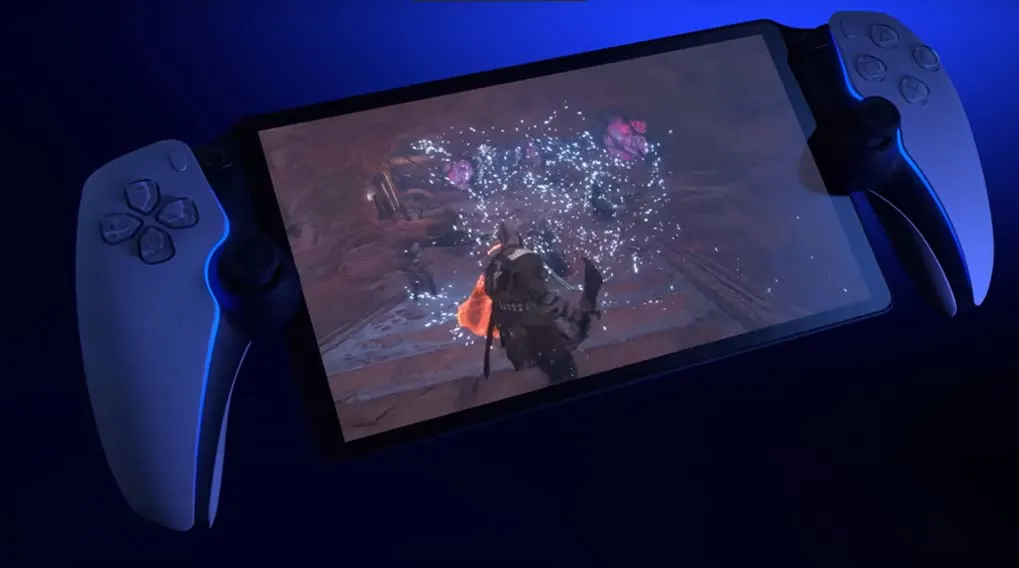
A sleek handheld PlayStation screen floats in a dark space, glowing with blue light and a circular logo that suggests power and speed.

© 2023 Sony

Sony’s new handheld has arrived: PlayStation Portal. Read on this page what you can do with this handy gaming device.

What is PlayStation Portal?

A handheld gaming device with attached white controllers displays a video game scene with a character amidst digital effects.
© 2023 Sony

PlayStation Portal is the name given to Sony’s new handheld. You connect this handheld to your PlayStation 5 so you can play your PS5 games remotely. For this, the PlayStation Portal must remain connected to the PS5. All games are compatible, except VR games. These can only be played with a PS VR2. The HD screen of PlayStation Portal is 8 inches, making it slightly larger than the Nintendo Switch OLED, which has a 7‑inch screen.
How does the PlayStation Portal work?

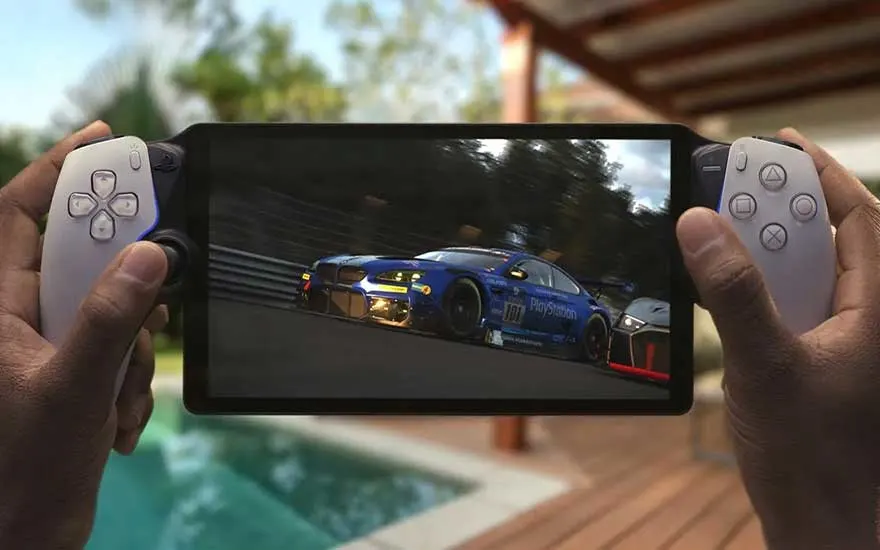
Hands hold a portable PlayStation-style device, streaming a realistic racing game while relaxing beside a swimming pool in the sun.

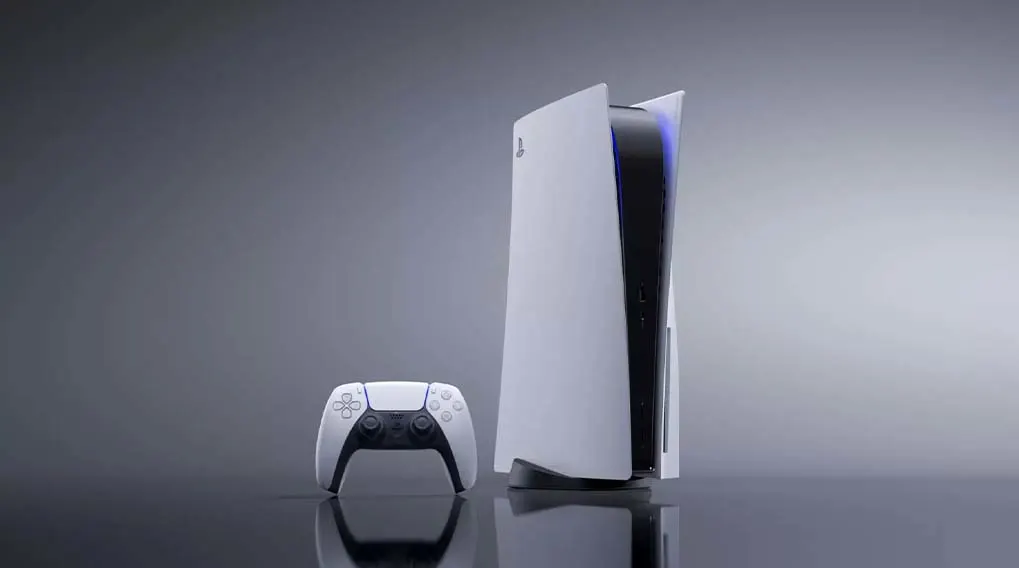
You connect PlayStation Portal to the PlayStation 5 via Wi‑Fi. The PlayStation Portal must always be connected to a stable Wi‑Fi connection. The games you want to play on PlayStation Portal must first be installed on the PlayStation console. The games are then streamed to PlayStation Portal. PlayStation Portal looks like a PS5 controller with a screen placed in between. The buttons and functions of a PS5 controller can therefore also be found on PlayStation Portal.

What are the benefits of the PlayStation Portal?

A white Playstation 5 console stands beside its controller on a reflective surface, set against a grey gradient backdrop.

With PlayStation Portal you can play your favourite games anywhere you like in the house. Do you not feel like sitting on the sofa in front of the TV? With this handheld from Sony, you can easily move to another room. For example, you can game in bed. The PlayStation Portal is also handy if your housemates want to watch TV while you want to game. You can simply keep playing with PlayStation Portal while your friends or family watch their favourite series or match. And if you have children who love gaming, PlayStation Portal can help ensure that the TV is free a bit more often.

This is how you use Remote Play
External content - Youtube

We work with YouTube to show you videos with further information about products and services. We need your consent to display the content.

These articles might be interesting for you