MM logo white 1
MM logo red
Image description is not available

Which iPad suits you best?

Daan18 JANUARY 2026
Woman relaxing on a sofa, using a purple tablet with stylus, focused on writing or sketching in a calm, softly lit living room.

Are you looking for a new iPad, but not quite sure which Apple tablet suits you best? On this page, we compare every iPad model: the iPad, iPad Air, iPad Pro and iPad mini. Which Apple iPad is the best choice for you?

Which iPads are there?

Person lying on a leather sofa, holding a purple tablet upright, fully absorbed in whatever they are watching or reading.

In short:

  • iPad: the iPad is a great entry-level model. You use it for browsing, emailing, watching videos and simple apps. The iPad is a good choice if you’re buying your first iPad or mainly use it at home or as an iPad for children.
  • iPad Air: the iPad Air is thin and light, and faster than the regular iPad. You use the iPad Air if you do a lot of multitasking, take notes or use slightly more demanding apps. It’s also easy to take with you on the go.


Man in a light jacket carefully writes with a stylus on a dark tablet at a table in a modern, minimalist indoor space.
  • iPad Pro: the iPad Pro is the most powerful model in the range. You use the iPad Pro for intensive and professional use, such as video editing, creative apps, 3D models and demanding games. The iPad Pro is also ideal if you want to multitask as smoothly as possible.
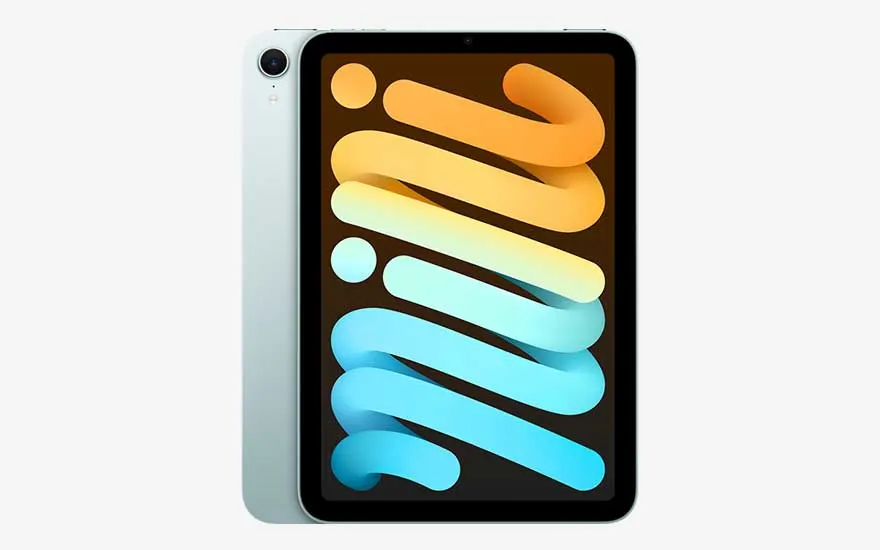
  • iPad mini: the iPad mini is compact and light. You can easily take it with you wherever you go. The iPad mini is convenient for reading, taking notes, watching videos on the go and using as a digital diary or planner.

Check out the newest iPad models

What should you look for when buying an iPad?

Man on a car’s back seat holds a silver tablet with both hands, deeply focused on work or media while travelling.

When buying an iPad, it’s important to consider several factors and decide which of these matter most to you. For example:

  • The screen size
  • The performance
  • The design, weight and available colours
  • The storage capacity
  • Extra features, such as AI
  • Available accessories

Dark grey tablet with slim bezels displays a large purple abstract graphic on its bright screen against a white backdrop.

Should you choose a small or a large iPad?

iPads are available in different screen sizes. You choose a smaller or larger screen based on how and where you use your iPad. Broadly speaking, you can choose from 3 sizes:

  • Small iPad, such as the iPad mini. A small iPad fits comfortably in your hand and is easy to carry in your bag. A small screen is ideal for reading, taking notes, messages and light apps. A drawback is that you have less space for multitasking and detailed drawing.

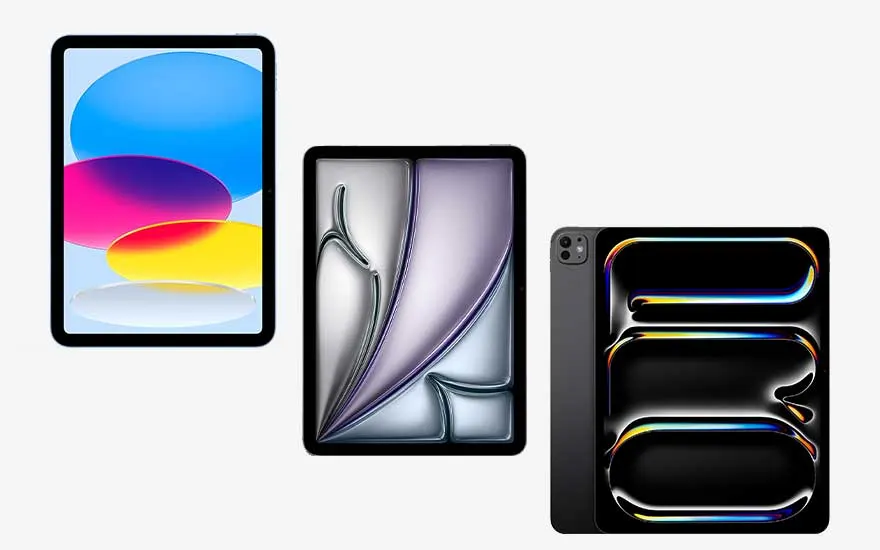
Three tablets stand side by side: the left shows bright coloured ovals, the centre a soft purple abstract, the right bold dark shapes with neon edges.
  • Medium-sized screen, such as the iPad and iPad Air. A medium-sized screen offers a good balance between portability and workspace. This size is great for everyday use, school, entertainment and light creative work. You can type, write and present comfortably. It’s slightly less compact than a small iPad, but more versatile.
  • Large screen, such as the iPad Pro. A large iPad gives you plenty of room for multitasking, creative projects and professional apps. It’s comfortable for watching videos and ideal for working in graphic apps. A larger iPad is less compact, feels heavier and takes up more space in your bag.

Digital illustration of a glowing processor on a blue circuit board pattern, symbolising fast, cutting edge computing power.

Which iPad has the most powerful processor and the most working memory?

Each iPad range has its own processor, chipset and memory. The processor and chipset determine how quickly apps start and how smoothly animations run. The number of cores in the processor plays an important role in demanding tasks such as video editing, graphics apps and complex games. The more cores the iPad has, the more easily and quickly it can handle intensive apps. The working memory (RAM) determines how well the iPad can run multiple apps at the same time without slowing down. The iPad Pro has the most powerful processor and the most memory and is therefore designed for the heaviest workloads and professional use. The iPad Air offers strong performance for everyday use and more demanding apps, without you having to choose the most expensive model. The standard iPad is aimed at everyday tasks such as browsing, video, email and school apps. The iPad mini combines a compact size with enough power for daily use and entertainment.

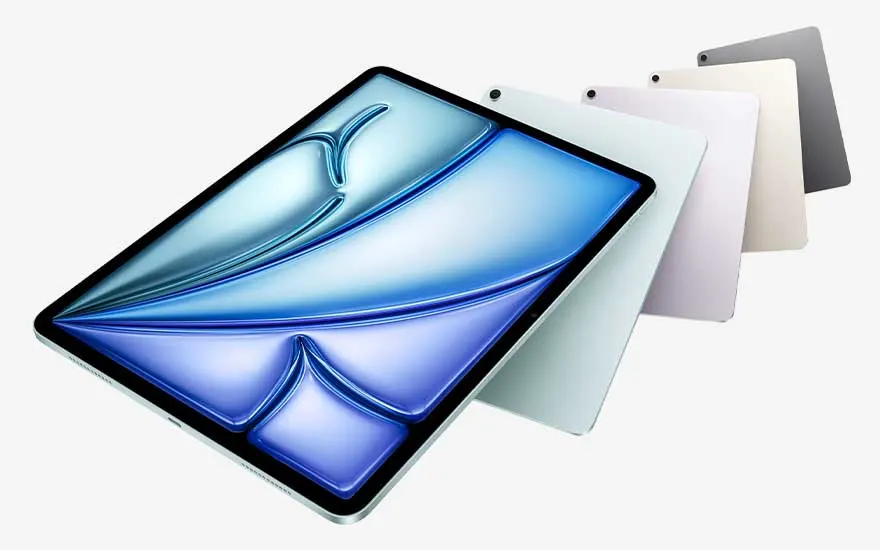
Angled tablet with blue purple abstract artwork on screen, flanked by several coloured backs, highlighting slim design and stylish finish.

The design and colours of all iPad models

The designs of the latest generations of iPad models are very similar. Each iPad has flat edges and rounded corners. Because the Home button has moved to the top of the iPad, the front now consists almost entirely of screen. Every iPad is available in at least 2 colours, but some models offer even more. The iPad Pro usually comes in business-like colours such as grey and silver. The iPad Air and iPad mini mainly use modern, matte finishes. Those who love bright colours are best off with the standard iPad, which often comes in more playful shades.

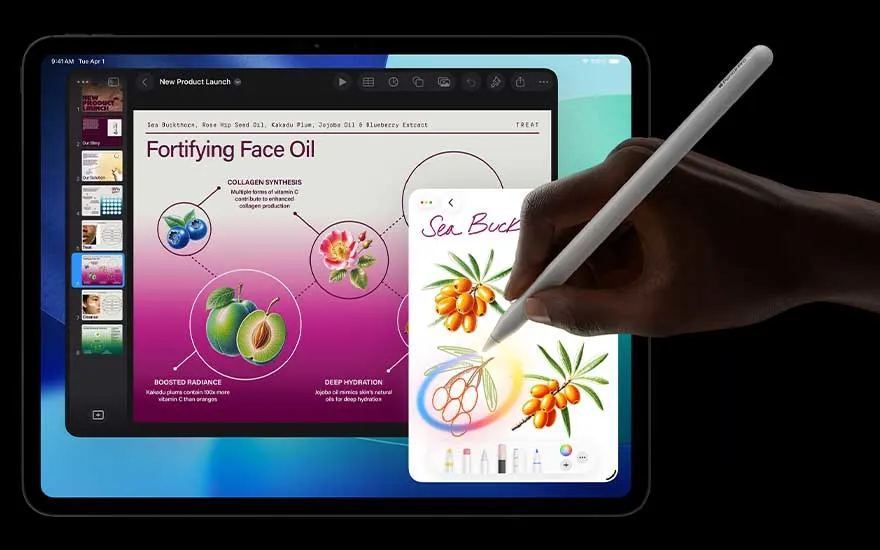
Hand uses a stylus to draw orange berries on the tablet while a bright presentation about face oil and skincare fills the main display.

Which iPad best suits the way you use it?

Apple Intelligence is Apple’s AI. It adds smart AI features to the iPad, such as advanced writing assistance, summaries, recommendations and intelligent editing in photo and video apps. Not all iPads are compatible with Apple Intelligence. This depends on how powerful the chip is. iPads with a newer M‑chip (such as M3 or M5) do support Apple Intelligence. In addition, the iPad must be running a recent version of iPadOS.

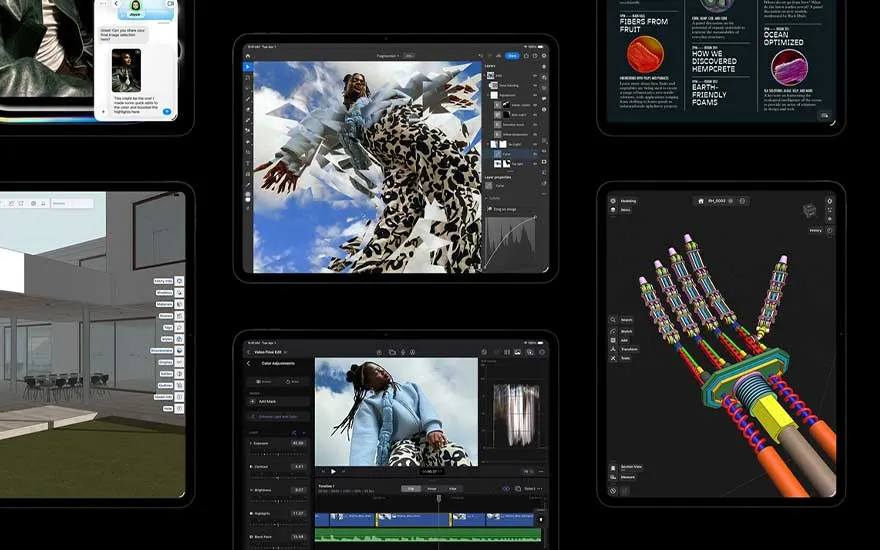
Several tablets display creative apps, from video editing to a 3D hand model and architecture views, showcasing strong performance.

Which iPad best suits the way you use it?

  • The iPad Pro has the most powerful processor and is ideal for creative professionals who carry out demanding tasks on their iPad. If you work a lot with photo or video editing software, the iPad Pro will be the right choice for you.
  • The iPad Air is similar to the iPad Pro in many ways (although there are, of course, important differences). If you’re looking for a reliable tablet for work or study, the iPad Air is the best option for you.

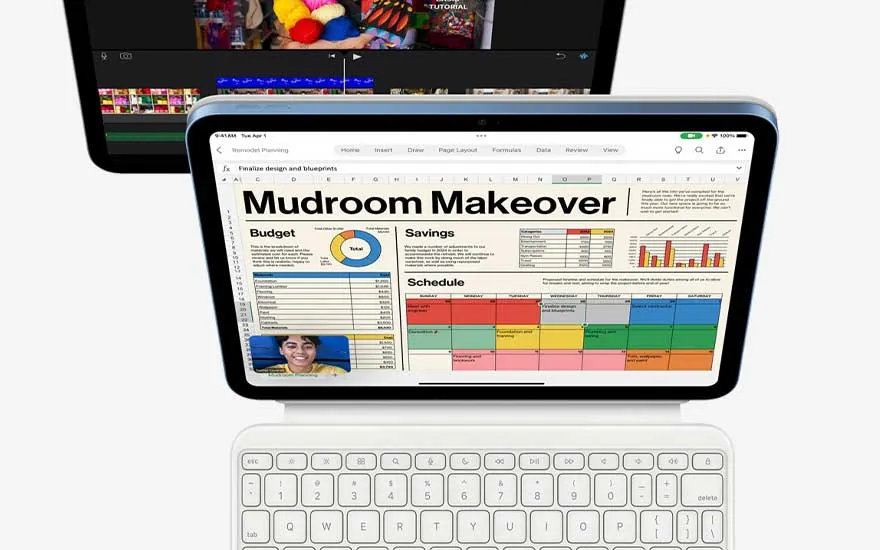
Tablet on a white keyboard shows a colourful “Mudroom Makeover” spreadsheet, with a second display above running video editing software.
  • Are you often on the go and want to check your emails on the train or read a book on the plane? Then the iPad mini is a great fit for your needs. With this small and compact tablet, you can do at least the same as with the standard iPad, which in turn is the ideal family tablet. One person might use it to read the newspaper, another to binge-watch Netflix series, and someone else to try and beat their Candy Crush high score every day.

Compare the iPad Air with the iPad
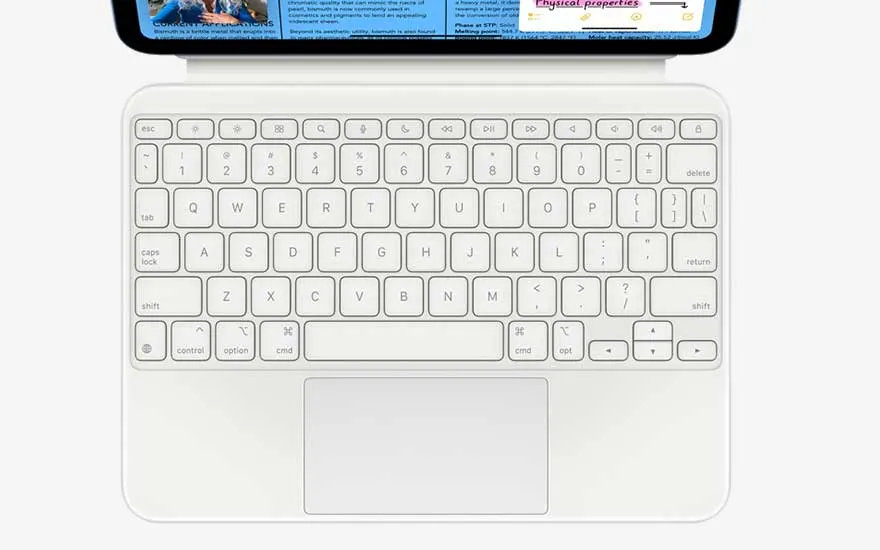
Close up of a white keyboard with a large touchpad beneath, designed as an accessory for comfortable typing and navigation on a tablet.

Which accessories are compatible with which iPad?

Apple offers a wide range of iPad accessories. If you want to turn your iPad into a sort of laptop, you’ll need an Apple keyboard. The latest model is the Magic Keyboard, the first wireless Apple keyboard with an integrated trackpad. This keyboard also comes in a folio version, with an extra cover that protects both the front and back of your iPad. There are also versions designed for specific iPad models, such as a Magic Keyboard made especially for the iPad Air. In addition, there are all kinds of cases available to keep your iPad well protected. If you plan to do a lot of drawing or handwritten notes, you can use the Apple Pencil. This stylus is also available in different models.

Our advice on which iPad is best for you

Person works in a café on a tablet with keyboard case at a round wooden table, colourful illustration on screen beside coffee and a snack.

Which iPad suits you best depends very much on your needs and how you use it. If you mainly take your iPad with you on the go and want a light and compact device, the iPad mini is a good choice. If you work with demanding, graphics‑intensive apps and need maximum performance, the iPad Pro is the best option.
The iPad Air is ideal if you want fast, powerful performance without immediately going for the most expensive model. If you’re looking for an entry‑level option for easy browsing, watching videos and emailing, the standard iPad is a very good fit.

Compare all new iPad models

Frequently asked questions

View similar articles