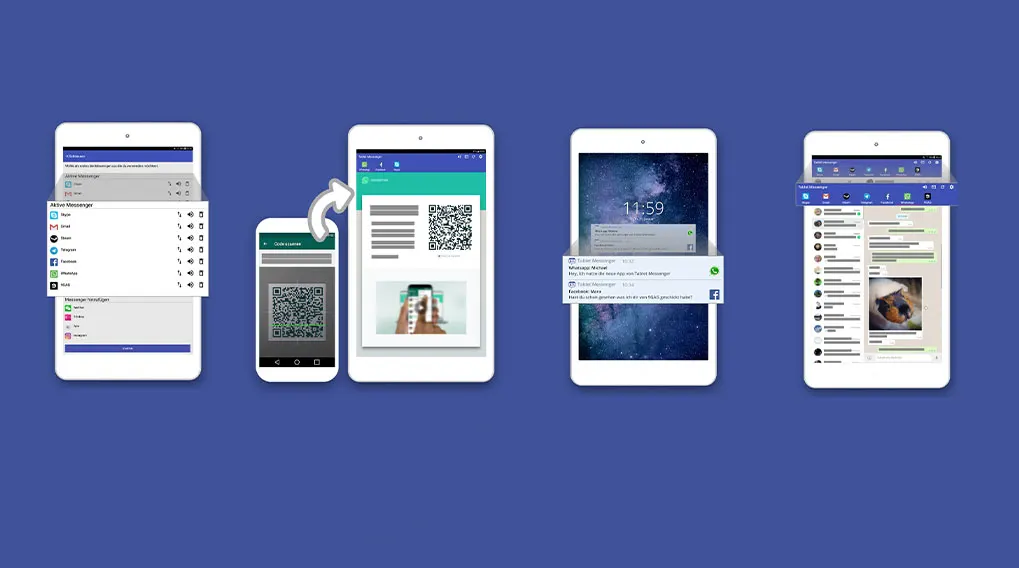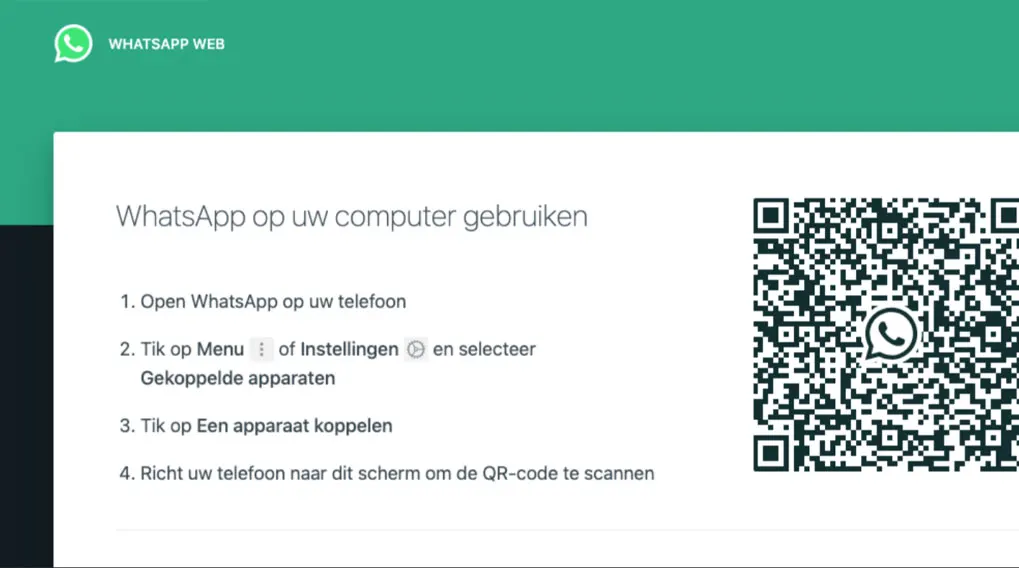
The easiest way to chat on your tablet is with WhatsApp Web, which you also use on your laptop. In 3 simple steps you can already start using WhatsApp Web on your tablet:
- Go to web.whatsapp.com in your browser. A QR code will appear.
- Open WhatsApp on your phone, click on the 3 vertical dots in the top right and choose ‘Linked devices’.
- Tap ‘Link a device’ and scan the QR code on your tablet.
Your tablet is now linked to WhatsApp! You no longer need your phone to use WhatsApp on your tablet. Do you have an iPad? Then this is the only way to use WhatsApp on your tablet.
View all tablets