MM logo white 1
MM logo red
Image description is not available

What are the best iPads for children?

Daan11 JANUARY 2026

The iPad is a useful device for children because this Apple tablet helps them learn in a fun and interactive way. There are many apps and fun things to do on the iPad, so both parents and children love it. Discover the best iPads for kids and how to easily make an Apple tablet more child-friendly.

Apple iPad (2022) – 64 GB - Wifi

The Apple iPad (2022) is already an older iPad model, which makes it immediately suitable as an iPad for your young child. These iPads have at least 64 GB storage capacity and 6 GB RAM, which you need to download the apps you want. Newer iPads have more capacity and memory, but for a tablet for your children, it's more than enough to watch YouTube videos without stuttering and to download fun, educational apps. The Apple iPad (10th generation) also fits perfectly in the special extra strong tablet cases for children, which can withstand a knock or two. The Apple iPad is available in silver, pink, yellow and gray.

View the iPad (2022)
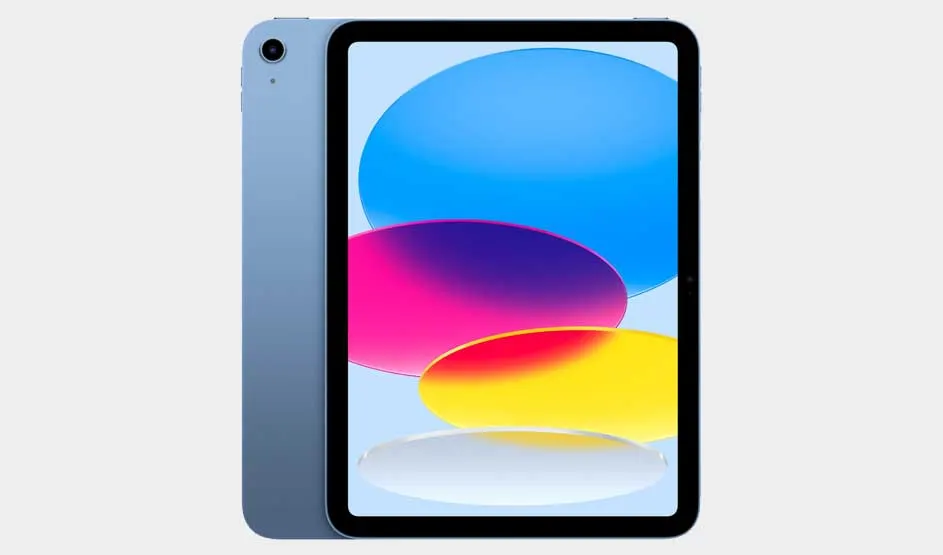
Apple iPad (2025) 128 GB - Wifi

Op de afbeelding zie je een blauwe Apple iPad met kleurrijke ovalen op het scherm in blauw, roze, geel en wit tegen een lichte achtergrond.

The latest iPad is a good choice if you have a child attending primary school. This iPad has an even larger storage capacity compared to the 2022 variant. This naturally invites downloading many games from the App Store, but also offers more space for educational apps. Or for storing documents and taking notes, for example. Additionally, your child can learn to write and draw digitally with this Apple tablet using the Apple Pencil. Perhaps they're a budding writing or drawing talent! Of course, your child can also use this tablet for watching YouTube videos and video calling with their friends.

View the iPad (2025)

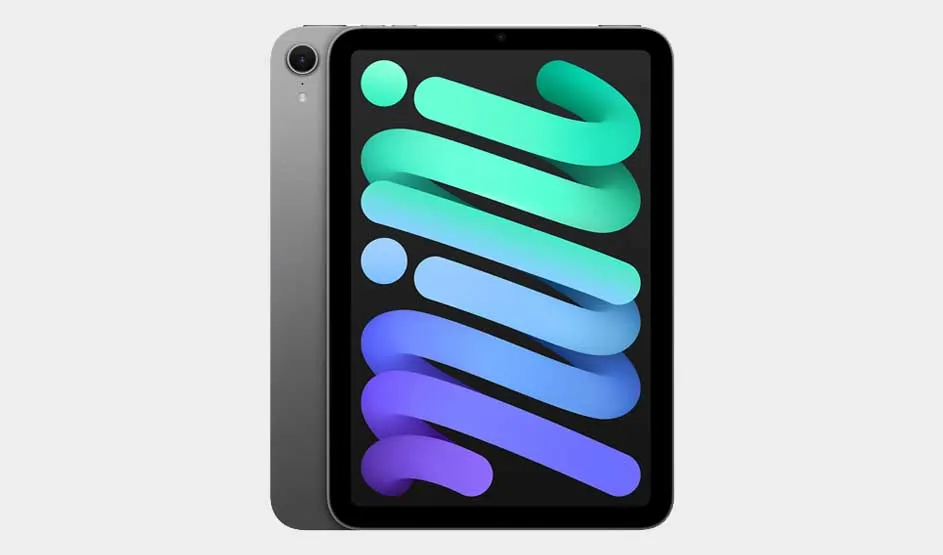
Apple iPad mini (2024) Wifi - 128 GB

Op de afbeelding zie je een grijze Apple iPad mini met een kleurrijk scherm waarop het woord "mini" in blauwe en groene tinten staat.

The screen of this iPad mini is 8.3 inches and fits comfortably in both small and large children's hands. This makes this Apple tablet convenient to take with you on the go. Yet the iPad mini (2024) is a powerful device compared to other iPads. The performance is slightly better thanks to the powerful chipset. This allows your children to easily multitask across multiple apps. For example, when they want to alternate between learning on the iPad and playing a game. Your child can also create their own emoji and get help with taking notes using Apple Intelligence*. The iPad mini is available in starlight, blue, space gray, and purple.

*Apple Intelligence will be available in the Netherlands in April 2025 as an English-language version.

Check out the iPad mini (2024)

Creating an Apple Child Account

If you create a separate Apple ID, as a parent you can easily monitor screen time. Here's how to create a new ID within your own account:

  1. Open the Settings app and tap on the block with your name.
  2. Choose 'Family Sharing' and add a member.
  3. Select 'Create Child Account'.
  4. Add a debit card or credit card. This is how Apple verifies you're an adult.
  5. Enter your child's details and go to the email address you provided. Enter the received code.
  6. Choose a password and click 'Continue'. Accept the terms and conditions.

Setting up parental controls and screen time for children and blocking apps on an iPad

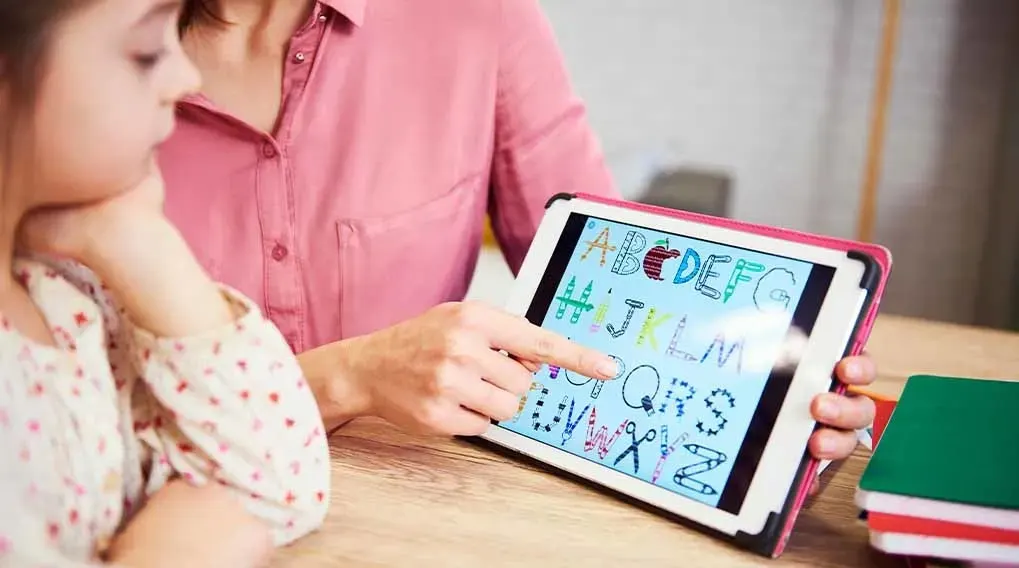
Een volwassene wijst op een Apple iPad naar kleurrijke letters van het alfabet, terwijl een kind meekijkt aan een houten tafel met boeken.

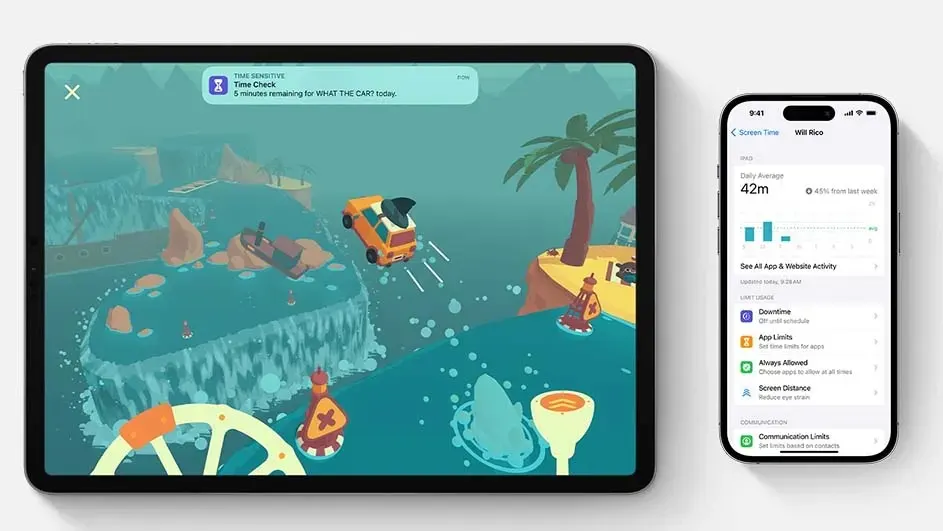
If you want to prevent your child from accessing certain websites, you can set up parental controls. You do this by going to 'Screen Time' in the Settings app. Click on 'Content & Privacy Restrictions' and then go to 'Content Restrictions'. Here you'll find a list of topics, apps, and websites. This is where you set exactly what you want to block for your child. Are you still in the 'Screen Time' environment? If you click on 'Downtime', you can easily set how long your child is allowed to play on the iPad each day. The iPad will block access immediately when the screen time has expired. Only you as a parent can extend the time if necessary.

Lees meer over schermtijd op Apple-devices

Our advice on choosing an iPad for your child

Op de afbeelding zie je een Apple iPad met een kleurrijk racespel en een iPhone die schermtijd en app-limieten weergeeft voor gebruikers.

There are different iPads suitable for your child. The traditional iPad is a true family tablet and therefore very child-friendly. It's especially convenient if your child will use it at home. Due to its size and functions, it's suitable for both young and older children. Does your child have smaller hands or do you want to use the iPad on the go? Then the dimensions of the iPad are important to consider in your choice. The iPad mini is the smallest iPad, but also a powerful device. With its smart functions and large storage options, your child can also use it for school. Are you looking for an even more powerful Apple tablet? Then also check out the specifications of the iPad Air and iPad Pro.

Compare all iPads

View similar articles