MM logo white 1
MM logo red
Image description is not available

How do you choose a photo printer?

Daan8 JANUARY 2026
Black printer with printed photos, a digital camera, and photo prints are on a white surface.

Photos keep beautiful memories alive. Whether you collect them in a photo album or in a collage, with a good photo printer you keep your precious memories vivid. But how do you choose a suitable photo printer that does exactly what you need? In this article, you will discover step by step how to choose a good photo printer.

What is a photo printer?

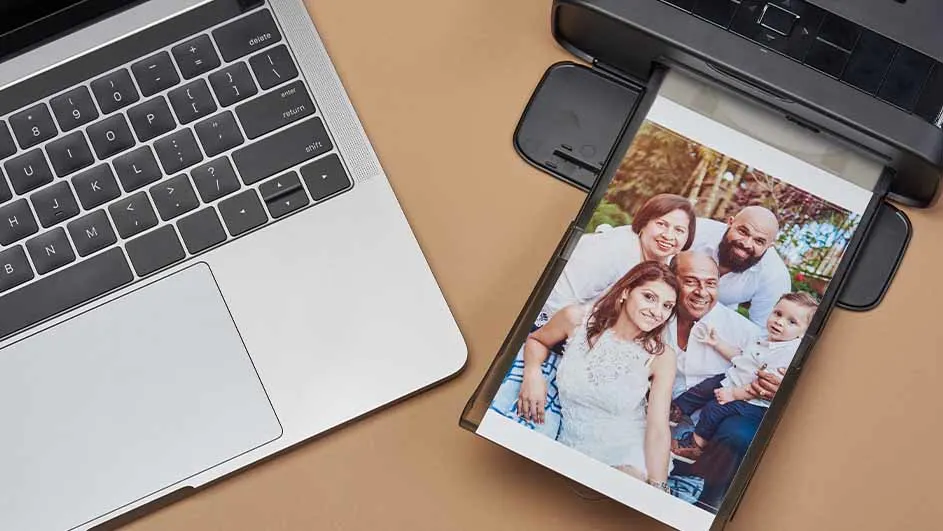
A laptop and printer sit on a brown surface. The printer is printing a family photo.

A photo printer is specially made for printing photos in top quality. Unlike, for example, inkjet printers or laser printers, photo printers excel at printing high-quality, realistic colours in a high resolution. The result is high-quality photos that last a long time. A photo printer usually works with multiple cartridges or with a special ink system to produce subtle colour transitions and realistic details.

View all our photo printers

What types of photo printers are there?

A person on a gray couch is holding a black card and a tablet. A yellow pillow is behind them. A printer and photos are on a glass table.

There are different types of photo printers. Which one suits you best depends largely on what you are going to use the photo printer for. Are you looking for one to use at home, or do you want a photo printer for professional use? In addition, there are small photo printers that you can easily take with you everywhere.

View all printers
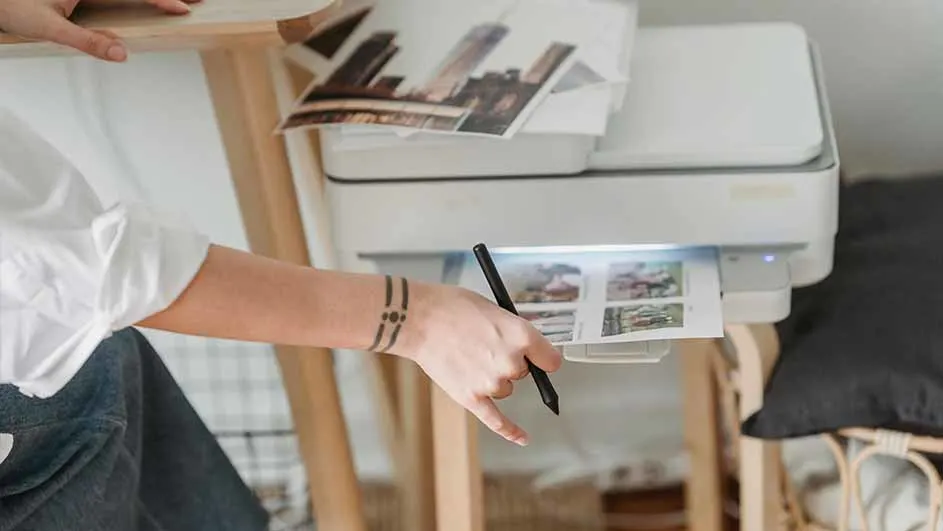
A person is using a white printer on a light wooden table. A black pen is in the person's hand. Photos are on top of the printer.

Photo printers for home use

Photo printers for home use are very suitable for hobby photographers. With this device you can, for example, print the nicest photos of the children so you can stick them in a photo album. Photo printers for home use offer good value for money. Important features are:

  • Minimum resolution of 4,800 x 1,200 dpi.
  • 4 to 6 cartridges for more colour detail.
  • Support for various paper sizes, such as 10 x 15 centimetres and A4.
  • Connection via Wi‑Fi and other mobile printing options.

Professional photo printers

Professional photo printers are suitable for anyone who demands the very highest quality from a printer. With the help of advanced ink systems, professional photo printers produce highly detailed photos. The most important features of professional photo printers are:

  • Resolution from 5,760 x 1,440 dpi.
  • 8 to 12 different ink cartridges for a wider colour gamut.
  • Support for large-format paper.
  • Also suitable for other high-quality paper types and fine‑art paper.

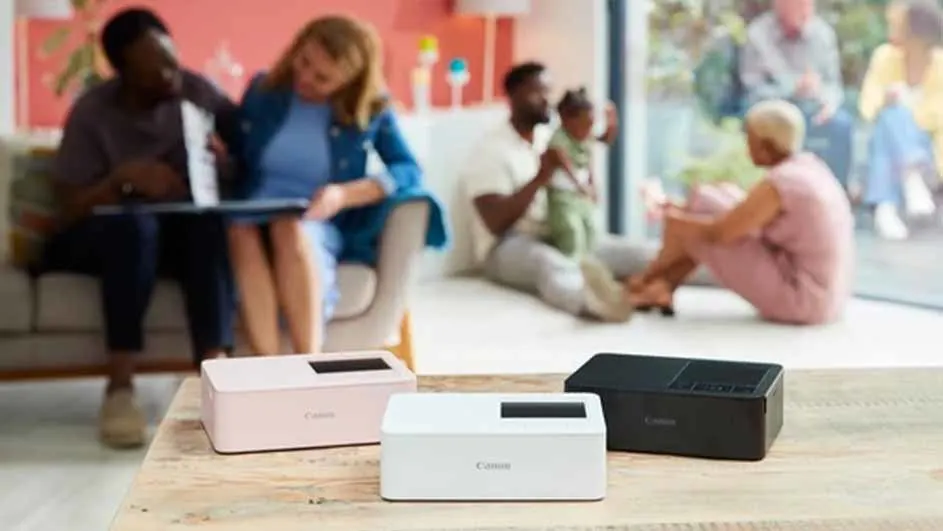
Three Canon IVY CLIQ+2 printers on a wooden table; pink, white, and black. In the background people are in a living room.

Small photo printers

Small photo printers or portable photo printers are easy to take with you everywhere. You don’t need separate ink for these printers. They often work with thermal printing technology. An example of such a small photo printer is a pocket printer. Features of small photo printers: • Compact and lightweight design.

  • Connection via Bluetooth or Wi‑Fi with smartphones.
  • Prints small sizes, such as 5 x 7 or 10 x 15 centimetres.
  • No separate ink cartridges needed.

What size photo paper do you need?

The size of photo paper you need depends on your preferences and the options your photo printer offers. Always carefully check which sizes are supported by the photo printer you have in mind. You then choose a size you find attractive. These are the most common paper sizes for photo printers:

  • 10 x 15 centimetres (standard photo size): size for photo frames and albums.
  • 13 x 18 centimetres: more of a portrait size.
  • A4 (21 x 29.7 centimetres): for large prints and posters.
  • A3 and larger: for professional large-format poster prints.

Which cartridges do you need for a photo printer?

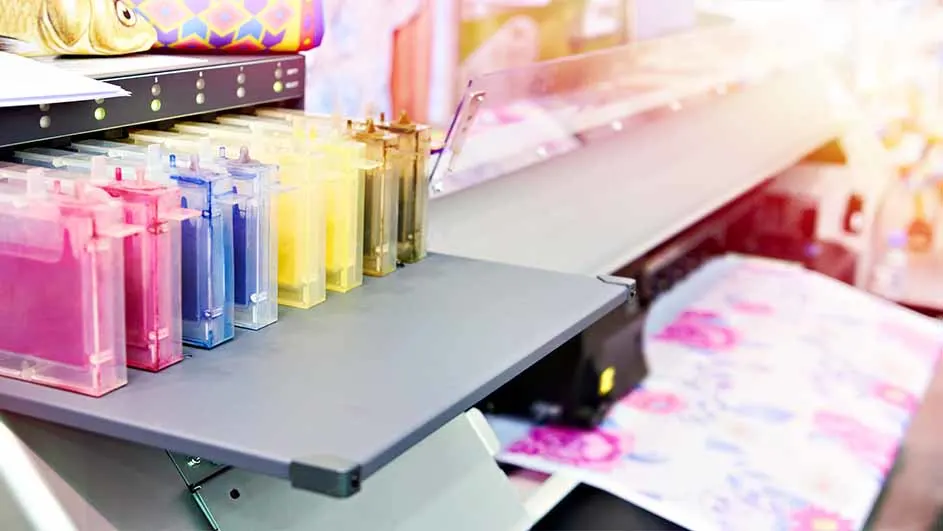
A printer with pink, blue, yellow, and clear ink cartridges sits on a gray surface, printing a colorful design.

Always make sure you use the right cartridges for your photo printer to guarantee the highest quality. To be on the safe side, always choose a cartridge from the same brand as your printer. An HP cartridge will always deliver the best quality on an HP printer, a Canon cartridge will do so on a Canon printer, and a Brother ink cartridge will always work well on a Brother printer. Most photo printers work with a combination of colour cartridges and special photo colours. The colours light cyan or light magenta, for example, are typical photo colours. Common types of cartridges for a photo printer are:

  • 4‑colour inkjet printers (CMYK): suitable for standard photo prints.
  • 6‑ to 12‑colour ink systems: for professional colour management and deeper colour nuances.
  • Dye‑sub printers: work without separate cartridges, often used in small photo printers.

View all ink cartridges

Our advice for choosing a photo printer

When buying a photo printer, it's important to consider how and where you'll use it. For home use, an affordable inkjet printer with good color reproduction is often sufficient. If you want to print professional photos, choose a model with more ink cartridges and the ability to make large prints. For quick and easy prints on the go, small photo printers are best. Don't forget to use the right photo paper and ink for the best results.

Frequently asked questions about photo printers

These articles might be interesting for you