


Below you’ll find the best 4K monitors right now:
- LG 27UP850K-W
- ASUS ROG Strix XG27UCS
- Samsung LS32DG802SUXEN Odyssey OLED G8
- LG UltraFine 27US550-WAEU
- Samsung Odyssey G7 G70F LS27FG702EUXEN
View all 4K monitors


Are you looking for the best 4K monitor for your set-up? Whether you’re a gamer aiming for razor-sharp visuals or a professional who requires precision at work, a 4K monitor offers unmatched clarity and detail. That’s why on this page you’ll find the top 5 of the best 4K monitors currently available.
Below you’ll find the best 4K monitors right now:
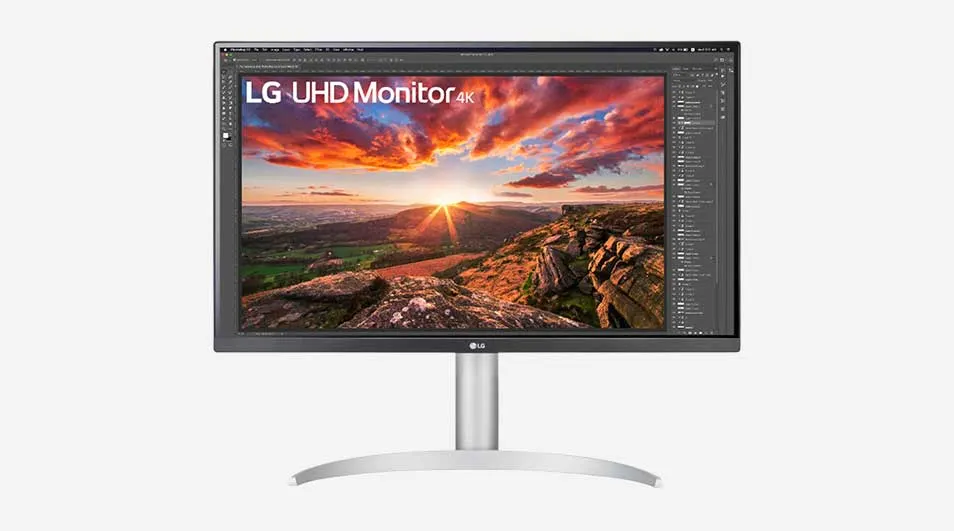
The LG 27UP850K-W is a 27-inch monitor with an IPS panel, delivering vibrant colours and wide viewing angles. This 4K monitor offers up to 95% coverage of the DCI-P3 spectrum and supports HDR10, making it highly suitable for content creators and graphic design work. You can also use it for gaming: Dynamic Action Sync helps you respond quickly to enemies, while the Black Stabiliser feature helps you spot opponents even in the darkest corners. This LG monitor is height-adjustable, contributing to ergonomic comfort during long sessions. With various connectivity options, including USB-C, HDMI and DisplayPort, you can easily connect peripherals as well as your desktop or laptop.
Pros and cons:
+ Vivid colour reproduction thanks to the IPS panel.
+ Height-adjustable for ergonomic comfort.
– With a 60Hz refresh rate, less suitable for high-level gaming.
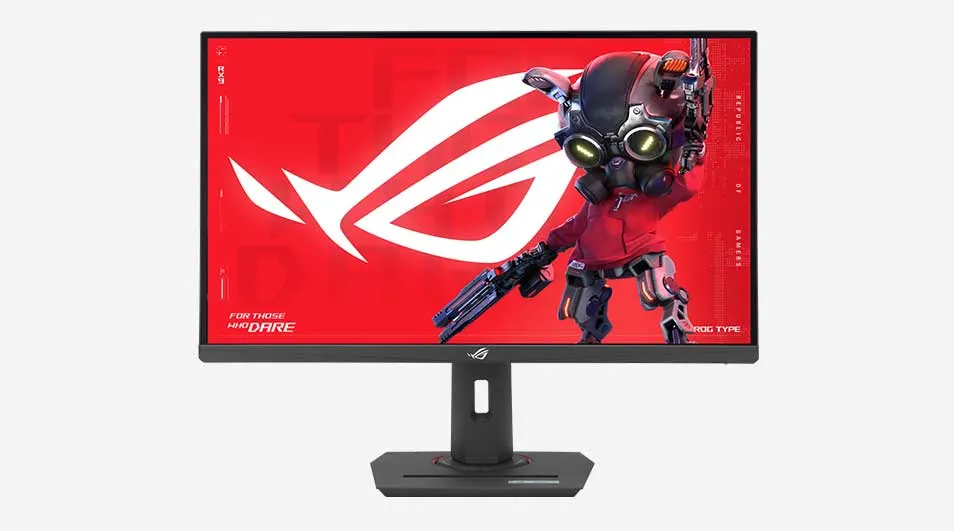
The ASUS ROG Strix XG27UCS is designed for pro gamers who want to play at 4K resolution. This ASUS gaming monitor features an impressive 160Hz refresh rate and a 1ms response time thanks to ASUS Fast IPS technology. This lets you enjoy smooth visuals in all the action on the 27-inch screen. You won’t suffer from ghosting or tearing either, because ASUS Extreme Low Motion Blur Sync (ELMB Sync) works with variable refresh rate. This ASUS ROG monitor is also very user-friendly thanks to the DisplayWidget Center for adjusting settings and the adjustable stand for improved viewing comfort. You can easily connect it (for example) via the USB-C port to your peripherals or laptop.
Pros and cons:
+ High 165Hz refresh rate and fast response time for gaming.
+ Reduced ghosting and screen tearing thanks to ASUS ELMB Sync.
– The monitor doesn’t have built-in speakers.
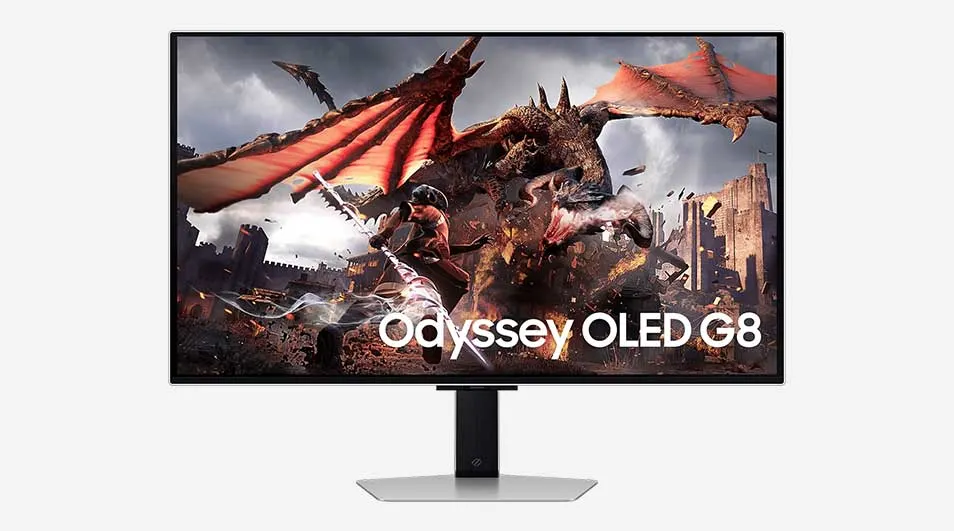
The Samsung Odyssey OLED G8 is a 4K monitor with an OLED panel that delivers deep blacks and vibrant colours without loss of detail. This 32-inch monitor also features Samsung OLED Safeguard+. This term refers to a range of techniques that measure and keep the display temperature low to help prevent burn-in. With a 240Hz refresh rate and a 0.03ms response time, this Samsung Odyssey monitor is ideal for high-level gaming. G-Sync also helps prevent stuttering during gameplay. The slim design and adjustable stand make this Samsung gaming monitor a stylish and functional addition to any set-up.
Pros and cons:
+ OLED panel for superior image quality with deep blacks.
+ Extremely high 240Hz refresh rate.
– With energy class G, this monitor is less energy-efficient.
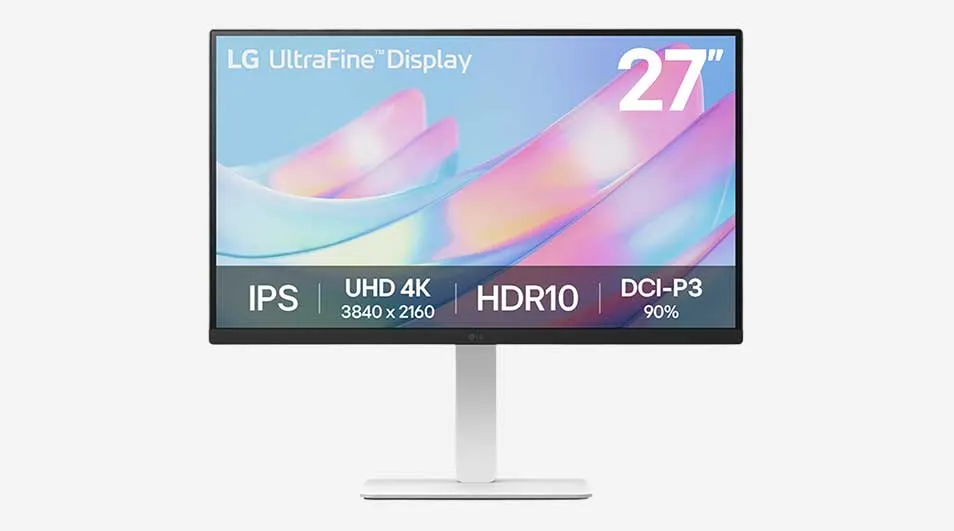
If you’re looking for a monitor with very bright image output, the LG UltraFine 27US550-WAEU is a great choice. This LG monitor features an IPS panel and 300 nits of brightness, providing accurate colour reproduction and wide viewing angles. It also helps that the display is designed with a 3-sided borderless design. Comfort doesn’t stop there: this LG UltraFine monitor is height-adjustable and can be tilted in several ways. You can even pivot the screen vertically for improved reading mode or during editing work. You can also split the display into 6 sections for multitasking, change the theme design, or start a video call – though you’ll need the LG Switch app for this.
Pros and cons:
+ Very bright screen thanks to 300 nits.
+ High ergonomic comfort thanks to various tilt and adjustment options.
– No USB-C port for connecting peripherals.
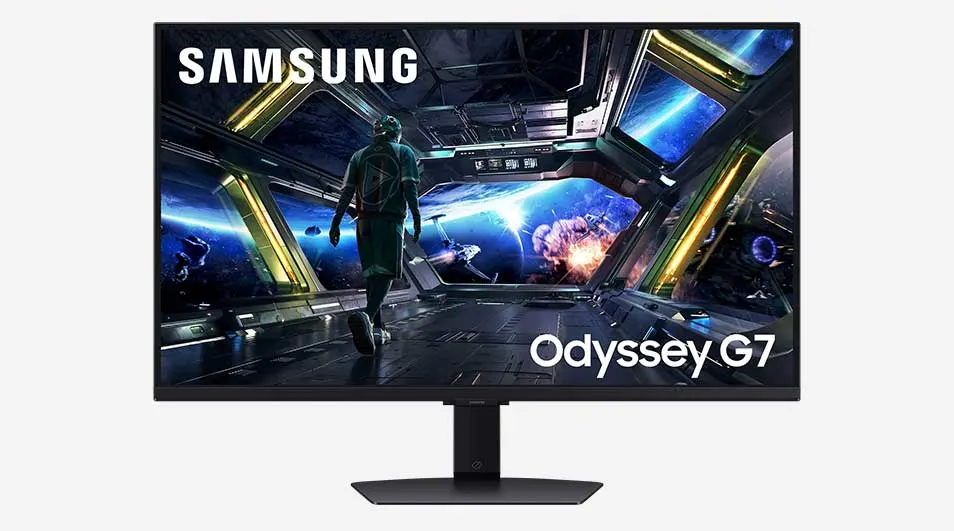
The Samsung Odyssey G7 G70F is a versatile monitor that offers 2 options thanks to Dual Mode. You can game at 360Hz in Full HD or at 180Hz in 4K. The advantage of 4K is that it has 4 times as many pixels, making images look even more realistic. In addition, this Samsung Odyssey G7 monitor has a fast-responding IPS panel and a 178° viewing angle to help you fully immerse yourself in your game – especially when you add HDR10 to give characters and environments even more colour. This Samsung monitor is also compatible with AMD FreeSync and NVIDIA G-Sync to prevent screen tearing and ghosting. Plus, you can switch seamlessly between your laptop and gaming desktop thanks to Auto Source Switch.
Pros and cons:
+ Option to game in both 4K and Full HD.
+ Very wide 178-degree viewing angle and Fast IPS.
– This monitor has no USB-C connection or built-in speakers.
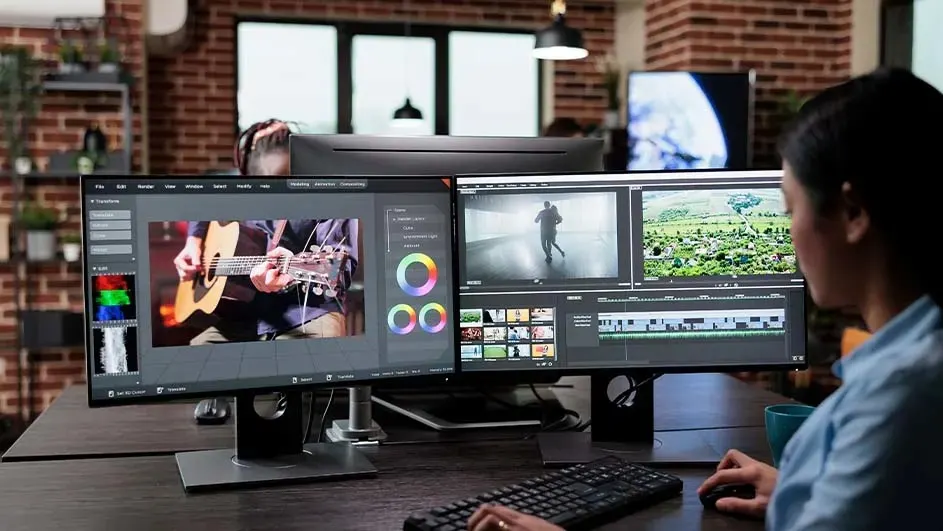
The best 4K monitor combines high resolution with fast refresh rates, accurate colour reproduction, and extra features such as adjustability and connectivity options. If you’re a gamer, a low response time and high refresh rate are essential. Want to use a 4K monitor for work or photo and video editing? Then pay close attention to the colour gamut and the display’s ergonomic adjustment options. Choosing the best monitor therefore depends on your specific needs and use cases. But one thing is certain: the monitors on this list show 4K at its very best.


