MM logo white 1
MM logo red
Image description is not available

How do you choose a new Apple Mac?

Daan26 NOVEMBER 2025
Seven iMac computers of various colors are arranged in a row against a white background.

Are you looking for a desktop from Apple? Then you will automatically end up with one of the Apple Mac models. But how do you choose an Apple desktop that suits your use and meets your needs? In this article you can read all about the different types of Macs and find advice on which one suits you best.

All Mac models at a glance

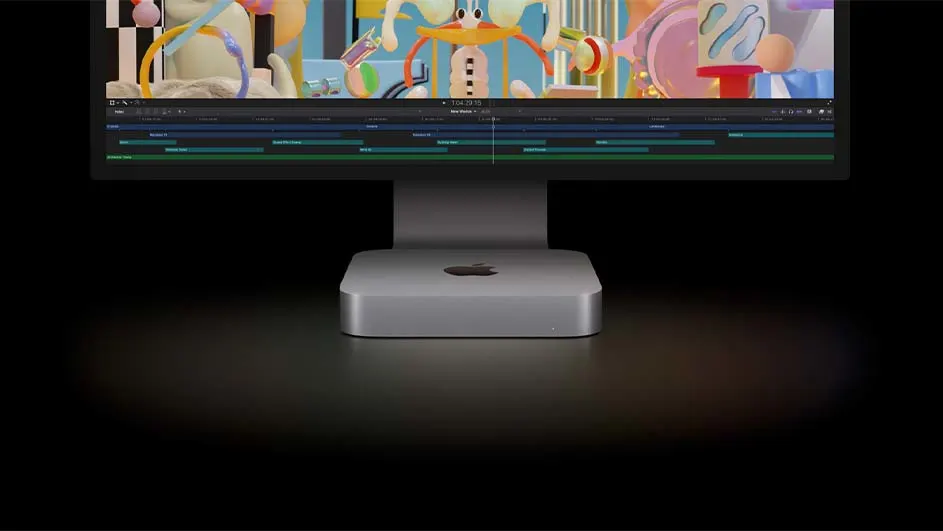
A monitor displays a colorful video editing timeline. Below, a silver Mac Mini sits on a dark surface.

In total, Apple has launched 4 different Mac models on the market. From each model, a new version appears every so often that is more powerful, faster and more economical than its predecessor. These are the following 4 models of the Apple Mac:

  • iMac
  • Mac mini
  • Mac Pro
  • Mac Studio

iMac: extremely robust all-in-one PC

A person sits by a window, resting their head on their hand while looking at a computer screen displaying colorful charts.

Apple iMac is one of the best-known examples of an all-in-one PC. This means that with an iMac you do not need to purchase a separate monitor, mouse or keyboard and you can get started straight away. You use the included Magic Keyboard and Magic Mouse completely wirelessly with an iMac. That saves cables on your desk. The Apple iMac runs on the very powerful M3 chip. This allows you to carry out even the heaviest tasks, such as graphics programmes or large games, without stuttering. In addition, this chip makes your iMac economical in use. The iMac is available in variants with 8, 16 or 24 GB of RAM. The larger graphics programmes you use, the more RAM we recommend.

View all iMacs

Mac mini: powerful and compact

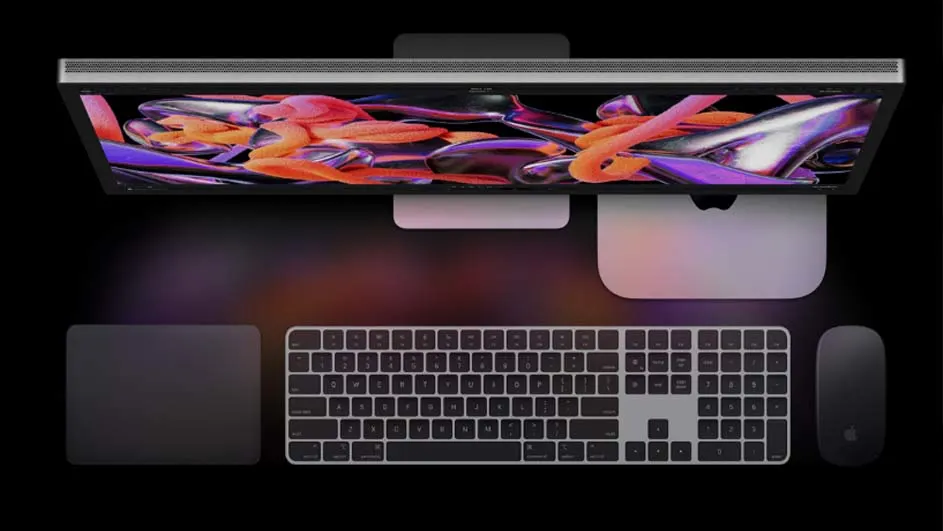
Overhead view of a computer setup with a monitor displaying an abstract colorful design, keyboard, trackpad, and mouse on a black surface.

The Mac mini is very compact and therefore fits in almost every study and on every desk. You can even easily take this Apple desktop with you wherever you go. Do not underestimate the power of the small Mac mini. This PC features a powerful M2 chip, with which you can edit photo files, edit videos or play large games without stuttering. The Mac mini is available with 8 and 16 GB. For even more powerful performance from your Mac mini, choose the variant with the M2 Pro chip. Apple PCs with this processor have 16 GB of RAM as standard. This ensures you of the best performance and prepares you for upcoming updates of macOS, Apple’s operating system.

View the Mac mini

Mac Pro: for professional use

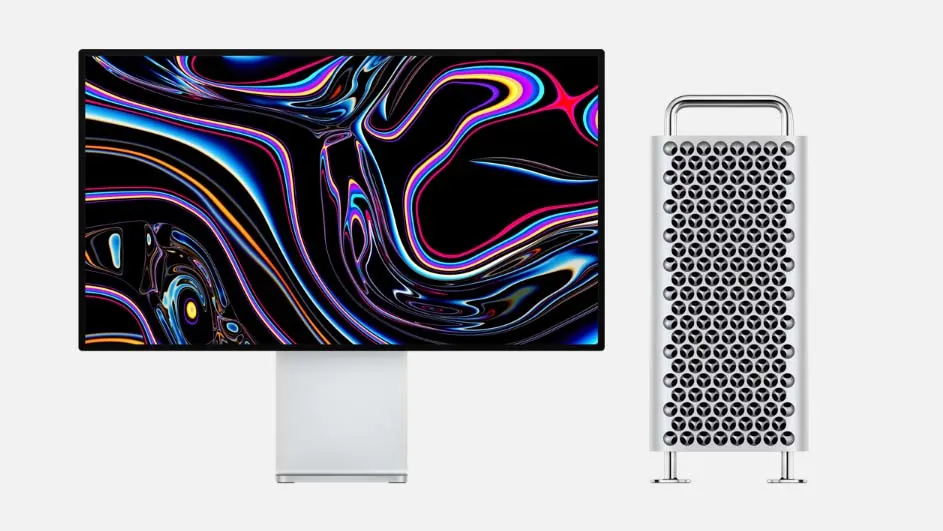
A monitor displaying an abstract, multicolored graphic sits beside a silver computer tower on a white surface.

When you really expect the very best from your Apple PC, you will almost automatically end up with the Mac Pro. This Mac is specially made for companies and professionals who use the heaviest programmes. Consider, for example, film editing or game design. The powerful performance of the Mac Pro is provided by the M2 Ultra chip.

Mac Studio: for creative use

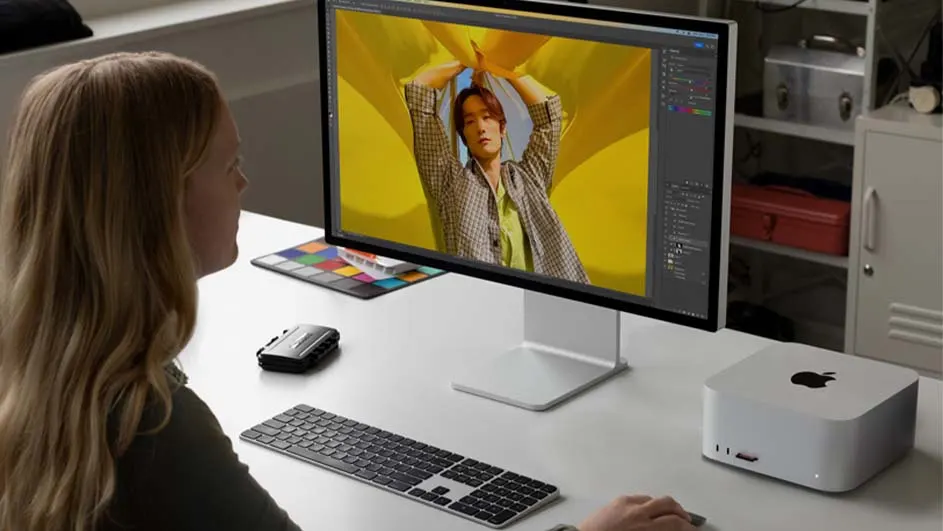
A person uses a computer with a large display, keyboard, and mouse on a white desk, with an Apple Mac Studio nearby.

Are you looking for a slightly larger and more powerful variant than the Mac mini and is the Mac Pro just a step too far for you? Then the Mac Studio is a good alternative. The Mac Studio has a surprisingly compact design for the powerful performance that this Apple PC delivers. The computer is available with an M2 Max chip and with an M2 Ultra chip, which you will also find in the Mac Pro. This also says a lot about the power and performance you can expect from the Mac Studio. Choose this Apple PC if you demand and expect a lot from your computer, for example because you often edit photos and videos or like to play the biggest graphics games without shocks and stuttering.

View the Apple Mac Studio

These articles might be interesting for you