MM logo white 1
MM logo red
Image description is not available

What is Google TV?

Femke1 SEPTEMBER 2025
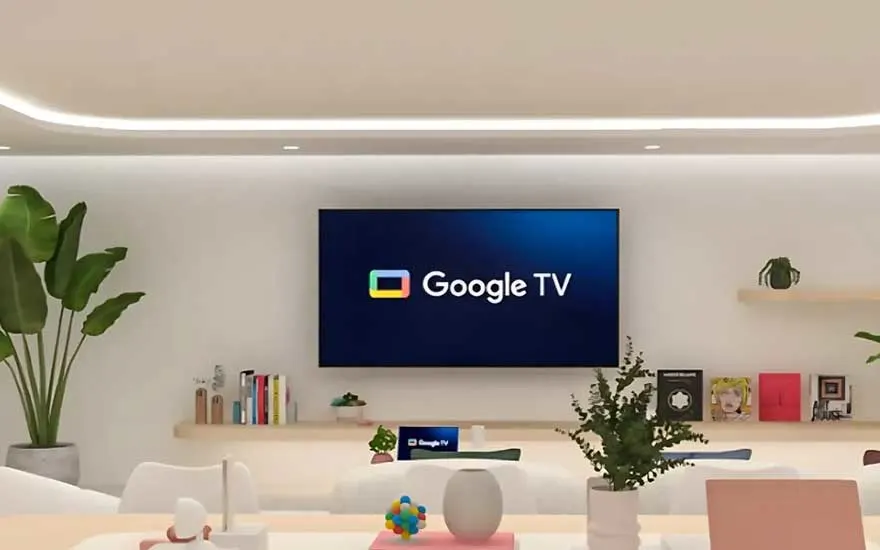
Modern living room with a Google TV mounted on the wall, flanked by plants.

Do you have a smart TV? Then chances are you’re using Google TV. But what exactly is Google TV? How does it differ from Android TV, and what can you do with it? Everything you need to know is right here.

Google TV: access to all your movies and shows

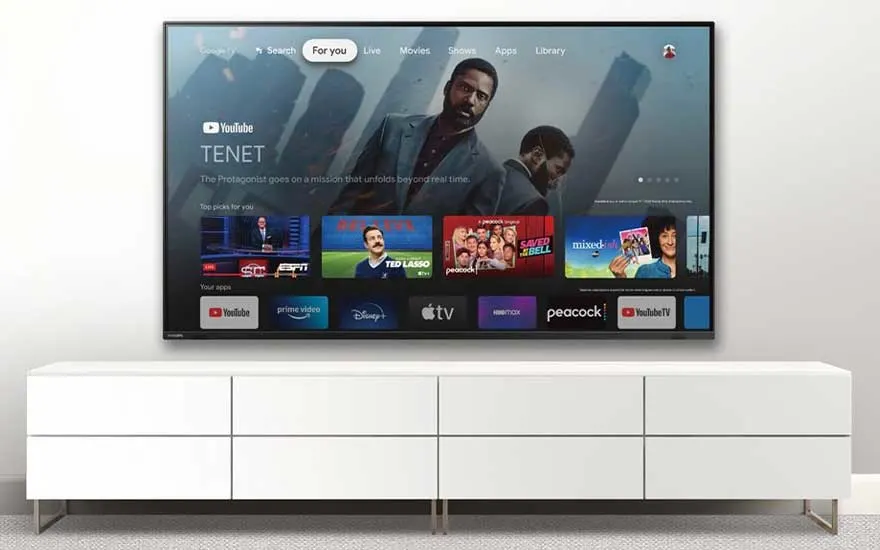
Google TV interface showing recommended movies and apps.

Google TV is Google’s smart TV platform that lets you access all your favourite movies and shows with the press of a button on your TV. It offers a clear menu of all your apps, content, and recommendations, so you can quickly find what you’re looking for. Discover what else you can do with this platform.
Sleek living room with Google TV on the wall and minimalist decor.

What can you do with Google TV?

With Google TV, you can easily find all your apps and content in one clear menu. This makes watching TV not only faster but also much easier. The platform also learns from your viewing habits and offers personalised suggestions for series and movies you’re likely to enjoy, so you’ll never run out of things to watch.Thanks to the built-in Google Assistant, you can control your TV simply by using your voice. For example, ask it to open a specific app or movie, and Google will take care of it for you.

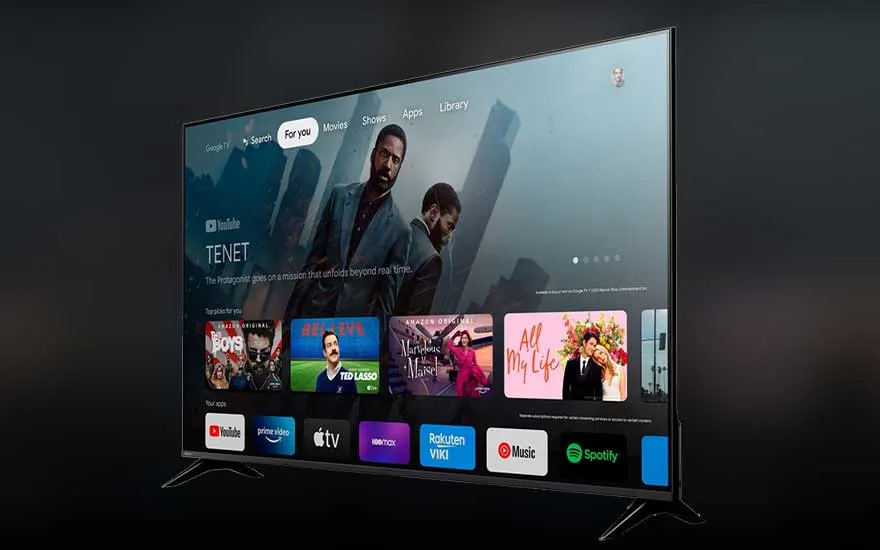
A modern smart TV displays a clear menu featuring apps like YouTube, Spotify, and Amazon Prime Video.

Many smart TVs already have Google TV built in, giving you direct access to apps, movies, and shows. But you can also use Google TV through a Chromecast: a small device you plug into your TV’s HDMI port. Once connected and linked to Wi-Fi, you can cast content from your phone, tablet, or laptop to your TV and use the full Google TV platform.

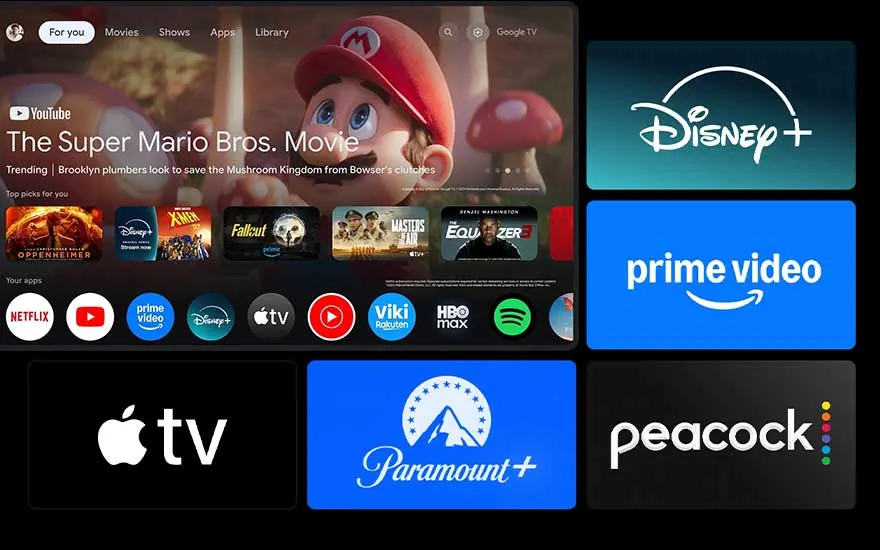
Google TV home screen with various streaming service logos.

Google TV gives you access to hundreds of apps, including popular services like Netflix, Disney+, Prime Video, and YouTube. If you like searching for new movies or shows on your phone, there’s also the Google TV app, which lets you easily save content to watch later on your television.

What is a smart TV?

Google TV and Android TV: pros and cons

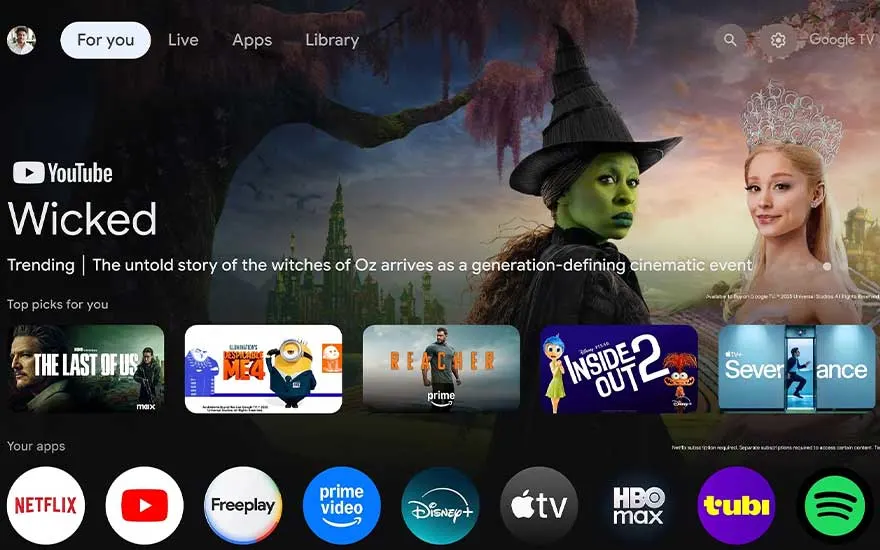
Google TV home screen with recommended content and popular apps.

Google TV and Android TV are both smart platforms that make it easy to find your favourite apps and shows. However, they differ in several ways. Google TV focuses mainly on personalisation: it provides tailored recommendations and helps you discover new content through a user-friendly menu. Android TV, on the other hand, lets you actively search for content yourself and offers more control over managing your apps. Here’s a summary of the key pros and cons for each.

Pros and cons of Google TV

ProsCons

Easy to use: the operating system is clear and simple to navigate.

Dependent on internet: Google TV relies on your Wi-Fi connection for a good TV experience.

Wide range of content and apps: you have access to hundreds of apps and a huge library of movies, series, and other content.

Not all apps available: although you have access to hundreds of apps, not every app is available.

Personalised: Google TV offers recommendations based on your viewing habits.

Kid-friendly: with Google TV, you can easily create kid profiles to control what your child can and cannot watch.

Pros and cons of Android TV

ProsCons

Easy to use: the menu is simple to navigate.

No personalisation: unlike Google TV, Android TV doesn’t offer personalised content suggestions, so you have to search for inspiration yourself.

App management: Android TV gives you more control over your apps and customization options.

No kid profiles: you can’t create separate kid profiles on Android TV. You can set parental controls on certain movies and shows, but these apply to all users.

Plenty of content: like Google TV, you have access to a large library of apps and movies.

Dependent on a good connection: with a weak internet connection, the Android TV interface may respond more slowly.

Google TV and Chromecast

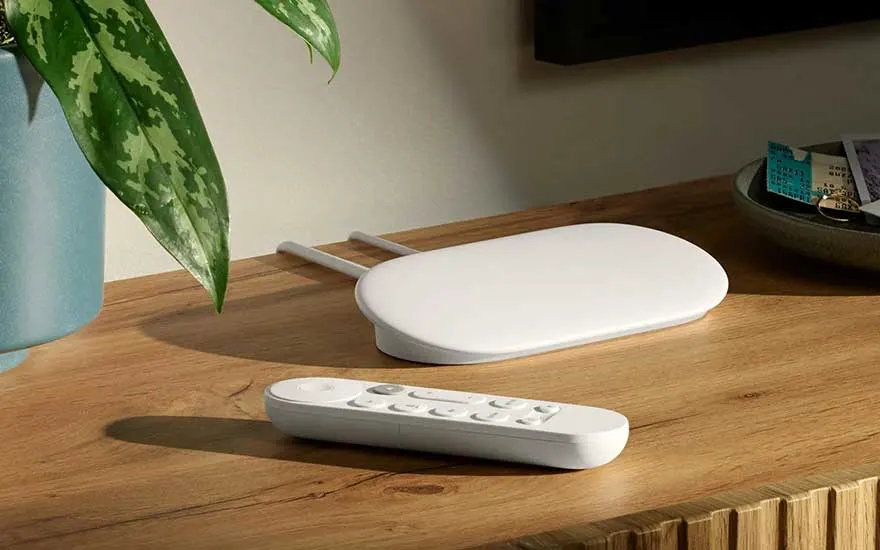
Chromecast device and remote on a wooden table.

Google Chromecast is a small device that lets you easily stream content from your smartphone, computer, or tablet to your TV. This way, you can watch not only your favourite series but also presentations, photos, and even web pages on the big screen. If you have a TV with Google TV, Chromecast is already built in, so you don’t need a separate device. Chromecast comes with a handy remote control that lets you operate your TV with your voice, thanks to the integrated Google Assistant.

Installing Google Chromecast

Google Chromecast as a smart home hub

Father and daughter cooking together with a smart display on.

A smart home hub connects all your smart devices at home so you can control them centrally via an app or your voice. Google uses the Google Nest system (formerly Google Home) for this. If you use a Google Chromecast as a smart home hub (also called Google TV Streamer), you can easily manage your Google Nest devices from the biggest screen in the house: your TV. This way, you keep an overview and control your smart devices directly from the comfort of your sofa.

Devices with Google TV or Android TV

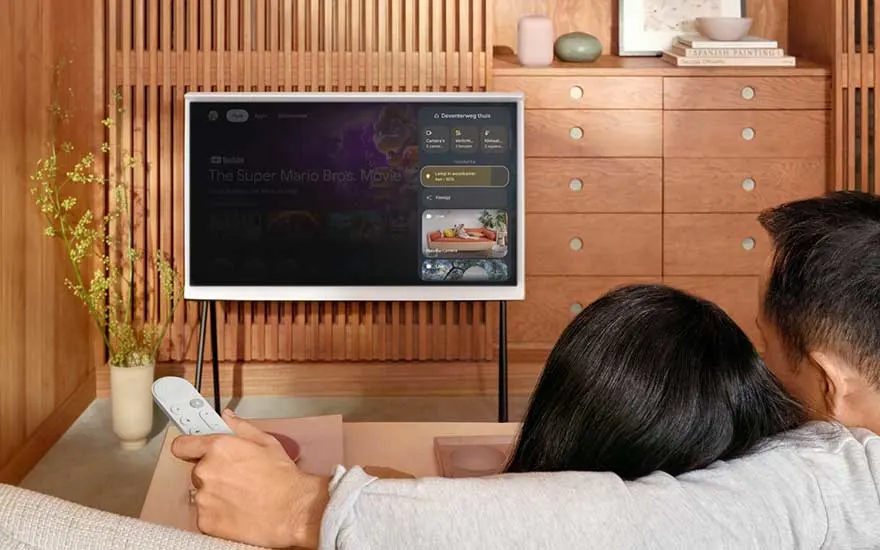
Couple watching TV with Google TV remote in hand.

Many smart TVs use Google TV or Android TV. You can find Google TV or Android TV on smart TVs from well-known brands such as PEAQ, TCL, SONY, and LG. This allows you to enjoy smart features, personalised recommendations (with Google), and easy, fast searching no matter which TV brand you choose.

Our advice on Google TV

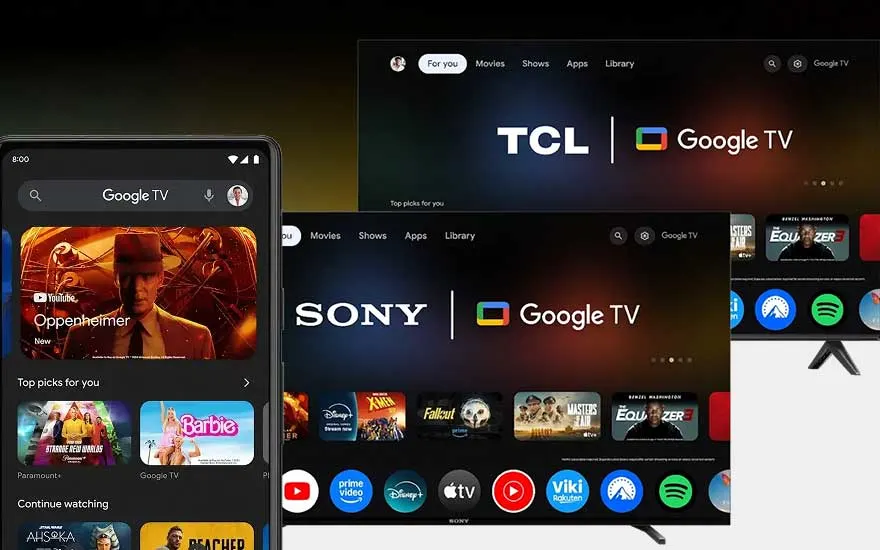
Google TV screen and smartphone showing the Google TV app.

With Google TV, you can easily and quickly enjoy a wide range of apps and content. This smart platform is user-friendly, clear, and voice controlled. With personalised recommendations, there’s always something new to watch. Every Google TV has a built-in Google Chromecast, allowing you to stream all kinds of content from your smartphone, tablet, or computer to your TV.

Check out similar articles