MM logo white 1
MM logo red
Image description is not available

How do you replace a thermostat?

Thijs16 OCTOBER 2025
A white thermostat displays 14:11 and 26.6 degrees. A finger presses a grey button on the thermostat.

With a thermostat, you control the temperature in your home. Sometimes a thermostat breaks, or you want a new one that better suits your needs. Maybe you’d like a smart thermostat, giving you more insight into your energy consumption. In this article, we explain how to replace a thermostat yourself.

Replace your thermostat in 6 steps

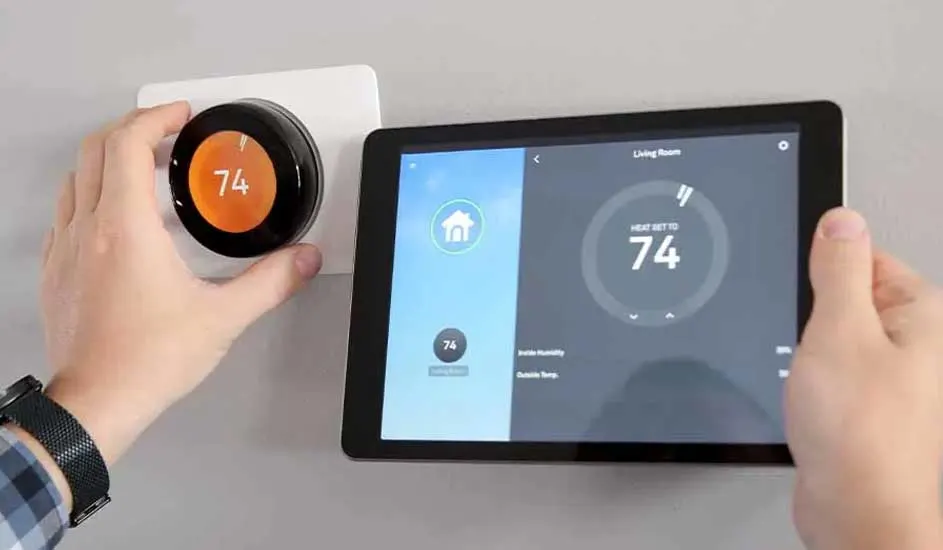
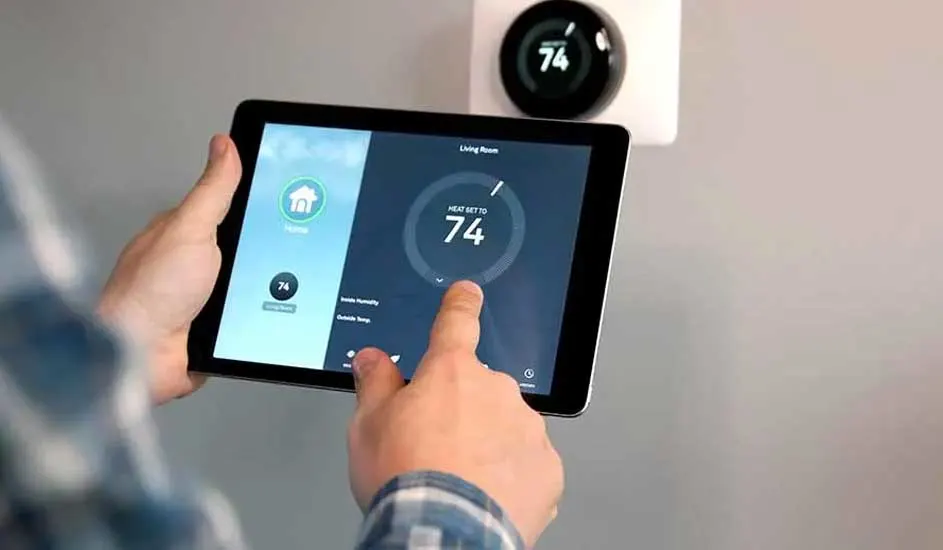
Hands adjust a round, orange-centered thermostat and a tablet showing a similar digital display, both reading "74".

To successfully replace your thermostat, follow these steps:

  1. Choose a suitable new thermostat.
  2. Gather the right tools.
  3. Switch off the power.
  4. Remove the old thermostat.
  5. Mount the new thermostat.
  6. Install and check the new thermostat.

View all thermostats

Stap 1. Kies de juiste thermostaat voor jou

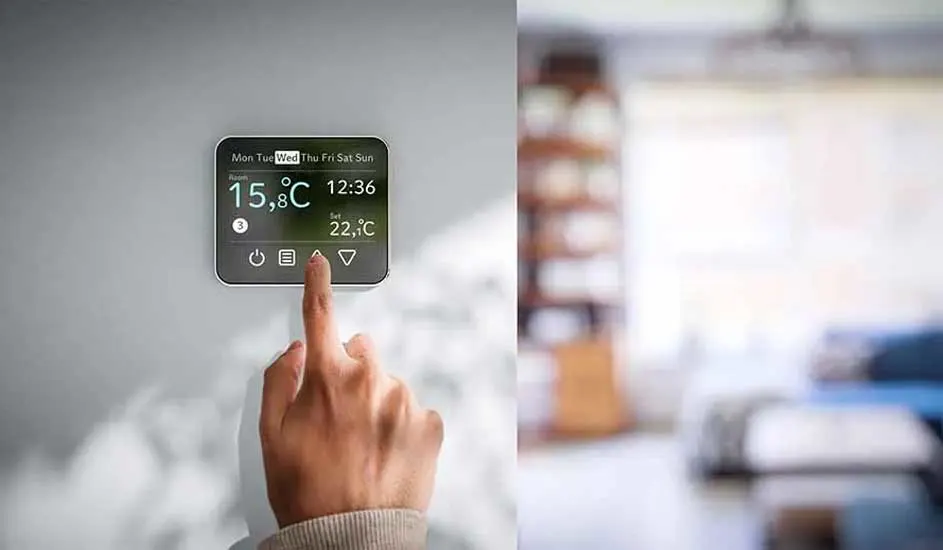
A hand adjusts a digital thermostat displaying 15.8°C, set to 22.1°C, with blurred living room background.

Before replacing a thermostat, you first need to choose a new one. There are different types of thermostats. There are room thermostats, which measure and control the temperature in a single room, often the living room. There are also programmable (clock) thermostats, which let you set schedules – for example, lowering the heating at night. Finally, there are smart thermostats. These are connected to the internet and learn from your behaviour. You can control the thermostat with an app on your smartphone or tablet. A smart thermostat can also help you save energy and manage your home’s climate. Choose a new thermostat that matches your boiler, budget and preferences.

View everything for climate control at home

Step 2. Gather the right tools

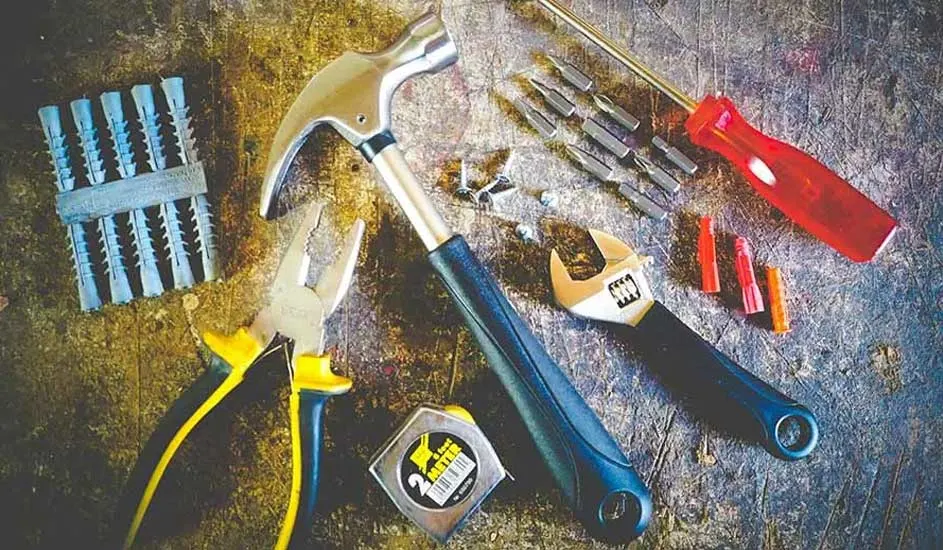
Tools including a hammer, pliers, screwdriver, wrench, tape measure, anchors and screws on a textured surface.

Om je thermostaat te vervangen heb je een paar dingen nodig:

  • Een platkop- en kruiskopschroevendraaier.
  • Een boormachine.
  • Een potlood of stift om schroefgaten mee te markeren.
  • (Eventueel) kroonsteentjes.

Step 3. Turn off power to your boiler

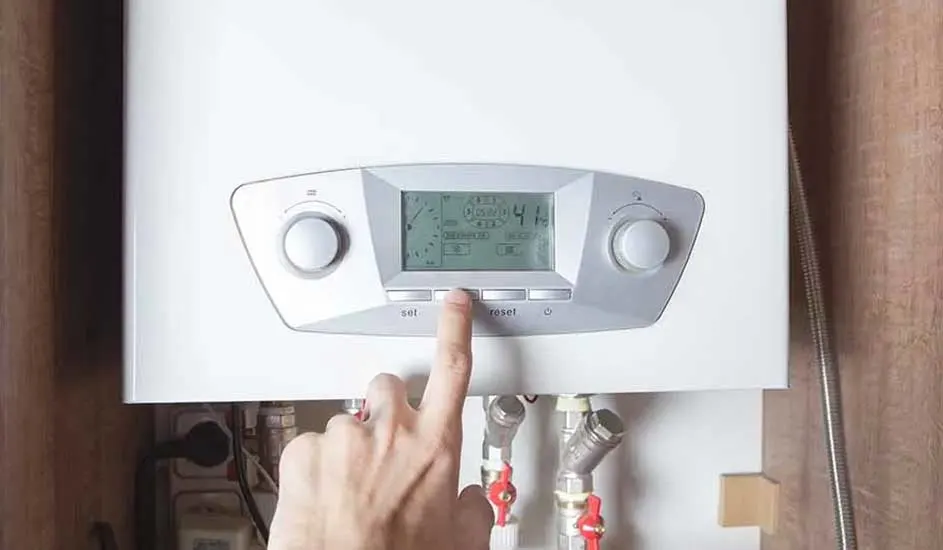
A hand presses a button on a white boiler with a digital display, with pipes and valves visible below.

Before removing the old thermostat, you must first cut the power to your boiler. Your thermostat is usually connected directly to the boiler, and the cables can carry significant voltage. Find the boiler’s plug and pull it from the socket. If you’re not entirely sure the thermostat is powered down, you can also switch off the circuit in the fuse box. In any case, check that the boiler, and therefore the thermostat, is really off by turning on the hot water tap. If no hot water comes out, the boiler is switched off.

Step 4. Remove the old thermostat

You can now remove the old thermostat. It’s usually screwed to the wall. Unscrew it and take the thermostat off the wall, being careful not to pull the wires loose. Behind the thermostat, you’ll see 2 or more wires connected to the boiler. These wires are usually coloured or numbered. Remember how the wires are connected or take a photo. This will make it easier to connect the new thermostat. Disconnect the wires from the thermostat. You can either unscrew or cut them loose, depending on the type of thermostat.

Step 5. Mount the new thermostat

Hand holds a tablet showing a thermostat set to 74 degrees. A round thermostat is mounted on the wall above.

To mount the new thermostat, follow the instructions in its manual. Usually, you first attach a mounting plate to the wall with plugs and screws. Drill holes in the correct places. Then connect the wires to the thermostat using a screwdriver. Make sure you connect the wires correctly, refer to your photo or the colours/numbers you noted. If the wires are too short, you can extend them with terminal blocks. Once the wires are connected, click or screw the thermostat onto the mounting plate.

Step 6. Install and check the new thermostat

The final step is to set up the new thermostat and check everything works. Plug your boiler back into the socket or switch the circuit back on in the fuse box. The thermostat will start up. Follow the on-screen instructions, set the time, date, language and programme. With a smart thermostat, connect it to the internet and the app on your smartphone or tablet. When you’re done with the settings, test the thermostat. Check whether the heating responds when you turn the thermostat up or down. If everything works properly, you’ve successfully replaced the thermostat.

Only replacing the thermostat knob

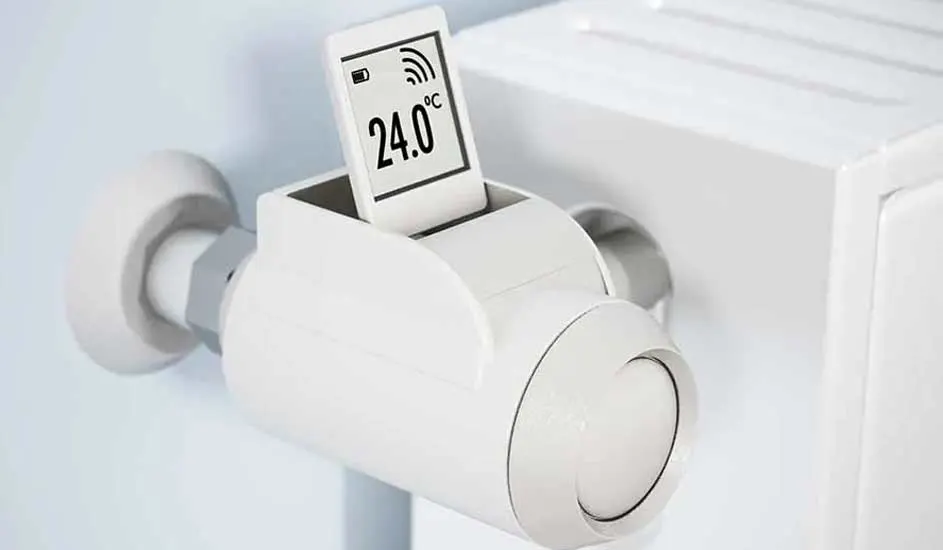
White smart thermostat on a radiator displays 24.0 degrees Celsius. The device shows battery and signal icons.

Have you connected a smart thermostat, but it doesn’t control all rooms in your home? To control all radiators via your smartphone or tablet, you may only need to replace the radiator valves. Remove the old valves and replace them with smart radiator valves.

How to install smart radiator valves

Kom je uit Belgie, lees welke stappen je kunt volgen om je thermostaat te vervangen op MediaMarkt Belgie.

These articles may also be interesting for you