
MM logo white 1
MM logo red
Image description is not available

Keep your devices smart, so they don’t do stupid things

Thijs1 FEBRUARY 2026
A pink lamp with a smiley face sits next to the text "DOE JE UPDATES DOEJEUPDATES.NL" on a blue background.

Up-to-date smart home products are safer and work better. The Dutch central government is working together with MediaMarkt to encourage updating smart devices. Slimpie is here to help you with that! Keep your devices smart so they don’t do stupid things. Do your updates!

What are smart devices?

A couple sits near boxes, pointing at icons on a green wall. There's a lamp, plants, and clothes rack nearby.

Most households have one or more smart devices. Smart products are connected to the internet, can be controlled remotely via an app and give you information about, for example, your electricity consumption. They can also adapt their behaviour to your lifestyle. This has many advantages. With a smart thermostat, for example, you can easily manage the climate in your home and prevent energy wastage. A smart doorbell ensures that you always know who is at your door, even when you’re not at home. Thanks to a smart speaker, you can play music from your sofa or bed using voice commands without having to walk over to the device. Or let your robot vacuum cleaner start cleaning your home in advance. Smart cameras provide extra security in and around your home. All these devices can often be linked so that you have all your smart home products together in a smart home hub. This makes your life easier, safer and more energy efficient.
Everything for your smart home

Why is it important to update your smart devices?

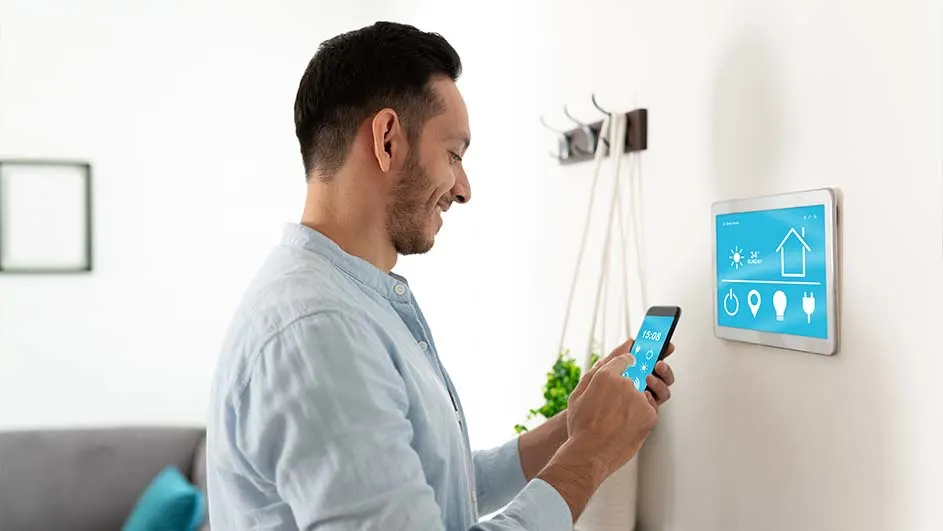
Man uses a phone to control a tablet mounted on a wall. The tablet displays home automation controls.

It’s important to update your smart devices regularly, preferably as soon as a new update is available. You do this not only to solve software problems or to ensure your devices work optimally again; it also strengthens your security. After all, you don’t want cybercriminals to gain access to your data. And you also don’t want them to be able to take over your security cameras or baby monitor and see what’s happening in your home. In addition, this also ensures that you always have the latest features.

Make your home safe

The smart speaker full of character: Slimpie

Slimpie was created to help remind you that you need to update your smart devices. Because if you keep your devices smart, you prevent them from doing stupid things. Regularly check whether your smart devices need a new update and keep your home safe and protected.

Do you want to test how up to date your smart devices are? Then go to doejeupdates.nl for the Home IQ Test with Slimpie as quizmaster.

How do you update smart devices?

A hand holds a smartphone displaying a white house and gear icons. "Smart Home" text and control icons float above water.

Most smart products are easy to update. To check whether an update is available, go to the app your smart device is linked to. Follow these steps:

  1. Open the app of your smart device on your smartphone or tablet.
  2. Go to ‘Settings’ and select ‘Update’.
  3. Your devices will now be updated.

Where possible, make sure you switch on ‘Automatic updates’; your devices will then be updated automatically. Also always make sure that the app itself is up to date. You can do this by searching for the app of your smart device in the App Store or Google Play Store and updating it.

These articles might be interesting for you
