MM logo white 1
MM logo red
Image description is not available

What are common problems with your electric toothbrush?

Nina14 MAY 2026
Close-up of a smiling woman brushing her teeth with a pink electric toothbrush in a bright, clean bathroom setting.

Is your electric toothbrush not working as it should? For example, does it no longer switch on, stopped charging properly, or vibrate less powerfully? On this page, you'll find out which problems are most common and which solutions you can try to get your Oral-B toothbrush or Philips Sonicare working properly again.

What are common problems with Oral-B toothbrushes?

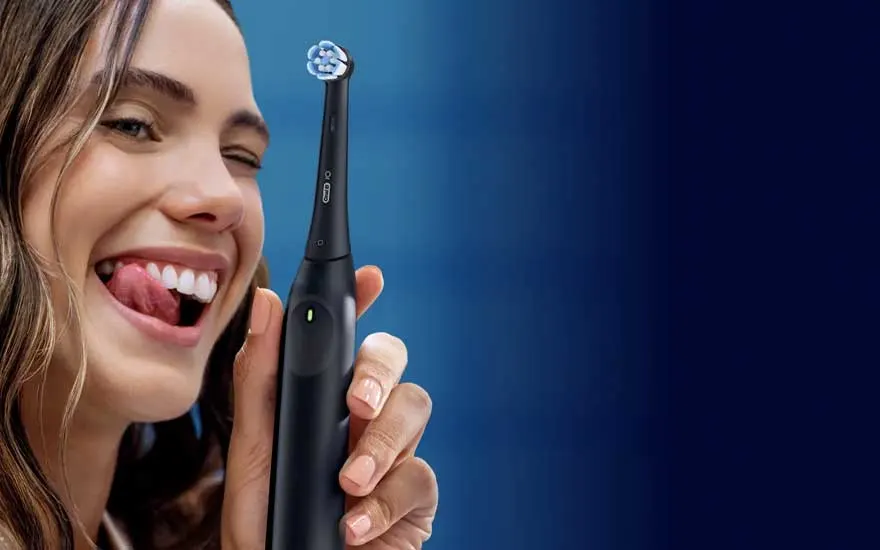
A young woman smiles and holds up a black electric toothbrush against a blue background in a polished product-style image

An Oral-B toothbrush is a popular and reliable electric toothbrush, but these toothbrushes can sometimes develop problems too. Common issues include:

  • It no longer charges.
  • It won't switch on.
  • The brush head is stuck or loose.
  • The toothbrush loses power.

On this page, you'll find out how to solve these problems.

Which Oral-B toothbrush is right for you?
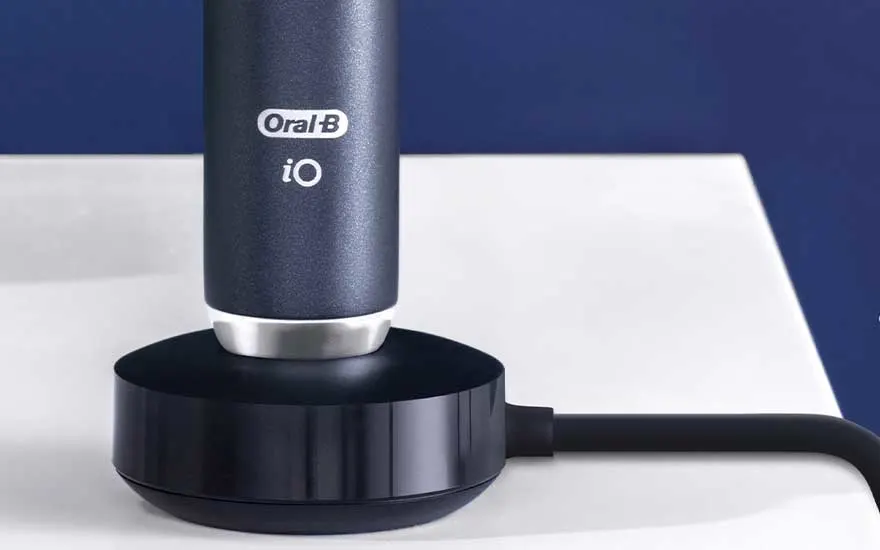
An Oral-B iO toothbrush stands upright on a black charging base with cable, placed on a white surface before a blue wall.

Oral-B toothbrush won't charge

If your Oral-B toothbrush is no longer charging, there are a few things you can check.

  1. Check whether the socket is working, for example by plugging in another device.
  2. If you're using a charger with a pin, make sure the toothbrush is placed properly on the pin. If it's sitting tilted, the light may come on even though the toothbrush isn't actually charging. On most models, the charging light flashes while charging and may only start flashing after 15 minutes if the battery is completely flat.
  3. If you're using an Oral-B iO toothbrush, update the toothbrush via the free Oral-B app as well.

If these steps don't help, you'll probably need to have your toothbrush repaired or replaced.

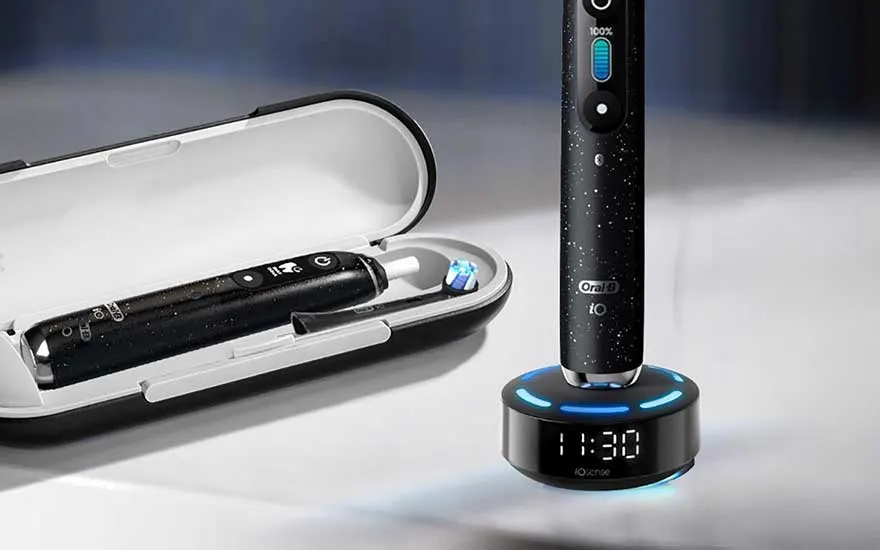
A black electric toothbrush stands on a smart charging base with a clock, beside an open travel case on a glossy surface.

Oral-B toothbrush won't switch on

Won't your Oral-B toothbrush switch on? First, check whether the battery is fully charged. You can do this by charging it fully according to the manual:

  • iO 7 and above: 3 hours.
  • iO 6 and below: 16 hours.
  • Genius, Smart and Pro 3: 12 hours.
  • Vitality: up to 22 hours.
  • Other models: up to 24 hours.

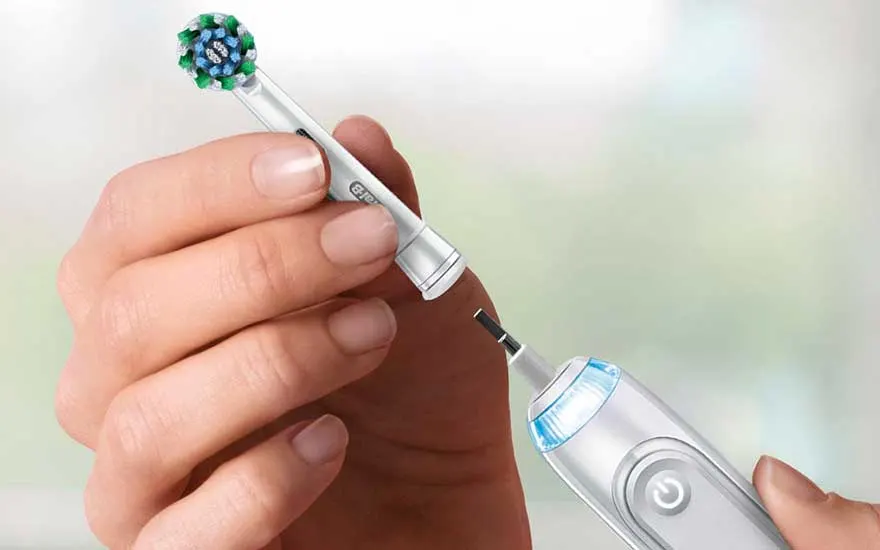
Hands remove the brush head from an electric toothbrush, focusing on the simple replacement of the detachable attachment.

Oral-B brush head is loose or stuck

A common problem is that the Oral-B brush head gets stuck. Here's how to fix it:

  1. Hold the top of the toothbrush under warm water for at least 10 seconds, then pull off the brush replacement head. You may need to use a bit of extra force.
  2. Once you've removed the brush head, check whether there’s any residue left on the metal pin.
  3. Rinse the metal pin under warm water for 10 seconds as well and remove any remaining dirt.

The brush head often gets stuck because of dried toothpaste underneath it. That's why it's important to clean both the brush head and the handle properly after every brushing session and dry them before storing them. This helps prevent toothpaste build-up.

Is the brush head not rotating properly or does it feel loose? Then try these solutions:

  • Use an original Oral-B brush head.
  • Clean the handle and the brush head thoroughly.
  • Replace the brush head if needed.

A woman brushes her teeth with a white electric toothbrush, smiling in a dark, elegant and premium-looking setting.

The power of your Oral-B toothbrush is decreasing

The power of your Oral-B toothbrush can decrease for several reasons:

  • The battery is nearly flat: first charge the toothbrush fully according to the manual.
  • The brush head is worn out: replace the worn brush head with a new one.
  • The internal battery is ageing: after long-term use, battery performance can decline. In that case, you'll need to have the toothbrush repaired or replaced.

How do you reset an Oral-B toothbrush?

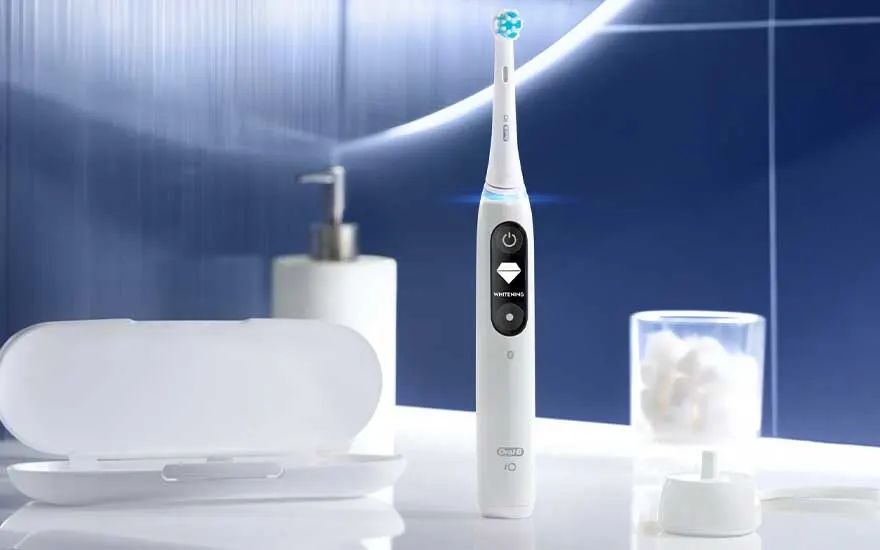
A white electric toothbrush stands on a bathroom counter beside a case, dispenser and glass against a blue backdrop.

A reset can help if your toothbrush isn't responding properly, freezes, has connection issues, or charges incorrectly. Resetting the device often resolves temporary software issues, allowing the toothbrush to work normally again.

Follow these steps to reset an Oral-B toothbrush:

  • Switch off the toothbrush.
  • Press and hold the power button for 10 to 15 seconds.
  • Wait for a signal. On some models, a light will flash or you'll feel a short vibration to confirm the reset.
  • Release the button. The toothbrush has now been reset.
  • Switch the toothbrush back on. Check whether it's working properly again.

If this doesn't work, some Oral-B iO models also let you reset additional functions or settings via the Oral-B app.

What Philips Sonicare problems are common?

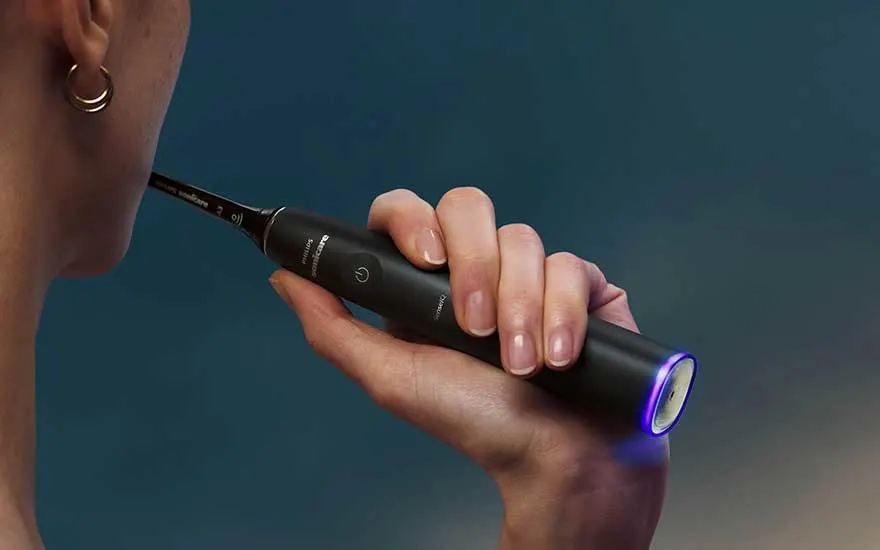
A person holds a black sonic toothbrush by the cheek, with a subtle purple glow against a dark blue background.

A Philips Sonicare is a great electric toothbrush, but problems can sometimes occur. Common issues include:

  • It no longer charges.
  • It won't switch on.
  • It doesn't vibrate properly.

Below, you'll find the main solutions to these problems.

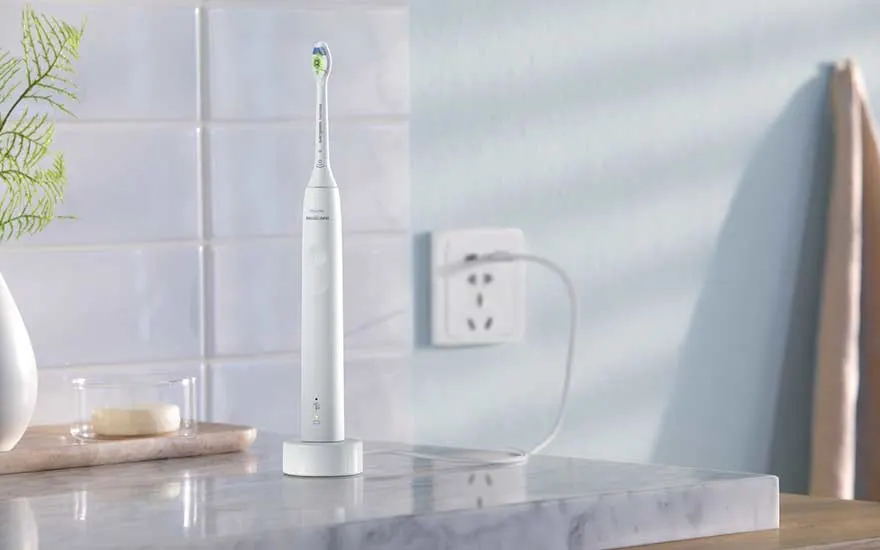
A white electric toothbrush stands on its charger atop a marble surface in a bright, tidy bathroom interior.

Your Philips Sonicare won't charge

If your Philips electric toothbrush isn't charging, first try these steps:

  1. Use the correct charger.
  2. Try a different socket.
  3. Check whether the charging adapter or cable is damaged.
  4. Place the toothbrush properly on the charger.

If this doesn't help, the toothbrush may be damaged internally. In that case, have it repaired or replace it with a new model.

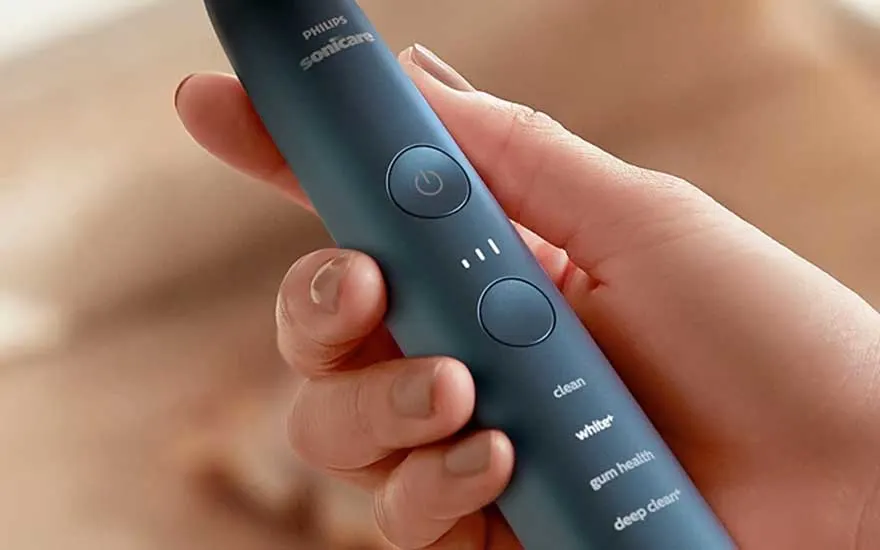
Close-up of a hand holding a blue Philips Sonicare toothbrush, with the brushing modes clearly shown on the handle.

Your Philips Sonicare has stopped working

Follow the steps below if your Philips Sonicare is no longer working:

  1. First charge it for 24 hours using the original charger.
  2. Then clean the power button thoroughly, as toothpaste or dirt may be blocking it.
  3. Next, try a soft reset by pressing and holding the button for 15 to 20 seconds.

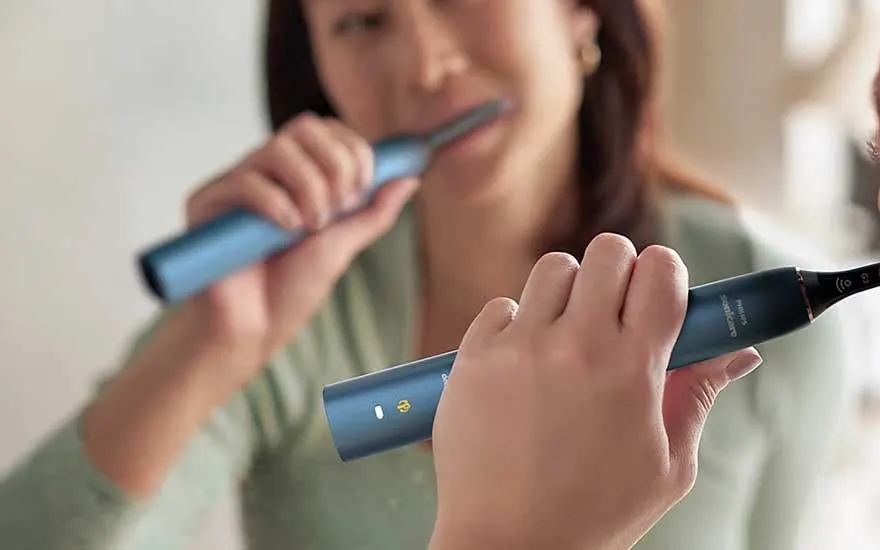
A woman brushes her teeth before a mirror with a blue sonic toothbrush, while her hand is sharply focused in front.

Philips Sonicare doesn't vibrate properly while brushing

Is your Philips Sonicare not vibrating properly? First, follow the steps listed above. If the toothbrush then switches on and the battery lights come on, but it still doesn't vibrate, something inside is probably broken.

How can you easily reset a Philips Sonicare?

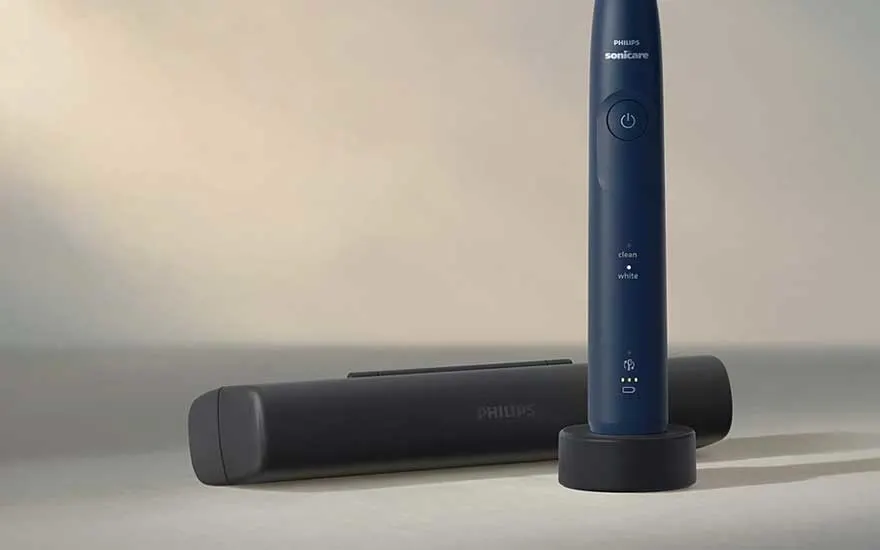
A blue Philips Sonicare stands upright on its charger, with a closed travel case beside it in soft, warm light.

A hard reset can help if your Philips Sonicare isn't responding properly, freezes, or won't connect. Resetting the device can often resolve temporary software or battery issues.

Follow these steps to reset a Philips Sonicare:

  1. Switch off the toothbrush and place it on the charger.
  2. Press and hold the power button and intensity button (the button below the power button) for 20 seconds.
  3. Wait until the LED lights stop flashing.
  4. Release the buttons. The reset has now been completed.

Won't your electric toothbrush switch off?

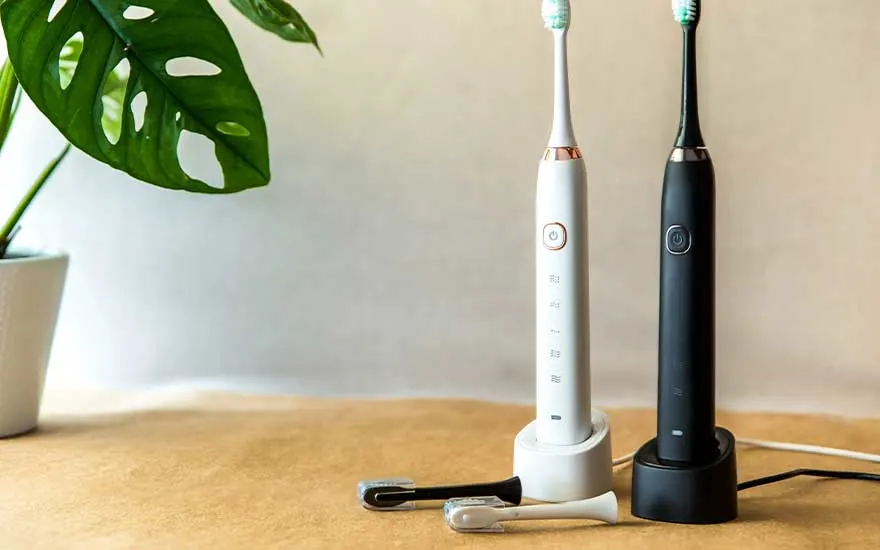
Two electric toothbrushes, one white and one black, stand on chargers beside spare brush heads and a green plant.

An electric toothbrush that won't switch off is anything but pleasant. Luckily, there are several things you can try:

  • Clean the button: toothpaste can harden around the power button. Rinse the toothbrush thoroughly under the tap and press the button several times to loosen it.
  • Reset the toothbrush: on modern models, such as the Oral-B iO, press and hold the power button for at least 10 seconds to reset the system.
  • Let the battery run flat: if the toothbrush keeps vibrating, leave it off the charger until the battery is completely drained. This may take a while. Then charge it again for 24 hours.

Our advice on fixing problems with your electric toothbrush

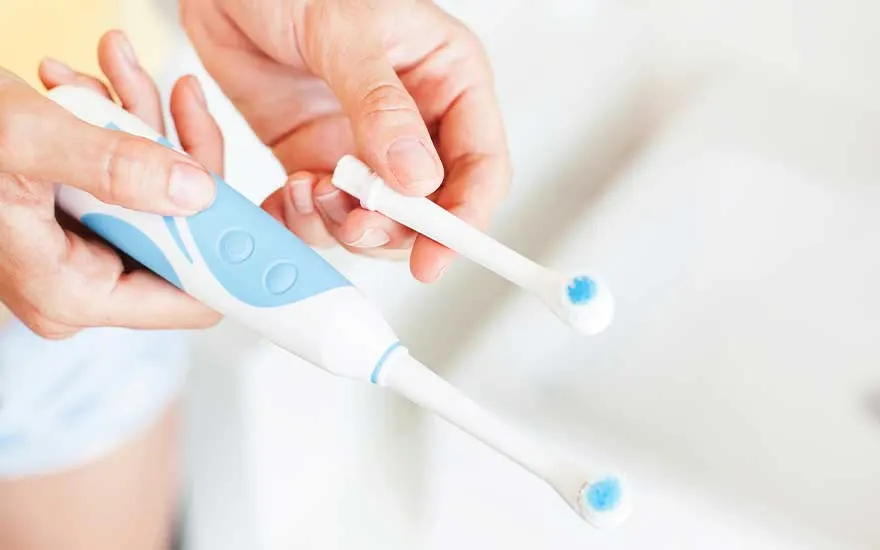
Hands replace the brush head of a white and blue electric toothbrush in a bright, clean and minimalist setting.

Is your electric toothbrush freezing, not charging, or not working as well as it should? First, check the most common causes, such as a flat battery, a dirty power button, incorrect placement on the charger, or a worn brush head. In many cases, it helps to clean the toothbrush and the button properly, fully charge the toothbrush, carry out a reset, or try a different charger or socket. If none of these steps helps, your toothbrush probably needs replacing.

View the best electric toothbrushes

Frequently asked questions

View similar articles